Gas Station Dance AI
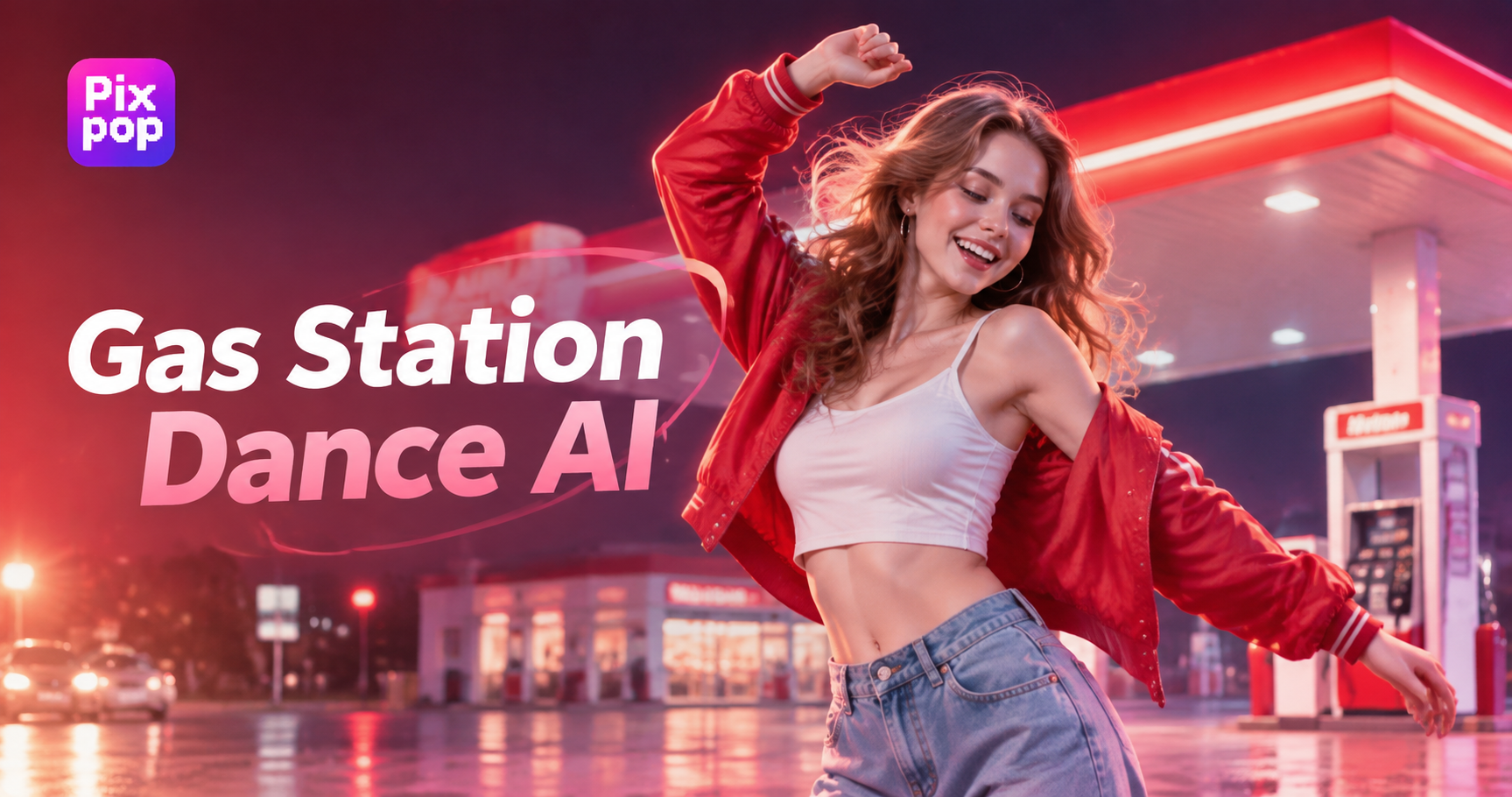
Choose Your Favorite Gas Station Dance Filter
Browse Pixpop's gas station dance filters to find choreography that matches your style and brings your photo into motion.
Benefits of Generating Gas Station Dance Videos with Pixpop
Pixpop captures recognizable dance moves, coordinated body motion, and playful expressions while keeping the original subject's appearance intact.
 Before
Follow the Gas Station Dance Trend
Pixpop's gas station dance AI turns your photo into a dance video with rhythmic steps and playful gestures inspired by this viral trend.
 Before
Keep Facial Features Recognizable
With Pixpop, gas station dance AI preserves recognizable facial details while adding coordinated movements, so your animated subject still looks like you.
 Before
Enjoy Lively Dance Movements
Choose gas station dance AI filters on Pixpop and watch your photo perform lively choreography that adds a fun twist to everyday portraits.
How to Generate Gas Station Dance?
Learn how to generate a gas station dance video with Pixpop by following a few simple steps. Download the Pixpop app and get started!

Step 01.
Download the Pixpop app and start generating gas station dance videos with your own photos anytime.

Step 02.
Choose your favorite gas station dance filter in the app and upload your photo to apply it.

Step 03.
Tap the generate button, and Pixpop will turn your photo into a gas station dance video.
Gas Station Dance Videos Generated with Pixpop
See how Pixpop turns ordinary photos into gas station dance videos with coordinated choreography and expressive movements.
Join the Gas Station Dance Trend with Pixpop
Try Pixpop's gas station dance AI to animate your photos with rhythmic choreography and playful gestures. Join the viral trend and share your dance videos with friends.

User Feedback on the Gas Station Dance AI Filter
A Fun Surprise for Friends
I tried the gas station dance filter with a selfie, and the result made me laugh. The movements looked coordinated, and my friends immediately wanted to try it themselves.
My Photo Has a New Rhythm
I wanted to join the gas station dance trend without recording myself. Pixpop made my photo move with lively steps and gestures that felt entertaining to watch.
Great for Social Media Posts
I used Pixpop to make a gas station dance video from an old portrait. The animated movements gave me something fun to share on my social media.
Frequently Asked Questions
Find clear answers to common questions and get the guidance you need to make the most of our platform, faster and easier.
More Topics You May Like
Explore more topics you may like and discover fresh ideas tailored to your interests.

Cara Edit Foto Online Ganti Background dengan AI

Aplikasi Edit Video dengan Lagu Terbaik untuk Konten Kreatif

Remove Watermark From Image: AI Clean Photo Editor

Duke Photo Editing: Transform Your Look with AI Style
Beard Remover From Photo: Shave Your Look Virtually
Cara Edit Foto Online Ganti Background dengan AI
Aplikasi Edit Video dengan Lagu Terbaik untuk Konten Kreatif
Remove Watermark From Image: AI Clean Photo Editor
Duke Photo Editing: Transform Your Look with AI Style
Beard Remover From Photo: Shave Your Look Virtually
Let Your Photo Join the Gas Station Dance Trend with Pixpop
Download the Pixpop app to try gas station dance AI filters, animate your photos with rhythmic choreography, and share your dance videos with friends.

Let Your Photo Join the Gas Station Dance Trend with Pixpop
Download the Pixpop app to try gas station dance AI filters, animate your photos with rhythmic choreography, and share your dance videos with friends.