Add Border To Image Online
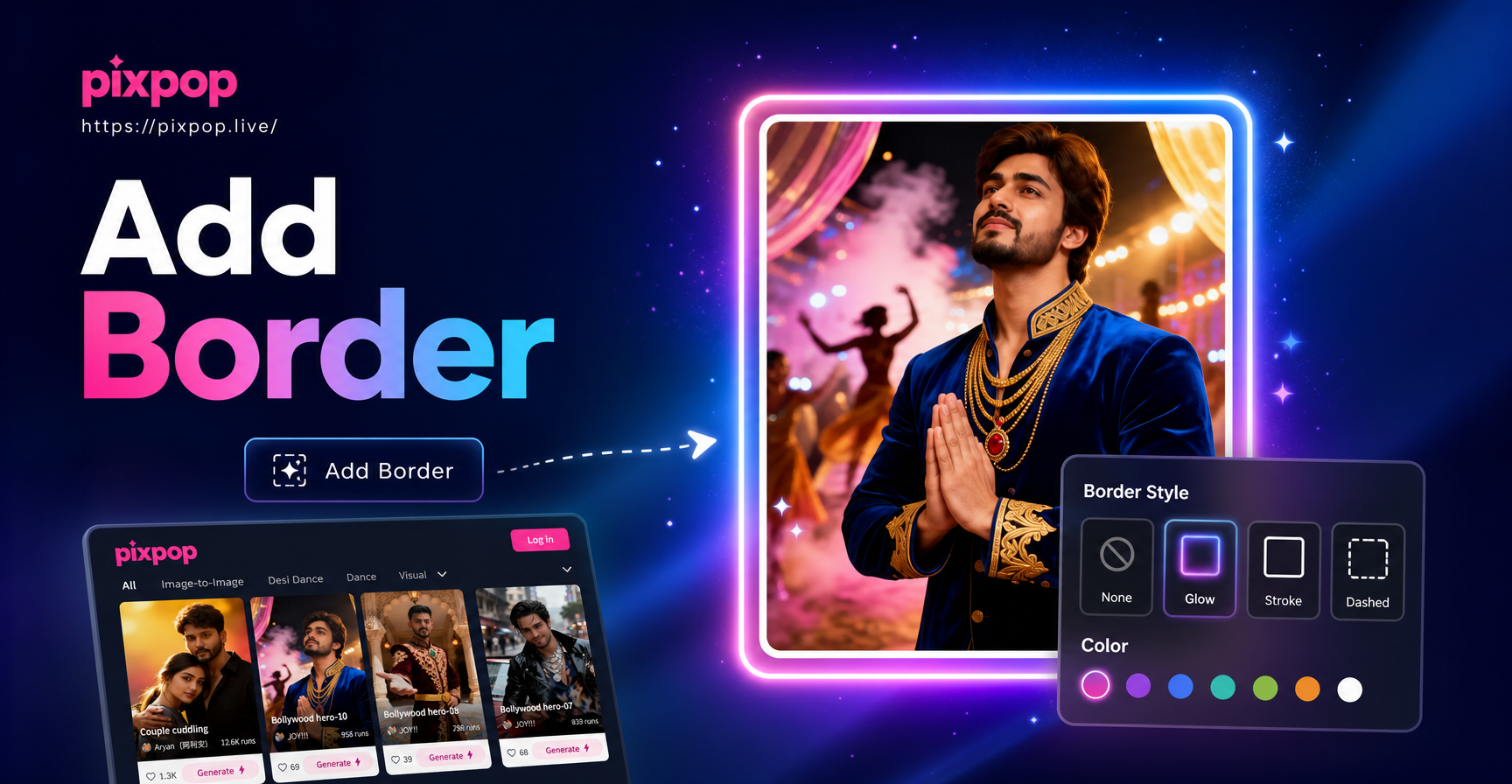
Choose a Border Style That Fits Your Photo
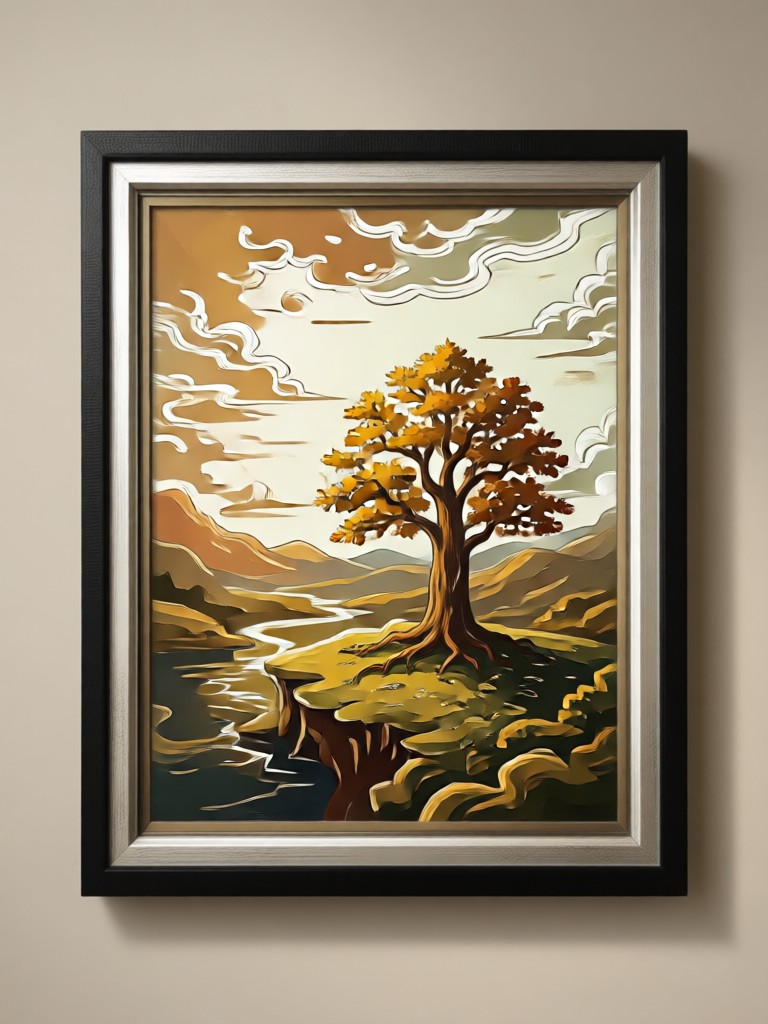
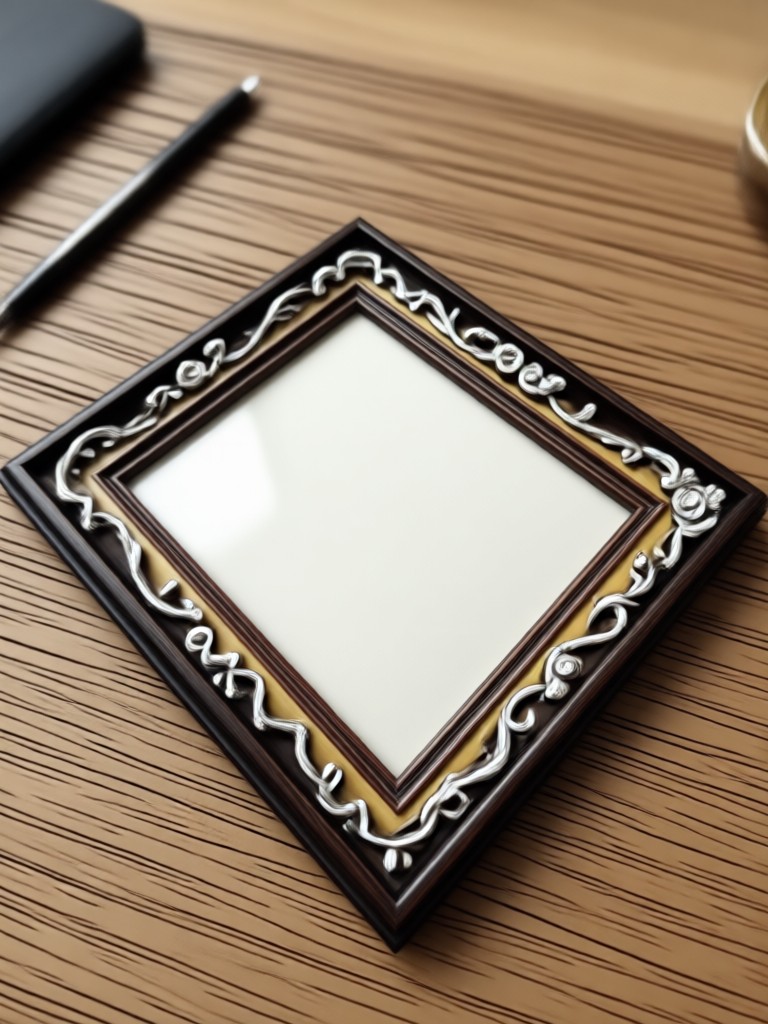
Discover frames that perfectly match your mood, from classic polaroid and film edges to modern geometric and hand drawn borders.
Why Add Borders to Photos Online with pixpop
pixpop replaces complicated editing software with a simple mobile app. Add borders to images online, preview them instantly, and download high resolution results that look professionally designed.
Thousands of Ready Made Border Styles
Access over a million style templates including minimal lines, retro polaroid, cinematic film, and hand drawn frames. Tap any border to preview it on your photo instantly without manual editing.
Thousands of Ready Made Border Styles
Access over a million style templates including minimal lines, retro polaroid, cinematic film, and hand drawn frames. Tap any border to preview it on your photo instantly without manual editing.
Instant AI Image Processing
Upload any photo and let pixpop intelligently apply your chosen border while preserving the original subject and quality. No complex layers or cropping needed.
Instant AI Image Processing
Upload any photo and let pixpop intelligently apply your chosen border while preserving the original subject and quality. No complex layers or cropping needed.
High Resolution Downloads
Export your framed photos in crisp HD quality, ready for Instagram, Facebook, print, or professional portfolios. Your borders stay sharp on any screen size.
High Resolution Downloads
Export your framed photos in crisp HD quality, ready for Instagram, Facebook, print, or professional portfolios. Your borders stay sharp on any screen size.
Ready to Use Photo Border Templates
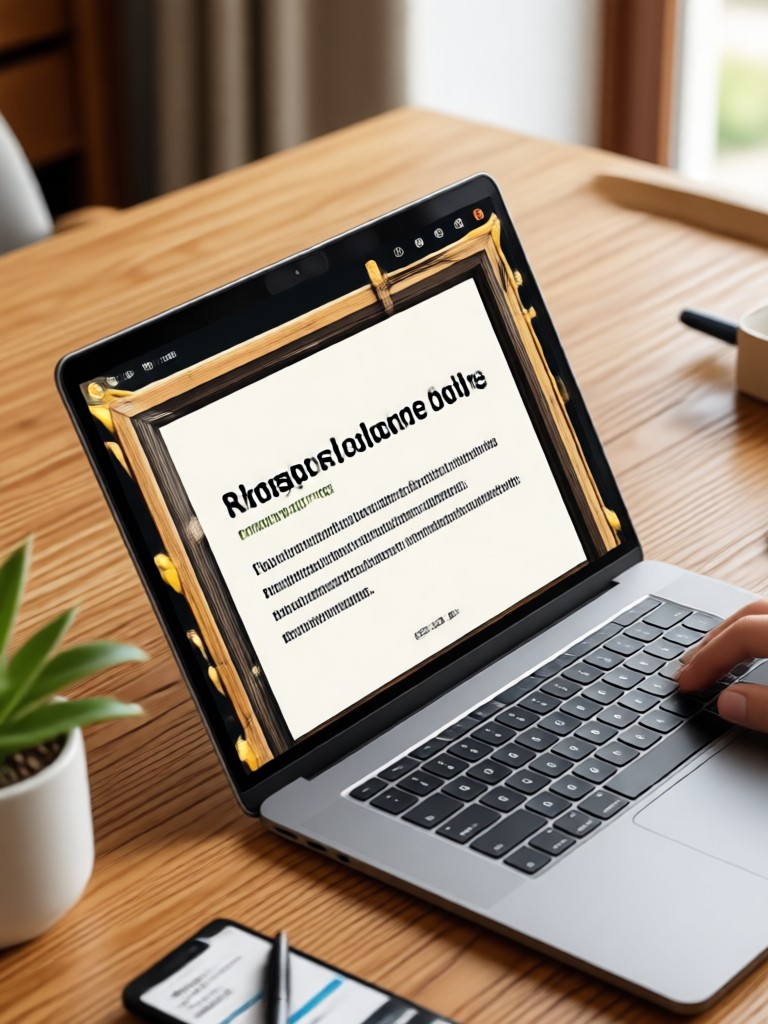
Browse a growing library of border templates for every style. From clean editorial frames to playful scrapbook edges, find the perfect border to elevate your image in one tap.
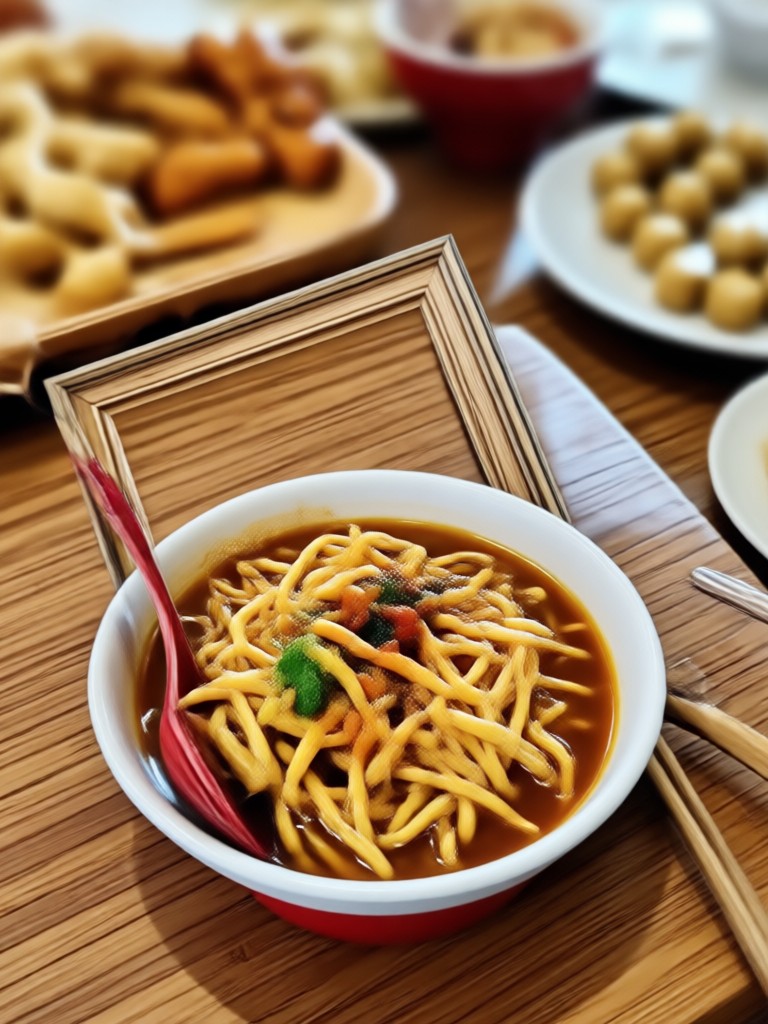
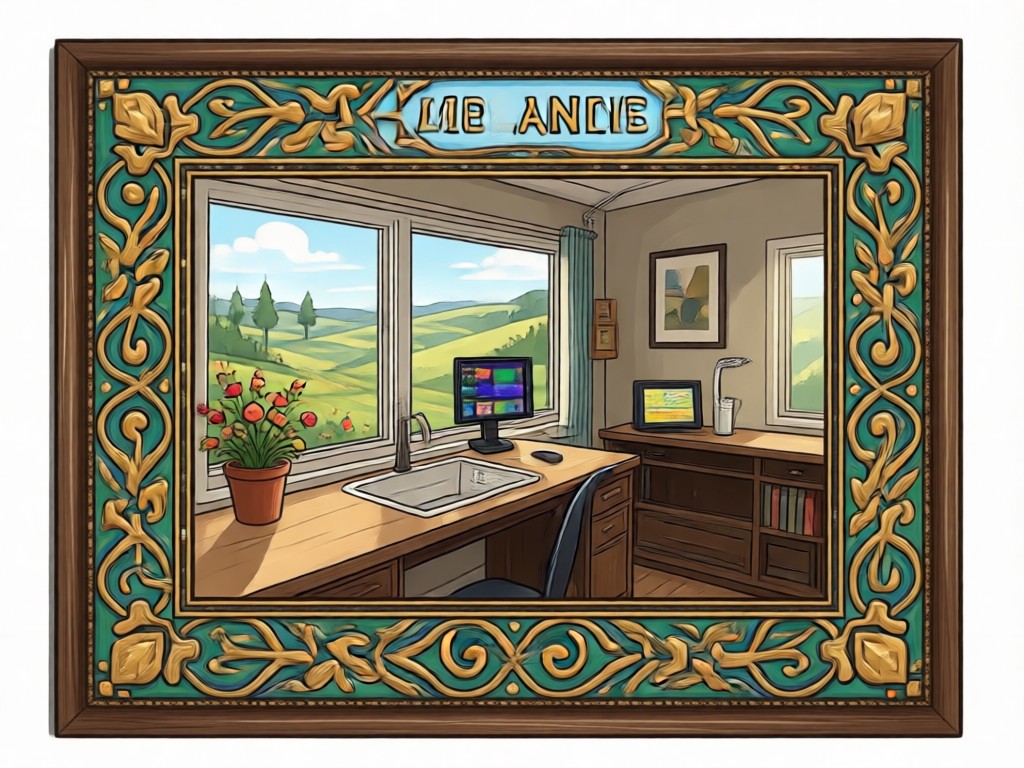
Why Use pixpop to Add Borders to Photos Online
pixpop is an all in one AI design app that combines image generation, video creation, and photo editing. When you add a border to your image, you also unlock thousands of artistic filters and style transfers to make every photo stand out.
Why Use pixpop to Add Borders to Photos Online
pixpop is an all in one AI design app that combines image generation, video creation, and photo editing. When you add a border to your image, you also unlock thousands of artistic filters and style transfers to make every photo stand out.
How to Add Border to Image Online
Follow three simple steps to frame your photo with pixpop. No desktop software or design skills needed.

Step 01.
Download the pixpop app from Google Play and open it on your Android device.

Step 02.
Upload your photo and select a border filter from the style library. Preview different frames until you find one you love.

Step 03.
Generate your framed image and download it in high quality. Share it directly to social media or save it to your gallery.
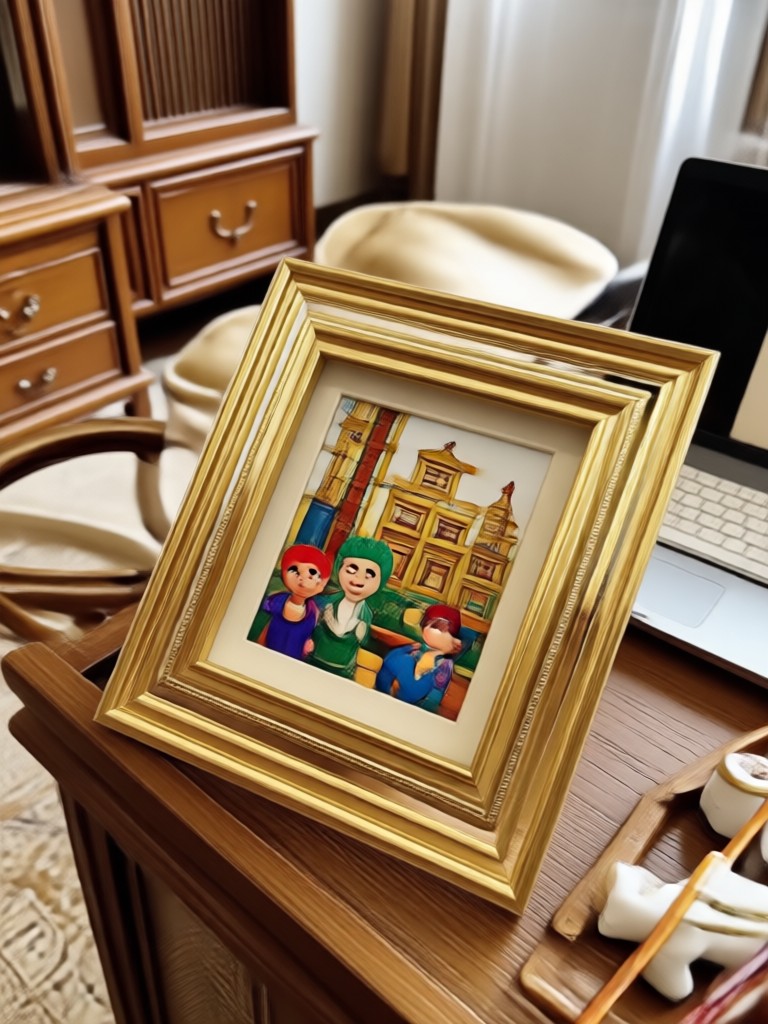
Add Borders On the Go with pixpop for Android
pixpop is a mobile only app available on Google Play. Edit your photos, apply border styles, and generate stunning visuals anytime from your phone.

What Creators Say About Adding Borders with pixpop
Maya Chen
I use pixpop to add polaroid borders to my travel photos. It takes seconds and the results look like real film prints. My Instagram engagement went up.
Derek Walsh
As a small business owner, I need clean product photos. The minimalist border templates make my listings look professional without hiring a designer.
Priya Patel
I love the variety. I can switch between hand drawn frames and geometric borders for different moods. The AI preserves my image quality perfectly.

Leo Martinez
Adding a border used to take me ten minutes in Photoshop. Now I do it on my phone in under a minute. pixpop is my go to creativity app.
Maya Chen
I use pixpop to add polaroid borders to my travel photos. It takes seconds and the results look like real film prints. My Instagram engagement went up.
Derek Walsh
As a small business owner, I need clean product photos. The minimalist border templates make my listings look professional without hiring a designer.
Priya Patel
I love the variety. I can switch between hand drawn frames and geometric borders for different moods. The AI preserves my image quality perfectly.
Leo Martinez
Adding a border used to take me ten minutes in Photoshop. Now I do it on my phone in under a minute. pixpop is my go to creativity app.
Maya Chen
I use pixpop to add polaroid borders to my travel photos. It takes seconds and the results look like real film prints. My Instagram engagement went up.
Derek Walsh
As a small business owner, I need clean product photos. The minimalist border templates make my listings look professional without hiring a designer.
Priya Patel
I love the variety. I can switch between hand drawn frames and geometric borders for different moods. The AI preserves my image quality perfectly.
Leo Martinez
Adding a border used to take me ten minutes in Photoshop. Now I do it on my phone in under a minute. pixpop is my go to creativity app.
Frequently Asked Questions About Adding Borders Online
Find clear answers to common questions about adding borders to images with pixpop. Learn how to frame photos, choose styles, and download results.
More Topics You May Like
Explore more topics you may like and discover fresh ideas tailored to your interests.
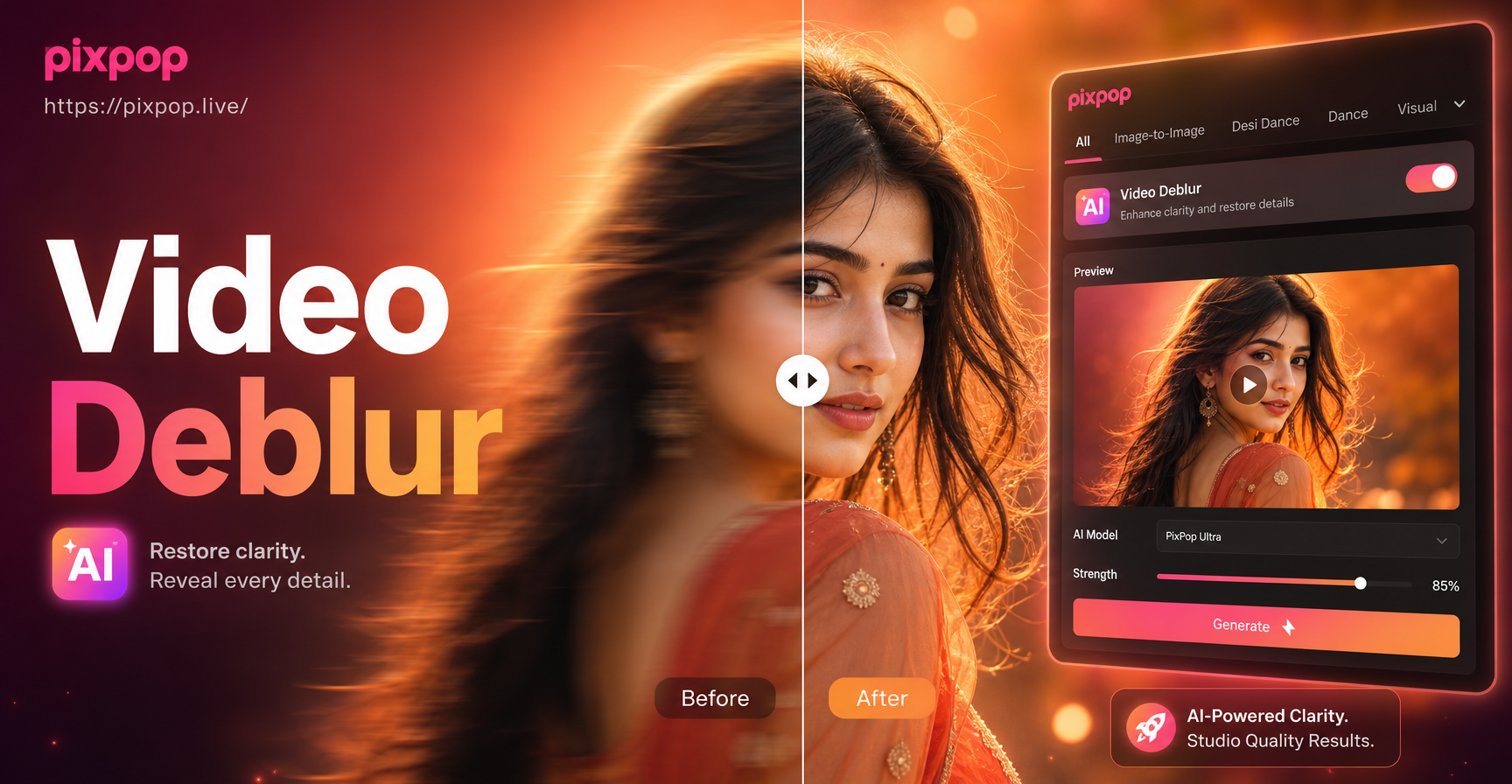
Perjelas Video Blur: AI Tajamkan Video HD dalam Detik
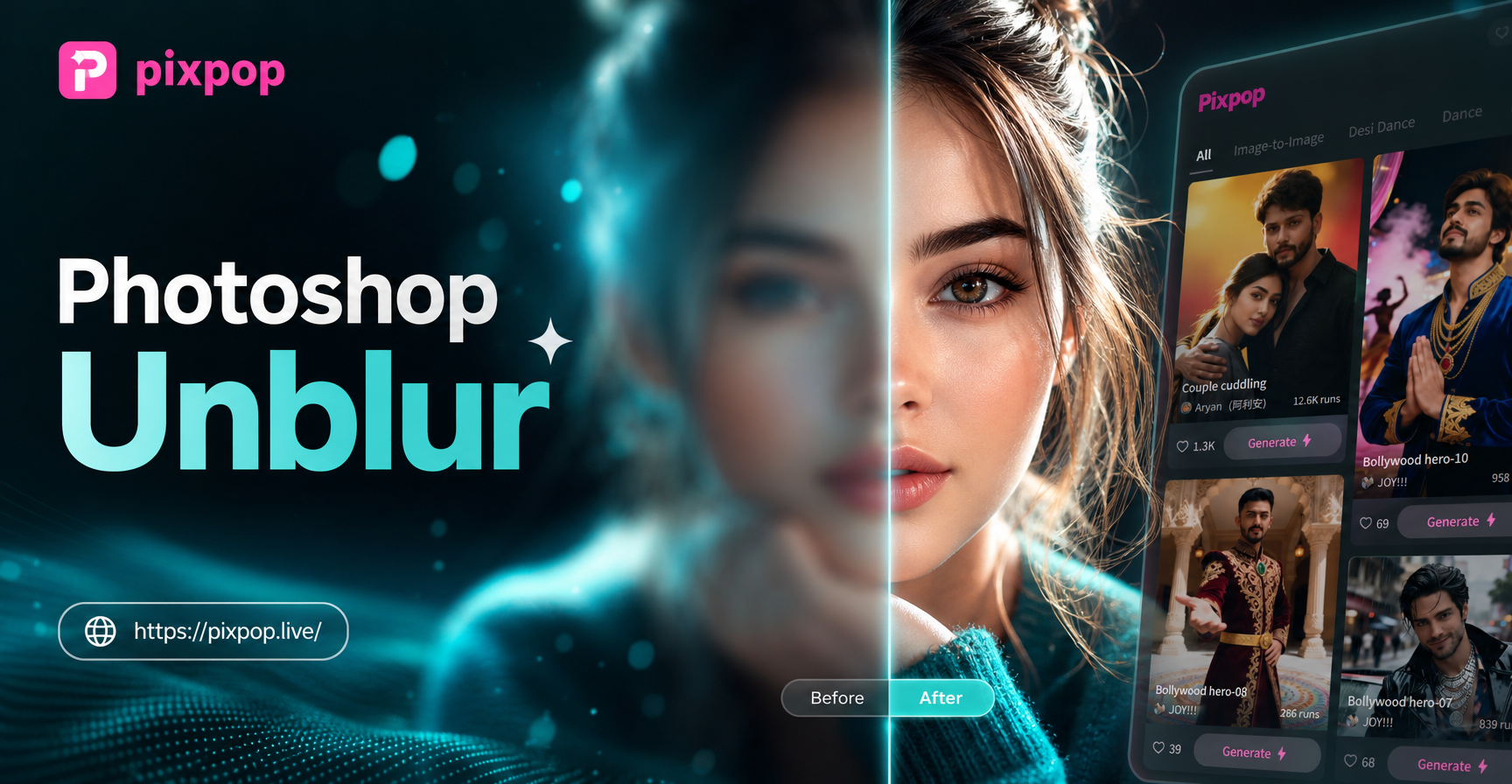
AI Unblur Photo Tool: Fix Blurry Images Instantly
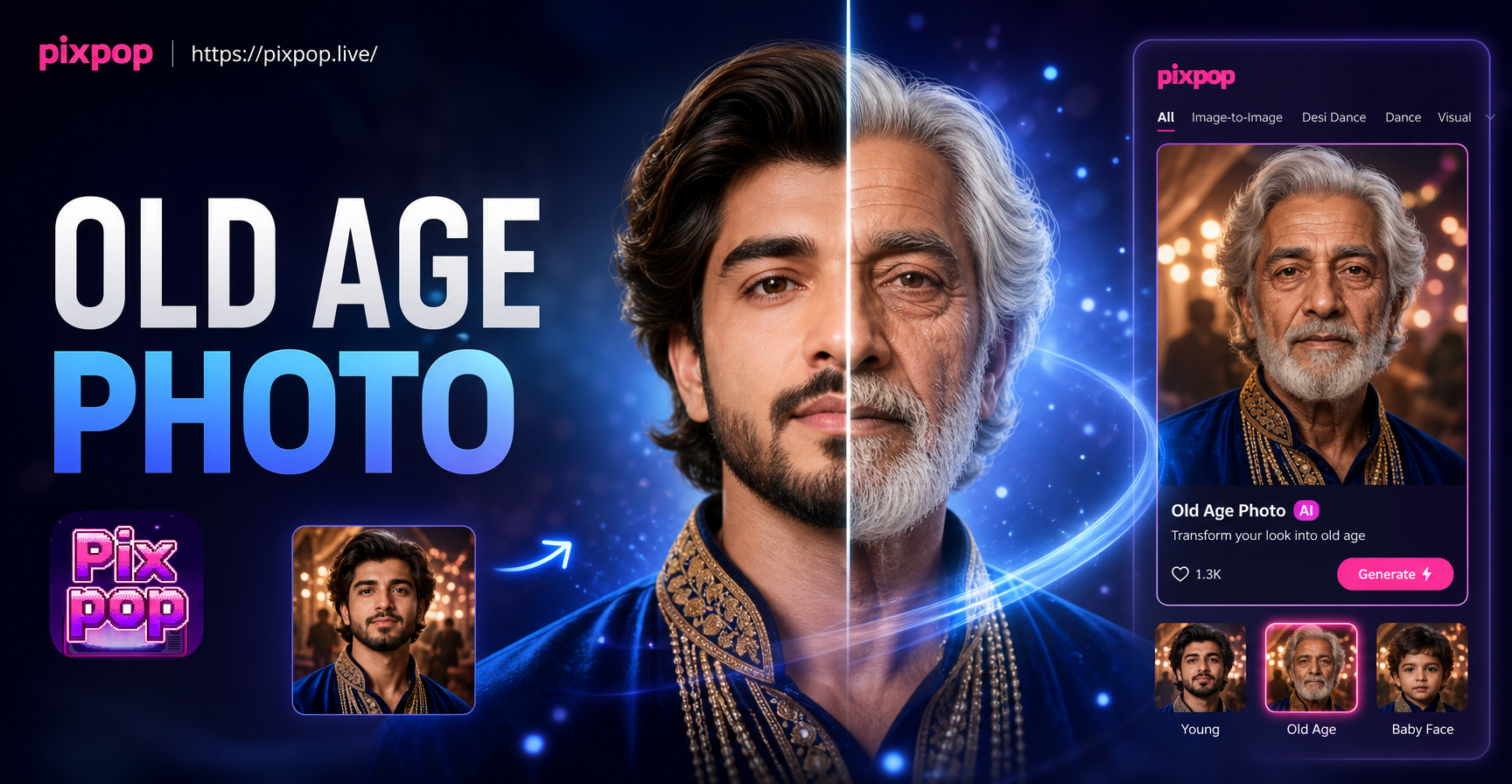
Old Age Photo Maker: See Your Future Self Today

Ff Photo Edit: AI Photo Editor & Style Filters
Perjelas Video Blur: AI Tajamkan Video HD dalam Detik
AI Unblur Photo Tool: Fix Blurry Images Instantly
Old Age Photo Maker: See Your Future Self Today
Ff Photo Edit: AI Photo Editor & Style Filters
Ready to Add Beautiful Borders to Your Photos?
Download pixpop and start framing your images with thousands of stylish border templates. Transform ordinary photos into standout visuals in seconds.
Ready to Add Beautiful Borders to Your Photos?
Download pixpop and start framing your images with thousands of stylish border templates. Transform ordinary photos into standout visuals in seconds.