AI Double Exposure Portrait
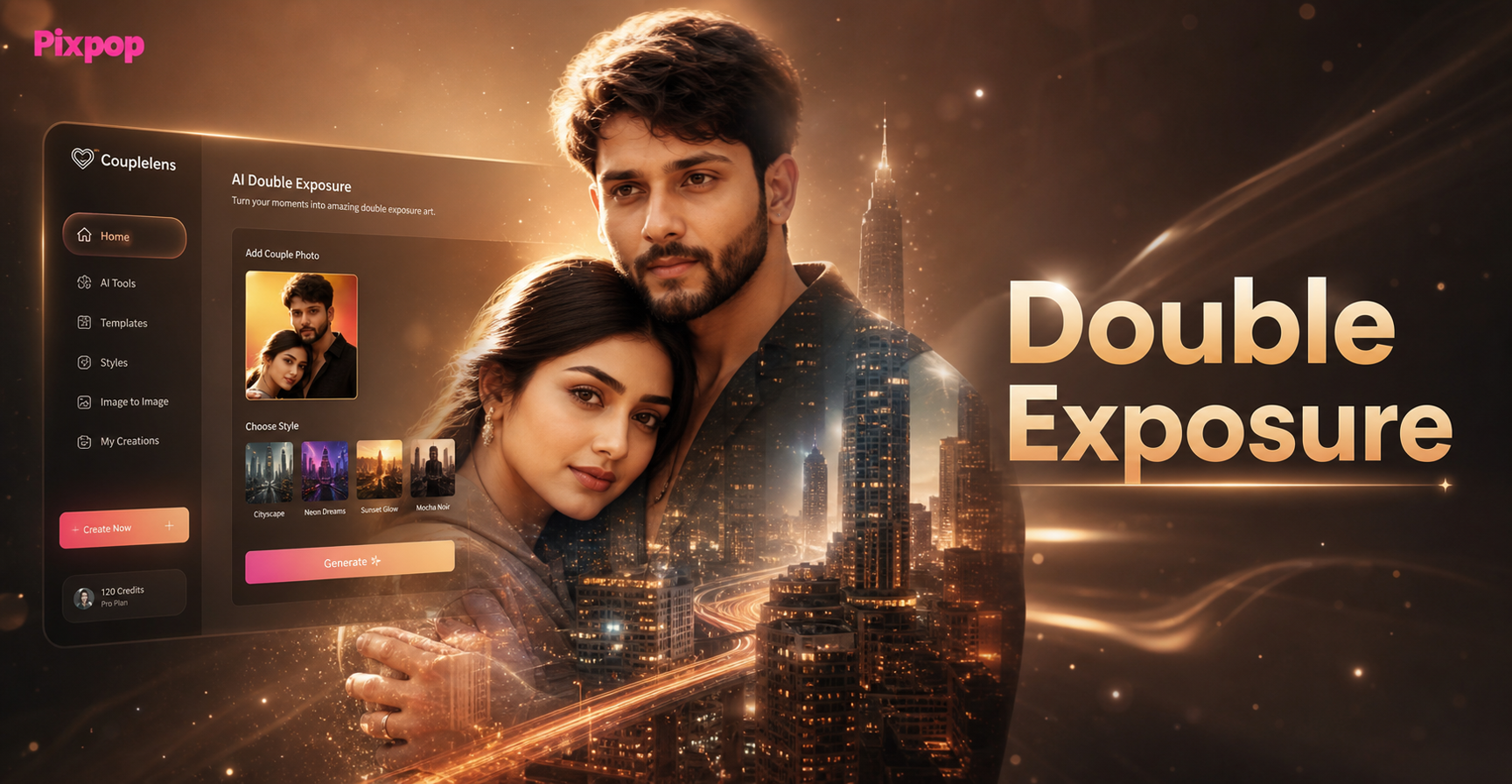
Popular Double Exposure Effects & Styles
Explore our curated collection of AI double exposure filters. From nature infused portraits to abstract geometric blends, find the perfect style to match your vision.
Why Choose Our AI Double Exposure Creator
Our AI photo editor simplifies the complex process of creating double exposure portraits, making professional artistic effects accessible to everyone.
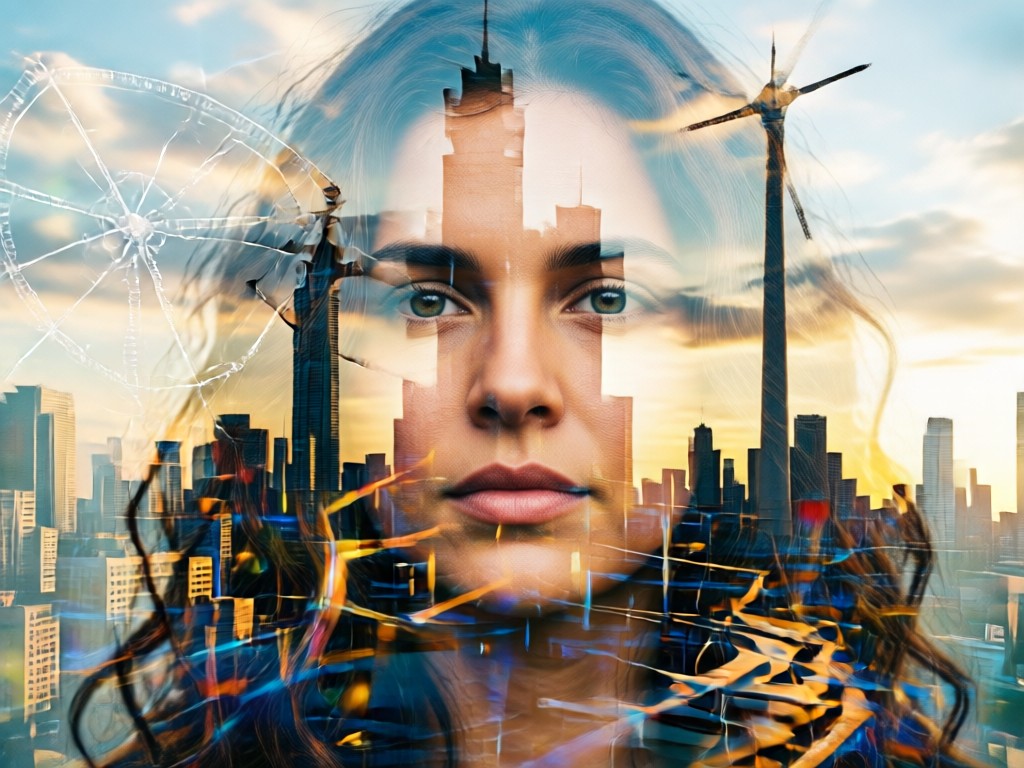
One Tap Artistic Blending
Upload your portrait and choose a background. Our AI intelligently analyzes both images to create a seamless, artistic double exposure blend with perfect transparency and composition.
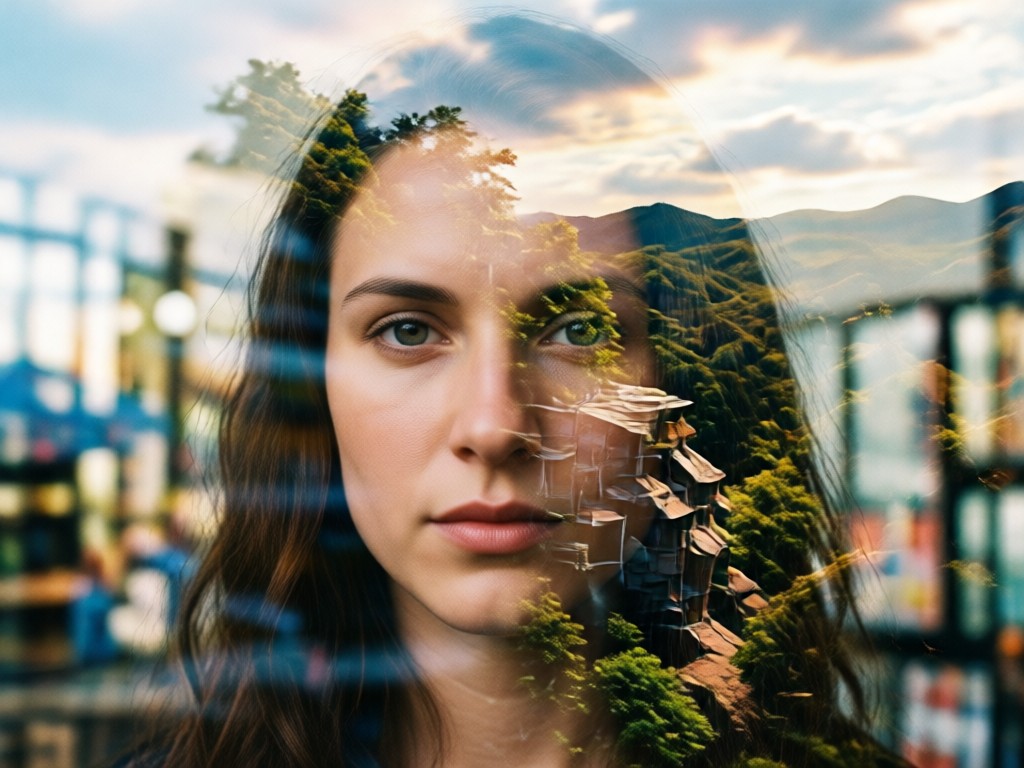
Vast Style Library
Access hundreds of pre designed double exposure templates. Choose from forest silhouettes, urban landscapes, geometric patterns, animal overlays, and celestial themes for instant inspiration.
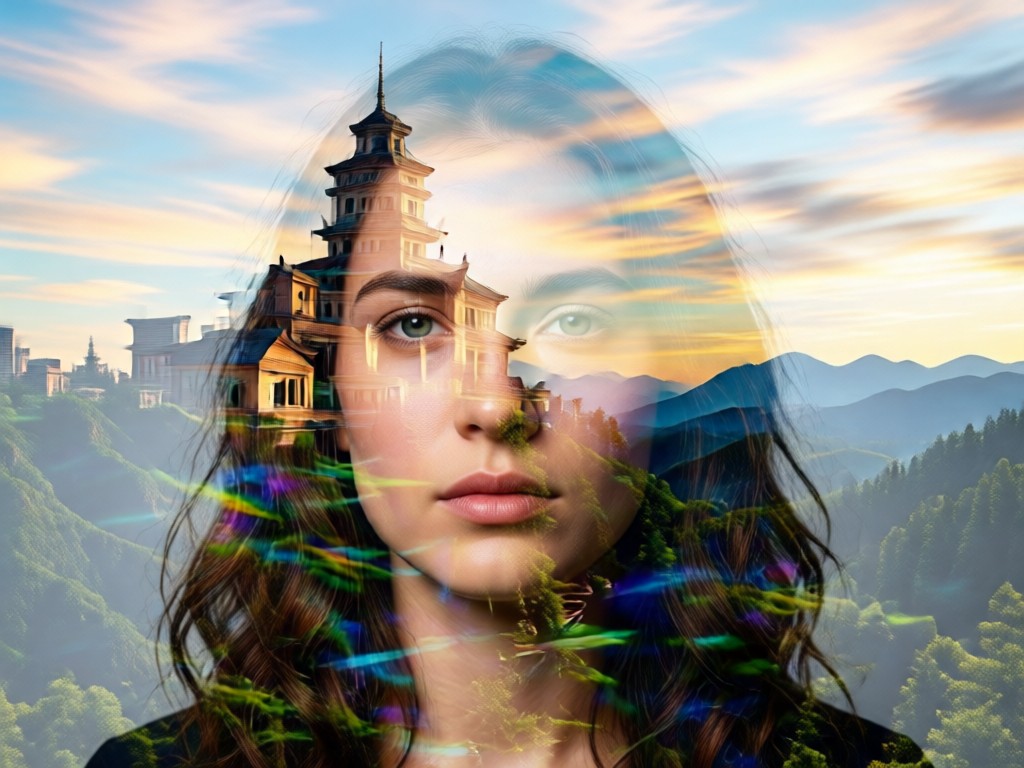
Fine Tune Your Art
Adjust blend intensity, contrast, brightness, and color balance after generation. Perfect your AI double exposure portrait with simple sliders for a completely custom look.
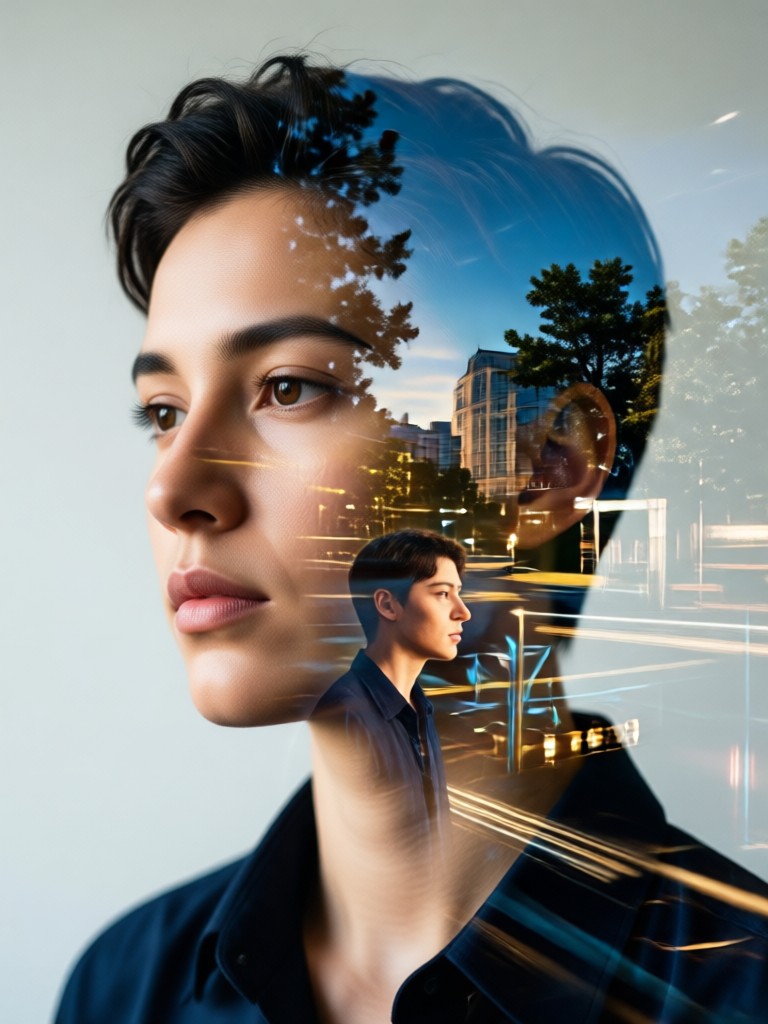
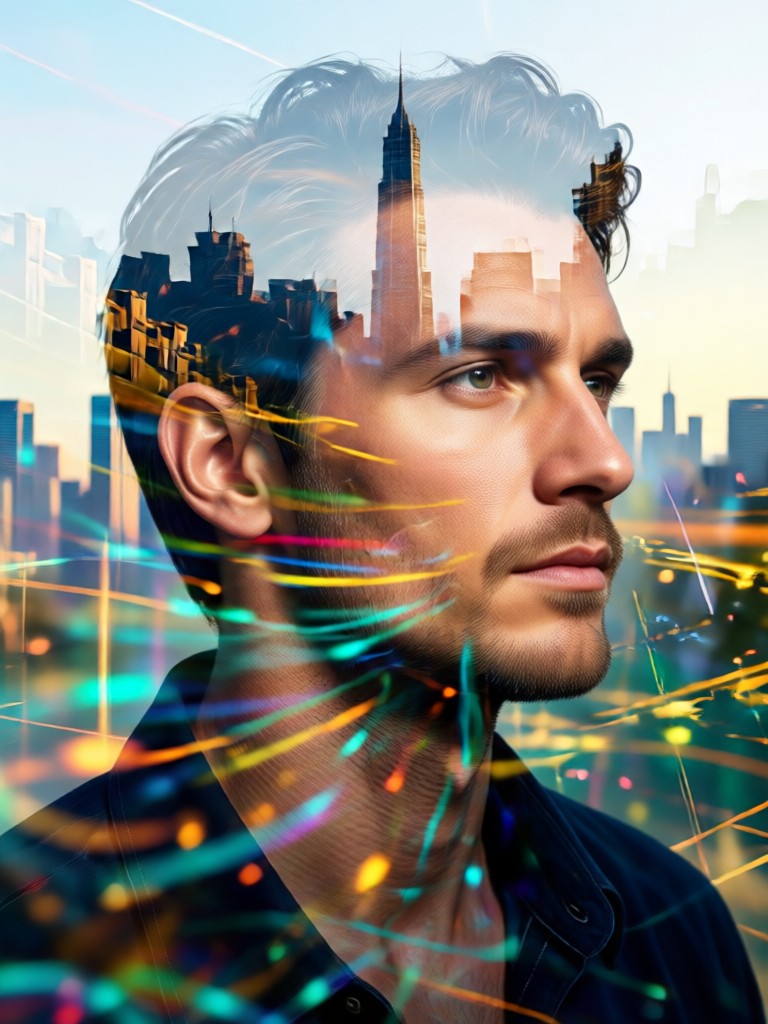
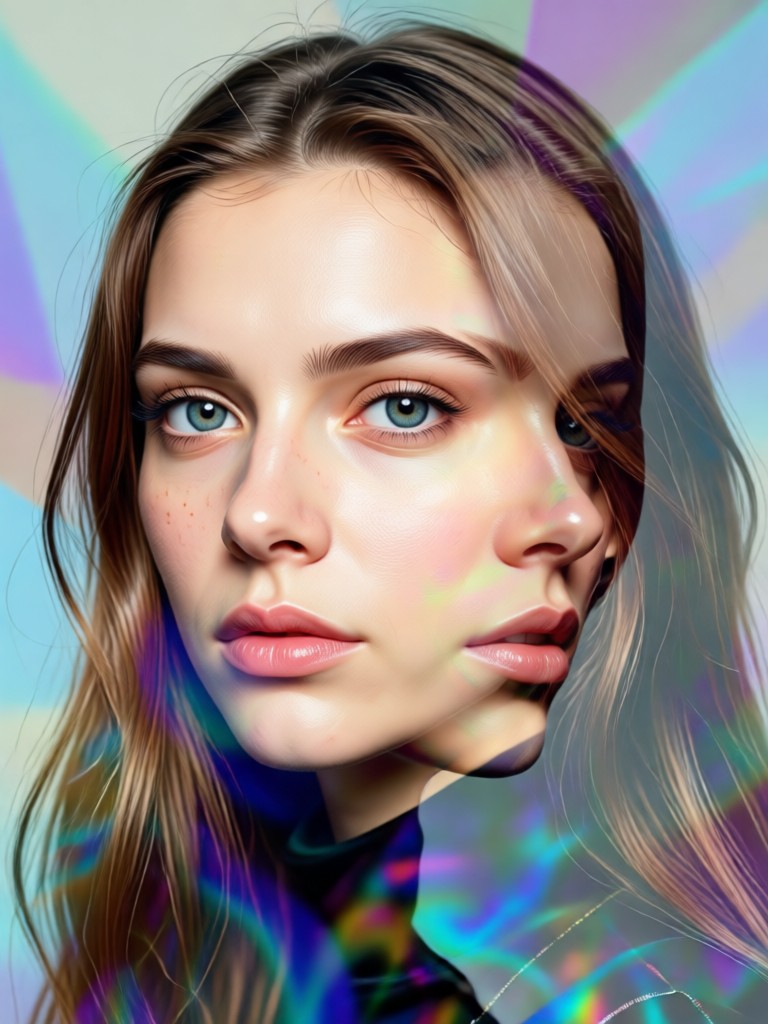
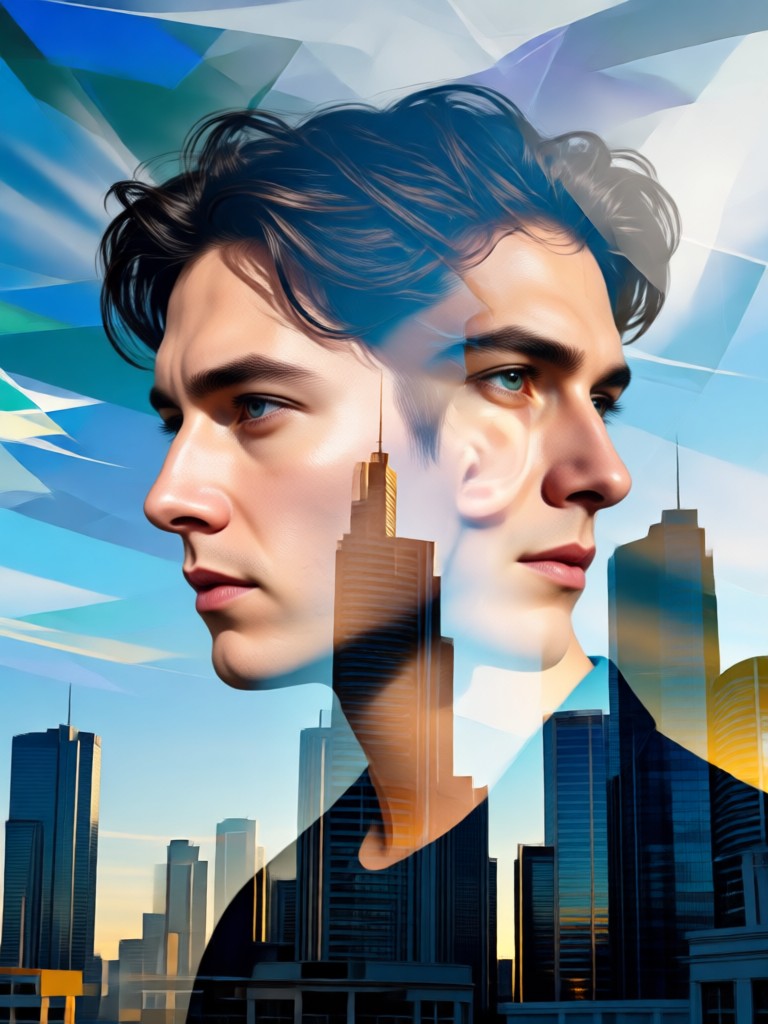
AI Double Exposure Portrait Gallery
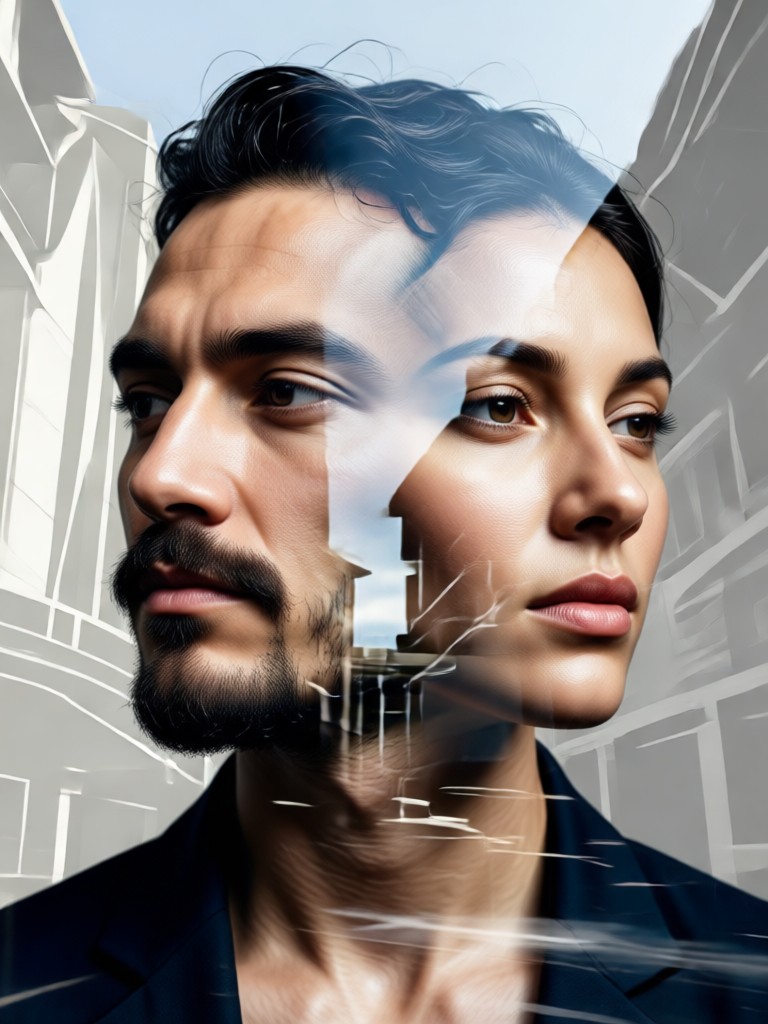
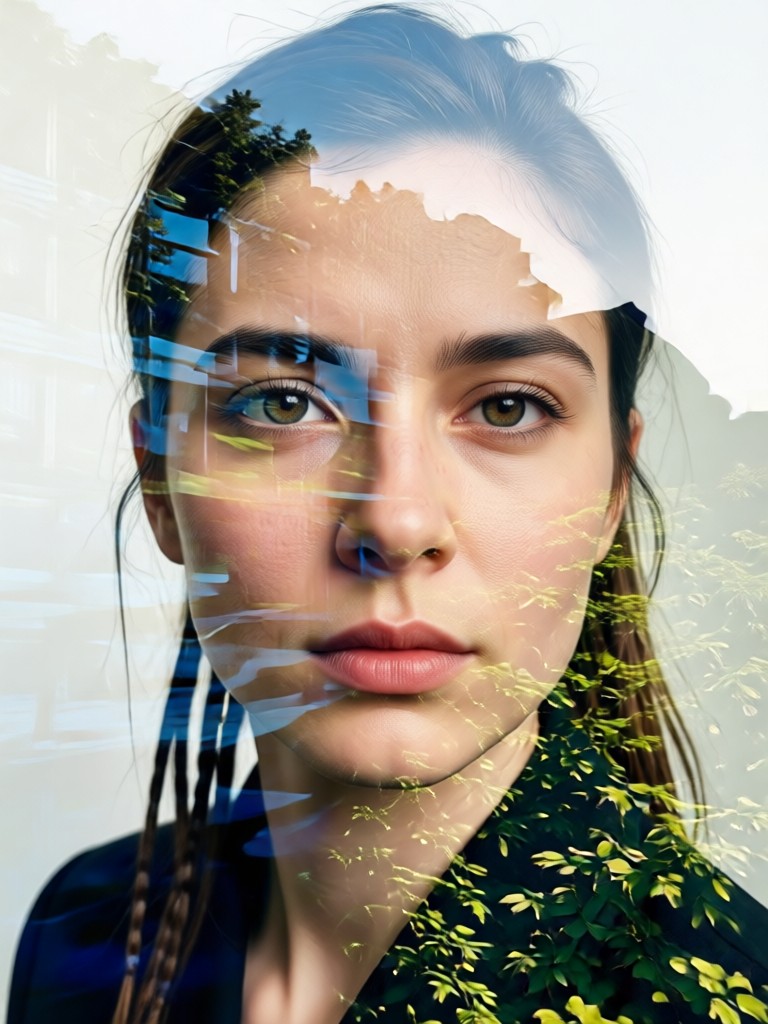
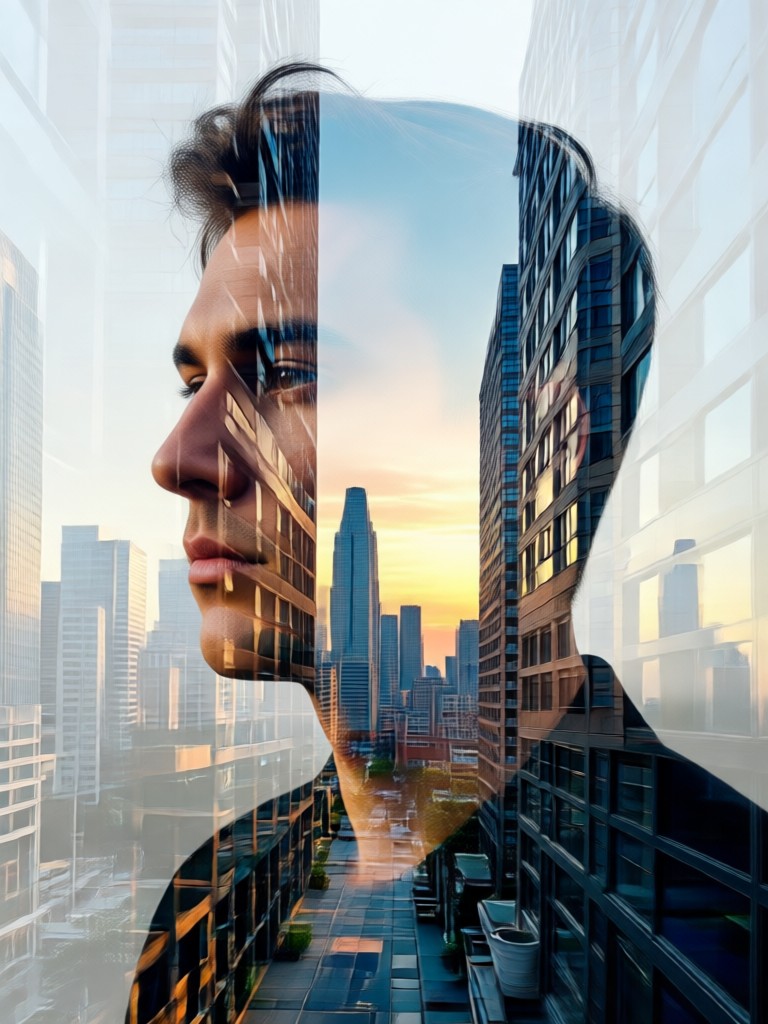
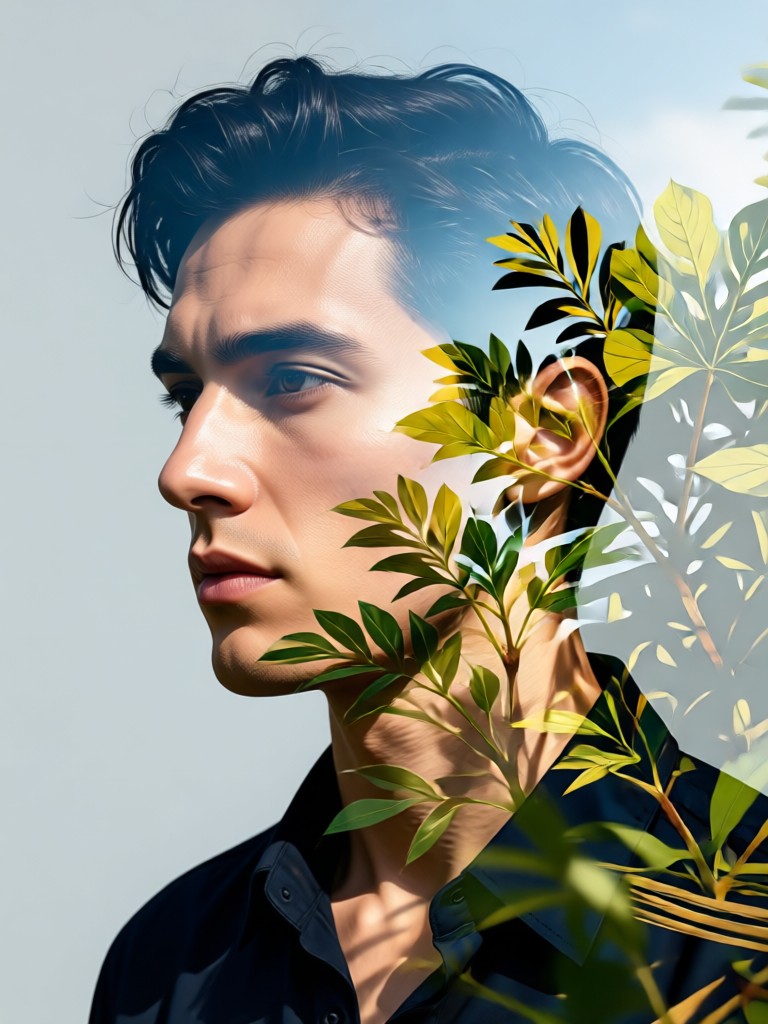
See what's possible with AI powered double exposure. Browse stunning examples of portraits blended with nature, architecture, and abstract elements.
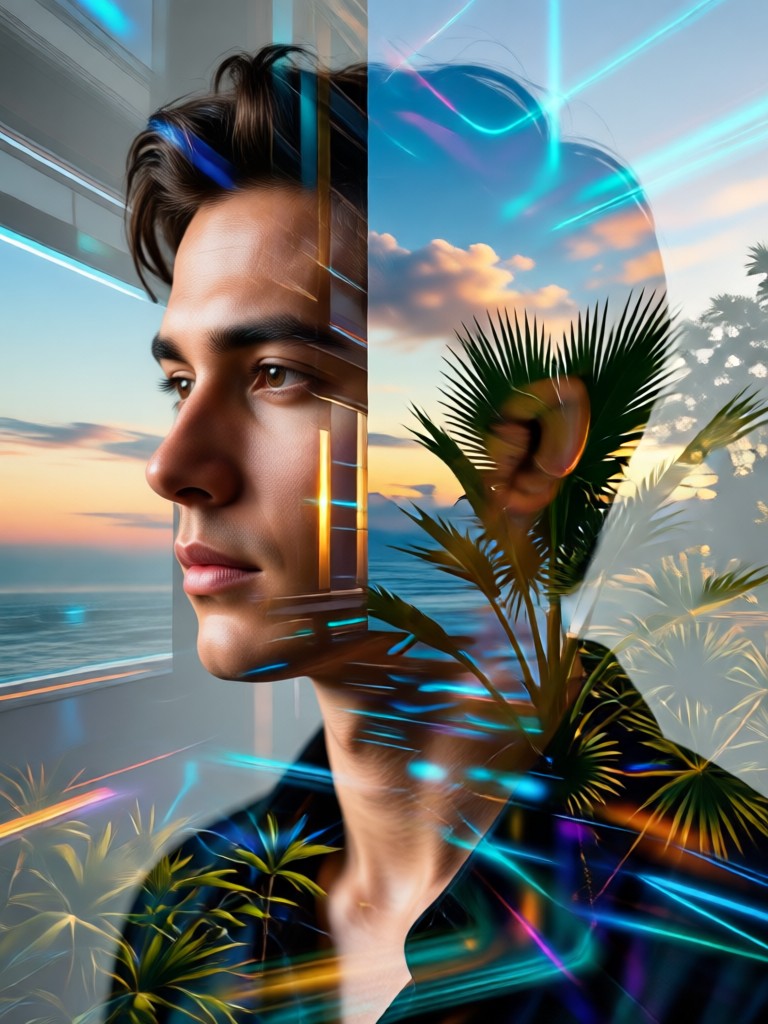
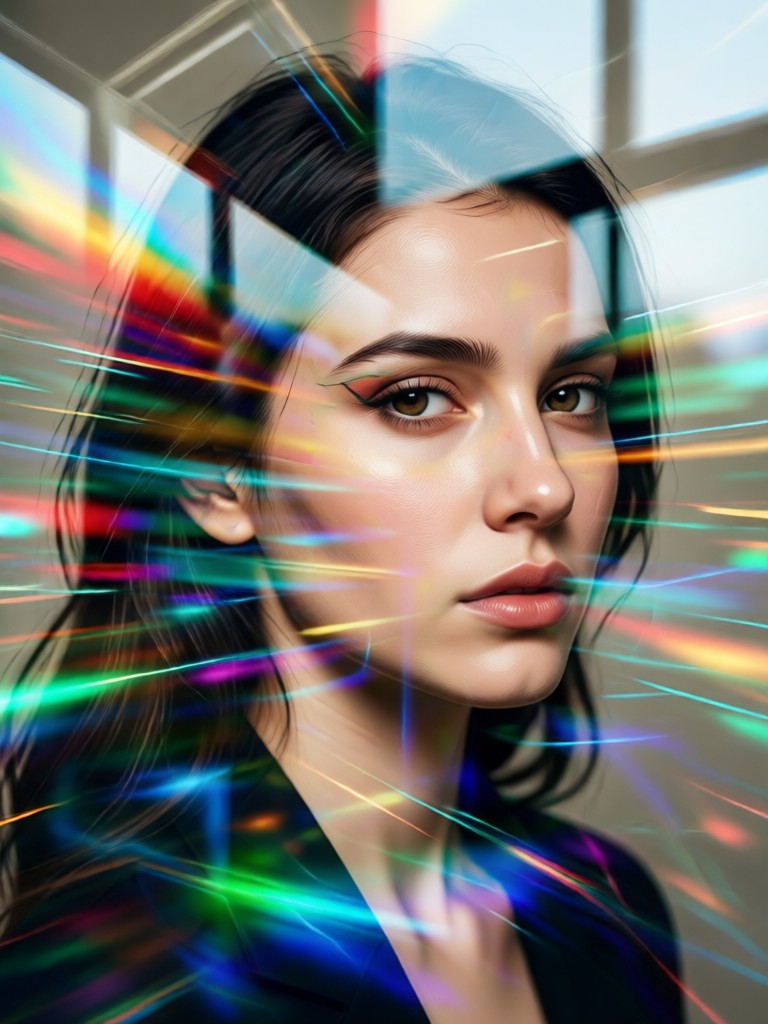
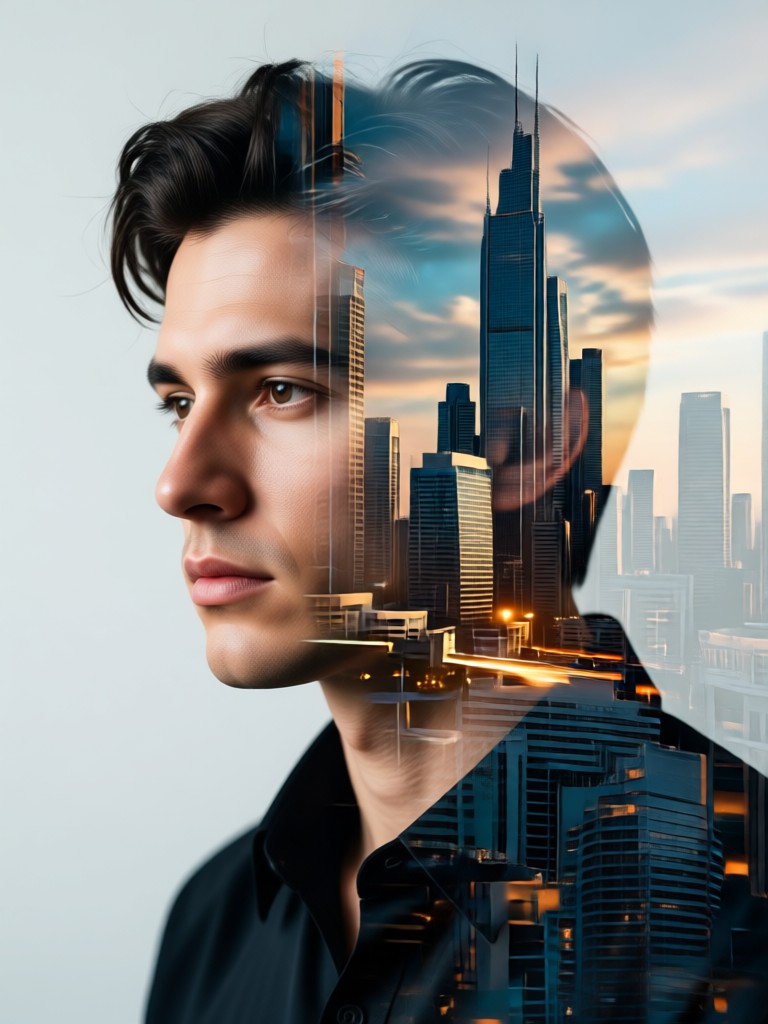
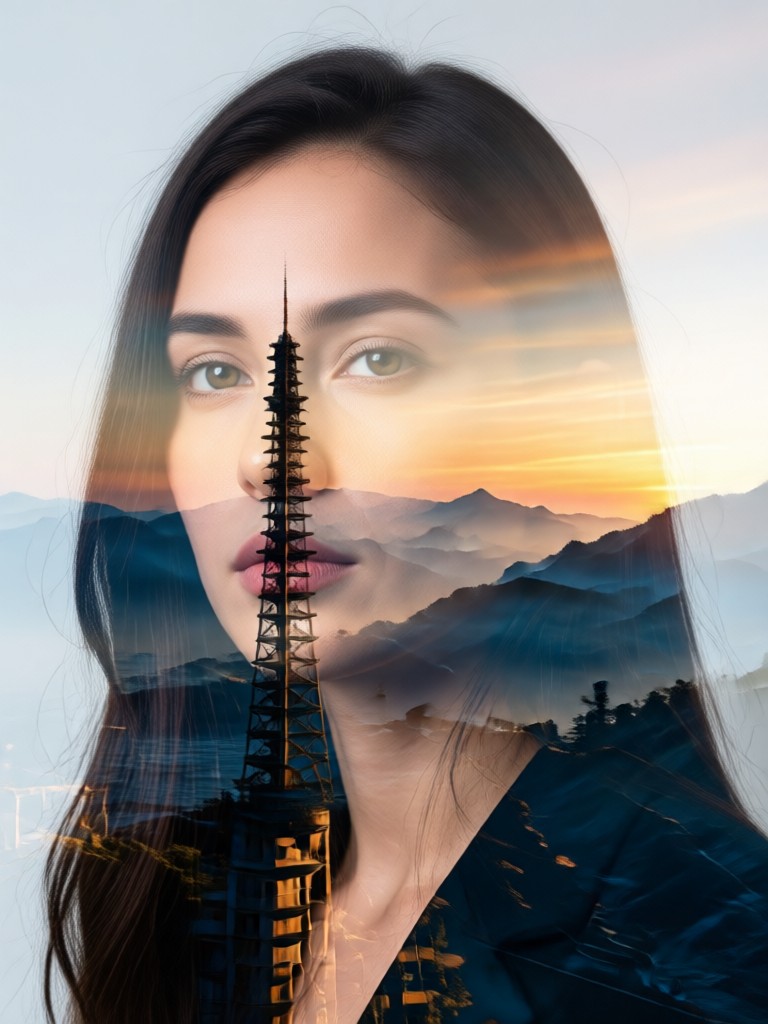
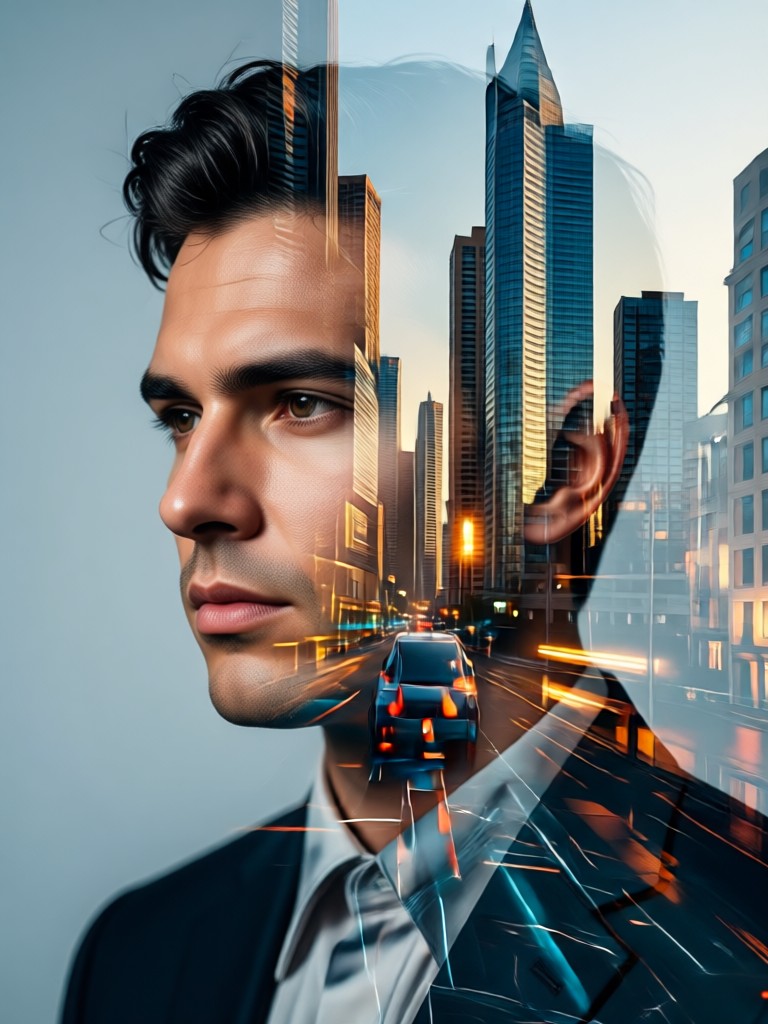
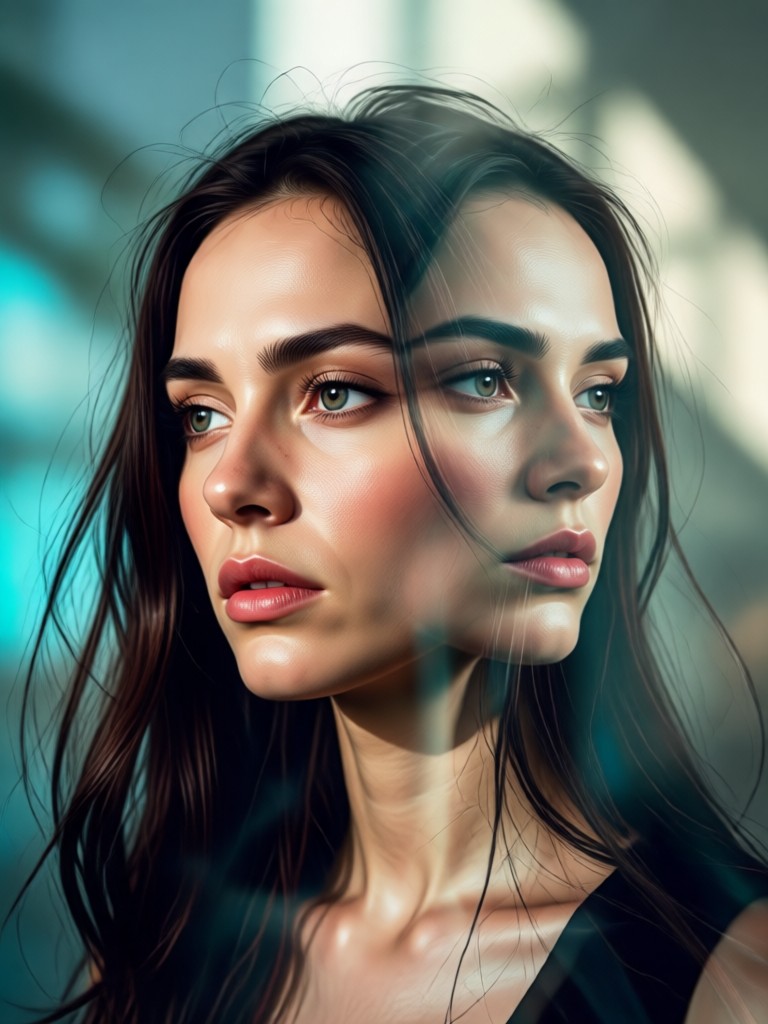
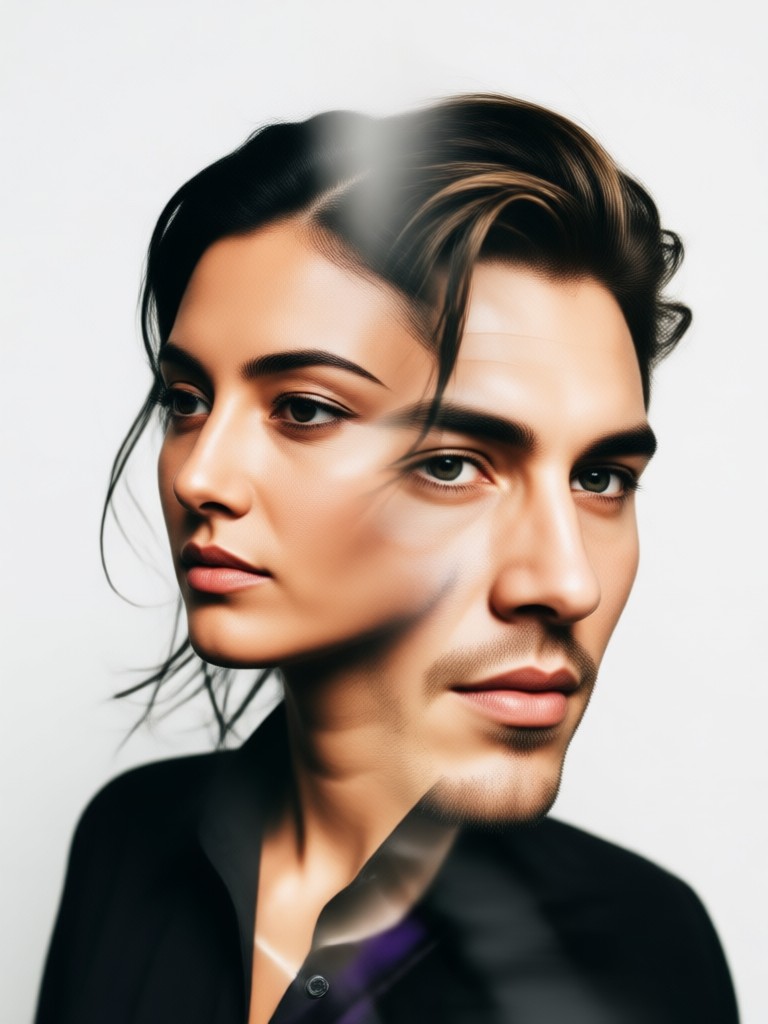
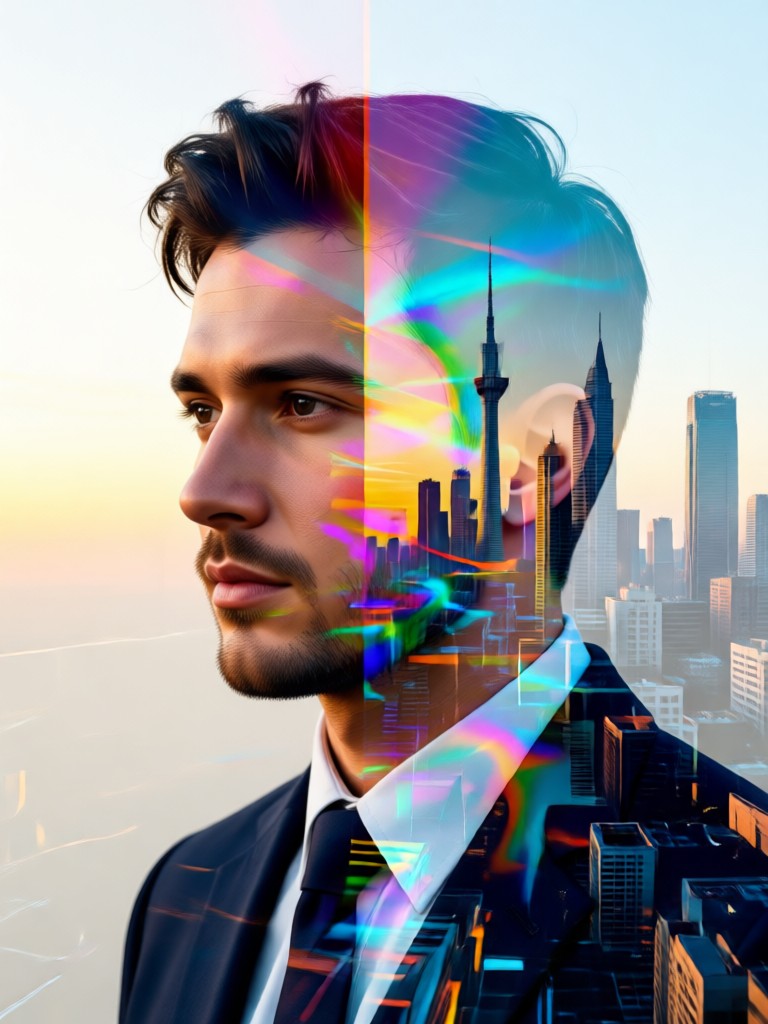
How to Create an AI Double Exposure Portrait
Create stunning double exposure art in three simple steps. No technical skills or expensive software required.
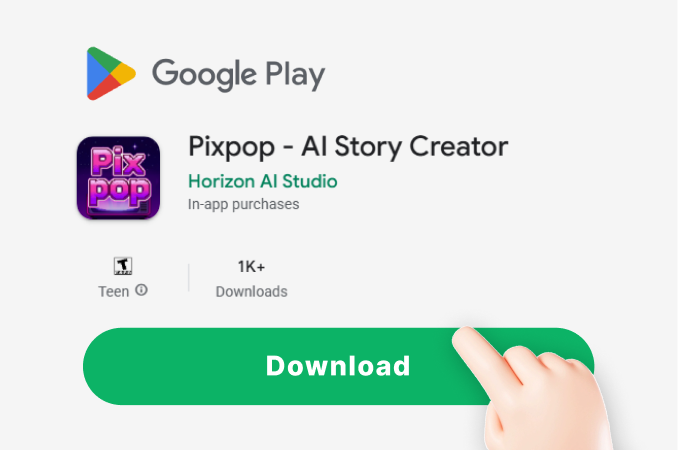
Step 01.
Download the free PixPop app from Google Play. Open the app and navigate to the AI photo editor section to find the double exposure tools.
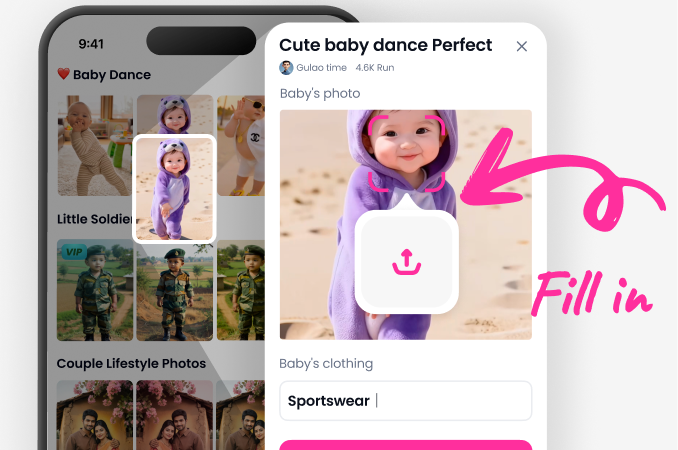
Step 02.
Upload a clear portrait photo. Then, choose a second image from your gallery or select one from our vast library of landscapes, textures, and patterns for the overlay.
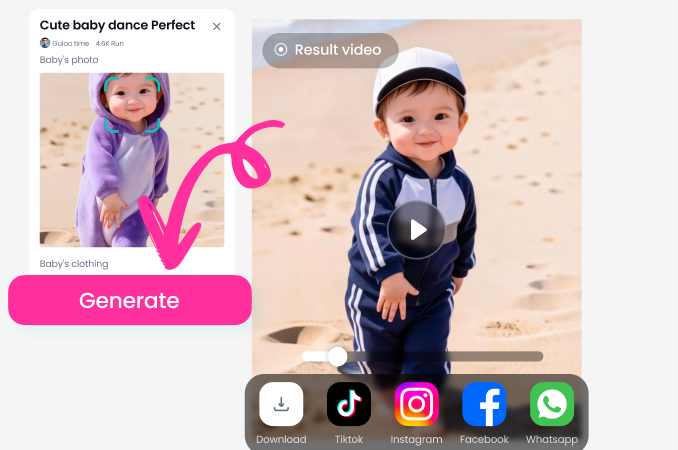
Step 03.
Tap generate. The AI will instantly create a beautiful double exposure blend. Adjust settings, save in high quality, and share your unique portrait art directly to social media.
Creators Love Our AI Double Exposure Tool
Marcus Chen
As a portrait photographer, this AI tool has become my secret weapon for creating unique client artwork. It turns a standard headshot into a conversation piece in under a minute.
Sofia Rivera
I used to spend hours in Photoshop layering images. Now I experiment with dozens of double exposure concepts on my phone. The AI understands light and composition perfectly.
Jamal Wright
Our brand's social media engagement skyrocketed after we started using AI double exposure portraits for profile pictures and posts. It creates a consistent, artistic aesthetic effortlessly.
Elena Petrova
I'm not a professional designer, but this app makes me feel like one. Blending my travel photos with my portrait creates such meaningful and beautiful personal art for my home.
Marcus Chen
As a portrait photographer, this AI tool has become my secret weapon for creating unique client artwork. It turns a standard headshot into a conversation piece in under a minute.
Sofia Rivera
I used to spend hours in Photoshop layering images. Now I experiment with dozens of double exposure concepts on my phone. The AI understands light and composition perfectly.
Jamal Wright
Our brand's social media engagement skyrocketed after we started using AI double exposure portraits for profile pictures and posts. It creates a consistent, artistic aesthetic effortlessly.
Elena Petrova
I'm not a professional designer, but this app makes me feel like one. Blending my travel photos with my portrait creates such meaningful and beautiful personal art for my home.
Marcus Chen
As a portrait photographer, this AI tool has become my secret weapon for creating unique client artwork. It turns a standard headshot into a conversation piece in under a minute.
Sofia Rivera
I used to spend hours in Photoshop layering images. Now I experiment with dozens of double exposure concepts on my phone. The AI understands light and composition perfectly.
Jamal Wright
Our brand's social media engagement skyrocketed after we started using AI double exposure portraits for profile pictures and posts. It creates a consistent, artistic aesthetic effortlessly.
Elena Petrova
I'm not a professional designer, but this app makes me feel like one. Blending my travel photos with my portrait creates such meaningful and beautiful personal art for my home.
From Complex Edit to One Tap Art
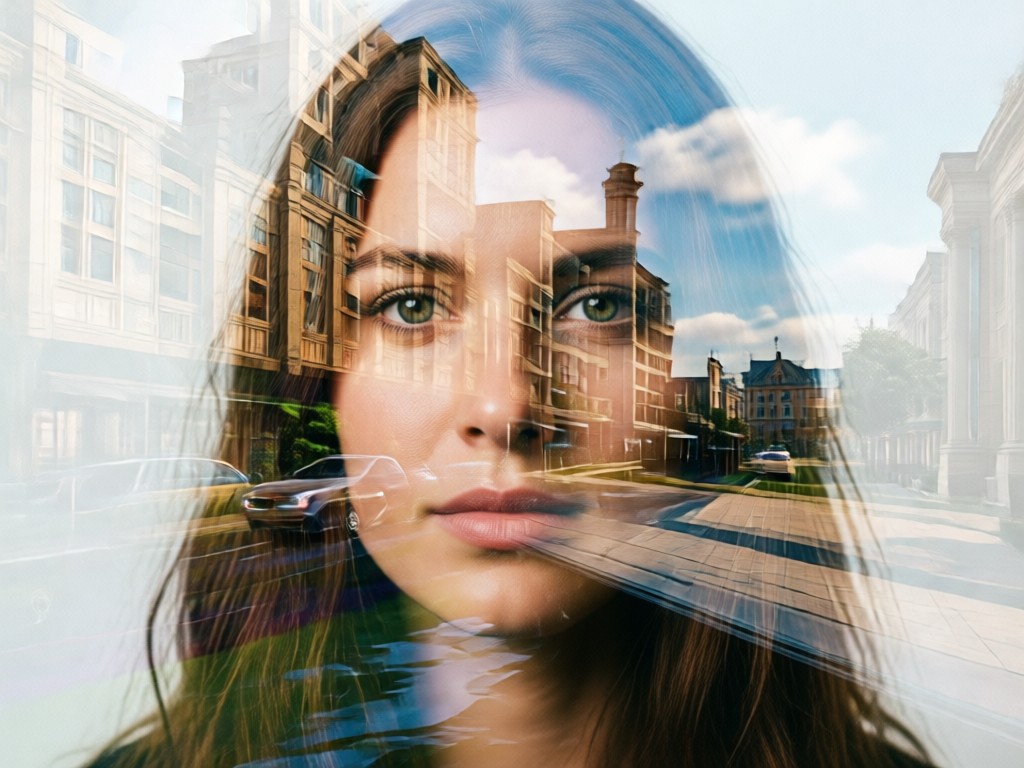
Traditional double exposure requires advanced photo editing skills, layer masks, and blending modes. Our AI photo editor automates the entire creative process, delivering professional results instantly on your mobile device.
From Complex Edit to One Tap Art
Traditional double exposure requires advanced photo editing skills, layer masks, and blending modes. Our AI photo editor automates the entire creative process, delivering professional results instantly on your mobile device.
AI Double Exposure Portrait FAQs
Get answers to the most common questions about creating stunning double exposure portraits with AI.
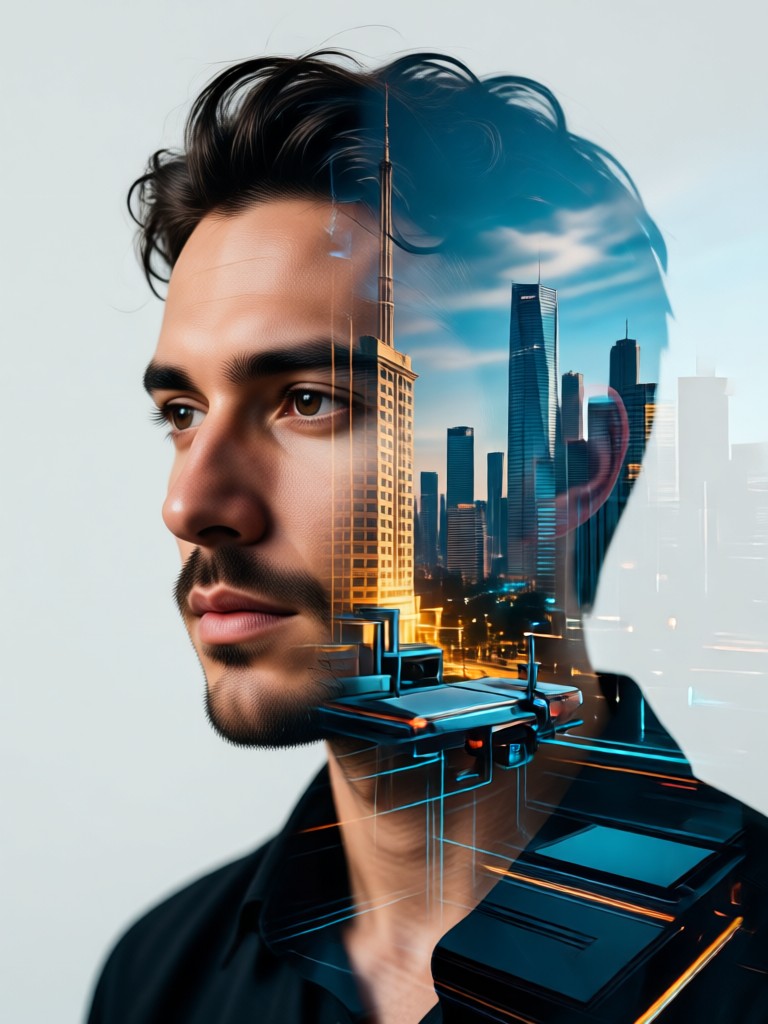
Create Art in Your Pocket
Turn any moment into a masterpiece. Download the free PixPop app and discover the world's easiest AI photo editor for double exposure portraits.

More Topics You May Like
Explore more topics you may like and discover fresh ideas tailored to your interests.
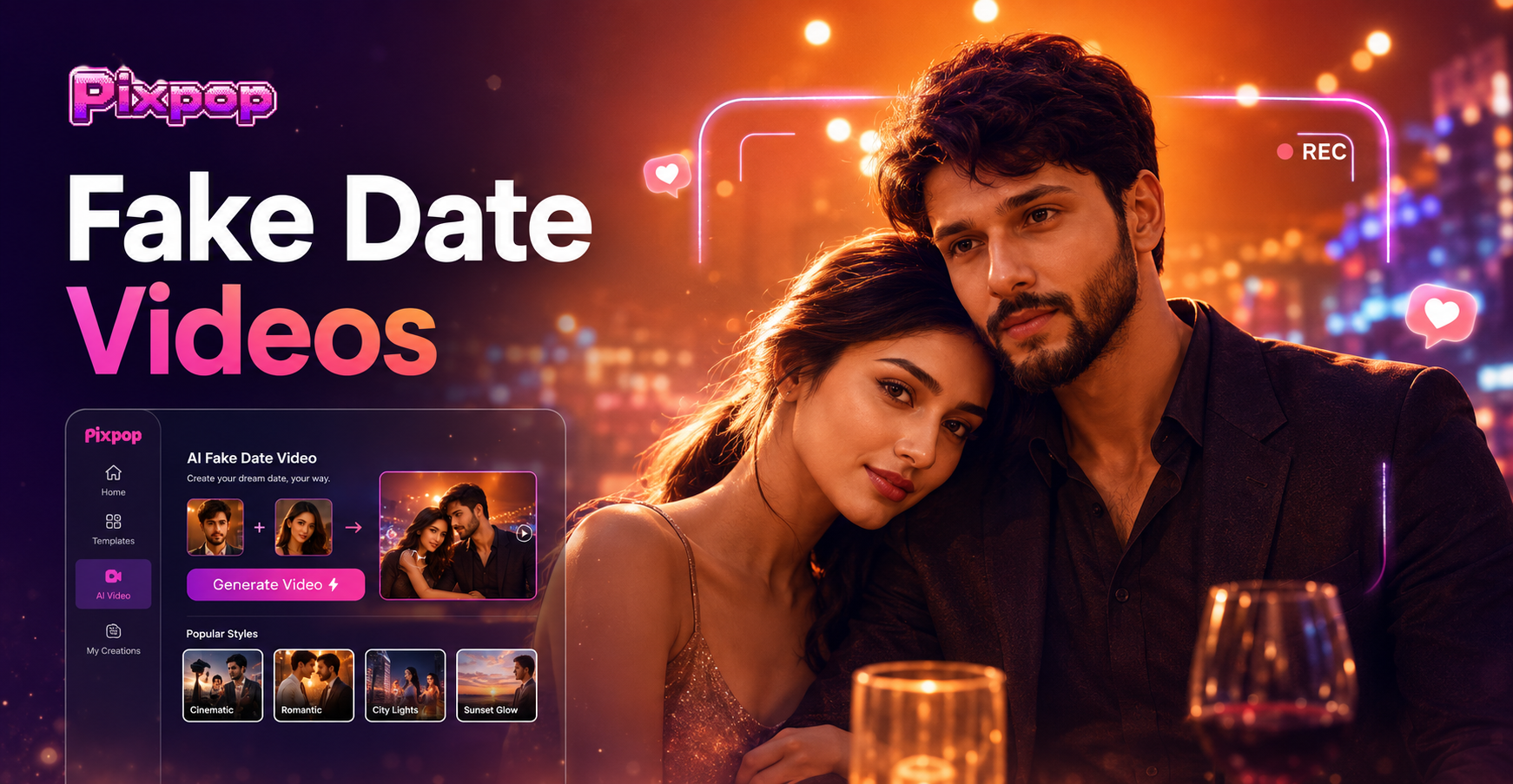
Pixpop AI Fake Date Video Generator - Free Online Romantic Fake Date AI Video Editor
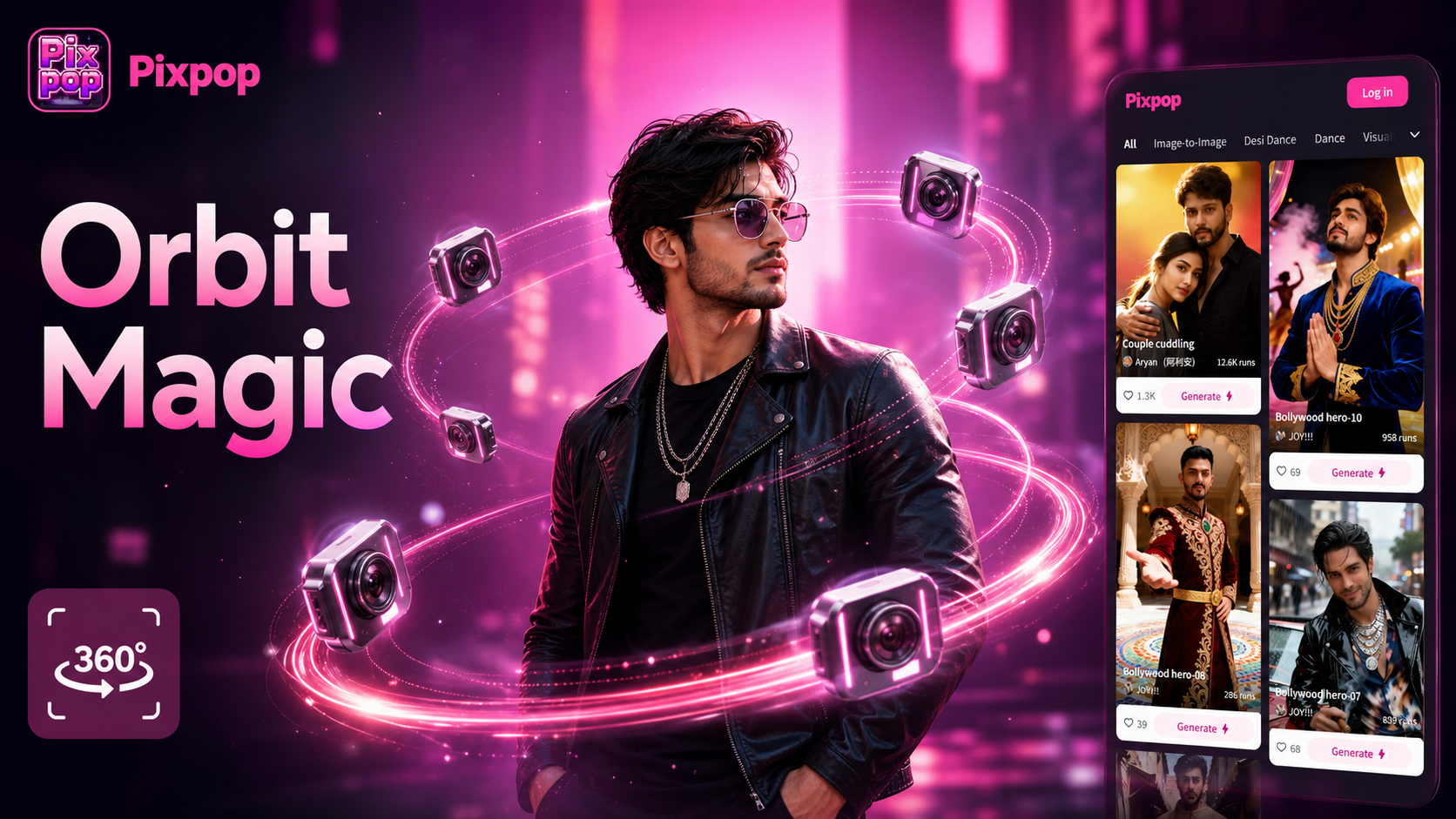
Pixpop AI Camera Orbit Video Effect - Free Online Professional Orbit Spin Video Maker
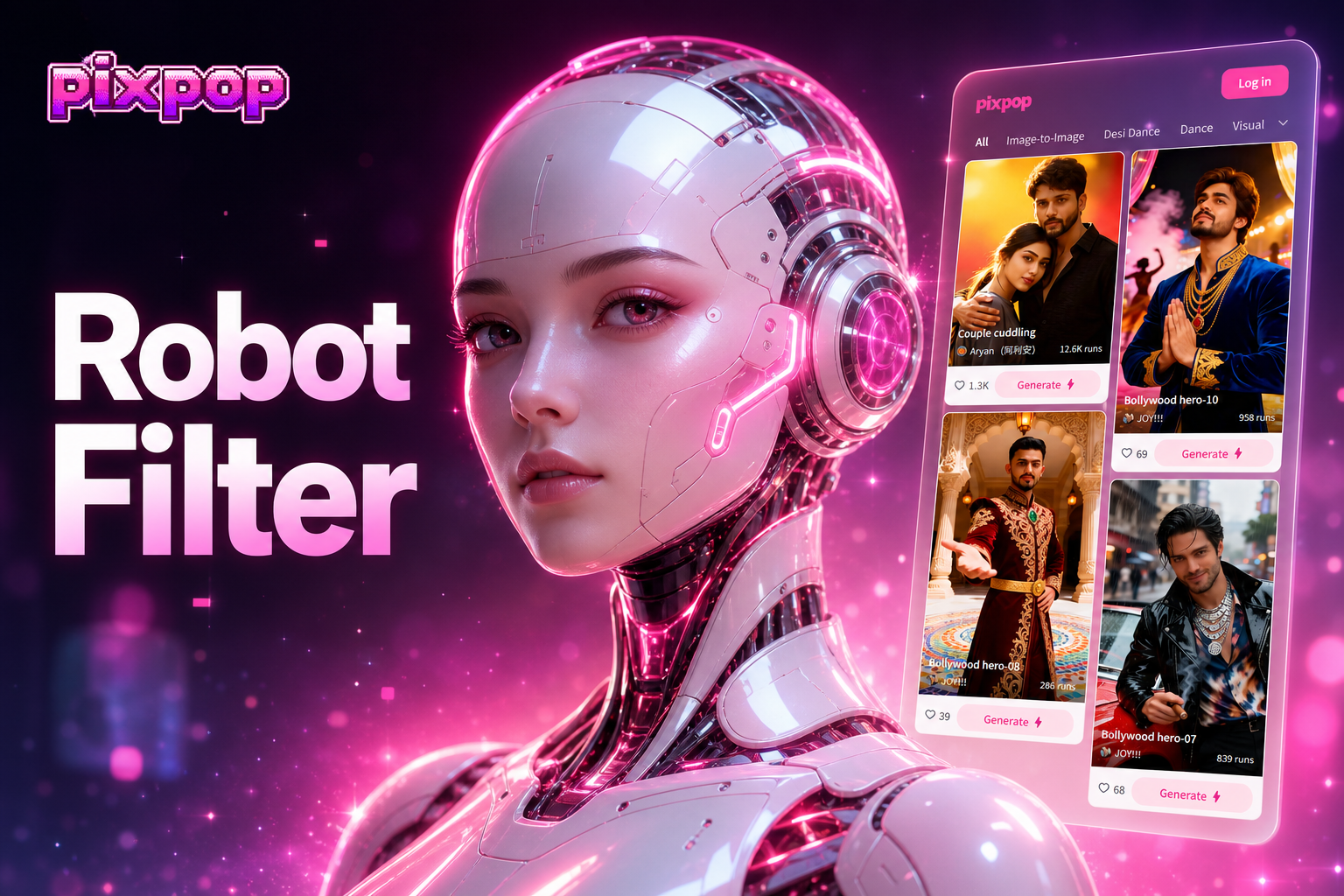
Pixpop AI Robot Fitler - Free Online Cyberpunk Robot AI Filter Creator
Pixpop AI Fake Date Video Generator - Free Online Romantic Fake Date AI Video Editor
Pixpop AI Camera Orbit Video Effect - Free Online Professional Orbit Spin Video Maker
Pixpop AI Robot Fitler - Free Online Cyberpunk Robot AI Filter Creator
Your Masterpiece is One Tap Away
Join millions who are transforming their portraits into art. Download PixPop now and start creating stunning AI double exposure portraits for free.

Your Masterpiece is One Tap Away
Join millions who are transforming their portraits into art. Download PixPop now and start creating stunning AI double exposure portraits for free.