AI Camera Orbit Video Effect
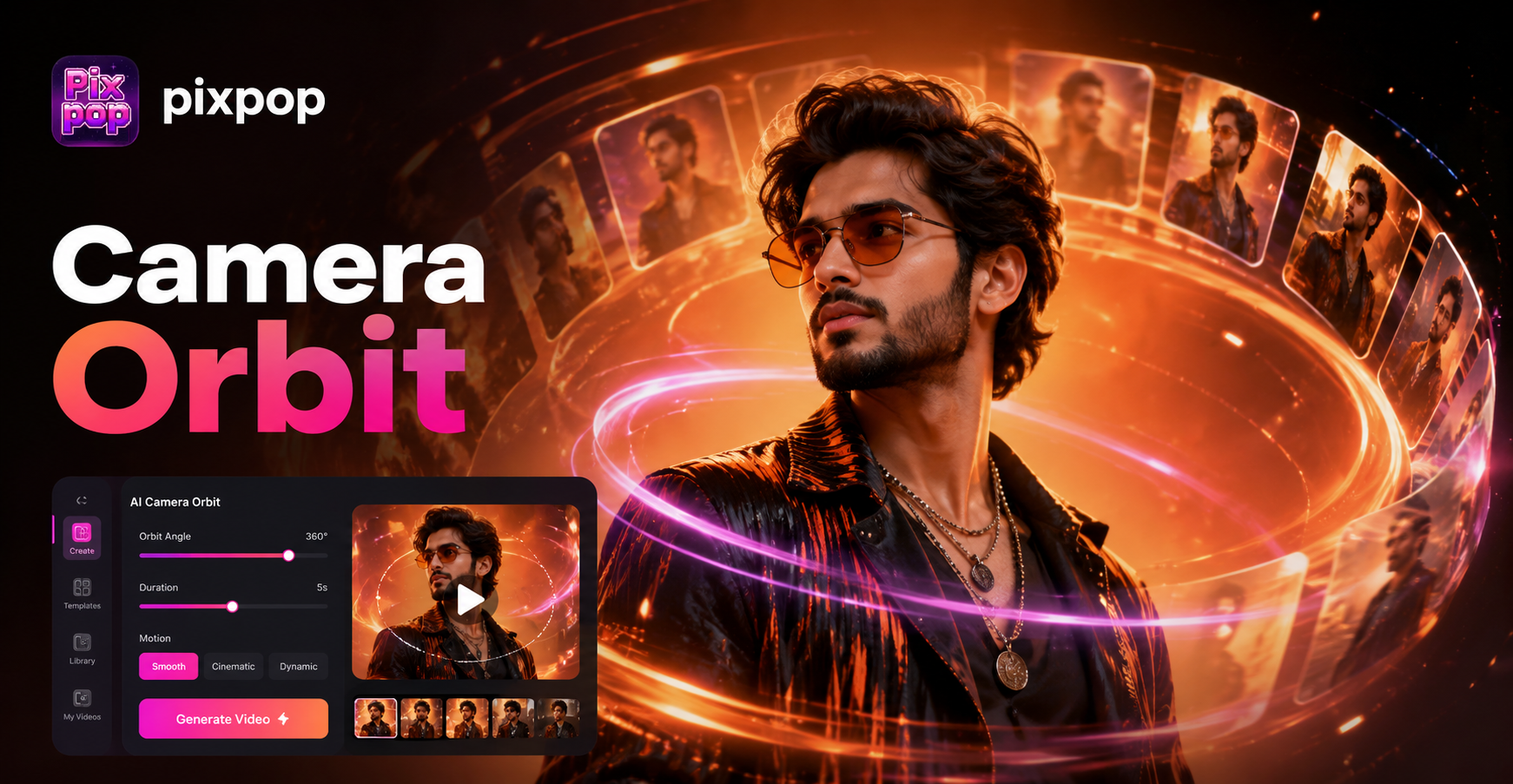
Popular AI Video Motion Effects
Explore our top AI video generators to create engaging motion from any photo. From smooth turns to expressive animations, find the perfect effect for your content.
Why Choose Our AI Camera Orbit Effect
Our AI orbit video technology makes professional 360° camera spins accessible to everyone. With intelligent subject detection and smooth motion paths, create Hollywood-style orbit videos in seconds.
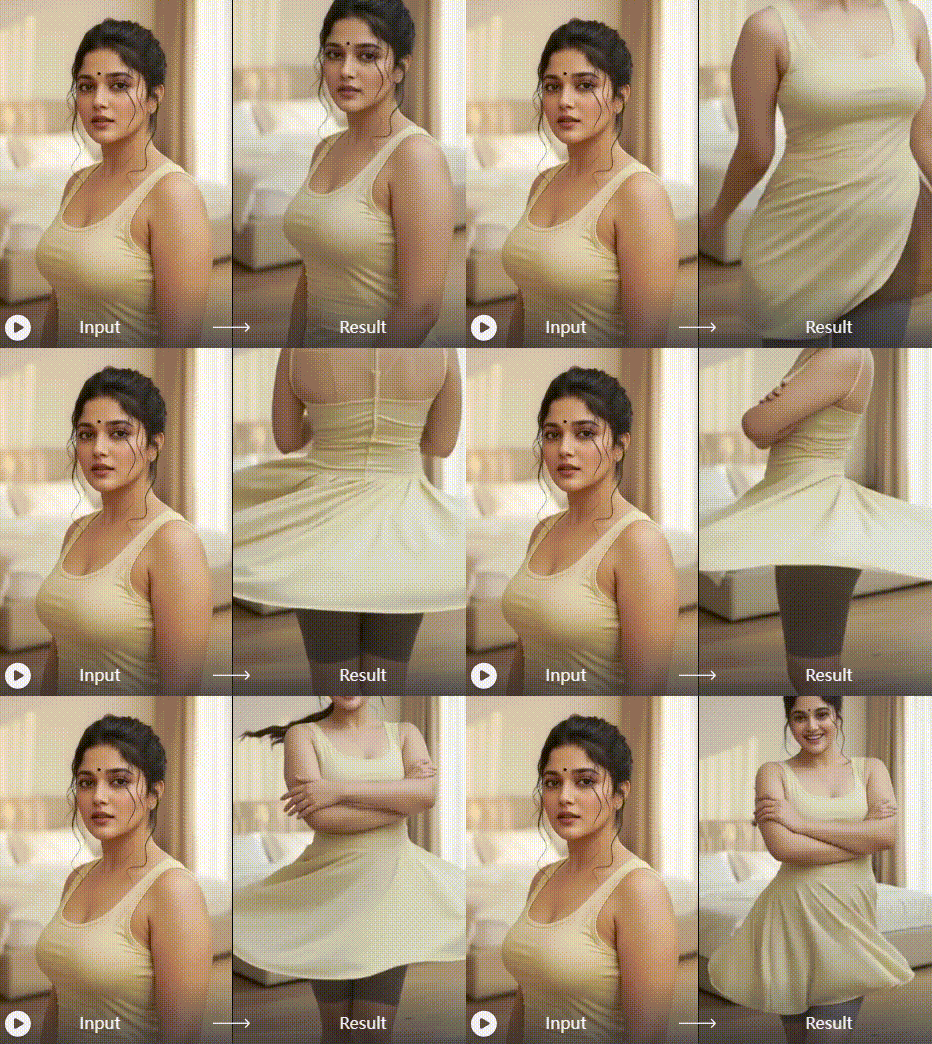
One-Click Orbit Generation
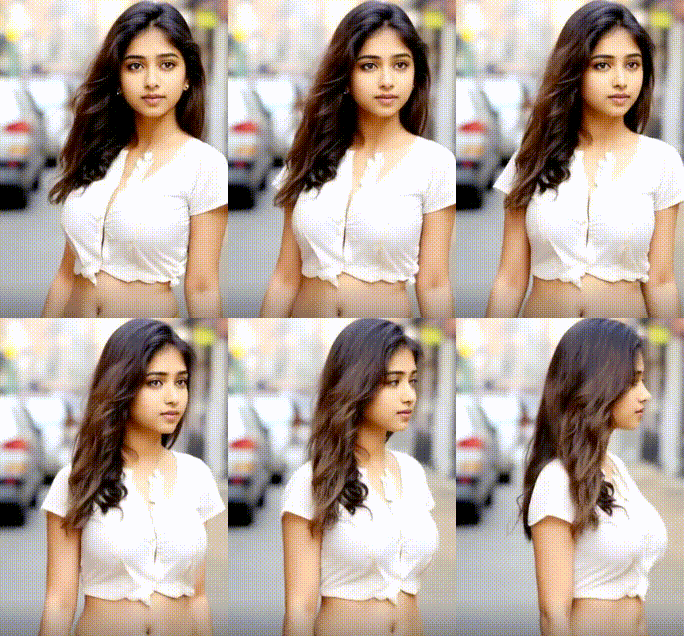
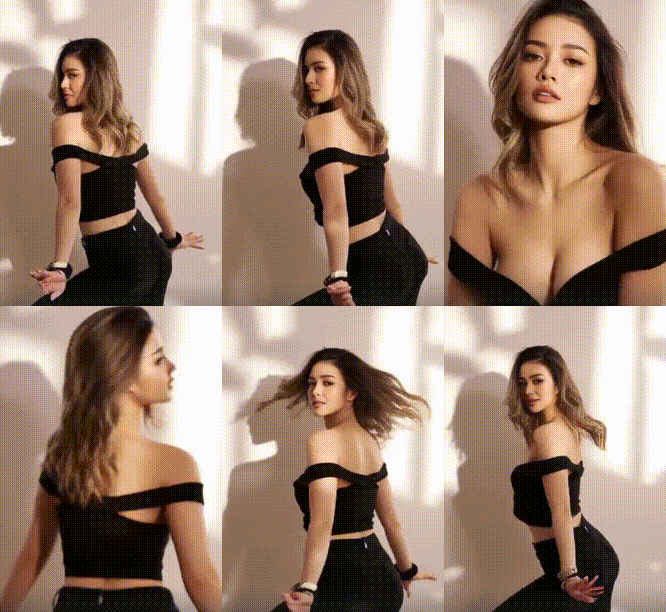
Upload any photo and watch AI automatically create a smooth 360° camera orbit around your subject. No manual keyframing or complex animation settings required. The AI analyzes your image and generates perfect circular motion paths.
One-Click Orbit Generation
Upload any photo and watch AI automatically create a smooth 360° camera orbit around your subject. No manual keyframing or complex animation settings required. The AI analyzes your image and generates perfect circular motion paths.
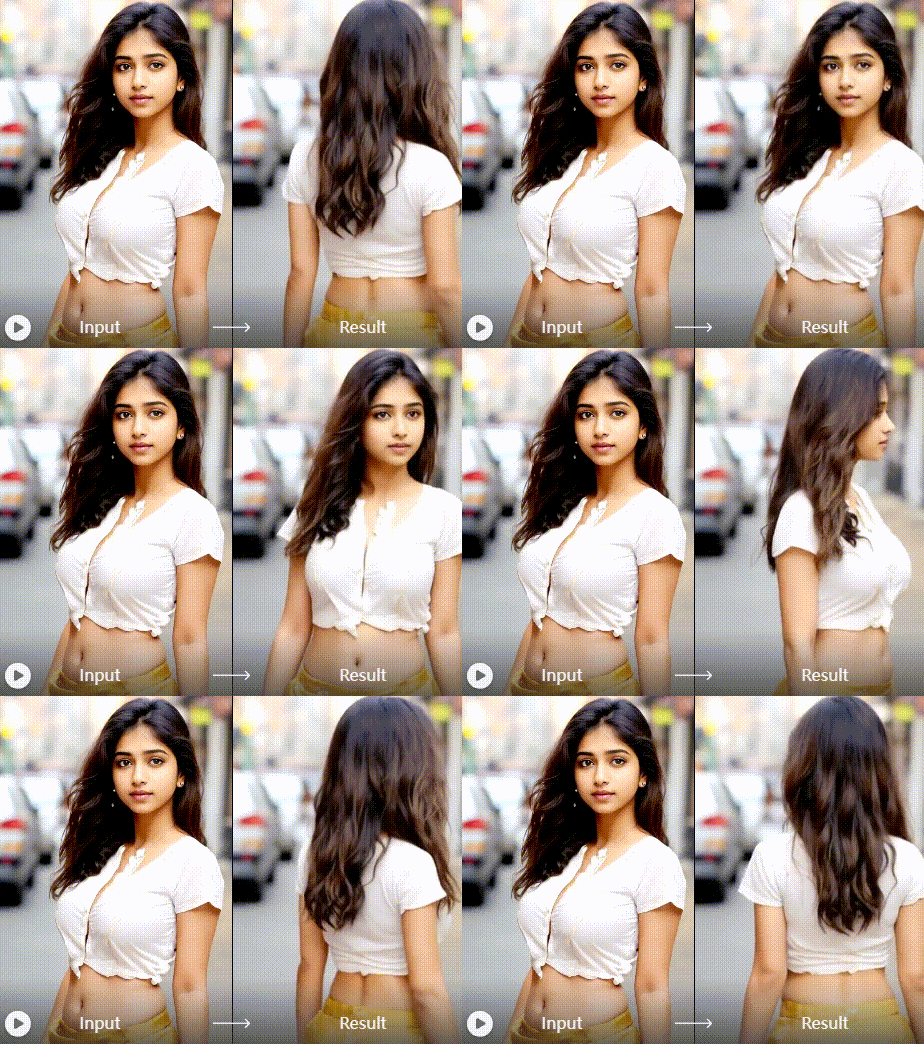
Customizable Spin Parameters
Adjust rotation speed, direction, camera distance, and motion smoothness. Choose clockwise or counter-clockwise spins, control rotation duration from 3 to 15 seconds, and fine-tune the orbit radius for different visual impacts.
Customizable Spin Parameters
Adjust rotation speed, direction, camera distance, and motion smoothness. Choose clockwise or counter-clockwise spins, control rotation duration from 3 to 15 seconds, and fine-tune the orbit radius for different visual impacts.
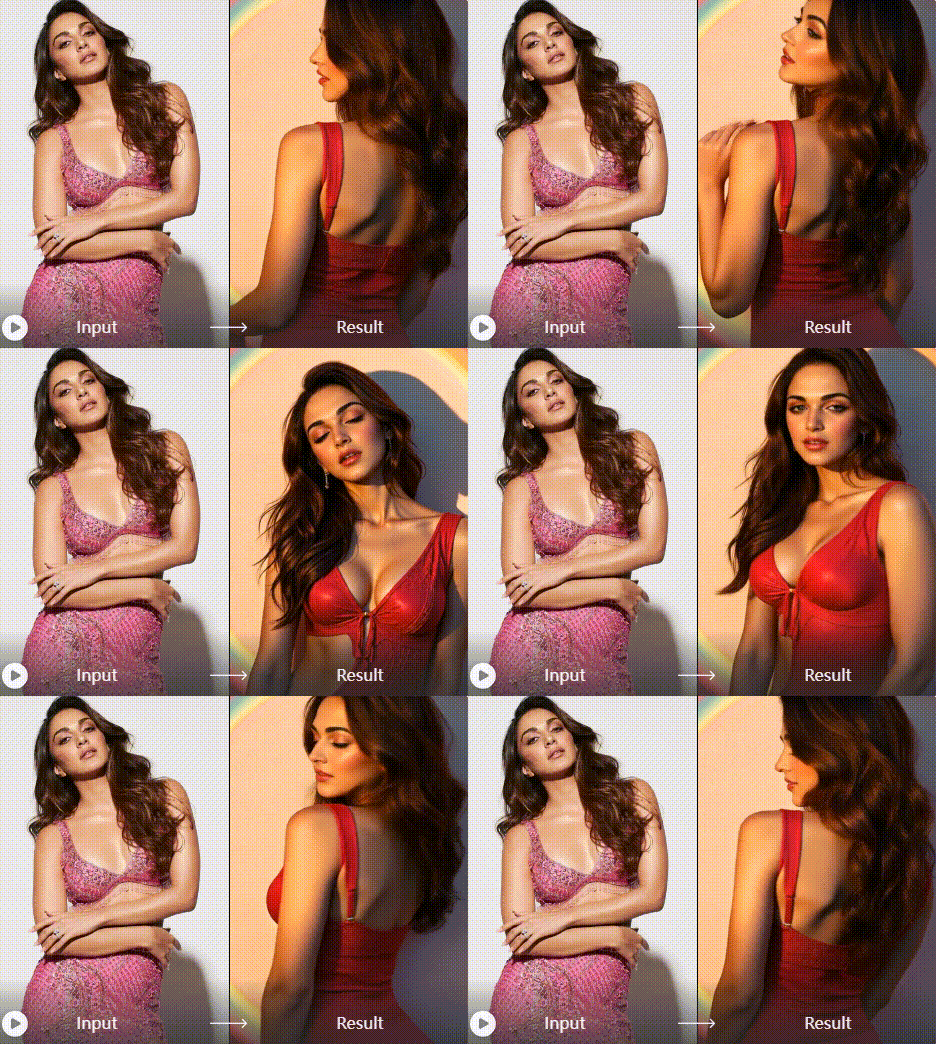
Multi-Platform Export
Export your orbit videos in optimal formats for Instagram Reels, TikTok, YouTube Shorts, and professional presentations. Choose from square, portrait, or landscape orientations with perfect resolution for each platform.
Multi-Platform Export
Export your orbit videos in optimal formats for Instagram Reels, TikTok, YouTube Shorts, and professional presentations. Choose from square, portrait, or landscape orientations with perfect resolution for each platform.
Unlimited Ready-to-Use Motion Transfer Templates
Access our growing library of AI mimic motion templates or upload your own! Whether you choose from our curated movements or provide a custom video, our AI will mimic motion flawlessly. Perfect motion transfer for any photo, any style, any movement you imagine.
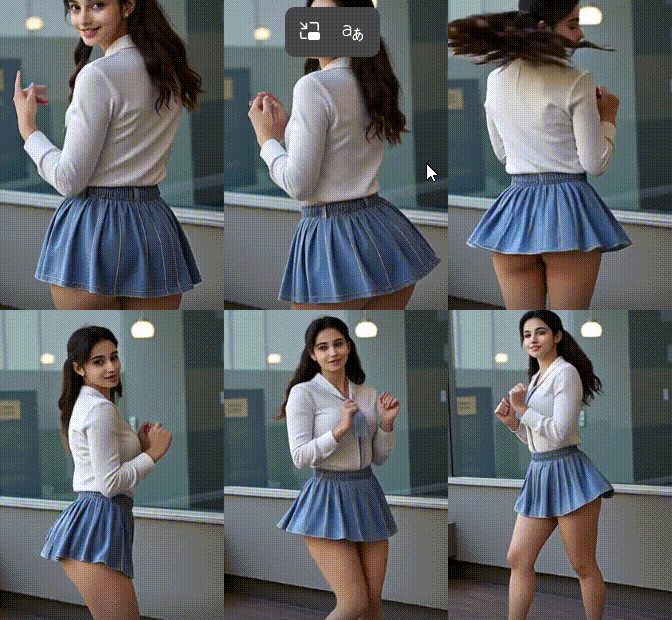
How to Create AI Camera Orbit Videos
Create stunning 360° orbit videos in three simple steps. No video editing experience needed just download our app and let AI handle the complex camera movements.

Step 01.
Download pixpop from Google Play Store. The app is completely free to install with no watermarks on your creations. Get instant access to our AI orbit video effect and hundreds of other creative tools.
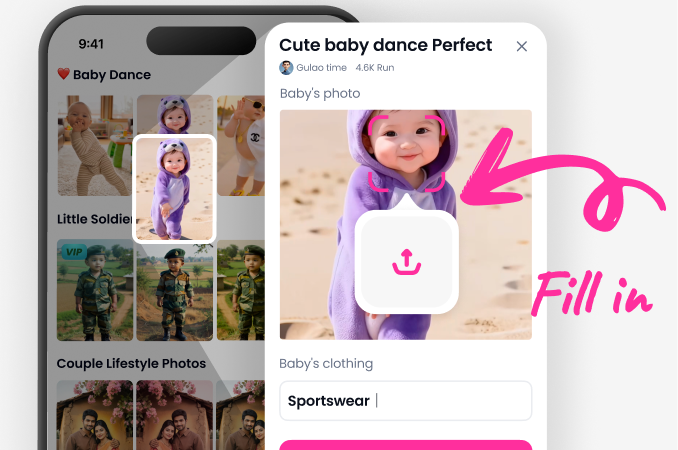
Step 02.
Select the Orbit Video effect from our effects library. Upload any photo from your gallery or take a new picture. The AI will automatically detect your subject and prepare it for 360° rotation.
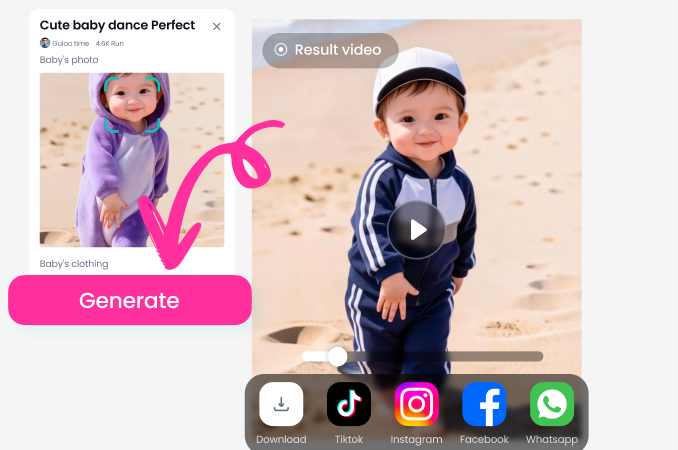
Step 03.
Customize your orbit video settings. Adjust rotation speed, direction, and duration. Preview the effect in real time, then export and share your professional 360° orbit video directly to social media platforms.
How Creators Use AI Orbit Video Effects

Marcus Chen
As an e commerce seller, I use the orbit video effect to showcase products from every angle. My conversion rates increased by 40% after adding 360° spin videos to my product listings. Customers love seeing details they'd miss in static photos.

Sophia Rodriguez
The orbit effect has transformed my Instagram Reels. My portrait videos now have professional cinematic quality without expensive equipment. The smooth 360° rotation makes my content stand out, and I've gained 15K new followers in two months using this effect regularly.
David Park
I create orbit videos of property exteriors and interior features for my real estate listings. The 360° perspective helps potential buyers visualize spaces better than traditional photos. Clients are impressed with the professional presentation, and it's helped me close deals faster.

Isabella Moore
As a digital artist, I use orbit videos to showcase my artwork in galleries and online portfolios. The rotating perspective lets viewers appreciate details from every angle. It's become my signature presentation style, and collectors love the immersive viewing experience.
Marcus Chen
As an e commerce seller, I use the orbit video effect to showcase products from every angle. My conversion rates increased by 40% after adding 360° spin videos to my product listings. Customers love seeing details they'd miss in static photos.
Sophia Rodriguez
The orbit effect has transformed my Instagram Reels. My portrait videos now have professional cinematic quality without expensive equipment. The smooth 360° rotation makes my content stand out, and I've gained 15K new followers in two months using this effect regularly.
David Park
I create orbit videos of property exteriors and interior features for my real estate listings. The 360° perspective helps potential buyers visualize spaces better than traditional photos. Clients are impressed with the professional presentation, and it's helped me close deals faster.
Isabella Moore
As a digital artist, I use orbit videos to showcase my artwork in galleries and online portfolios. The rotating perspective lets viewers appreciate details from every angle. It's become my signature presentation style, and collectors love the immersive viewing experience.
Marcus Chen
As an e commerce seller, I use the orbit video effect to showcase products from every angle. My conversion rates increased by 40% after adding 360° spin videos to my product listings. Customers love seeing details they'd miss in static photos.
Sophia Rodriguez
The orbit effect has transformed my Instagram Reels. My portrait videos now have professional cinematic quality without expensive equipment. The smooth 360° rotation makes my content stand out, and I've gained 15K new followers in two months using this effect regularly.
David Park
I create orbit videos of property exteriors and interior features for my real estate listings. The 360° perspective helps potential buyers visualize spaces better than traditional photos. Clients are impressed with the professional presentation, and it's helped me close deals faster.
Isabella Moore
As a digital artist, I use orbit videos to showcase my artwork in galleries and online portfolios. The rotating perspective lets viewers appreciate details from every angle. It's become my signature presentation style, and collectors love the immersive viewing experience.
Professional Orbit Videos Without Professional Skills
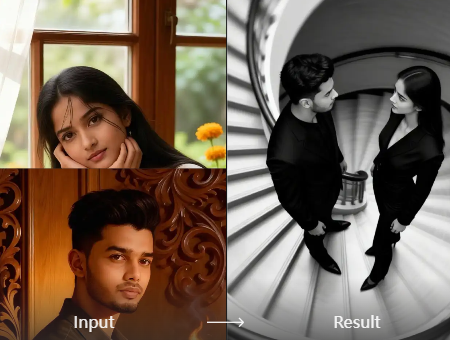
Traditional 360° camera orbit videos require expensive equipment, complex rigs, and professional videography skills. Our AI technology democratizes this cinematic technique, making it accessible to everyone with just a smartphone.
Why AI Orbit Video Beats Traditional Methods
Creating professional 360° orbit videos traditionally requires motorized camera sliders, specialized rigs, and hours of post production editing. Our AI orbit effect eliminates all these barriers. The technology analyzes your photo, calculates perfect circular motion paths, and generates smooth camera rotations automatically. You get Hollywood quality orbit videos in seconds instead of hours, with no technical knowledge required. The AI ensures consistent speed and perfect circular paths that would be challenging even for experienced videographers to achieve manually.
Why AI Orbit Video Beats Traditional Methods
Creating professional 360° orbit videos traditionally requires motorized camera sliders, specialized rigs, and hours of post production editing. Our AI orbit effect eliminates all these barriers. The technology analyzes your photo, calculates perfect circular motion paths, and generates smooth camera rotations automatically. You get Hollywood quality orbit videos in seconds instead of hours, with no technical knowledge required. The AI ensures consistent speed and perfect circular paths that would be challenging even for experienced videographers to achieve manually.
AI Orbit Video Effect FAQs
Get answers to common questions about creating 360° orbit videos with AI. Learn how to optimize your results and make the most of this powerful video effect.
Create Orbit Videos on Your Phone
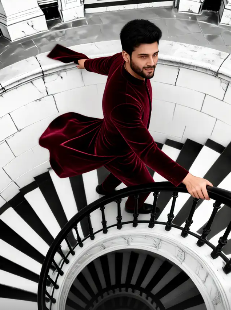
Download pixpop from Google Play and access the AI camera orbit effect instantly. No computer needed, no complicated software to learn. Create professional 360° spin videos directly from your smartphone.

More AI Video Effects You'll Love
Explore additional AI video effects that complement orbit videos. From subtle animations to dramatic transformations, discover new ways to enhance your visual content.
Pixpop AI Robot Fitler - Free Online Cyberpunk Robot AI Filter Creator
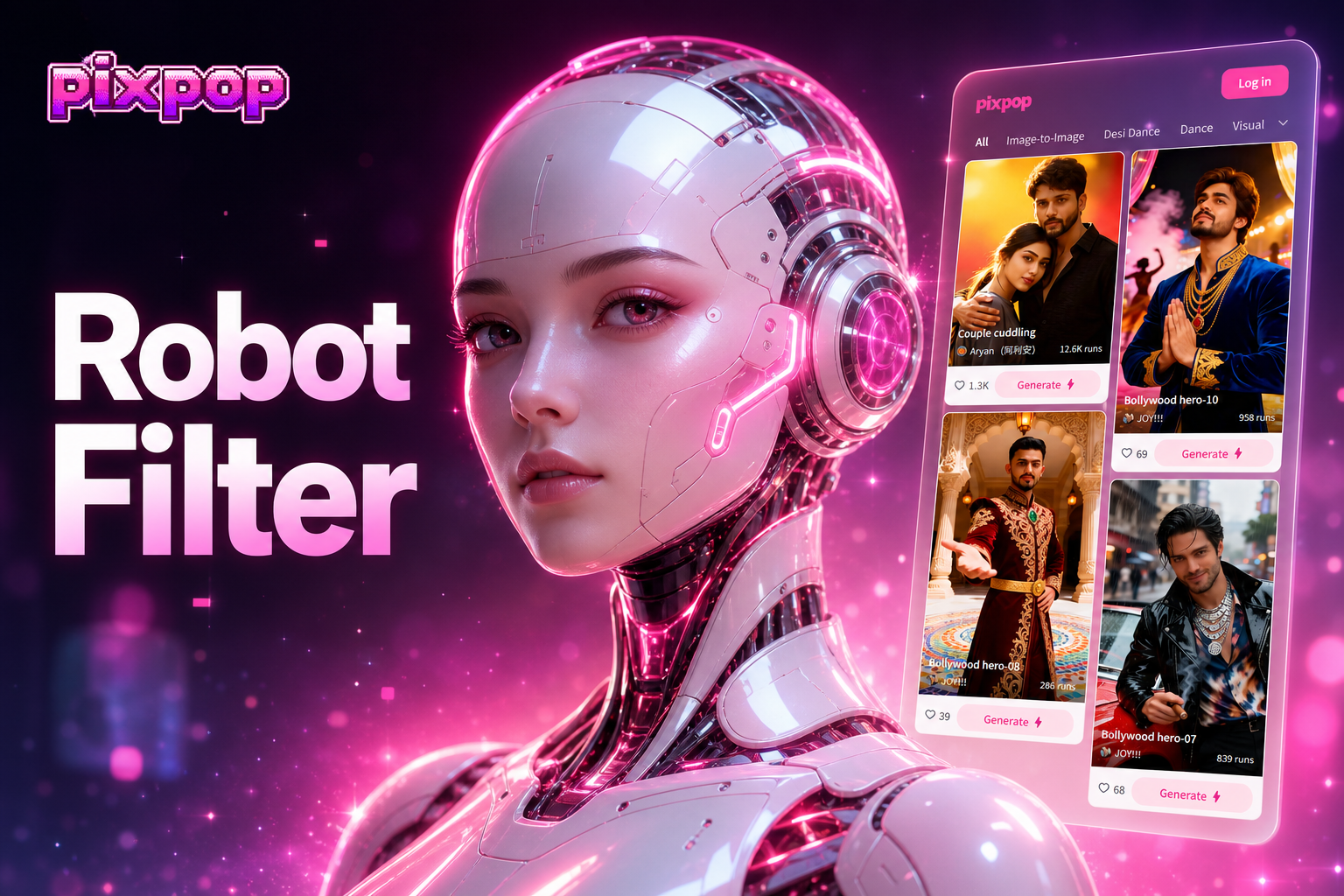
Try the AI Robot Filter in Pixpop. Instantly add metallic textures, glowing particles, and cybernetic details to any photo. Explore robotic filters, particle effects, and futuristic styles. Download the app and transform your images now.
Pixpop AI Change Dress Clothes - Free Online Fashion AI Dress Transformation Creator
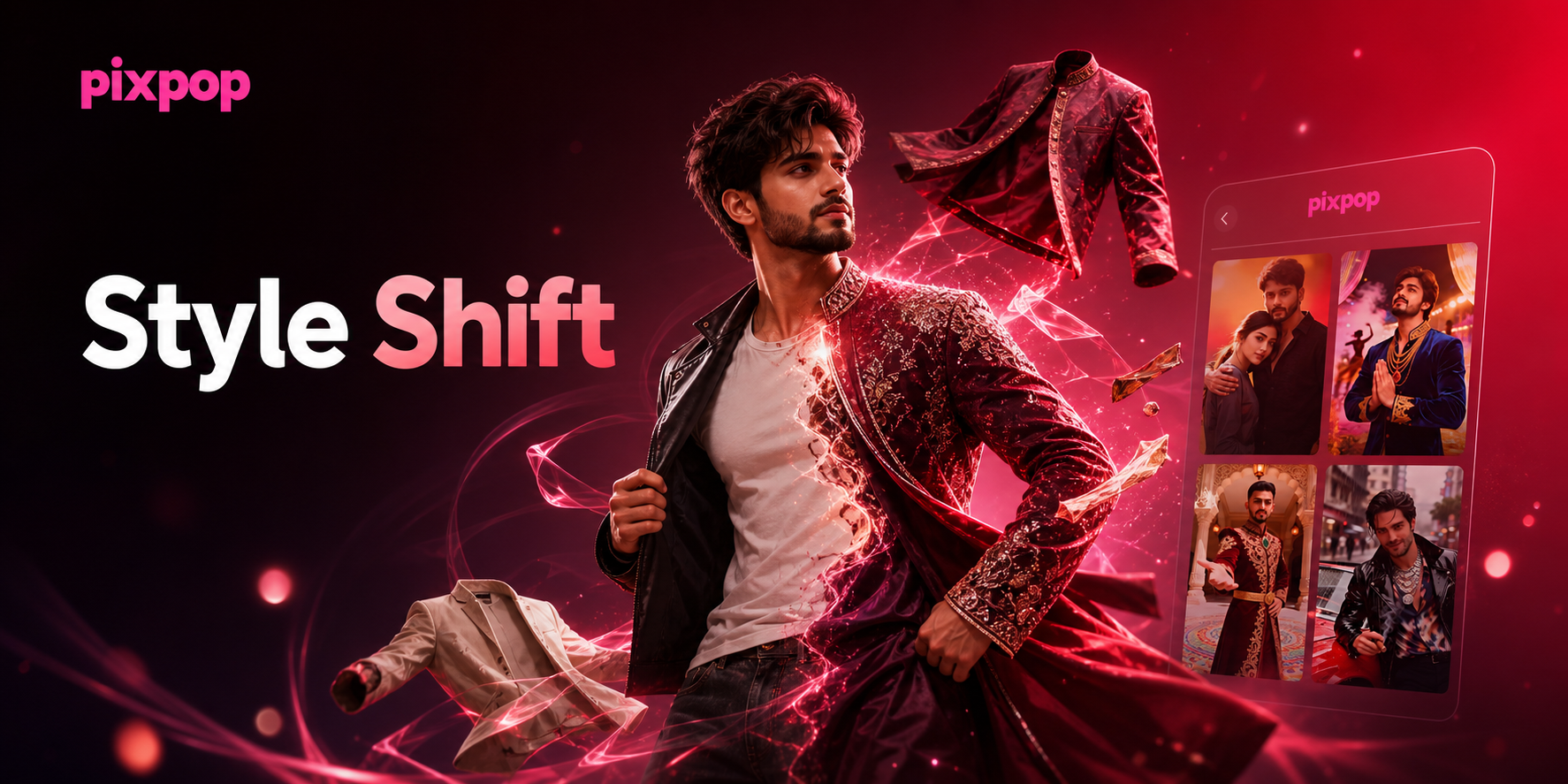
AI Change Dress Clothes lets you swap outfits instantly. Upload a photo, pick a style template, and watch your clothing transform. Choose from thousands of fashion styles, from casual wear to formal attire. No design skills needed. Get realistic results in seconds.
Google VEO
Explore Google VEO, VEO 2, 3, 3 Fast, 3.1, and 3.1 Fast for fast, lifelike videos.
Google VEO
Explore Google VEO, VEO 2, 3, 3 Fast, 3.1, and 3.1 Fast for fast, lifelike videos.
Start Creating 360° Orbit Videos Today
Join thousands of creators using AI to transform static photos into dynamic orbit videos. No video editing experience needed, just upload and let AI create professional camera rotations.
Start Creating 360° Orbit Videos Today
Join thousands of creators using AI to transform static photos into dynamic orbit videos. No video editing experience needed, just upload and let AI create professional camera rotations.