AI Robot Filter
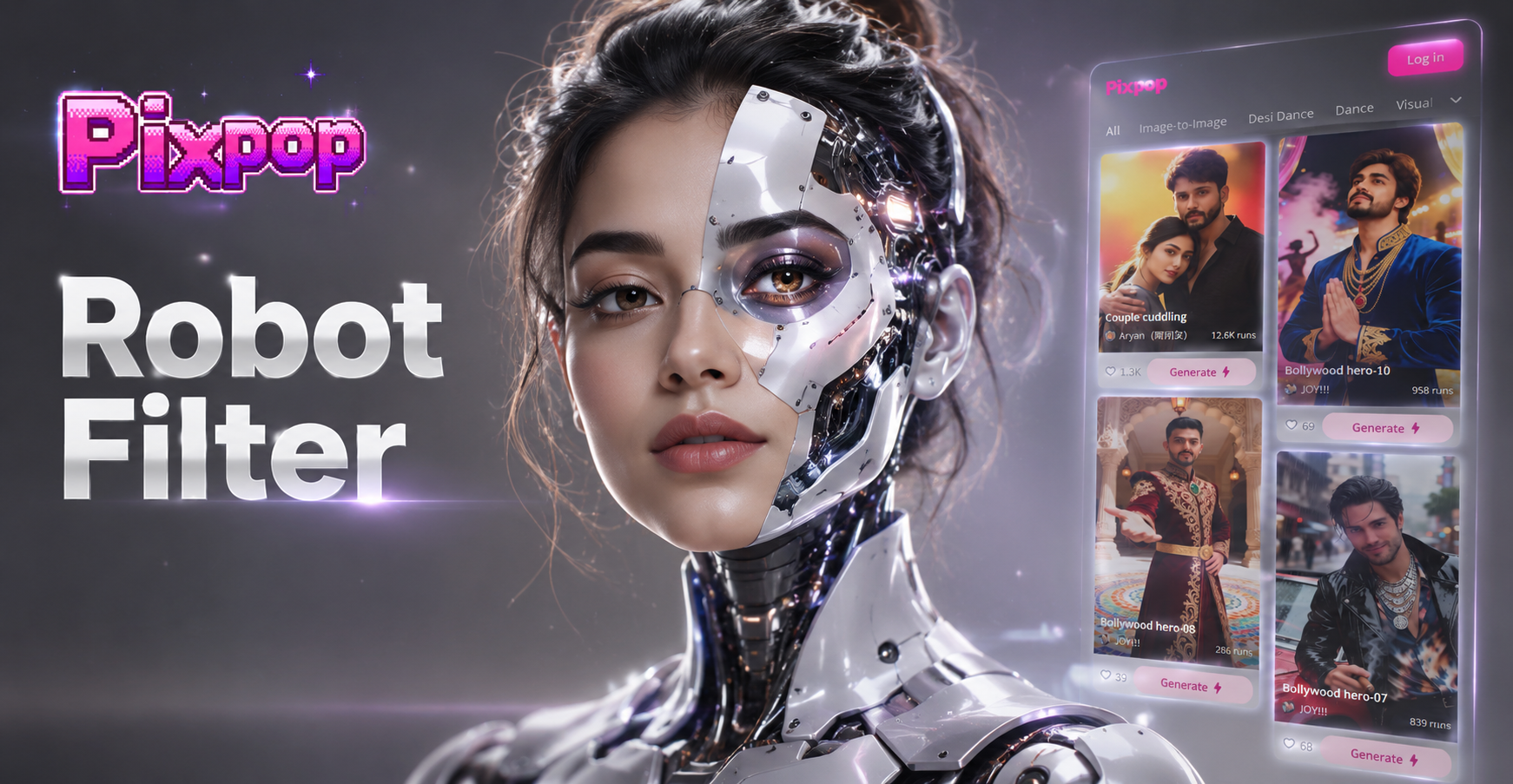
Choose Your Robotic Transformation
From subtle cyberpunk enhancements to full machine conversion, pick the perfect filter to match your futuristic vision.
Key Features of the AI Robot Filter
Our AI filter goes beyond a simple overlay. It intelligently analyzes your photo to apply realistic robotic elements that blend seamlessly with your original features.
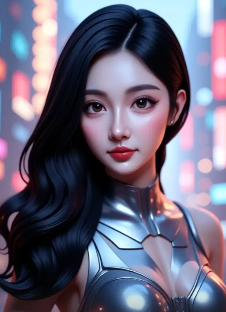
Realistic Metallic Textures
The AI adds convincing chrome, brushed steel, and carbon fiber textures to skin and clothing. It respects light sources and facial contours for a naturally integrated, three dimensional look.
Realistic Metallic Textures
The AI adds convincing chrome, brushed steel, and carbon fiber textures to skin and clothing. It respects light sources and facial contours for a naturally integrated, three dimensional look.
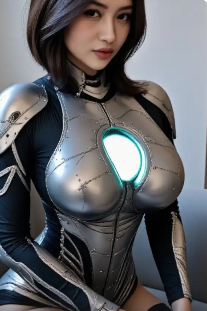
Dynamic Particle Effects
Generate glowing energy particles, data streams, and holographic interfaces that flow around your subject. Customize the color and intensity of these particle filter AI elements for a unique sci fi aesthetic.
Dynamic Particle Effects
Generate glowing energy particles, data streams, and holographic interfaces that flow around your subject. Customize the color and intensity of these particle filter AI elements for a unique sci fi aesthetic.
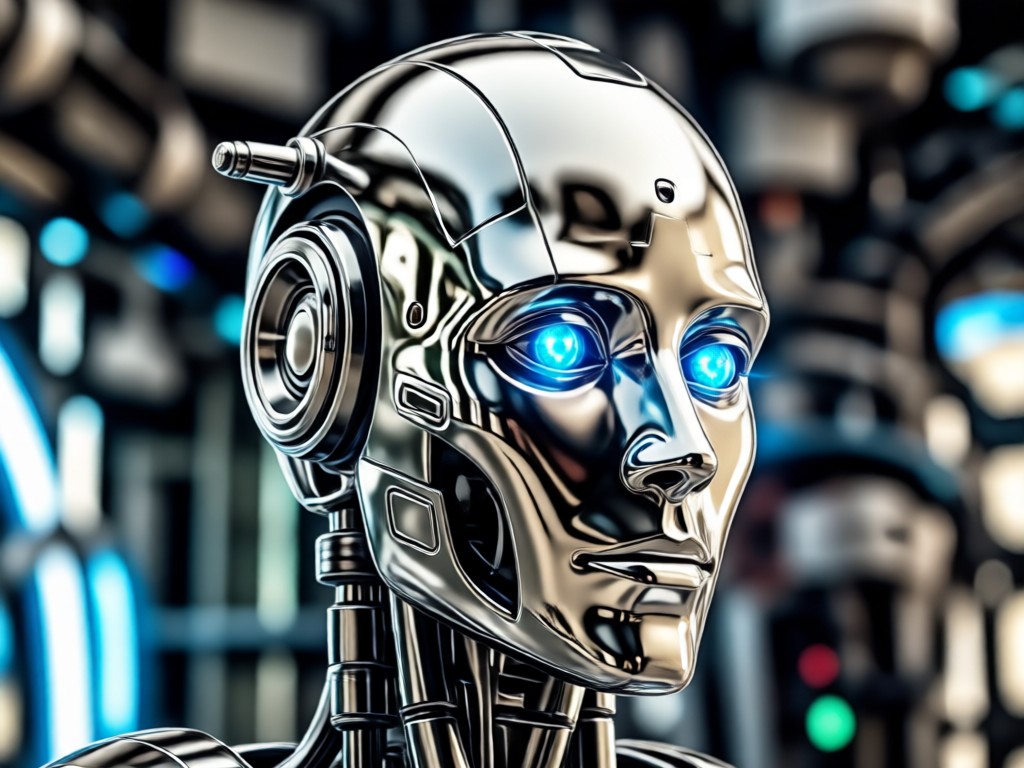
Cybernetic Detail Enhancement
The filter intelligently places mechanical details like circuit lines, lens effects over eyes, and synthetic joint lines. It transforms ordinary photos into visions of advanced robotics.
Cybernetic Detail Enhancement
The filter intelligently places mechanical details like circuit lines, lens effects over eyes, and synthetic joint lines. It transforms ordinary photos into visions of advanced robotics.
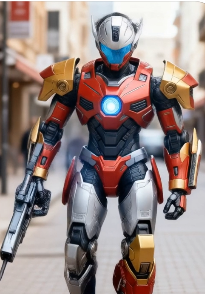
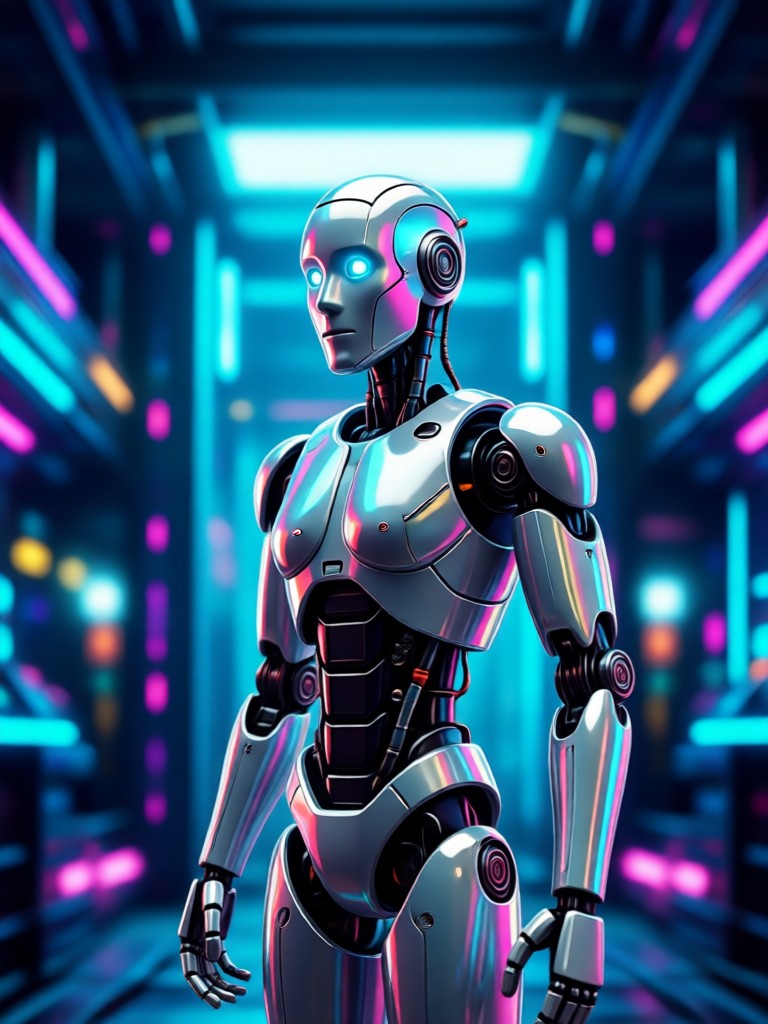
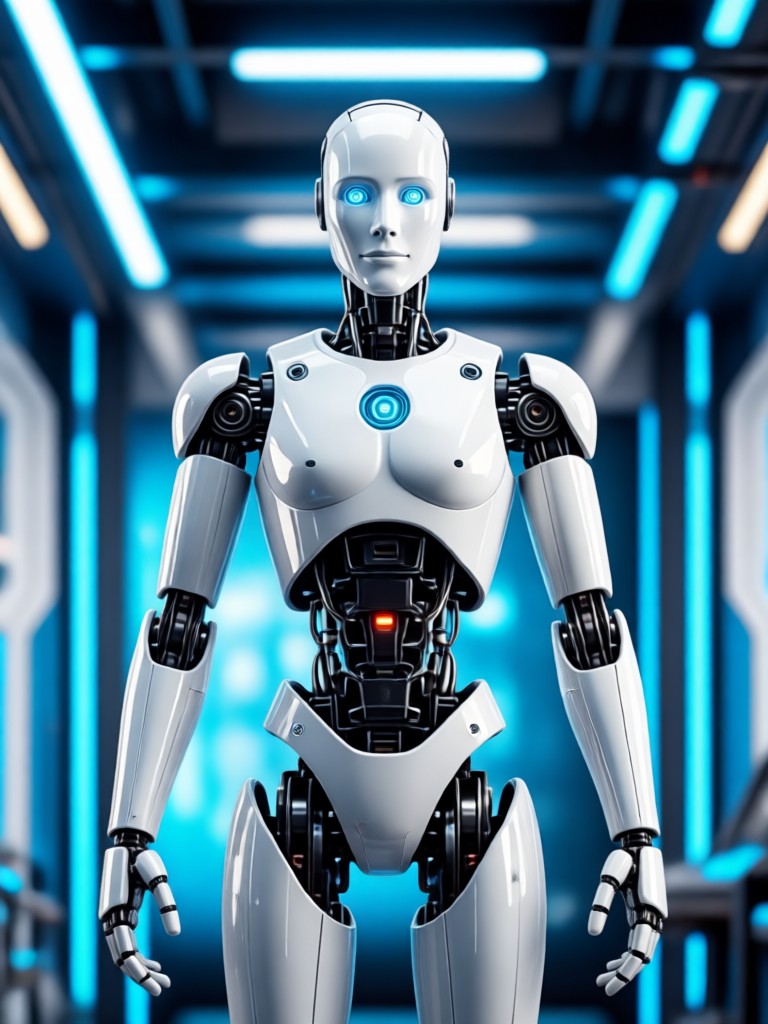
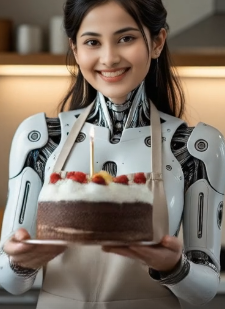
AI Robot Filter Gallery
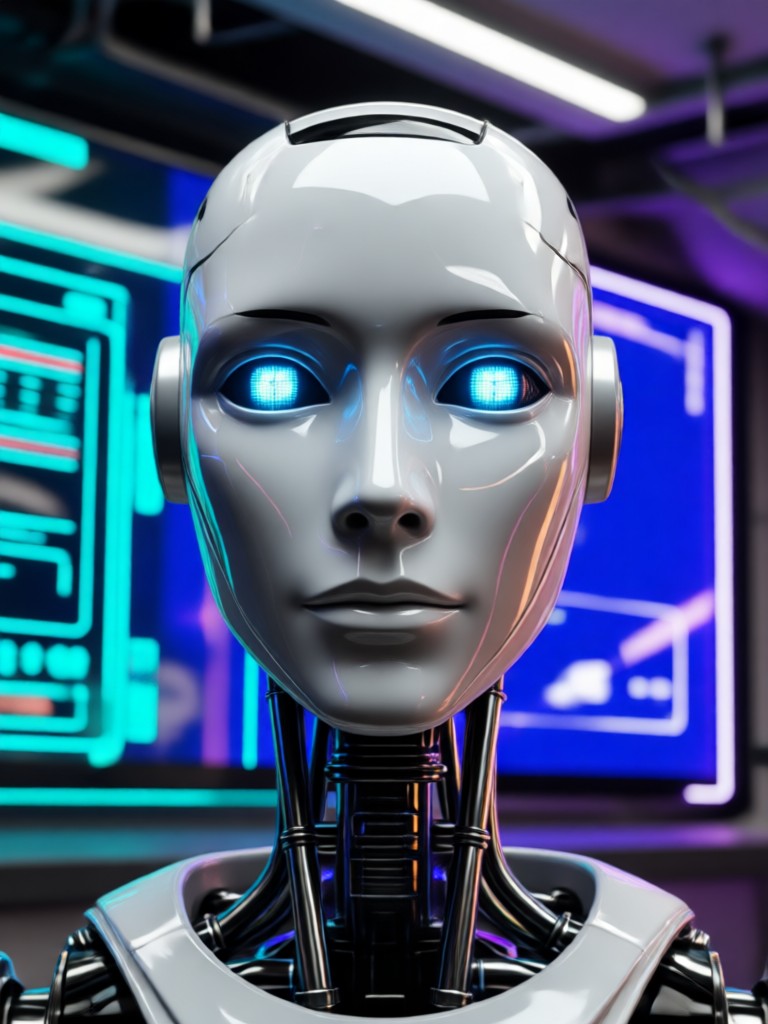
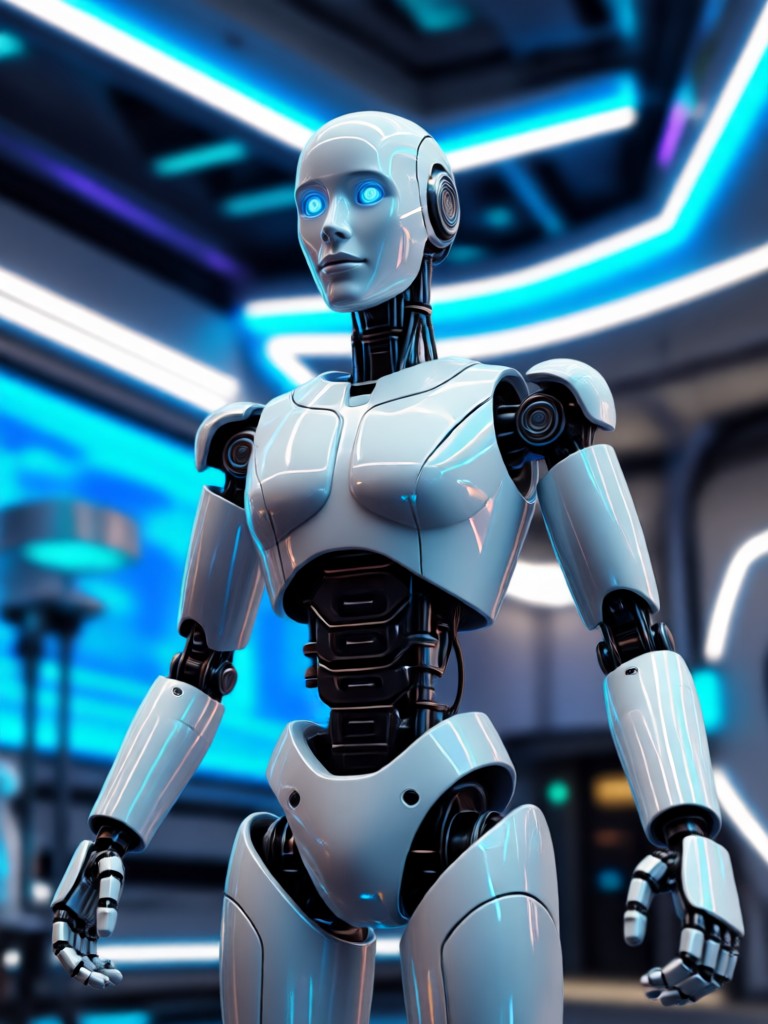
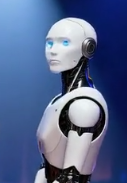
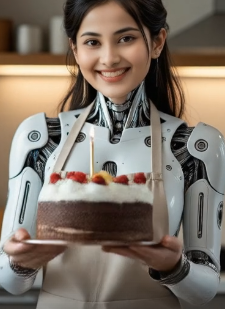
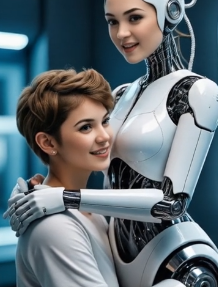
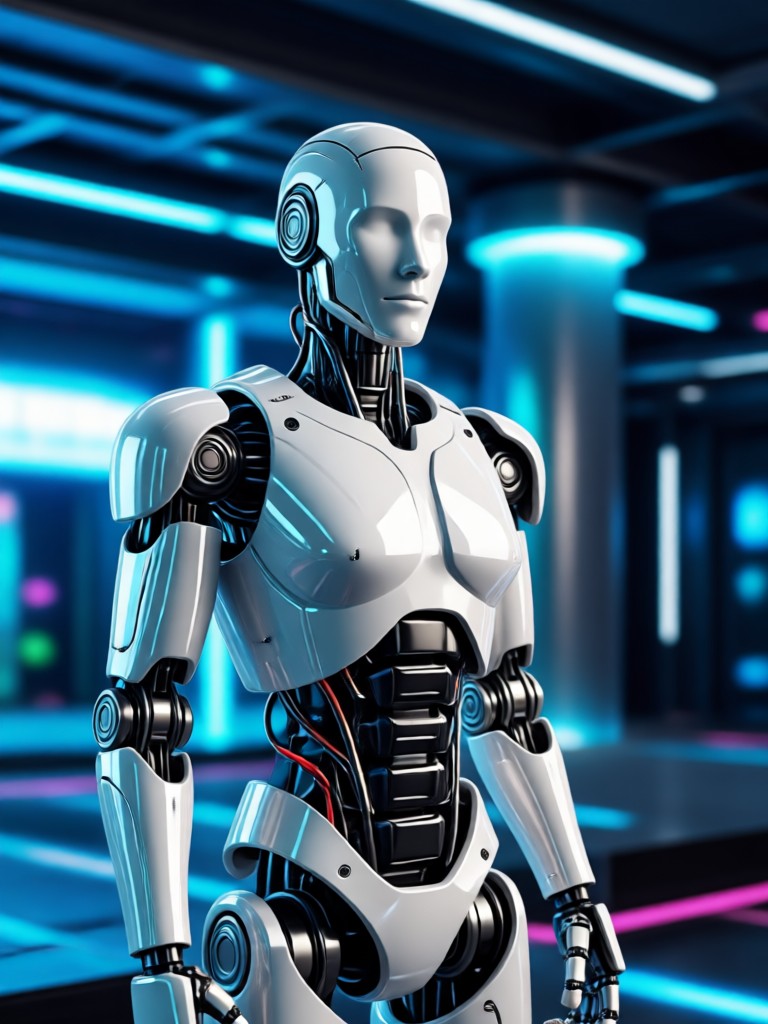
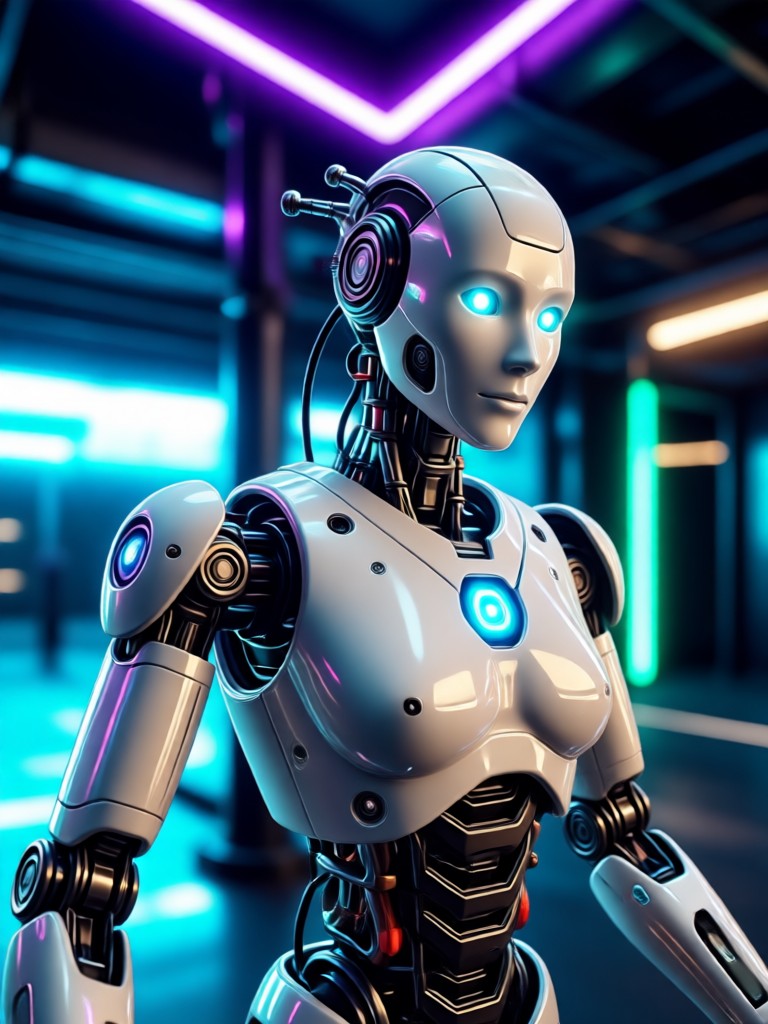
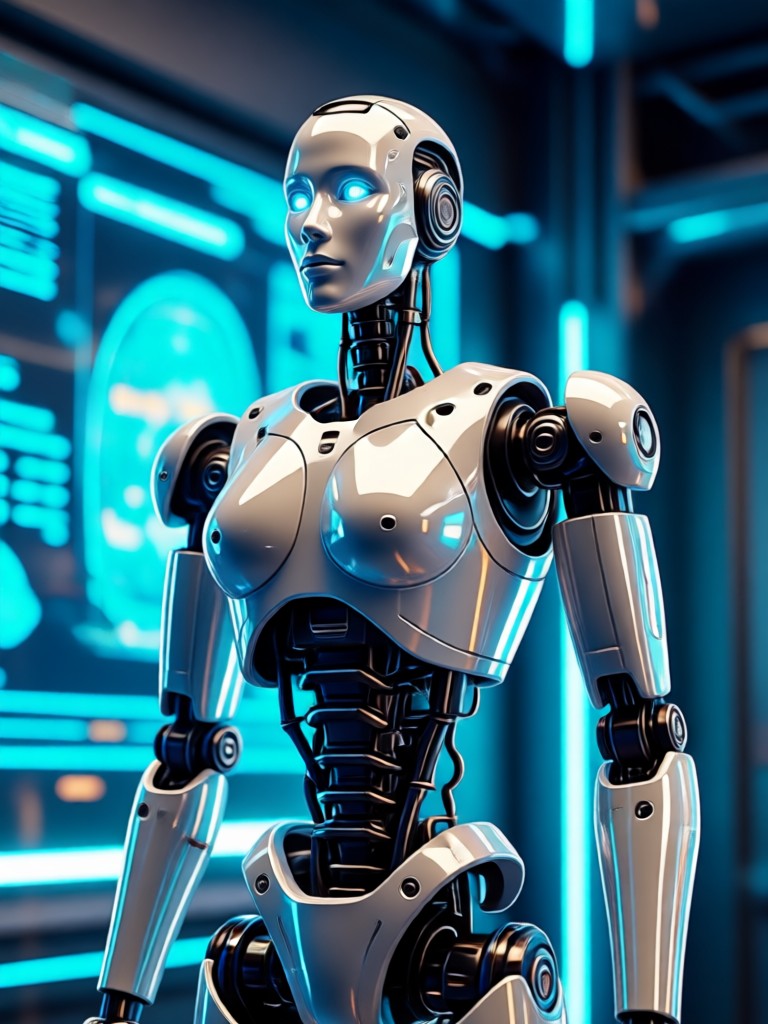
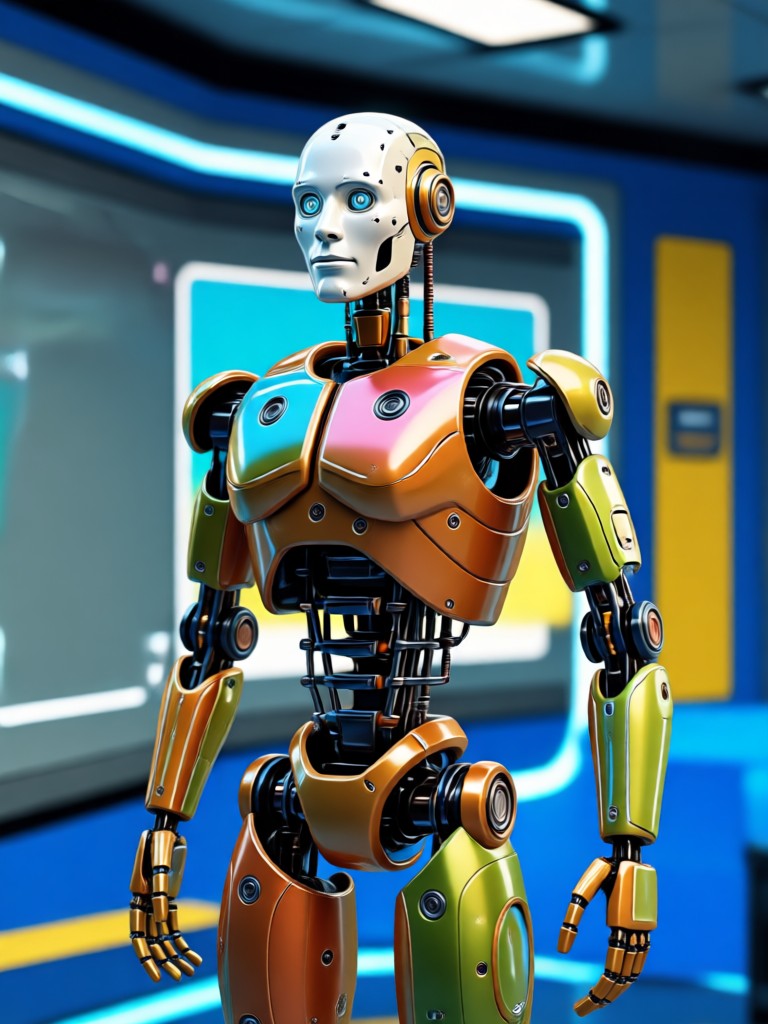
See how ordinary photos are transformed into extraordinary robotic art. Browse creations made with our AI robot and particle filters.
How to Use the AI Robot Filter?
Create stunning robotic art in just three simple steps with the Pixpop mobile app.

Step 01.
Download the Pixpop app from the Google Play Store. It's your all in one studio for AI photo and video transformation.
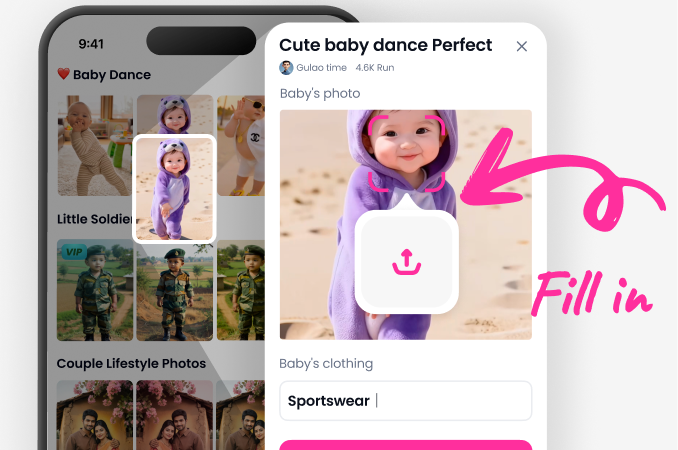
Step 02.
Open the app, upload your photo, and browse the 'AI Effects' section. Select the 'Robot' or 'Particle' filter category to find your perfect style.
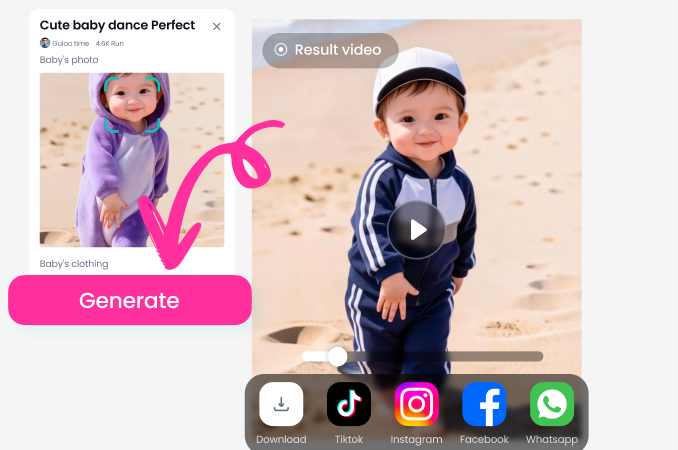
Step 03.
Tap generate. In seconds, your AI robotic transformation is ready. Download it instantly or share your futuristic creation directly to social media.
Why Use an AI Robot Filter?
Stand out from basic photo edits. Our AI driven filter creates complex, custom robotic art that manual editing tools simply cannot match.
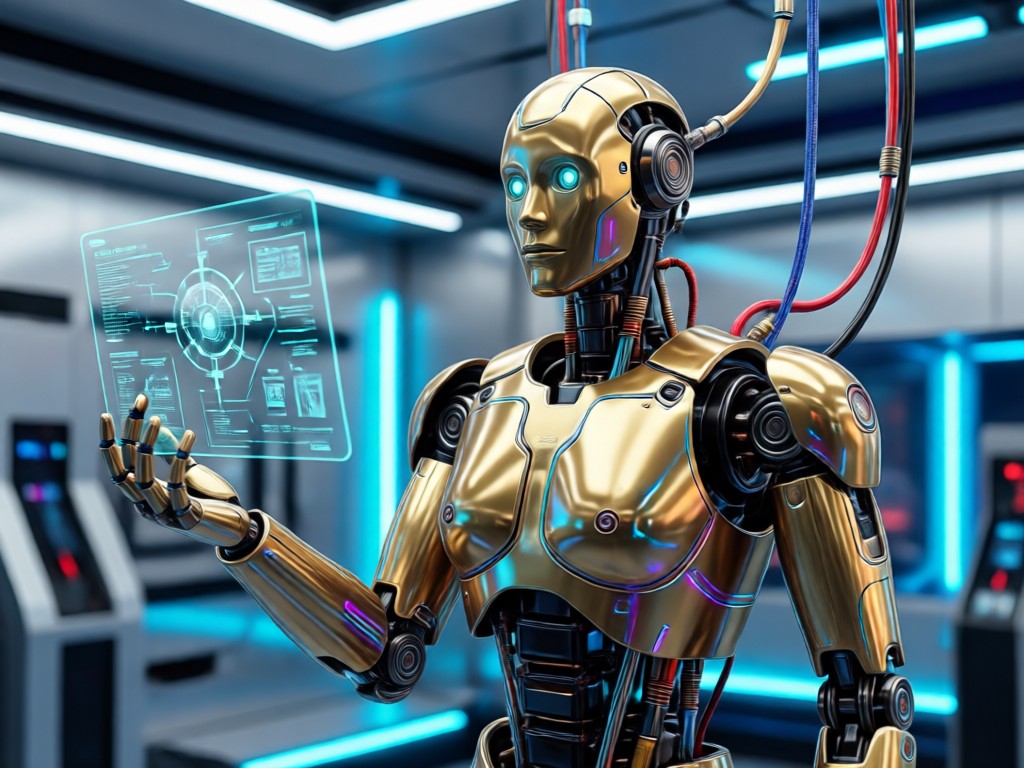
Beyond Simple Filters
Traditional filters apply uniform changes. Our AI robot filter understands the structure of your face and body. It places mechanical details logically, adds particles that interact with the scene's lighting, and blends metallic textures realistically. This results in a professional, cohesive piece of futuristic art, not just a slapped on effect. It's perfect for concept art, unique profile pictures, or captivating social media content that tells a sci fi story.
Beyond Simple Filters
Traditional filters apply uniform changes. Our AI robot filter understands the structure of your face and body. It places mechanical details logically, adds particles that interact with the scene's lighting, and blends metallic textures realistically. This results in a professional, cohesive piece of futuristic art, not just a slapped on effect. It's perfect for concept art, unique profile pictures, or captivating social media content that tells a sci fi story.
Creators Using the AI Robot Filter
Kara J.
This filter is a game changer for my cyberpunk cosplays. I can test full robotic makeup and armor concepts in seconds before spending weeks on a physical build. The particle effects are incredible.
Marcus T.
As a concept artist, I use it for rapid prototyping. The AI's understanding of light on metallic surfaces helps me visualize characters for games and films faster than sketching from scratch.
Zoe L.
My followers love my 'cyborg series' made with this filter. The particle filter AI for robotics adds those glowing energy details that make my content pop and consistently goes viral on TikTok and Reels.
Dev R.
I'm not a professional artist, but this app lets me create stunning sci fi art of myself and my friends. It's incredibly fun and easy. The results always look high quality and professional.
Kara J.
This filter is a game changer for my cyberpunk cosplays. I can test full robotic makeup and armor concepts in seconds before spending weeks on a physical build. The particle effects are incredible.
Marcus T.
As a concept artist, I use it for rapid prototyping. The AI's understanding of light on metallic surfaces helps me visualize characters for games and films faster than sketching from scratch.
Zoe L.
My followers love my 'cyborg series' made with this filter. The particle filter AI for robotics adds those glowing energy details that make my content pop and consistently goes viral on TikTok and Reels.
Dev R.
I'm not a professional artist, but this app lets me create stunning sci fi art of myself and my friends. It's incredibly fun and easy. The results always look high quality and professional.
Kara J.
This filter is a game changer for my cyberpunk cosplays. I can test full robotic makeup and armor concepts in seconds before spending weeks on a physical build. The particle effects are incredible.
Marcus T.
As a concept artist, I use it for rapid prototyping. The AI's understanding of light on metallic surfaces helps me visualize characters for games and films faster than sketching from scratch.
Zoe L.
My followers love my 'cyborg series' made with this filter. The particle filter AI for robotics adds those glowing energy details that make my content pop and consistently goes viral on TikTok and Reels.
Dev R.
I'm not a professional artist, but this app lets me create stunning sci fi art of myself and my friends. It's incredibly fun and easy. The results always look high quality and professional.
AI Robot Filter FAQs
Get quick answers to common questions about using robotic and particle AI filters to transform your photos.
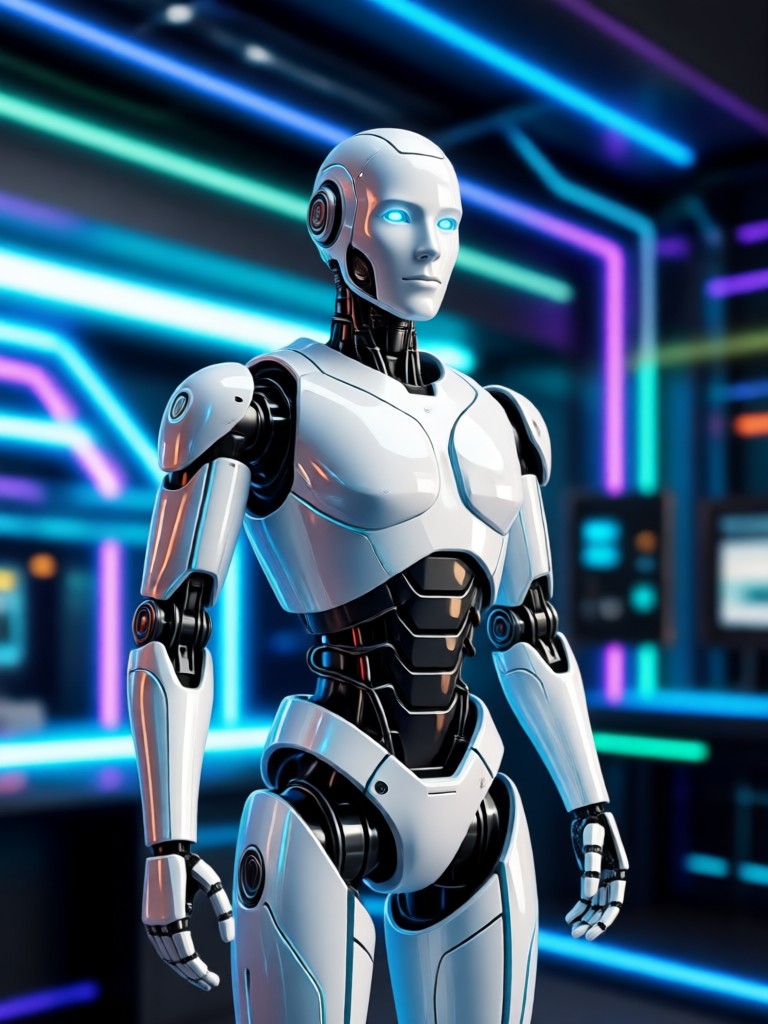
Your Robotic Makeover Awaits
Download Pixpop now. Transform your photos with the most advanced AI robot and particle filters, all in one powerful, easy to use mobile app.

More Topics You May Like
Explore more topics you may like and discover fresh ideas tailored to your interests.
Pixpop AI Change Dress Clothes - Free Online Fashion AI Dress Transformation Creator
Google VEO
Google VEO
Google VEO
Pixpop AI Change Dress Clothes - Free Online Fashion AI Dress Transformation Creator
Google VEO
Google VEO
Google VEO
Create Your Cybernetic Portrait Today
Stop imagining and start creating. The future of digital art is in your hands. Download Pixpop and apply the AI robot filter in seconds.
Create Your Cybernetic Portrait Today
Stop imagining and start creating. The future of digital art is in your hands. Download Pixpop and apply the AI robot filter in seconds.