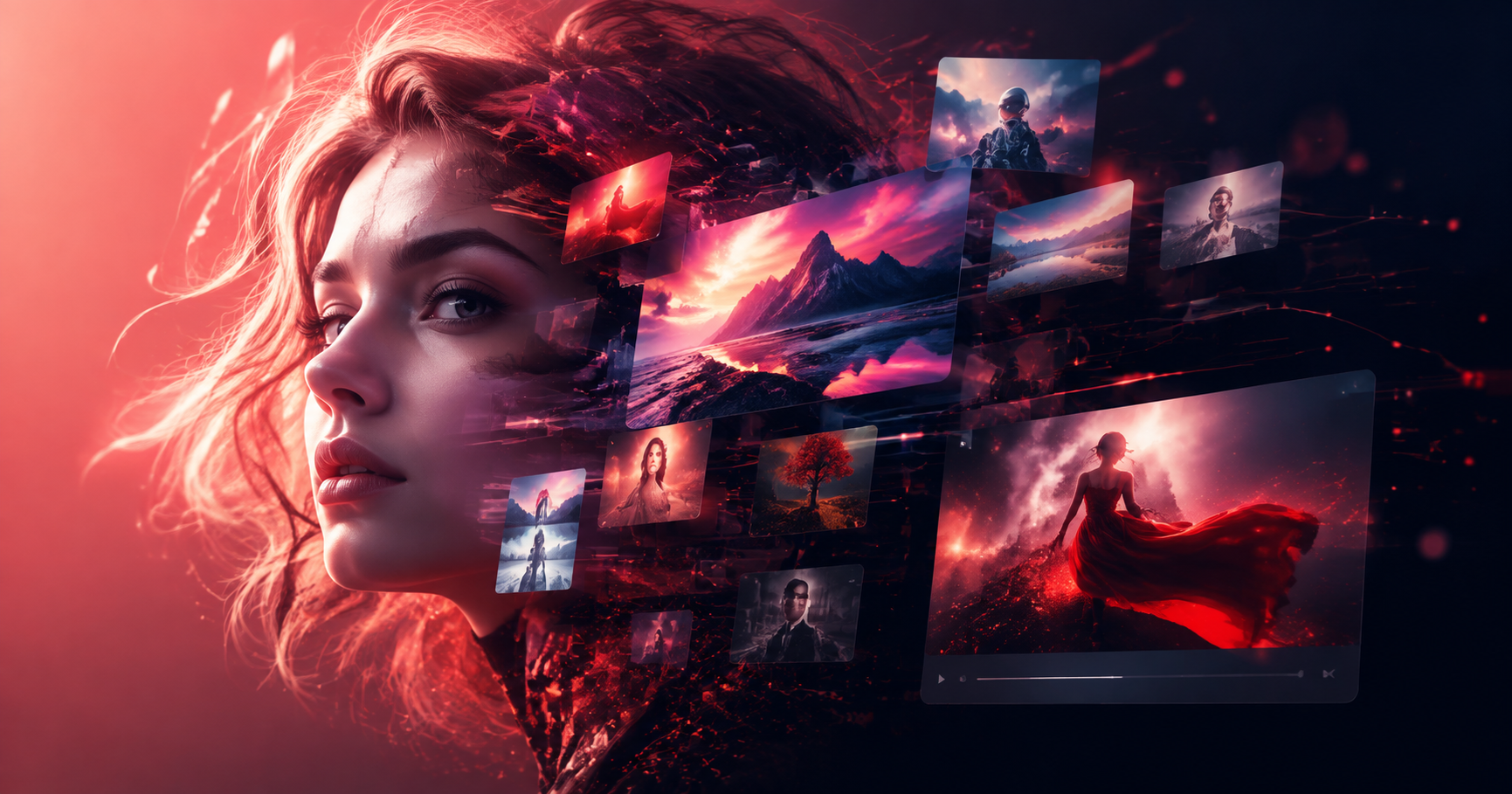
Character concept art is the visual foundation of any great story, game, or animation. It defines who a character is before they ever speak a line. Traditionally, creating concept art required years of drawing practice and mastery of anatomy, costume design, and lighting. Now, AI tools like pixpop are making character design faster and more accessible. In this guide, you'll learn how to use AI to generate original character concepts, refine them, and develop a consistent style, even if you have no formal art training.
What Is Character Concept Art?
Character concept art is a visual representation of a character used in films, video games, animation, and comics. It captures the character's appearance, personality, and backstory through design choices like clothing, weaponry, posture, and color. Concept artists often produce multiple variations of the same character to explore different directions before a final design is approved.
The goal is not to create a finished illustration but to communicate an idea quickly and clearly. A good character concept answers key questions: Who is this person? What world do they live in? What role do they play in the story? Whether you're designing a heroic knight, a cunning rogue, or a friendly robot, the concept art must convey those answers at a glance.
The Core Elements of a Strong Character Concept
Before you start generating images, it helps to understand the building blocks of a compelling character design. These elements work together to make a character memorable and believable.
Silhouette
The silhouette is the outline of a character when all internal details are removed. A strong silhouette is instantly recognizable. Think of Darth Vader's helmet or Mickey Mouse's ears. When using AI to generate character art, you can describe specific silhouette features in your prompt, such as "wide shoulder pads," "long flowing cape," or "oversized mechanical arm."
Proportion and Anatomy
Proportion affects how we perceive a character. Exaggerated proportions can suggest power, comedy, or elegance. For example, a superhero may have broad shoulders and a narrow waist, while a cartoon character may have a large head and tiny body. AI tools allow you to experiment with proportions quickly by adjusting your text prompt.
Costume and Props
Clothing and accessories tell the audience about a character's culture, occupation, and personality. A battle-worn warrior may wear scratched armor and carry a chipped sword, while a royal diplomat might wear polished silk and carry a ceremonial staff. Be specific about materials, colors, and wear-and-tear in your prompts.
Color Palette
Color creates mood and helps differentiate characters. Hero characters often use bright, saturated colors, while villains may use dark or muted tones. AI generators can follow color instructions if you include them, such as "crimson red cape" or "teal and gold armor."
Expression and Pose
A character's expression and pose reveal their emotional state and personality. A stoic warrior might stand rigidly with a neutral expression, while a mischievous thief might smirk and lean casually. Many AI tools, including pixpop, allow you to generate variations with different poses and emotions using image-to-image or prompt adjustments.
How AI Transforms Character Concept Art
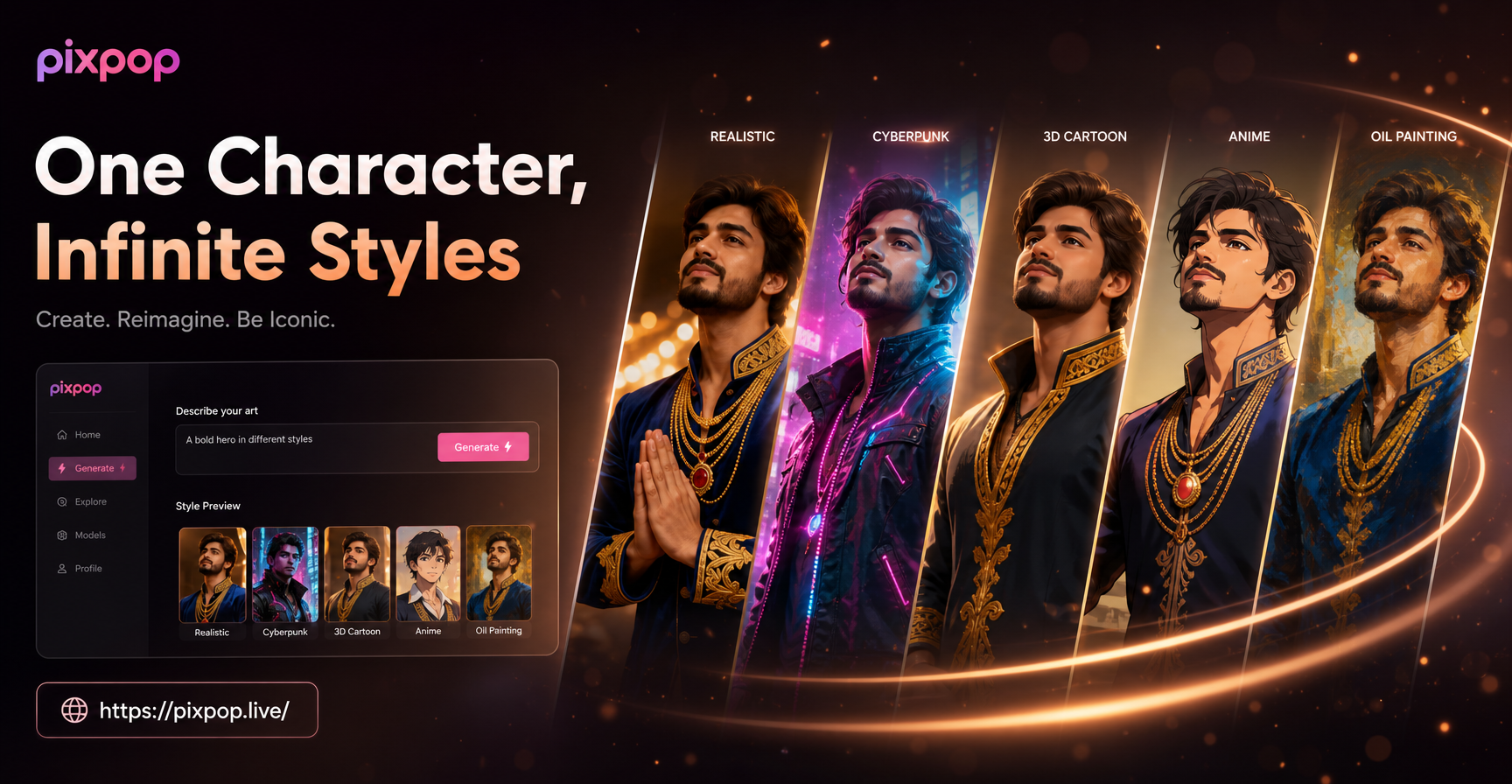
AI image generators have opened up character design to a whole new audience. Instead of spending hours sketching, you can describe a character in words and receive a fully rendered concept in seconds. Pixpop's text-to-image feature lets you enter a description and choose from over one million style templates, from realistic photography to anime, cyberpunk, oil painting, and more. Image-to-image lets you upload a rough sketch or a photo and have the AI transform it while preserving the subject's key features.
This means you can iterate faster. Generate ten different versions of a character in minutes, then pick the best direction and refine it. You don't need to be a professional artist to explore visual ideas. However, a basic understanding of character design principles will help you write better prompts and get better results.
Getting Started with pixpop for Character Design
Pixpop is a mobile app available on Google Play. All creative work happens inside the app, so you can design characters on the go. Here is a simple workflow to start creating your own character concept art.
Step 1: Download the App
Install pixpop from Google Play and open it. The interface is designed to be simple, with all tools accessible from the home screen.
Step 2: Choose a Style Template
Browse the style library and pick a template that matches the mood you want. For fantasy characters, you might choose an oil painting or cinematic style. For sci-fi, a cyberpunk or realistic style works well. You can also switch styles later for comparison.
Step 3: Write a Detailed Prompt
In the text-to-image generator, type a description of your character. Include appearance, clothing, pose, background, lighting, and style keywords. For example: "A young female elf ranger with silver hair, leather armor, a bow on her back, standing in a misty forest, soft morning light, fantasy concept art, highly detailed, full body shot."
Step 4: Generate and Refine
Generate the image and review the result. If something is off, adjust your prompt or use the image-to-image feature to modify specific elements. You can change the pose, outfit, or background without starting over.
Step 5: Save and Share
Once you are happy with the design, download the image to your device. You can use it as a reference for further work or share it with your team or on social media.
6 Character Concept Art Prompts to Try Right Now
The following prompts are ready to use in pixpop's text-to-image generator. Each one is designed to produce a distinct character archetype. Copy them, adjust the details to fit your vision, and generate.
Prompt 1: Fantasy Warrior
"A battle-worn female elf warrior, silver armor with intricate engravings, long braided hair, holding a glowing sword, dramatic lighting, fantasy concept art, detailed armor, full body shot, cinematic."
Prompt 2: Sci-Fi Bounty Hunter
"A rugged male bounty hunter in a worn leather jacket, cybernetic eye implant, holding a plasma pistol, neon-lit city street background, sci-fi concept art, realistic, high contrast, medium shot."
Prompt 3: Cute Robot Companion
"A small friendly robot with round glowing eyes, pastel blue and white color scheme, rounded metal body, standing on a workshop table, soft studio lighting, 3D render style, full body shot."
Prompt 4: Mysterious Sorceress
"An elegant sorceress with flowing dark purple robes, silver hair, glowing amethyst pendant, casting a spell with swirling purple energy, dark magical library background, fantasy concept art, moody lighting."
Prompt 5: Post-Apocalyptic Survivor
"A determined survivor in a patched leather coat, gas mask hanging around neck, carrying a makeshift crossbow, dusty ruined cityscape background, cinematic lighting, realistic concept art, full body shot."
Prompt 6: Noble Samurai
"A dignified samurai in traditional dark blue armor with gold accents, katana at his side, standing under falling cherry blossoms, calm expression, Japanese ink painting style, full body shot."
Adapting Prompts to Your Own Ideas
These prompts are starting points. The key to unique character design is customization. Swap out the clothing, weapons, species, setting, and style keywords to match your world. For example, change "female elf warrior" to "male dwarf blacksmith" and adjust the details accordingly. Add emotion words like "fierce," "gentle," or "mysterious" to shift the character's personality. Experiment with different style templates in pixpop to see how the same prompt looks as anime, watercolor, or realistic photography.
You can also use the image-to-image feature to iterate on an existing character. Generate a base image, then upload it and write a new prompt that says "same character, but wearing winter clothing" or "change the background to a snowy mountain." This allows you to maintain consistency while exploring variations.
Common Mistakes and How to Avoid Them
Even with AI, character concept art can go wrong if your prompts are unclear or you ignore design fundamentals. Here are some frequent issues and how to fix them.
Vague Prompts
A prompt like "cool warrior" gives the AI too little to work with. Be specific about species, gender, clothing, weapons, setting, and style. The more detail you provide, the more control you have over the result.
Ignoring Silhouette
If your character's silhouette is not distinct, they will fade into the background. Add defining elements like a cape, a large hat, or a unique weapon shape to your prompt.
Mixing Too Many Styles
Combining "anime style" with "photorealistic" and "oil painting" in one prompt can confuse the AI. Pick one primary style keyword and stick with it. You can always generate separate versions in different styles later.
Forgetting Proportions
If you want a certain feel, describe proportions directly. Use phrases like "tall and slender," "muscular build," or "chibi proportions" to guide the AI.
Overlooking Color
Color defines mood and character. If you don't specify a palette, the AI will choose for you, which may not match your vision. Include color keywords like "emerald green," "crimson," or "monochrome."
From Concept to Finished Artwork
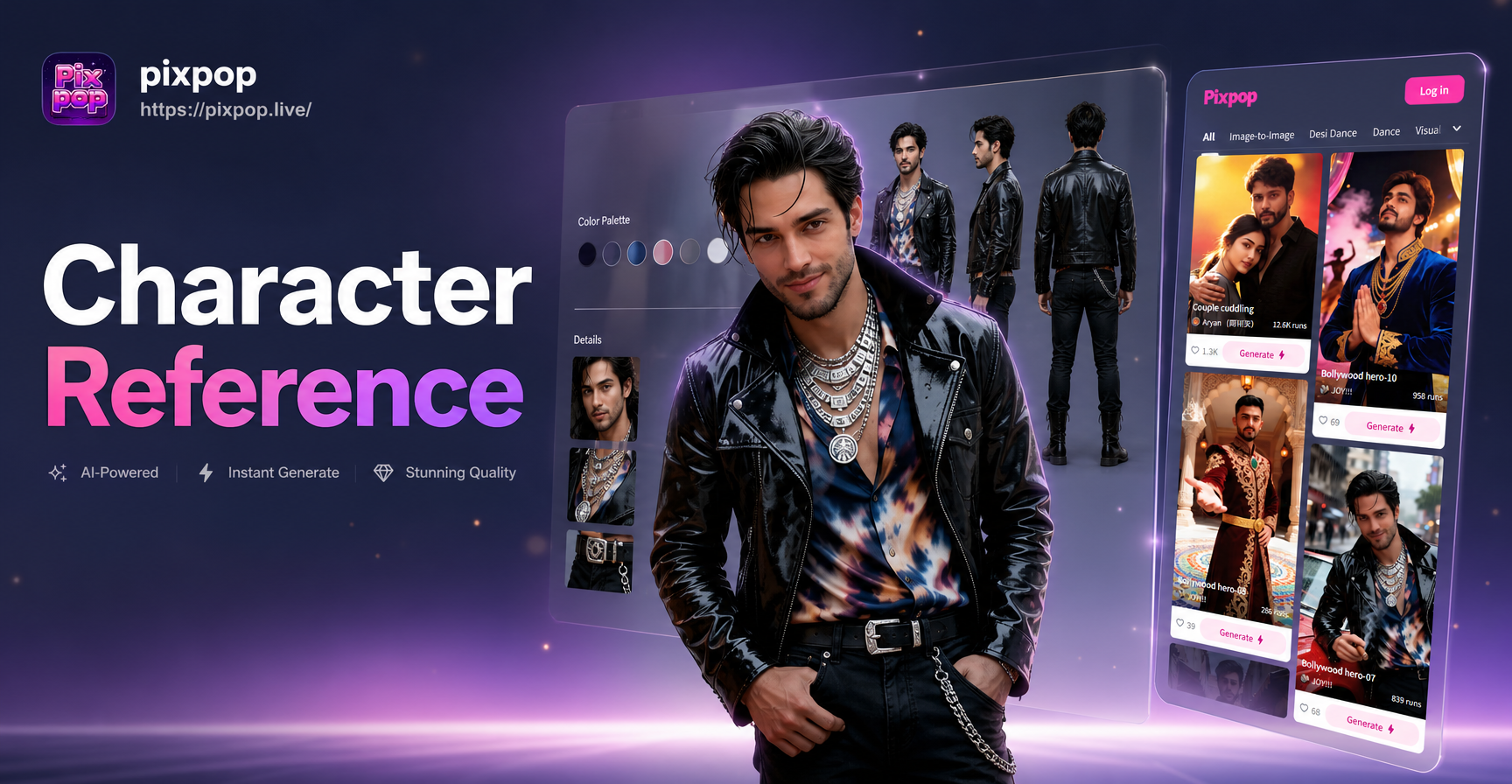
Character concept art is rarely a single image. It is a process of exploration and refinement. Use pixpop to generate multiple variations of the same character. Change the angle, expression, lighting, and costume. Save your favorites and compare them side by side. Once you settle on a design, you can use the image-to-image feature to create a polished final piece or even a character sheet with multiple views.
For storytellers and game developers, this workflow saves enormous time. You can create a full cast of characters in an afternoon, each with a consistent visual style. Pixpop's multi-person photo processing also allows you to generate group shots of your characters interacting, which is useful for key art or promotional material.
Final Thoughts
AI has made character concept art more accessible than ever before. With tools like pixpop, you can bring your imaginary characters to life without years of drawing practice. By understanding the fundamentals of character design and writing clear, detailed prompts, you can produce professional-quality concept art in minutes. Download the pixpop app today and start building your own character gallery. The only limit is your imagination.