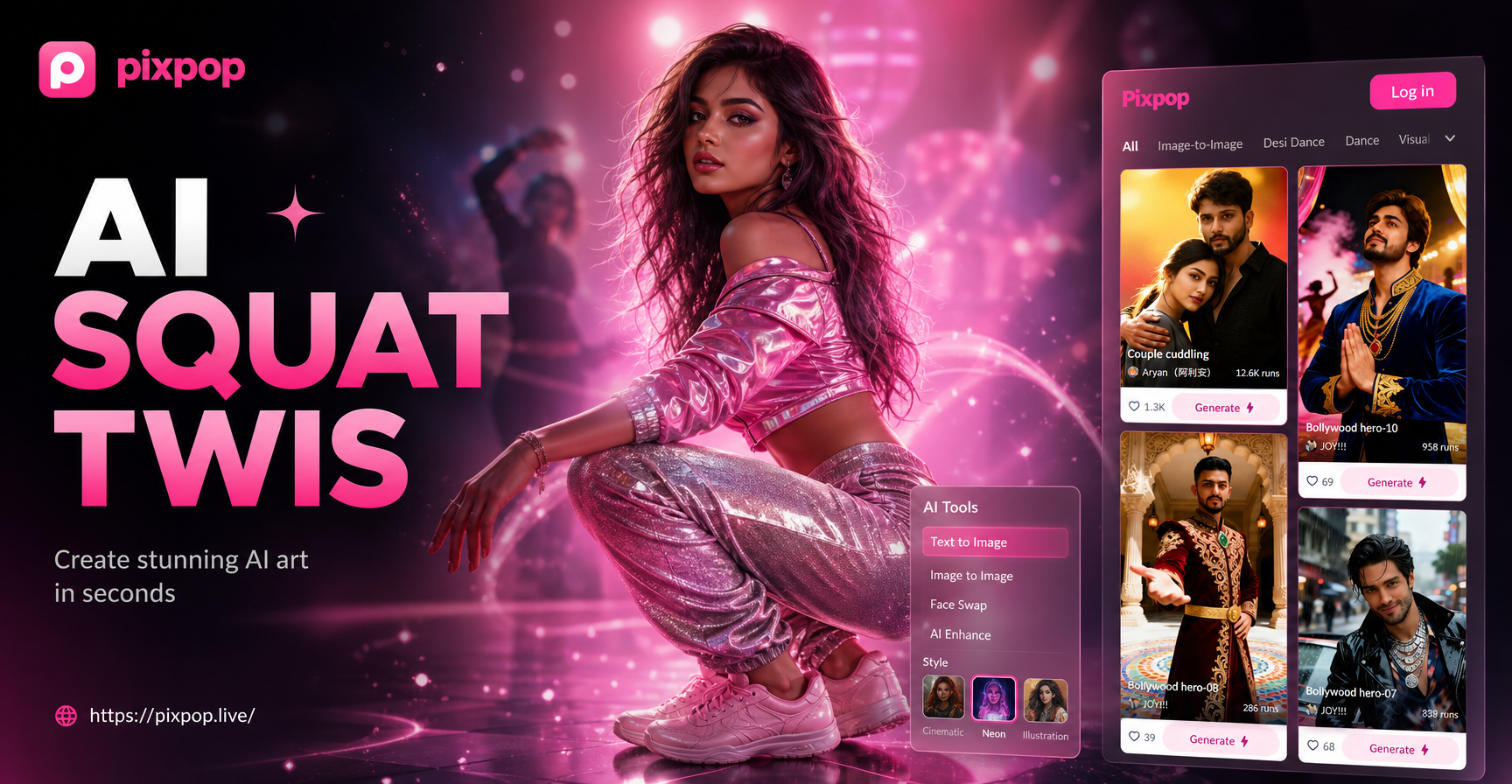
The squat twist is a compound exercise that combines a lower body squat with a torso rotation. It appears in warm ups, core workouts, and functional training routines. But if you need a visual of this movement for a fitness app, a social media post, a workout poster, or an instructional guide, you may not have a camera crew or a model on call. AI Squat Twist generation solves that problem. With pixpop, you can type a short prompt or upload a photo, choose a style filter, and create a realistic image or short video of a person performing a squat twist. This guide explains how to do it well and gives you specific prompts you can use right now.
What Is an AI Squat Twist Image?
An AI Squat Twist image is a visual of the squat twist exercise created by artificial intelligence. The movement itself combines a squat with a rotating torso. The AI model uses your text prompt or reference image to draw the human figure, the posture, the clothing, the background, and the camera style. The result can look like a real gym photo, a 3D render, a watercolor illustration, or a short looping video. pixpop supports all of these outputs inside its mobile app. You do not need to know complex prompt engineering because the app provides style templates and simple generation controls.
Why Use AI to Create Squat Twist Visuals?
Fitness content often needs fresh visuals. Hiring a photographer, renting a studio, and finding a model can be slow and expensive. AI Squat Twist generation removes those barriers. You can produce a new visual in seconds, adjust the outfit or background by changing a prompt, and create multiple variations for A/B testing on social media. The style filters in pixpop let you keep a consistent look across a full workout series. You can also generate videos that show the rotational motion, which is harder to illustrate with a still photo.
- No studio, model, or camera required
- Create on demand from your phone
- Switch between realistic, 3D, anime, and cinematic styles
- Use image to image to turn your own photo into a squat twist demonstration
- Generate short videos of the movement for tutorials or reels
How to Generate an AI Squat Twist Image with pixpop
pixpop is a mobile app available on Google Play. You cannot use it in a web browser, so start by downloading the app. Once installed, open the image generator and choose one of two paths. You can enter a text prompt directly, or you can upload a reference photo and let the AI transform it. For an AI Squat Twist image, a text prompt usually works best because you can describe the exact pose, clothing, and environment.
Step 1: Download the app
Install pixpop from Google Play and open the app on your Android device.
Step 2: Choose a generation mode
Select text to image if you want to describe the scene from scratch. Select image to image if you have a photo of a person and want to change their pose into a squat twist while keeping their face and body.
Step 3: Enter your prompt or upload your image
Type a clear description of the squat twist. Mention the subject, the clothing, the background, the camera angle, and the style. For example, write "a female athlete performing a squat twist in a bright gym, side view, photorealistic." Then choose a style template from the library.
Step 4: Generate and save
Tap generate. The AI will create one or more variations. Save the best result or run the generator again with small adjustments. If you selected a video template, the output will be a short motion clip.
AI Squat Twist Prompts for Every Style
These prompts are designed to be copied and used directly inside pixpop. Adjust the gender, clothing, background, and style as needed. For the most consistent results, keep the phrase "squat twist" in the prompt and avoid adding too many unrelated actions.
Realistic Fitness Photography Prompts
- A female athlete performing a squat twist in a bright gym with dumbbells in the background, side view, sportswear, natural light, photorealistic, 8K detail
- A male personal trainer doing a squat twist with a medicine ball, front view, modern studio, concrete wall, dramatic lighting, real photo style
- A woman in yoga clothes performing a squat twist on a wooden floor at home, morning sunlight from a large window, casual fitness photo, realistic
- Close up of a man in athletic shorts doing a squat twist, side profile, sweat on skin, outdoor park background, golden hour, photorealistic
3D and Animated Style Prompts
- A 3D clay character doing a squat twist, soft studio lighting, pastel background, Pixar style, high detail, 4K render
- An anime style fitness coach performing a squat twist, dynamic pose lines, bright gym background, cel shaded, energetic
- A cute chibi character doing a squat twist with a small weight plate, bright colors, clean background, 3D render, adorable
- A stylized 3D avatar of a woman in athletic wear doing a squat twist, low poly design, modern fitness app icon style, soft shadows
Editorial and Commercial Prompts
- A fitness model in a dramatic studio setup performing a squat twist with a kettlebell, bold shadows, magazine cover quality, high contrast, black background
- Side view of a muscular man doing a squat twist, product photography style, neon rim lighting, dark gym, commercial advertisement look
- A woman in branded sportswear doing a squat twist in front of a seamless gray background, ecommerce product shot, studio lighting, sharp focus
- An athlete in a colorful jacket performing a squat twist on a rooftop at sunrise, city skyline background, cinematic color grade, advertising style
Video Prompts for AI Squat Twist Motion
- A woman performs a controlled squat twist from standing to a low squat with torso rotation, smooth loop, realistic motion, blurred gym background
- A man does a squat twist with a medicine ball in a crossfit gym, slow motion, front angle, natural light, short video loop
- 3D animated character demonstrates a squat twist exercise with a visible rotation arrow, clean background, tutorial style video, loopable
Squat Twist Variations You Can Generate
- A woman performing a squat twist while holding a resistance band across her shoulders, outdoor park, morning light, photorealistic
- A man doing a squat twist with a dumbbell in each hand, home gym, rubber floor, side view, fitness photo style
- An athlete balancing on a bosu ball while doing a squat twist, studio lighting, dynamic action shot, high detail
- A woman in a gym doing a barbell squat twist, safety rack in background, front angle, realistic workout photo
How to Adapt These Prompts for Your Needs
Change the subject by replacing "female athlete" or "male personal trainer" with your own description, such as "woman with a ponytail" or "older man in a gray t shirt." Change the environment by replacing "gym" with "home living room," "outdoor track," or "hotel gym." Adjust the camera angle from "side view" to "front view," "rear view," or "low angle" to show different parts of the movement. If you want a specific mood, add words like "moody," "bright," "minimal," or "vintage." To keep a consistent brand look, repeat the same style phrase across all your prompts, such as "clean white background, studio lighting, commercial fitness photo."
If you are using a reference photo, describe only the changes you want. For example, upload a side photo of yourself and prompt, "Transform this person into a squat twist pose, keep the face and outfit the same, add a bright gym background." pixpop will preserve the subject features while applying the new pose and environment.
Common Weak Results and How to Fix Them
AI generated fitness poses can sometimes look unnatural. This is normal and fixable. If the legs or arms appear twisted incorrectly, add the phrase "balanced posture, both feet on the floor, correct anatomy" to your prompt and generate again. If the camera angle seems wrong, specify "side view" or "front view" clearly. If the background is too busy, use "plain background" or "blurred background" to keep the attention on the exercise. If the video motion looks jerky, choose a slower movement phrase like "slow controlled squat twist, smooth loop" and avoid adding extra actions such as jumping or spinning. If the style looks inconsistent with your brand, select one specific style template in pixpop instead of relying only on text descriptions.
Turn Static Squat Twist Images into Video
pixpop also supports image to video generation. After you create a still AI Squat Twist image, upload it and choose an animation effect such as "slow rotation" or "exercise loop." The app will add natural motion to the figure. This is useful for Instagram Reels, TikTok tutorials, or workout app demonstrations. You can also use text to video and describe the full movement from standing to squat to twist. For best results, keep the camera angle fixed and avoid moving the background when you generate exercise videos.
How to Get the Best Results with pixpop
Use clear action verbs when writing your prompt. Instead of "person doing exercise," write "athlete performing a squat twist." Include the full body phrase "full body visible" if you need the entire movement in frame. Mention the camera angle, the clothing, the background, and the style. If you want a realistic gym look, add "photorealistic" and "natural light." If you want a cartoon, add "3D render" or "anime style." Generate a few variations and keep the best one. Small changes to the prompt can have a big impact.
AI Squat Twist generation is a practical way to create fitness visuals without a camera. Download pixpop from Google Play, open the app, and try the prompts above. With over one million style filters and simple controls, you can turn a short text description into a realistic workout image or a looping exercise video in seconds.