AI Save The Date Card Prompts
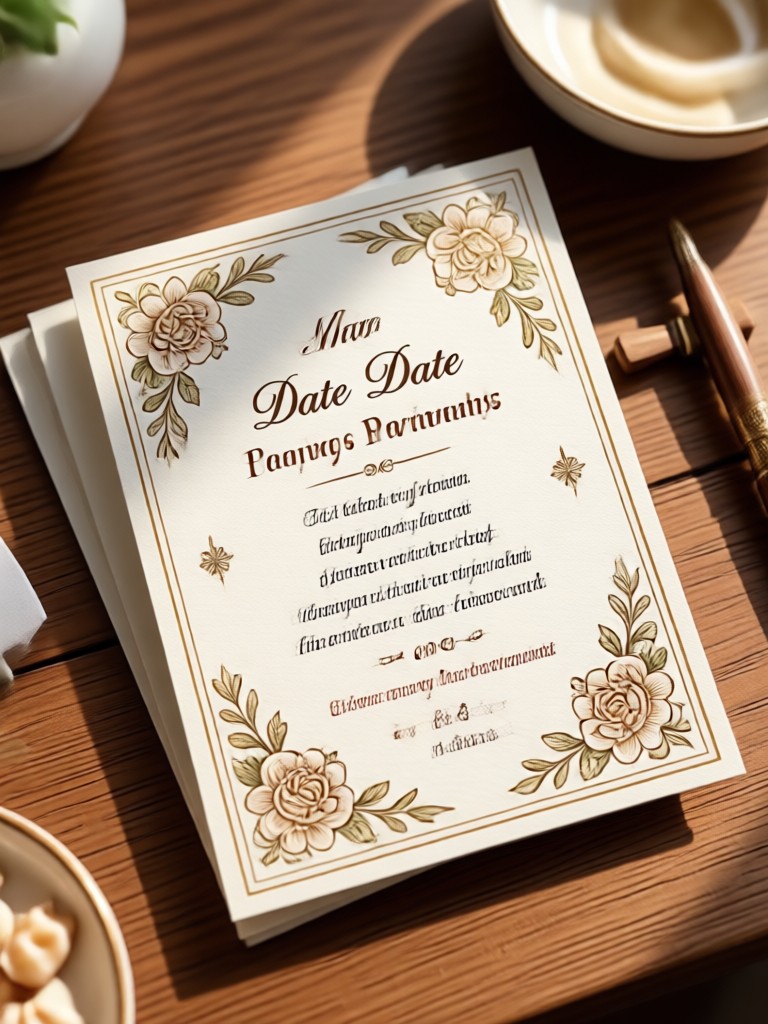
Choose a Style for Your Save The Date Card
Explore curated AI style filters that match your wedding theme, from watercolor florals to sleek modern layouts. Pick one and generate a card that feels personal.
Why Use pixpop for Save The Date Cards
Create wedding announcements that feel professional without hiring a designer. pixpop combines easy prompting with powerful AI image generation so you can produce polished save the date cards in minutes. No design experience needed, just your favorite photo and a style idea.
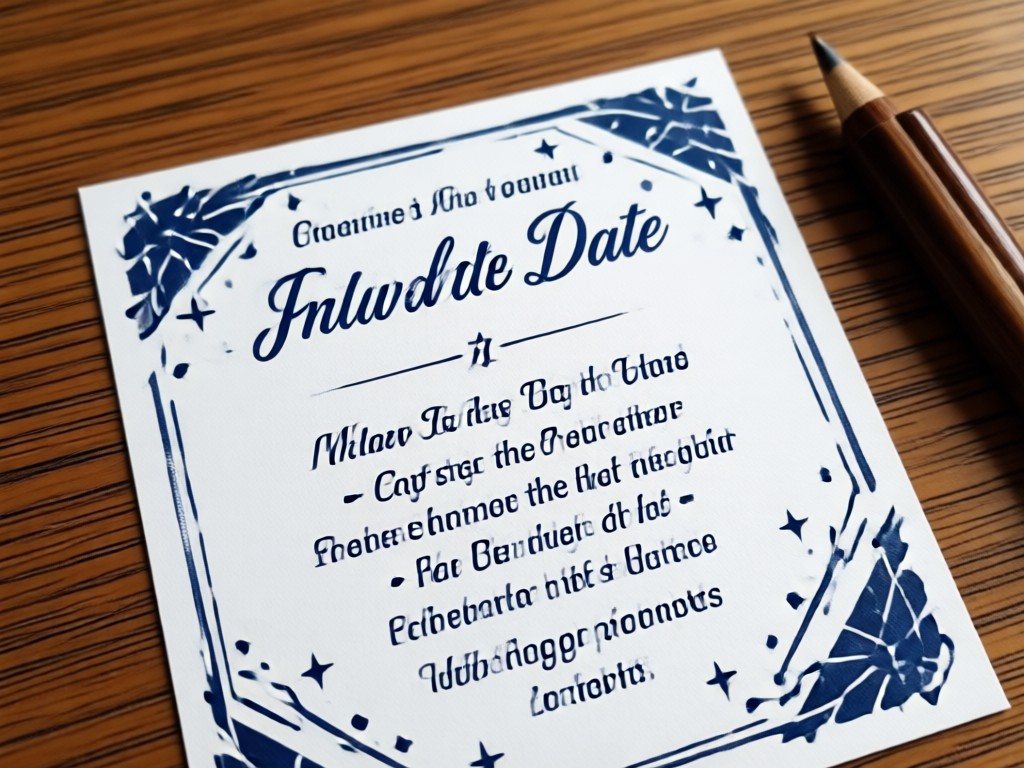
Prompt Friendly Generation
Type a simple description or use ready made prompts to guide the AI. Our app translates your words into a polished card, no complex prompt engineering required.
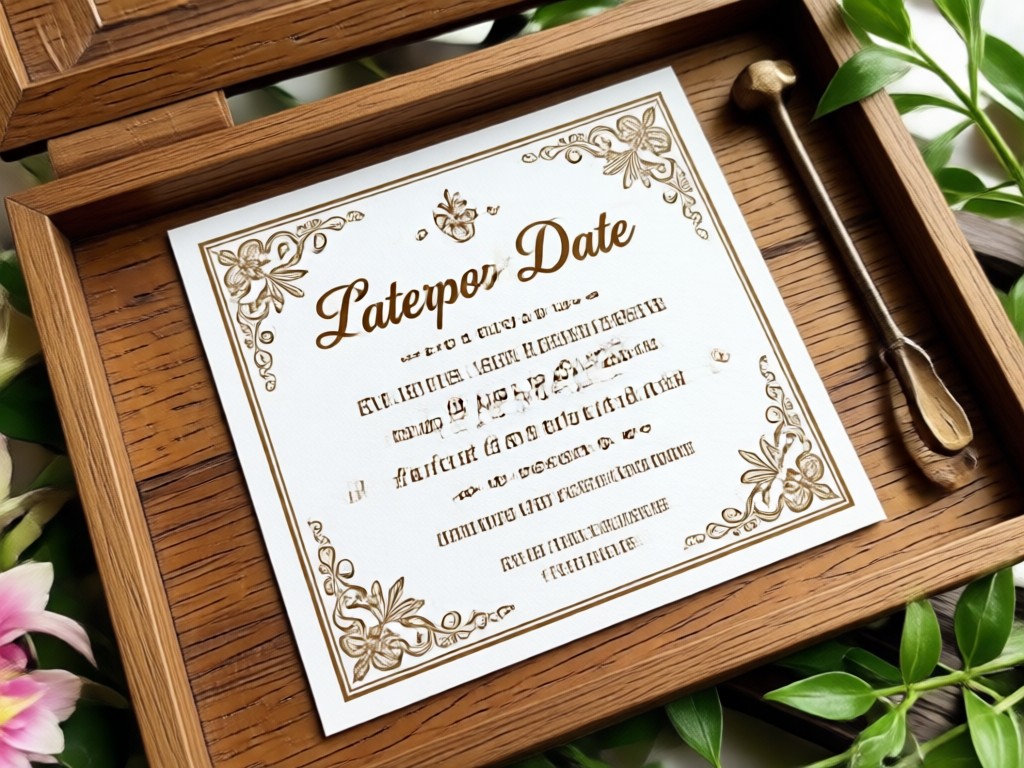
Massive Style Library
Access over 1,000,000 filters and templates including watercolor, modern, rustic, vintage, and art deco. Match your wedding theme perfectly with one tap.
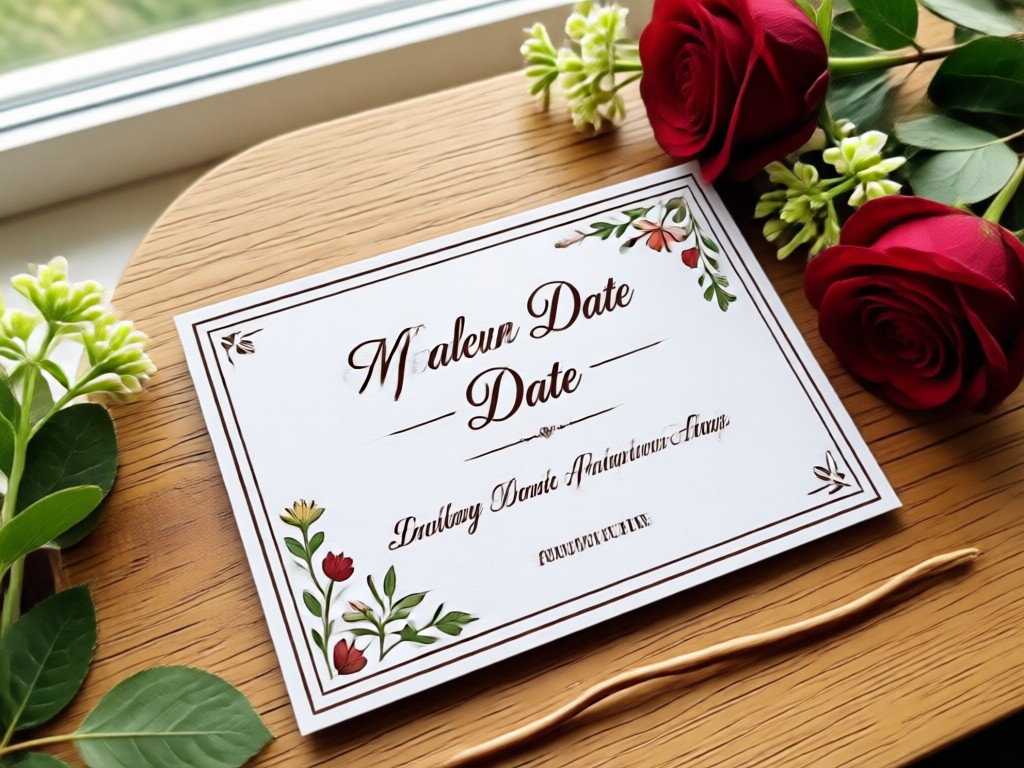
Photo to Card Transformation
Upload your engagement photo and let AI restyle it into a save the date card. Preserve faces, adjust lighting, and add decorative elements automatically.
Save The Date Card Ideas to Inspire You
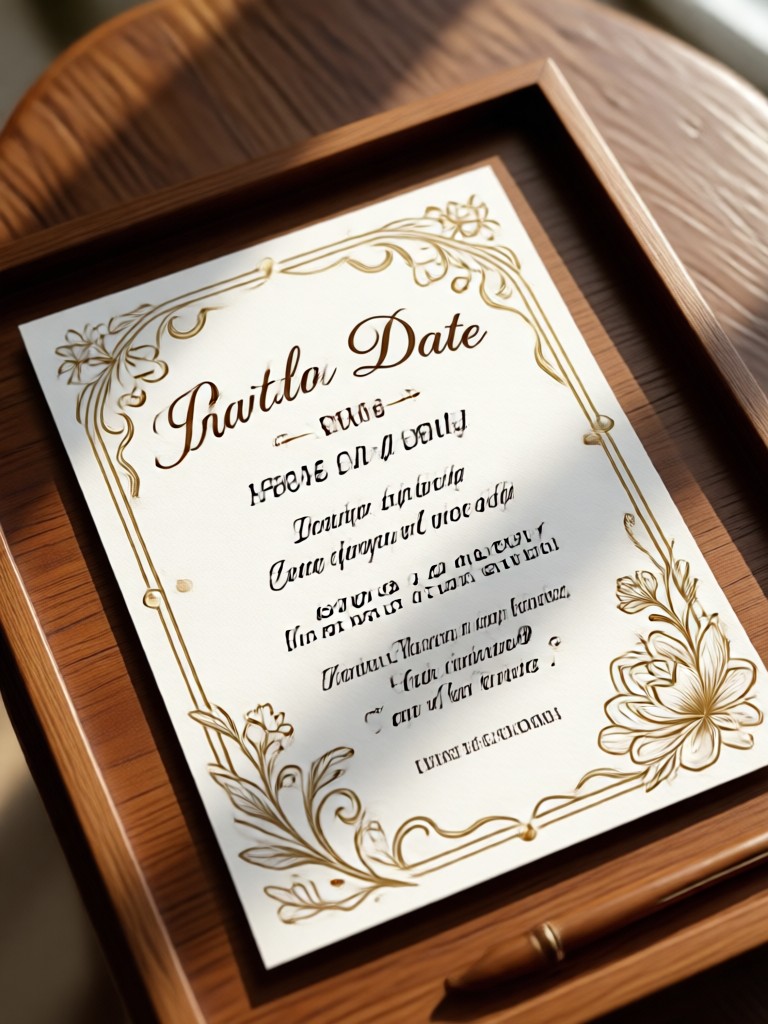
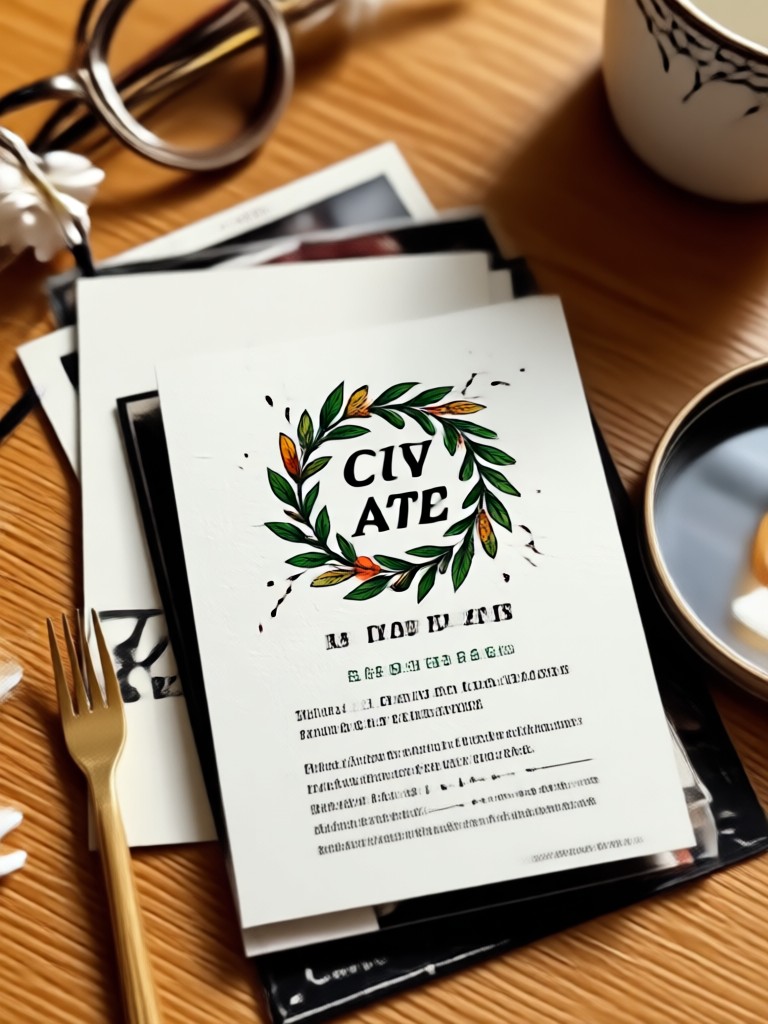
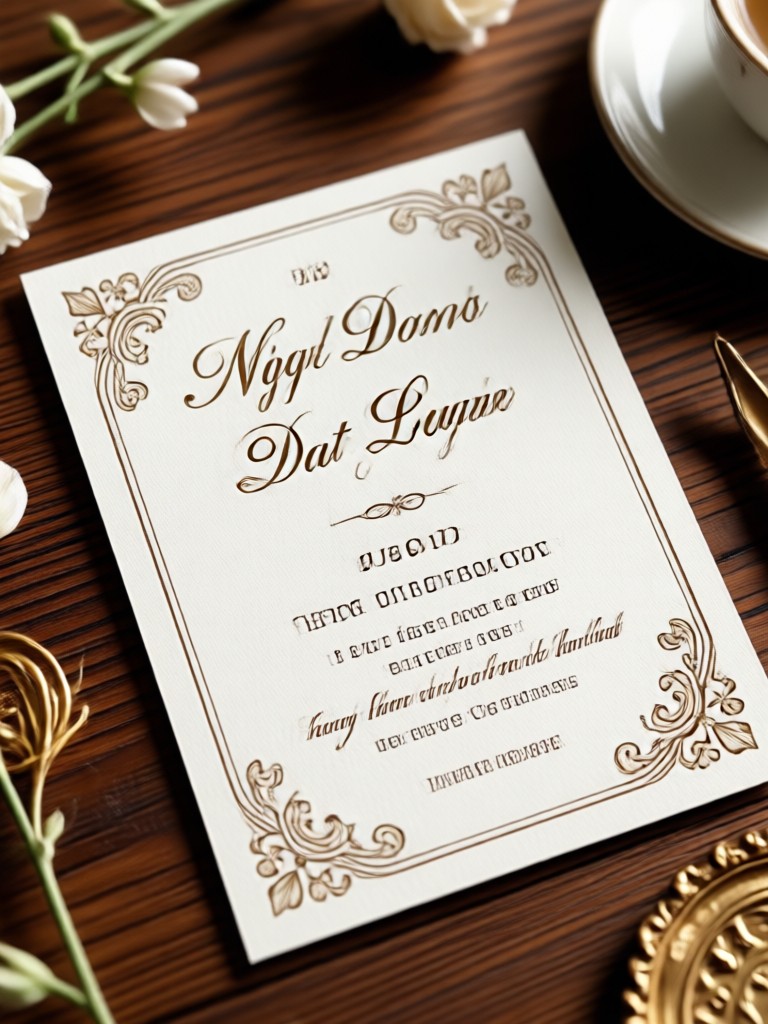
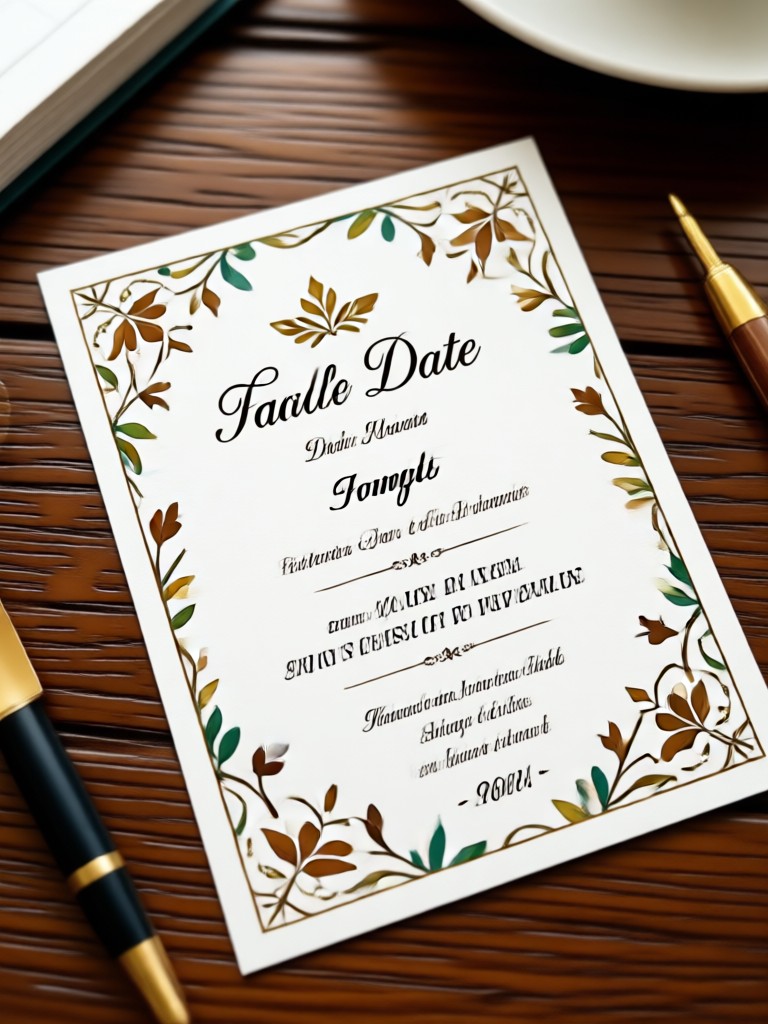
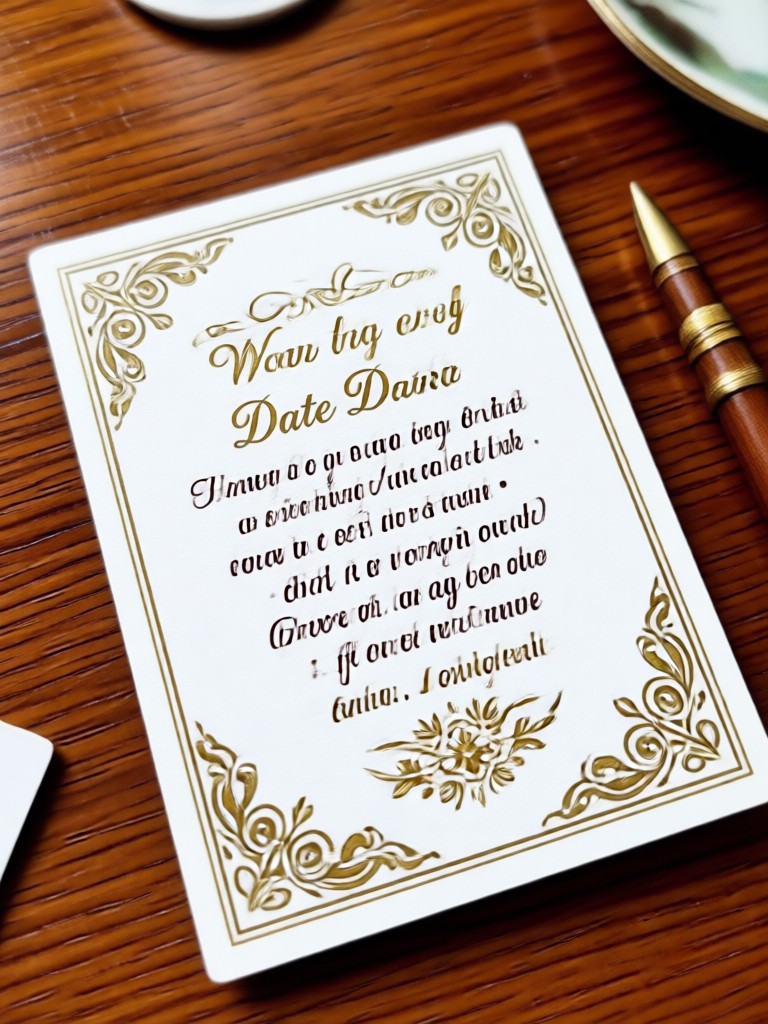
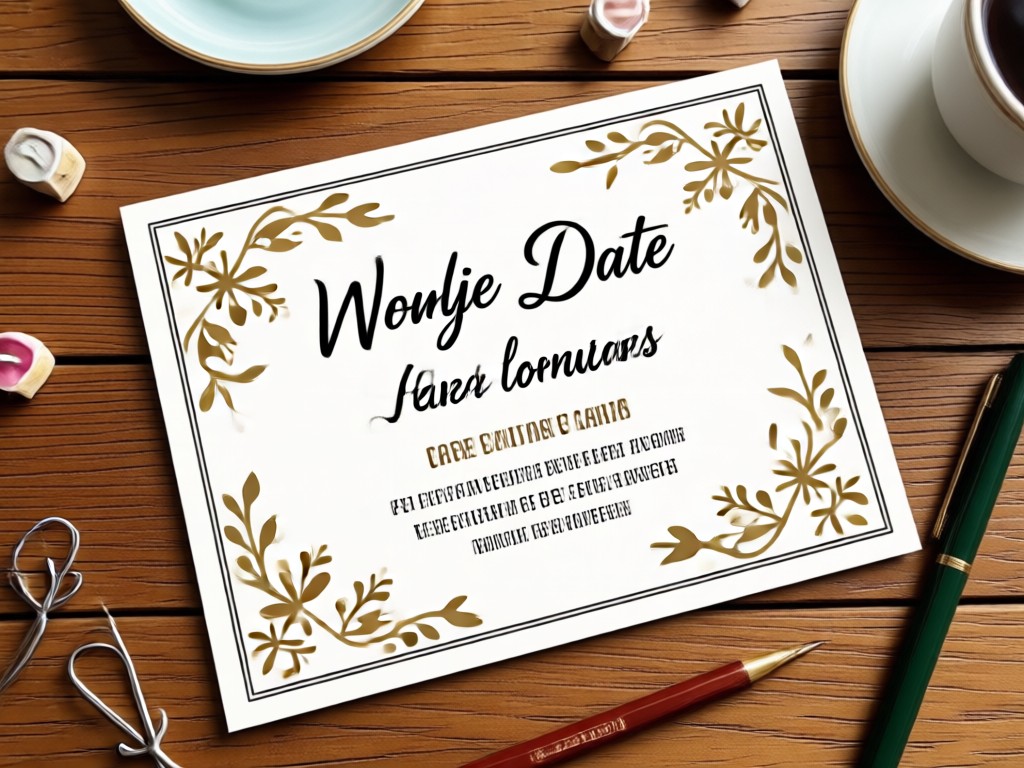
Browse a preview of AI generated save the date cards made with pixpop. Each image shows how different prompts and style filters transform a simple photo into a memorable wedding announcement. Get inspired, then create your own in the app.
How to Create AI Save The Date Cards
Create a custom AI save the date card in just three simple steps using pixpop on your phone.

Step 01.
Download the pixpop app from Google Play. It is the only place to access all AI card generation tools on your phone.

Step 02.
Choose a style filter or enter a save the date prompt. Pick from watercolor, modern, rustic, or vintage templates.

Step 03.
Generate your card, preview the result, and download it to share with guests via text, email, or social media.
Create Personalized Save The Date Cards Without Design Skills
You do not need to hire a designer or learn complex software. pixpop handles the layout, typography, and styling automatically. Upload your favorite photo, describe the mood you want, and the AI generates a card that looks custom made. It is fast, affordable, and perfect for couples planning a wedding on a schedule.
Create Personalized Save The Date Cards Without Design Skills
You do not need to hire a designer or learn complex software. pixpop handles the layout, typography, and styling automatically. Upload your favorite photo, describe the mood you want, and the AI generates a card that looks custom made. It is fast, affordable, and perfect for couples planning a wedding on a schedule.
Frequently Asked Questions About AI Save The Date Cards
Find clear answers to common questions about creating AI save the date cards with pixpop.
What Couples Say About pixpop
Our save the date card looked professionally designed
We uploaded our engagement photo and used a watercolor prompt. The result was better than a template we almost paid for. It took less than five minutes and saved us money.
Perfect for a rustic wedding theme
The rustic autumn filter matched our venue exactly. I typed one prompt, and pixpop handled the rest. We sent the digital card to everyone instantly.
The easiest wedding stationery tool I have used
I have no design background, but pixpop made it simple. The prompt examples gave me ideas, and the style library let me test different looks quickly. Highly recommend it.
More Wedding Inspiration You May Like
Explore more topics related to AI wedding cards, engagement photo ideas, and digital stationery trends.
AI Recipe Card Prompts for Mouthwatering Food Design
AI recipe card prompts help you design beautiful food recipe cards. Pick a prompt, choose a style, and generate stunning results on the pixpop app.
AI Prompt For Vector Art: Print-Ready Designs
Master AI prompts for vector art. Generate flat icons, line logos, and geometric illustrations with precise tools. Turn simple text into scalable graphics fast.
Juicy Raspberry Photo Prompts for Stunning AI Images
Turn words into beautiful raspberry photos. Use ready prompts for macro, still life, watercolor, and 3D styles. Download pixpop and generate HD images fast.

AI Product Mockup Prompts for Realistic Product Images
Generate professional product mockups with AI. Use curated prompts for stunning product photos, 3D renders, and lifestyle shots. Download pixpop now
Create AI Save The Date Cards on Your Phone
Download pixpop from Google Play and start generating beautiful save the date cards with simple prompts. No design skills needed. Get your custom card in seconds.

Create AI Save The Date Cards on Your Phone
Download pixpop from Google Play and start generating beautiful save the date cards with simple prompts. No design skills needed. Get your custom card in seconds.