AI Prompt For Vector Art


Match Your Vector Art Style
Different vector projects need different visual languages. Pick a filter that aligns with your artistic direction and let pixpop handle the complex geometry.
Why Use Prompts For Vector Art
The right prompt transforms a vague idea into a precise, print-ready graphic. With pixpop, you control the shapes, colors, and composition using only words.
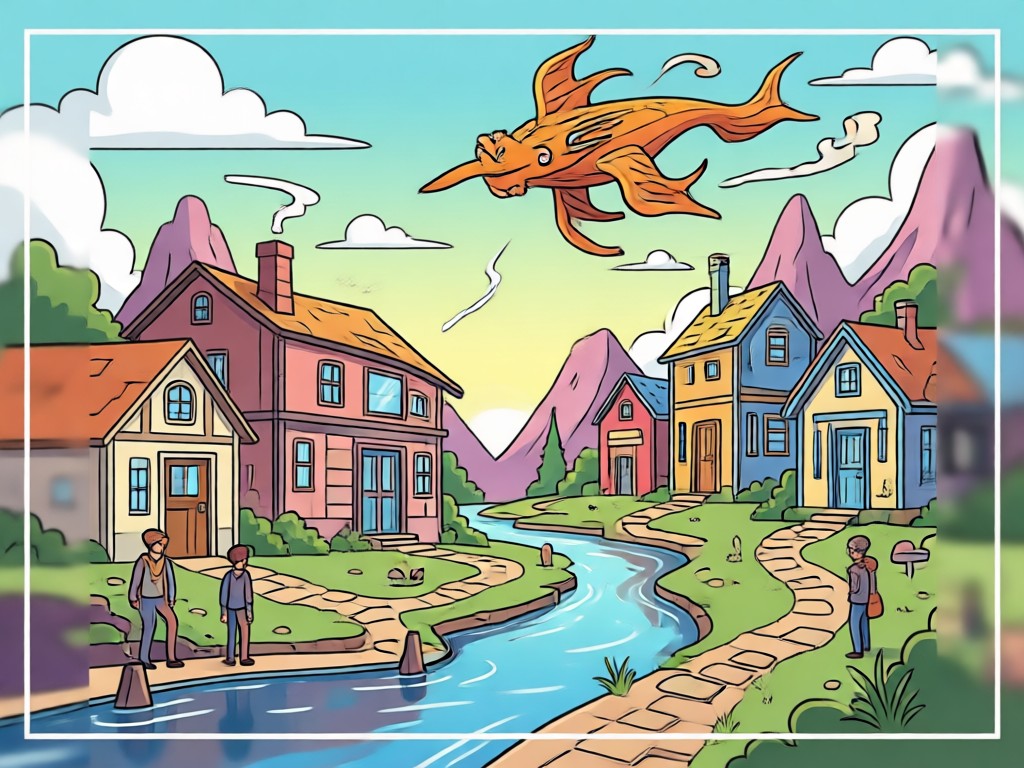
Geometric Precision
Direct the AI to generate sharp edges, smooth curves, and balanced proportions. Achieve clean, scalable results that look professional in any size.
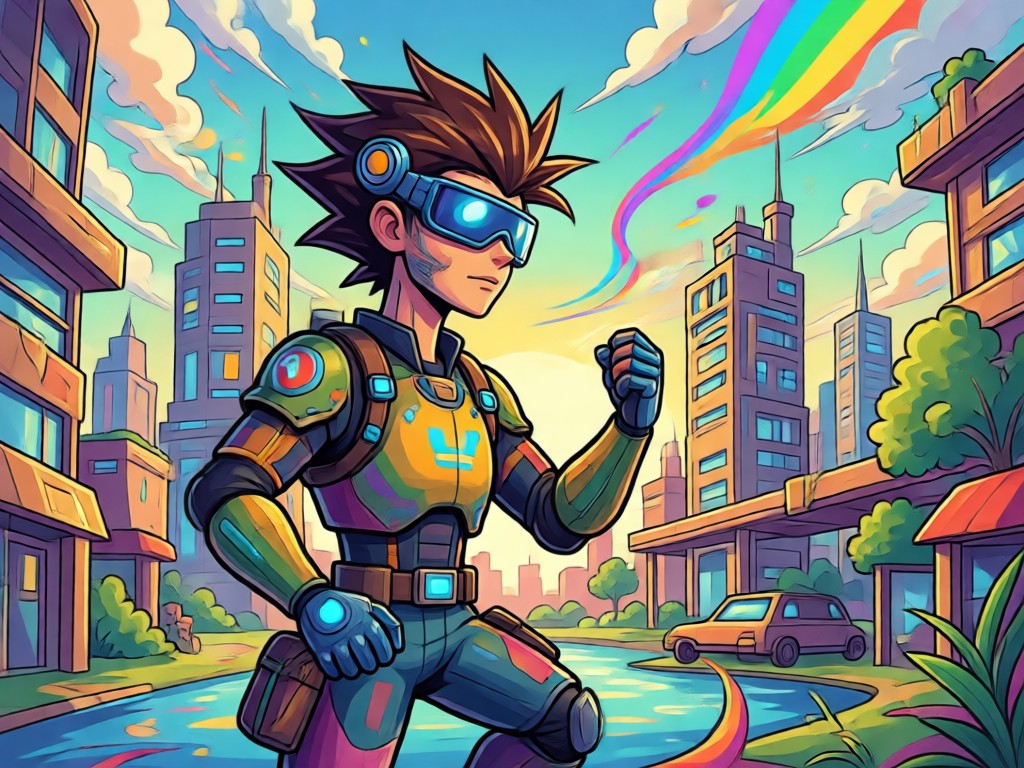
Scalable Clarity
Unlike pixelated images, vector art stays crisp. Your AI prompts can specify clean outlines and flat colors, perfect for logos and merchandise.
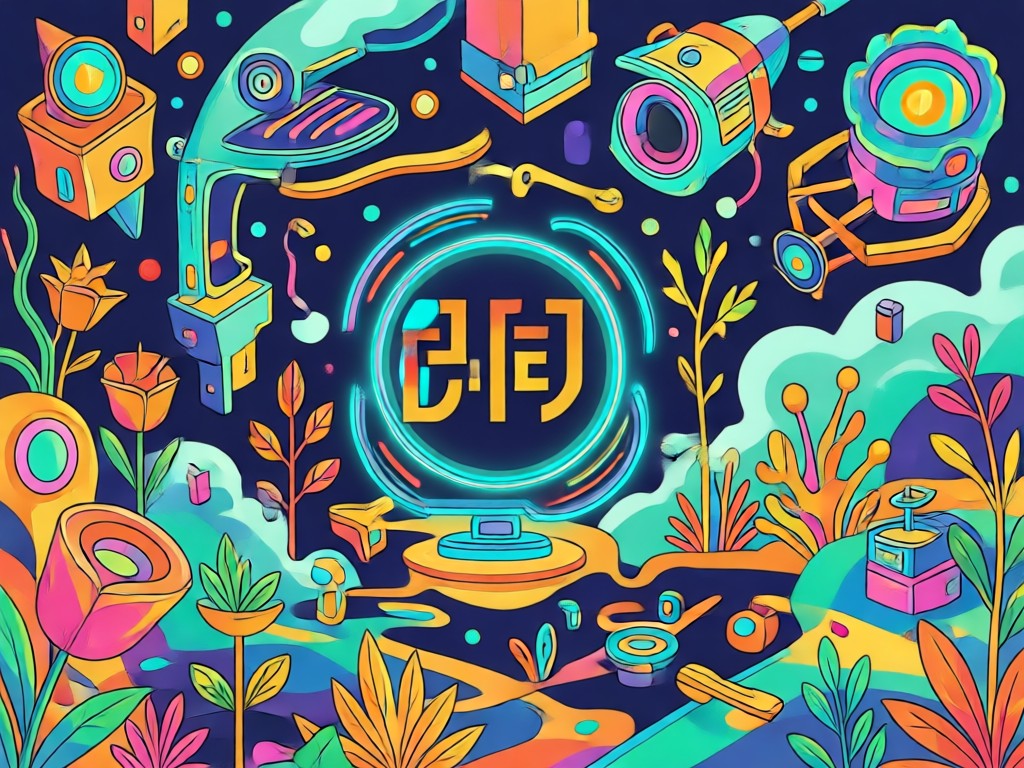
Style Consistency
Keep your branding uniform. Use recurring prompts to maintain the same visual weight, color theory, and geometry across all your assets.
AI Vector Art Prompt Results
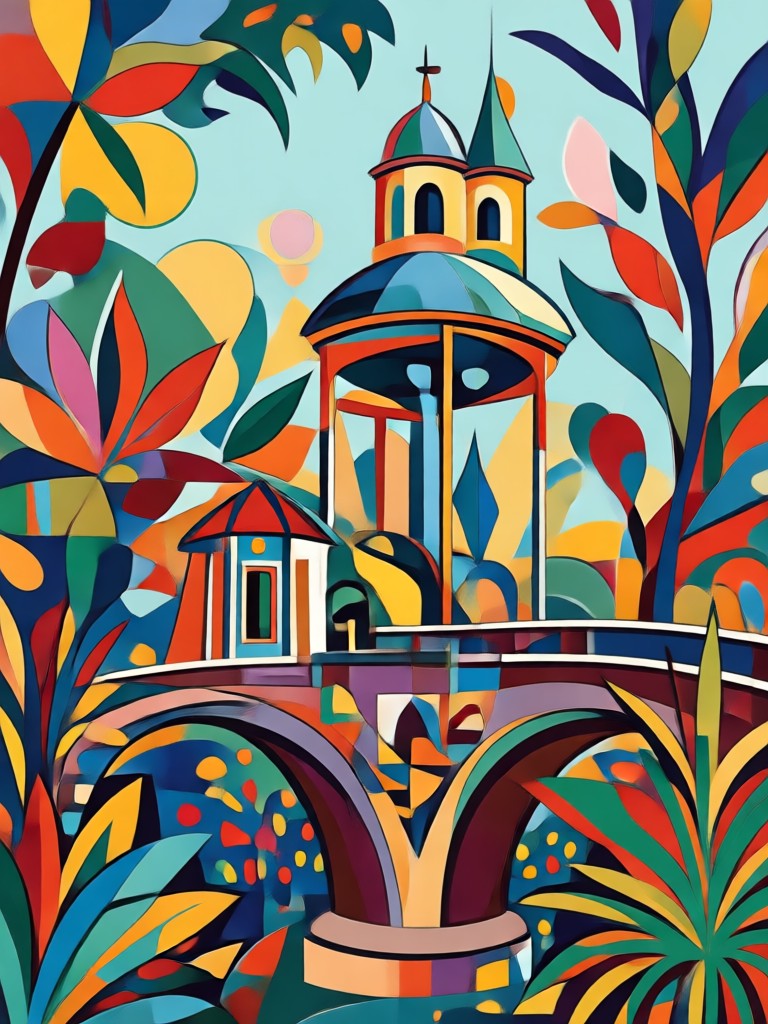
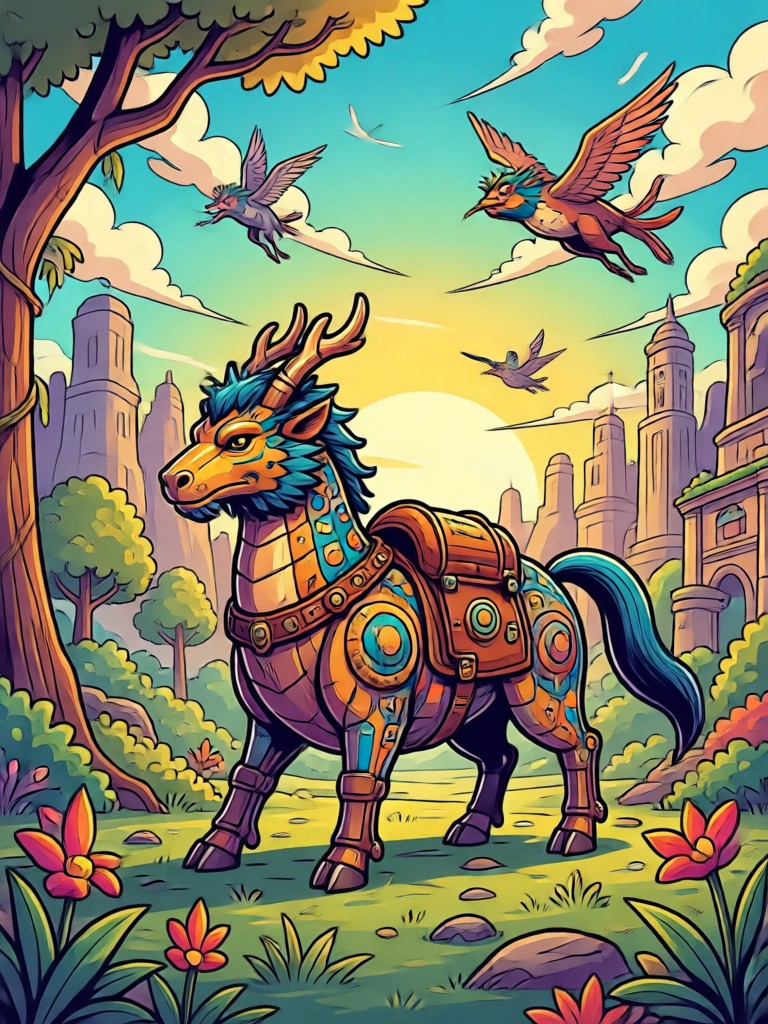
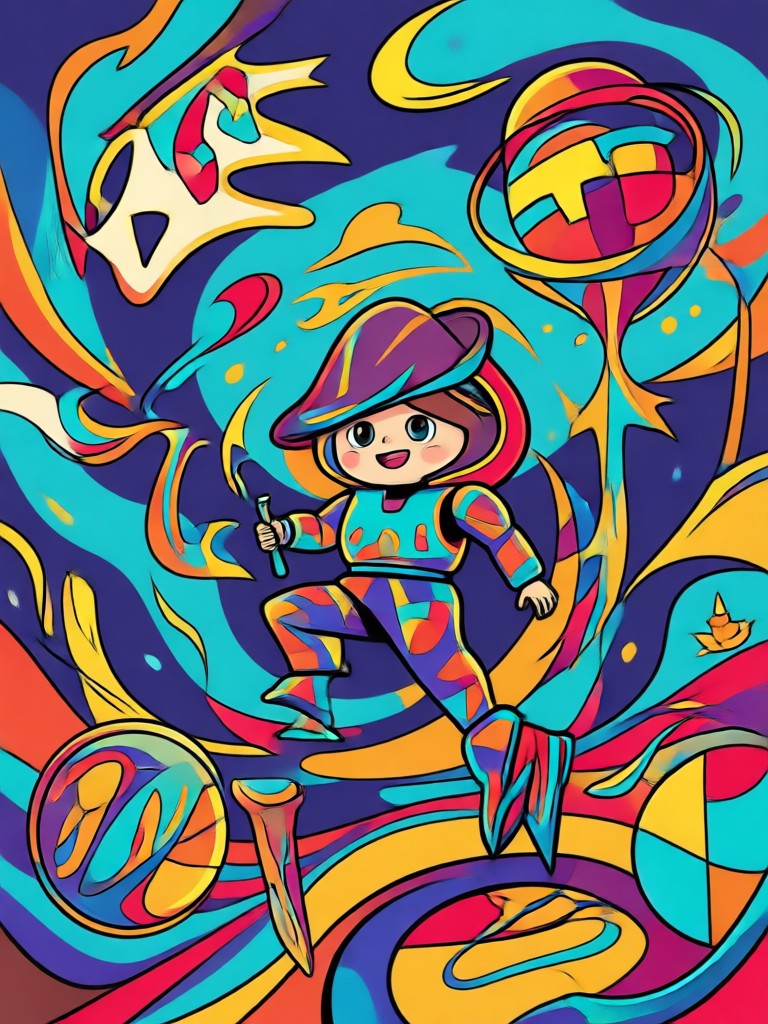
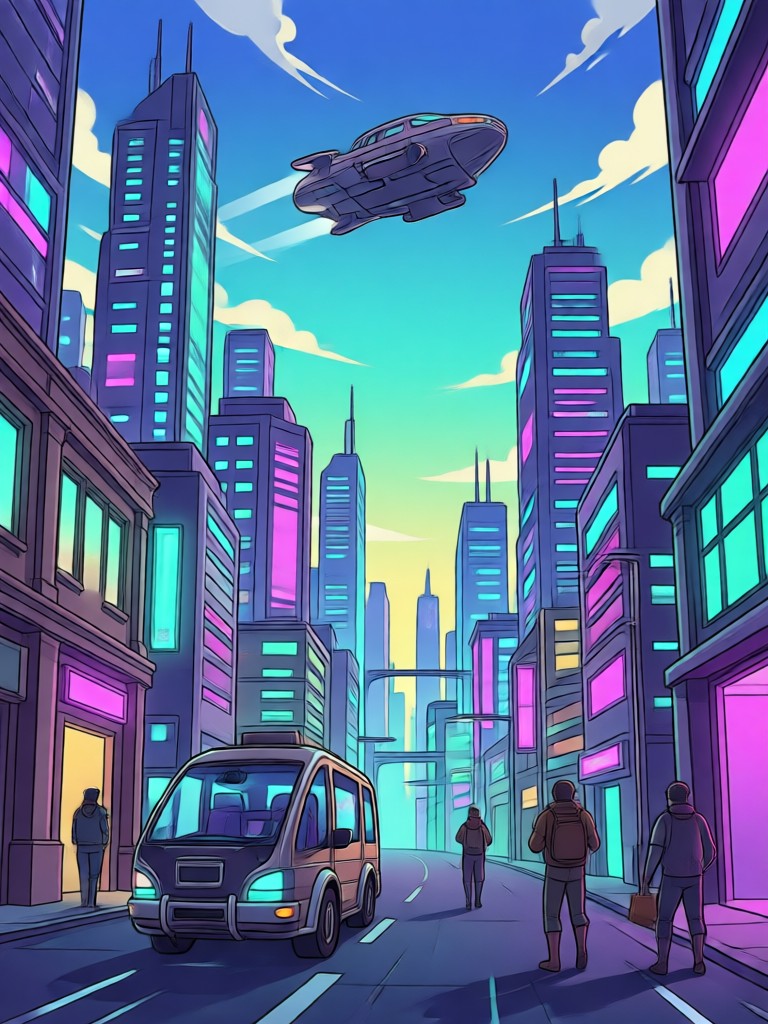
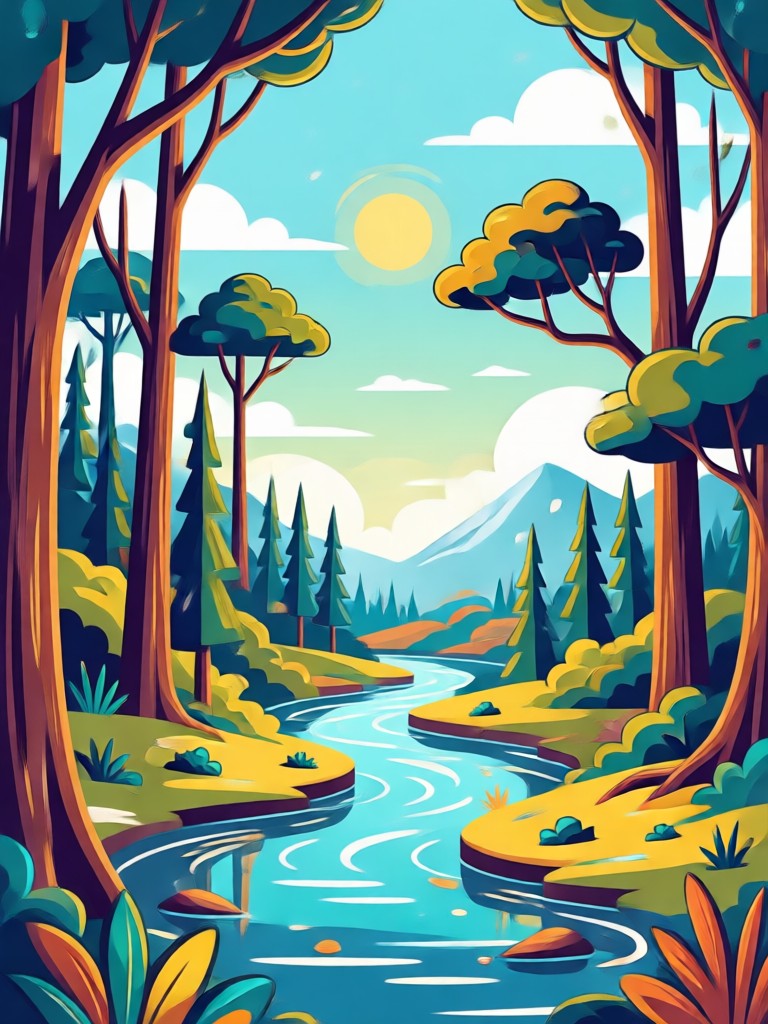
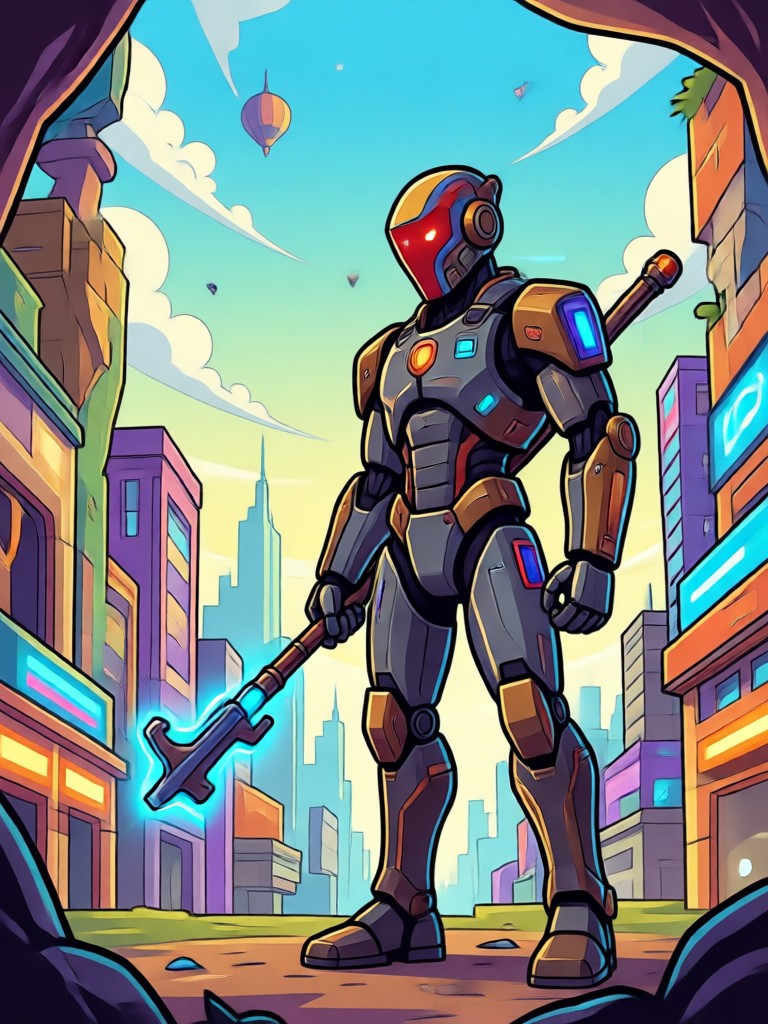
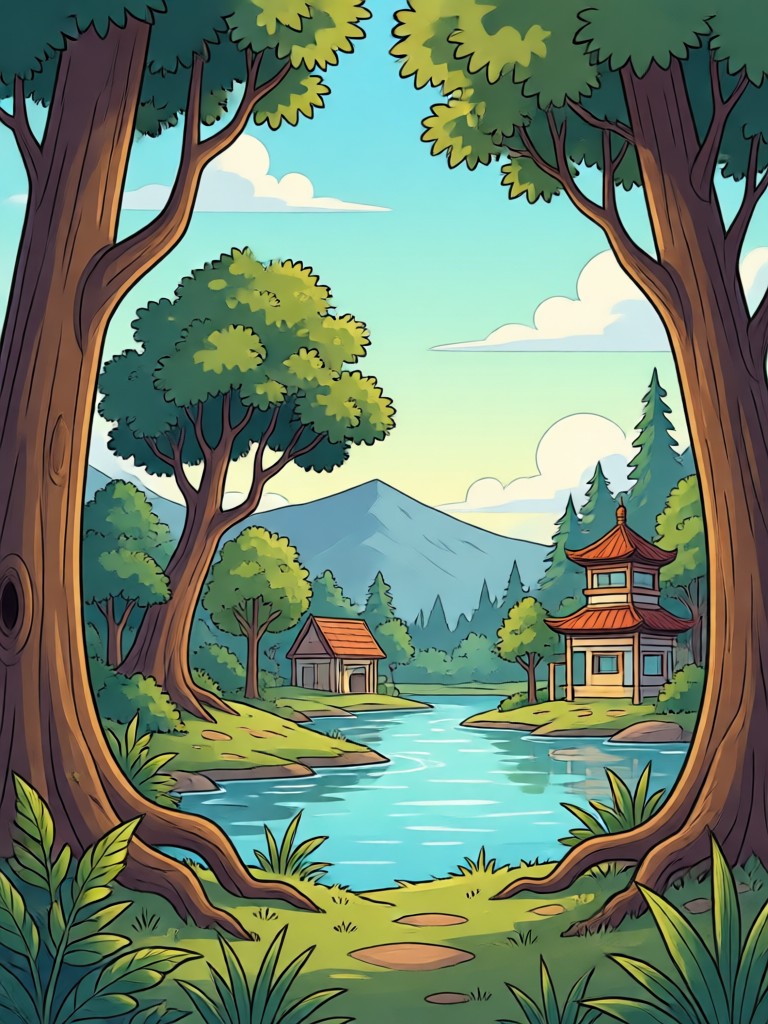
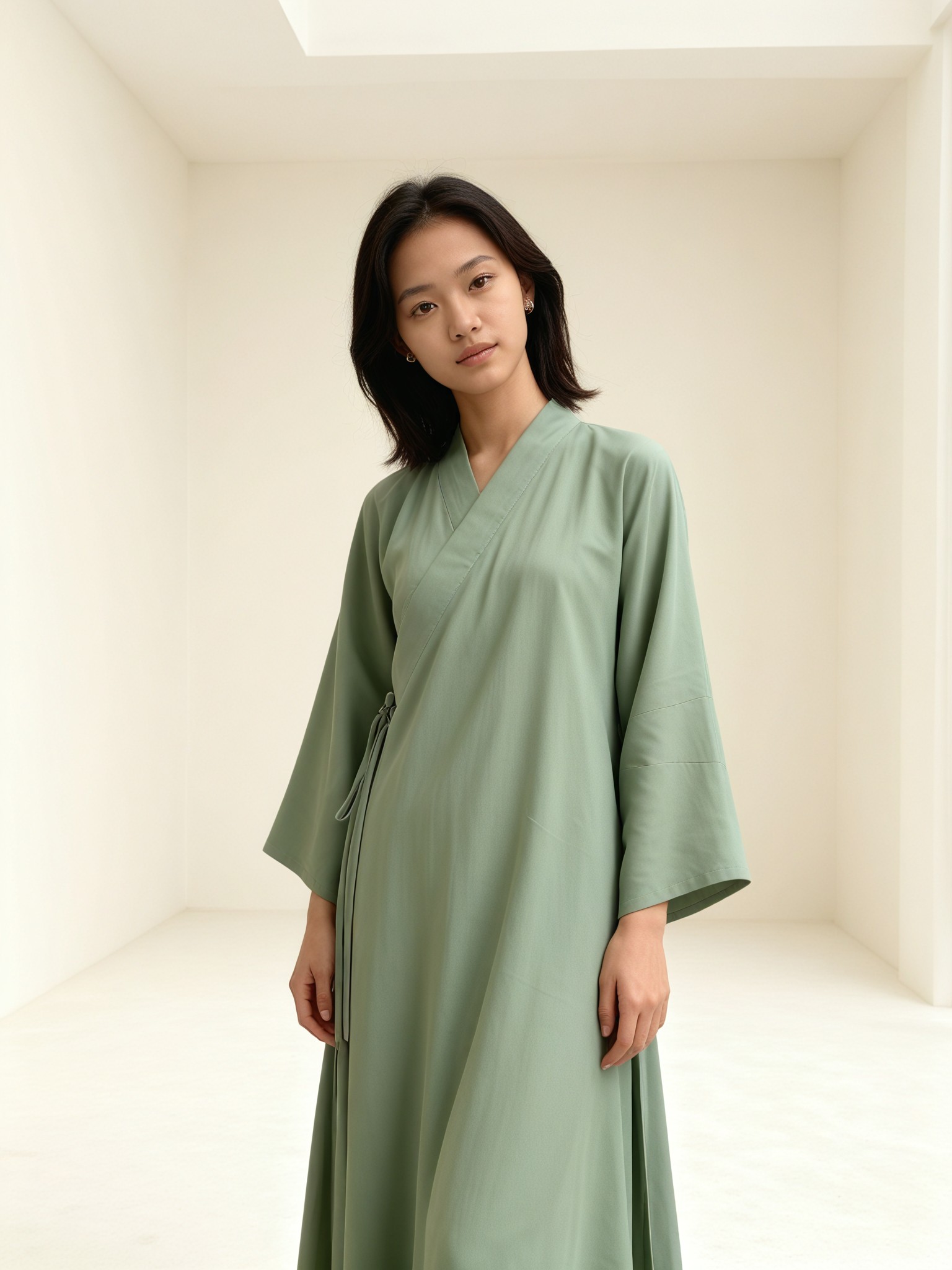
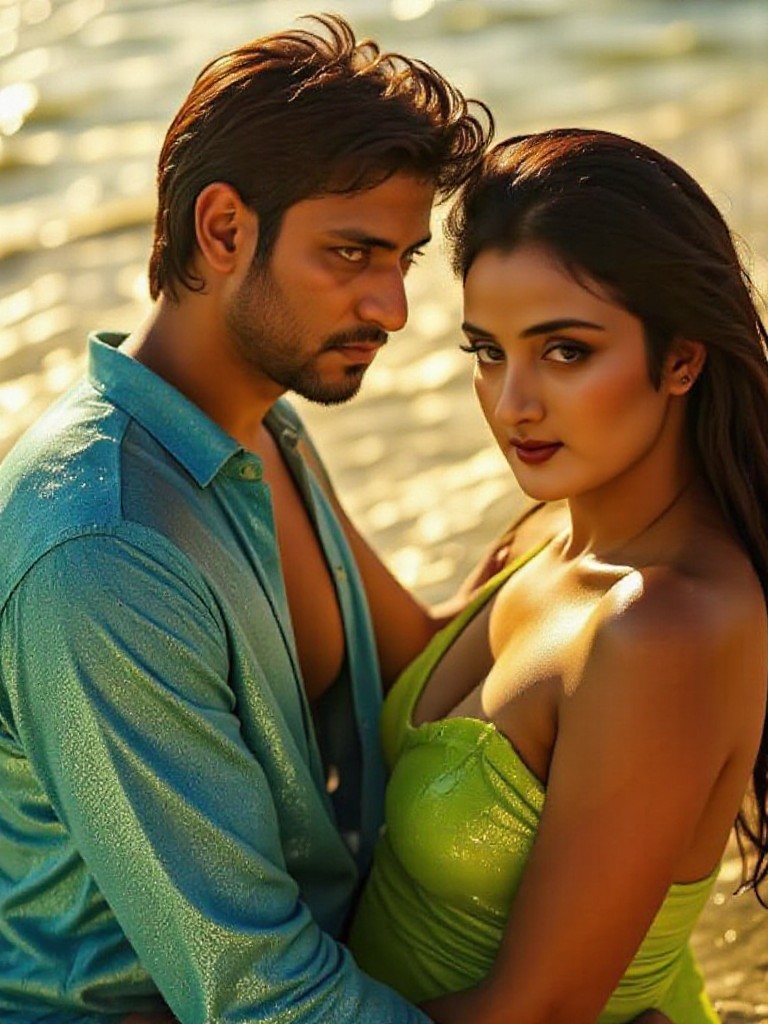
See the difference a precise prompt makes. These examples showcase the range of flat design, line art, and isometric graphics you can generate directly from your phone.



How To Prompt Vector Art in 3 Steps
Creating crisp, professional vector graphics from text is simpler than you think. Follow these three steps to generate your first AI vector artwork.

Step 01.
Download pixpop from Google Play and open the AI image generator. The interface is optimized for quick, mobile creativity.

Step 02.
Type your AI prompt for vector art. Specify the style, color palette, and composition. You can also pick a style filter to refine the output.

Step 03.
Hit generate and let the AI work. Save your high-quality vector graphic to your phone or share it instantly on social media.
Creators Mastering AI Vector Prompts

Louis Yule
I use pixpop to mock up logo concepts quickly. The prompt control over geometry is better than most desktop tools I own.

Mandy Sander
I needed t-shirt graphics for my cafe. I described the vintage badge style and got a perfect vector template in seconds.
Orville Garcia
The isometric prompts work wonders for my YouTube thumbnails. Clean lines, bright colors, and zero pixelation.

Sam Green
As a freelancer, speed is money. These prompts help me deliver flat illustration drafts to clients before lunch.
Louis Yule
I use pixpop to mock up logo concepts quickly. The prompt control over geometry is better than most desktop tools I own.
Mandy Sander
I needed t-shirt graphics for my cafe. I described the vintage badge style and got a perfect vector template in seconds.
Orville Garcia
The isometric prompts work wonders for my YouTube thumbnails. Clean lines, bright colors, and zero pixelation.
Sam Green
As a freelancer, speed is money. These prompts help me deliver flat illustration drafts to clients before lunch.
Louis Yule
I use pixpop to mock up logo concepts quickly. The prompt control over geometry is better than most desktop tools I own.
Mandy Sander
I needed t-shirt graphics for my cafe. I described the vintage badge style and got a perfect vector template in seconds.
Orville Garcia
The isometric prompts work wonders for my YouTube thumbnails. Clean lines, bright colors, and zero pixelation.
Sam Green
As a freelancer, speed is money. These prompts help me deliver flat illustration drafts to clients before lunch.
Frequently Asked Questions
Find clear answers to common questions about using AI prompts for vector art generation on pixpop.

Prompt Perfect Vectors On Mobile
Stop being chained to a desktop. Write your AI prompt for vector art anywhere. Download the pixpop app and keep your creative flow going 24/7.

More Topics You May Like
Explore more topics you may like and discover fresh ideas tailored to your interests.
Juicy Raspberry Photo Prompts for Stunning AI Images
AI Product Mockup Prompts for Realistic Product Images
Stunning AI Product Photos: Prompts That Sell
AI Postcard Prompts: Create Stunning Travel Cards Instantly
Juicy Raspberry Photo Prompts for Stunning AI Images
AI Product Mockup Prompts for Realistic Product Images
Stunning AI Product Photos: Prompts That Sell
AI Postcard Prompts: Create Stunning Travel Cards Instantly
Your Vector Style, Instantly
Apply precise AI prompts to generate crisp, scalable vector graphics effortlessly. Stay ahead of trends and create content everyone will notice.
Your Vector Style, Instantly
Apply precise AI prompts to generate crisp, scalable vector graphics effortlessly. Stay ahead of trends and create content everyone will notice.