AI Product Photography Photo Prompts
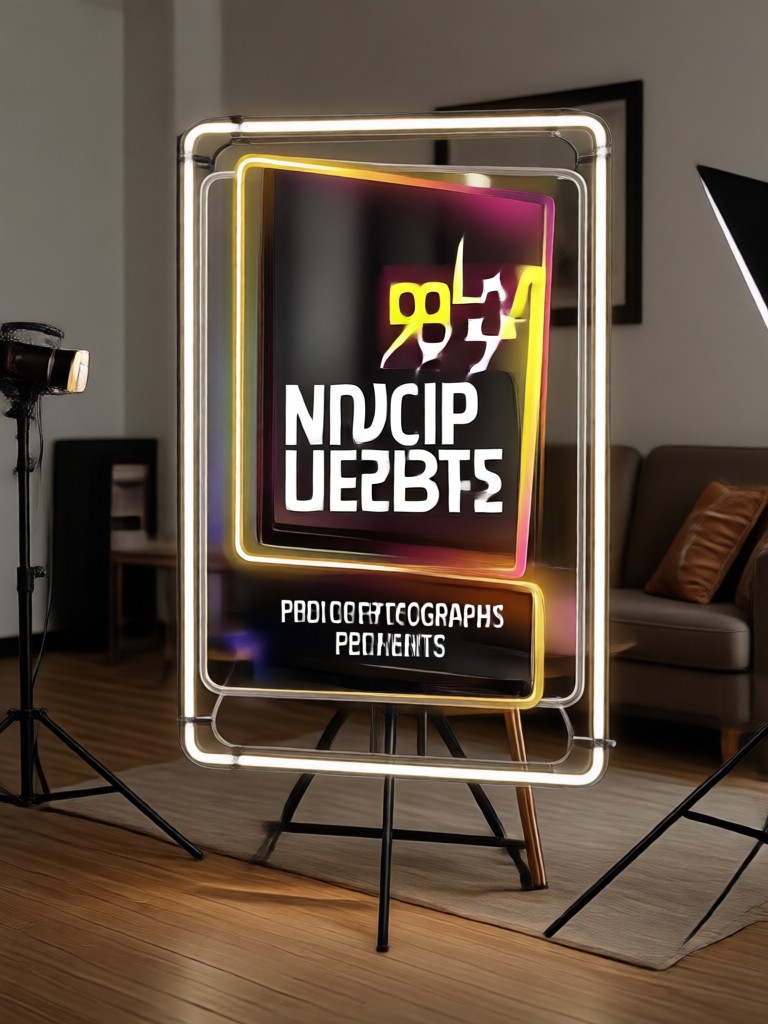
Choose a Product Photography Style That Fits Your Brand
From clean ecommerce shots to moody editorial setups pick a filter inside pixpop and transform your product photos instantly.
Why AI Product Photography Prompts Work
Stop renting studios and editing for hours. These prompts give you repeatable studio quality results for every product in your catalog.
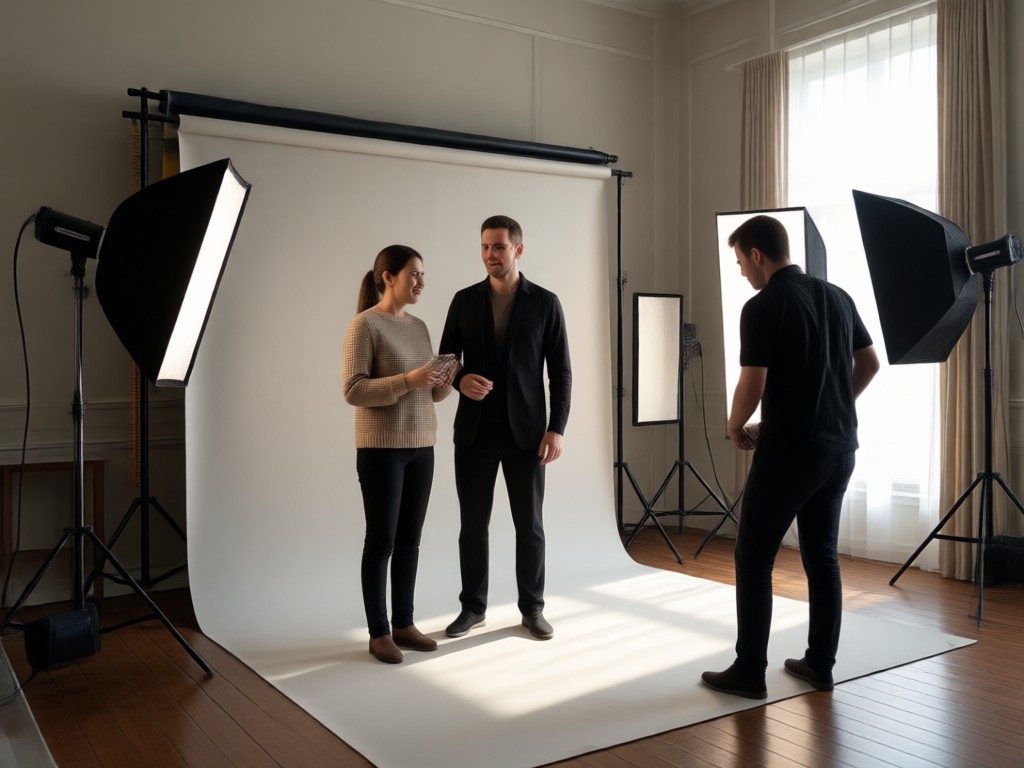
Consistent Studio Lighting
Create repeatable lighting setups and camera angles for your entire product line without expensive equipment or complex photo editing.

Limitless Background Variety
Swap plain white backgrounds for lifestyle scenes, textures, or gradients in one tap and match any brand aesthetic instantly.
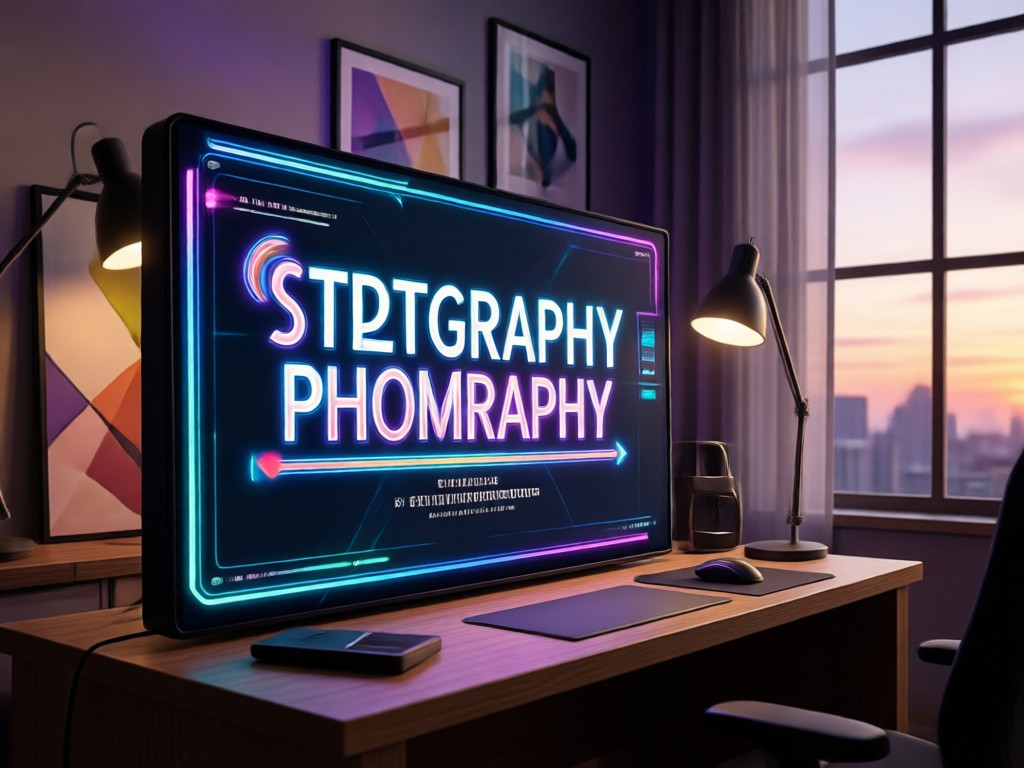
Ecommerce Ready Output
Generate high resolution images optimized for Amazon, Shopify, Etsy, and Instagram with no design skills required.
Inspiring AI Product Photography Results
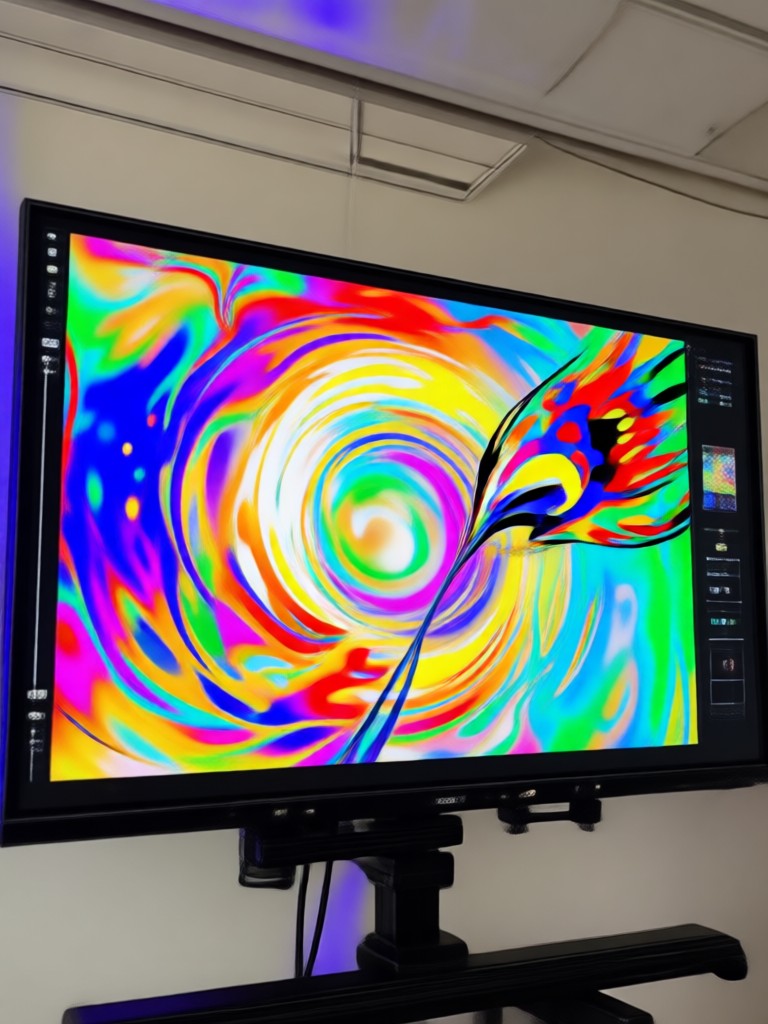
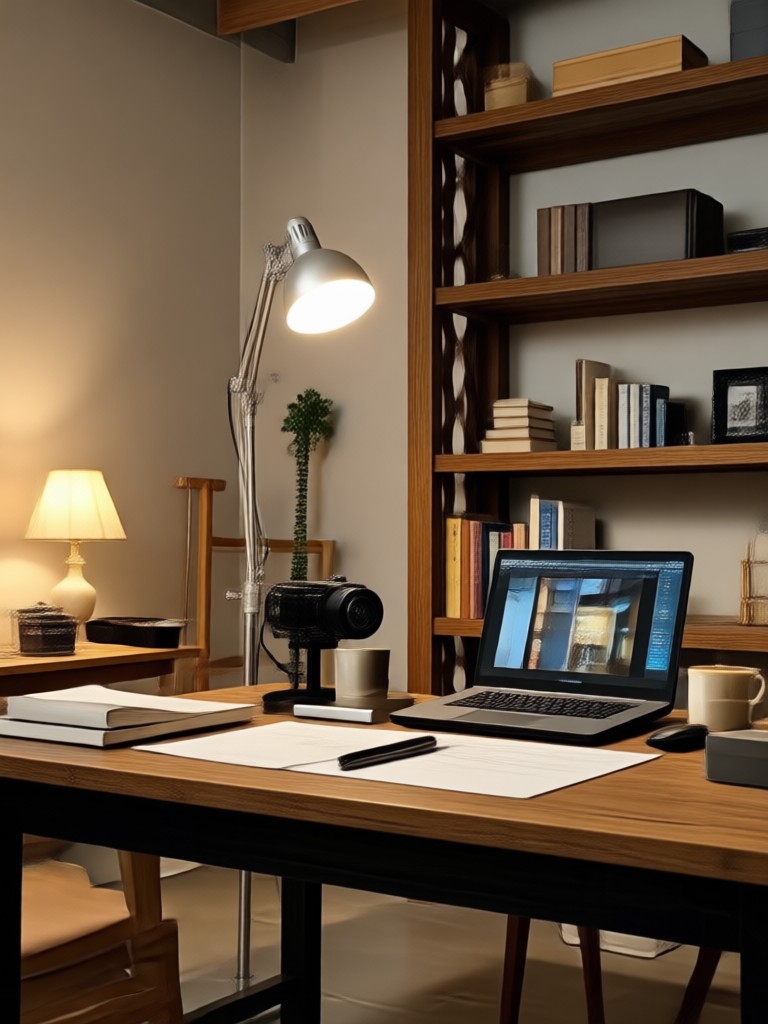
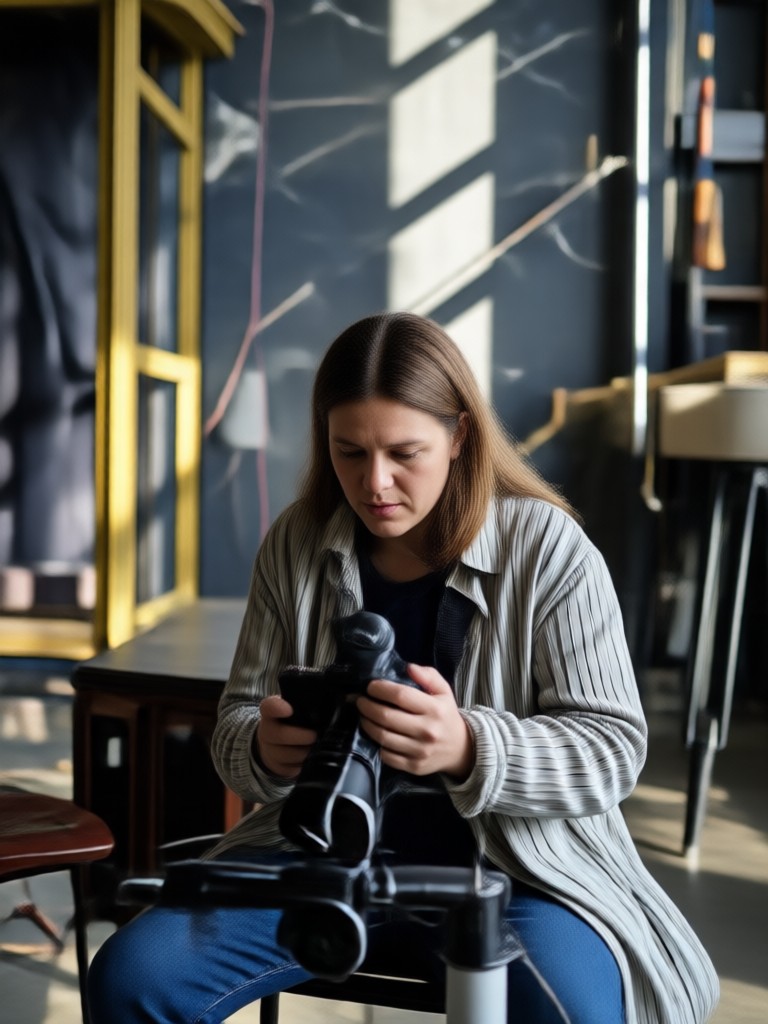
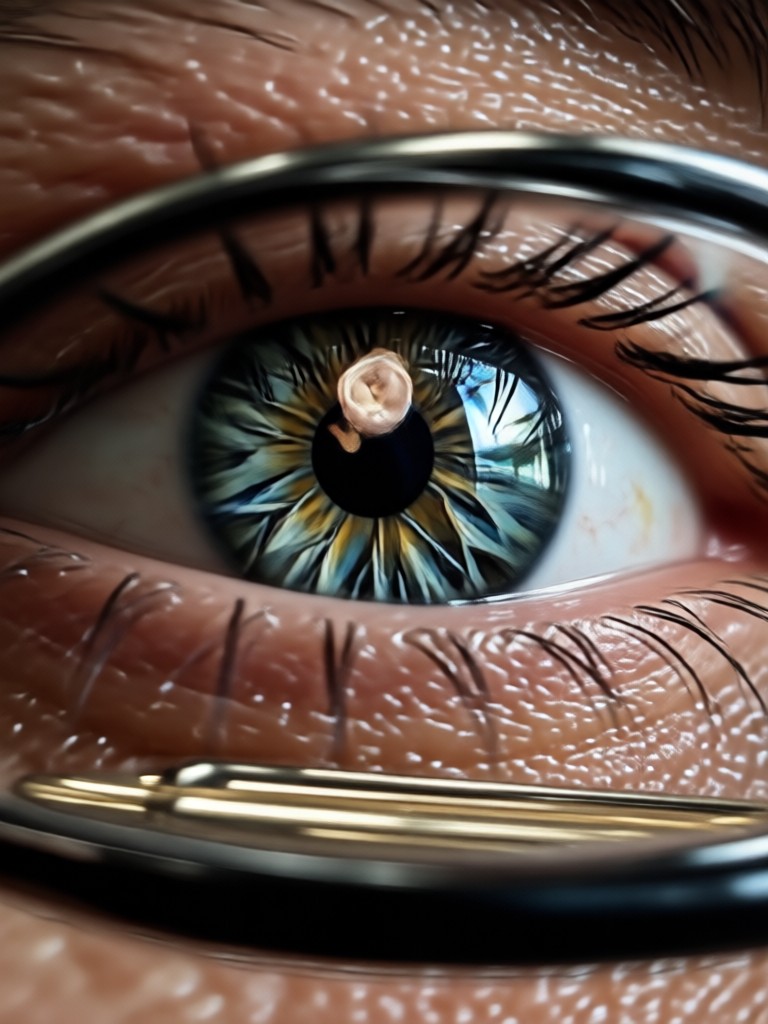
See what happens when you combine the right prompt with pixpop style filters. Every image below was generated from a simple text description inside the app.
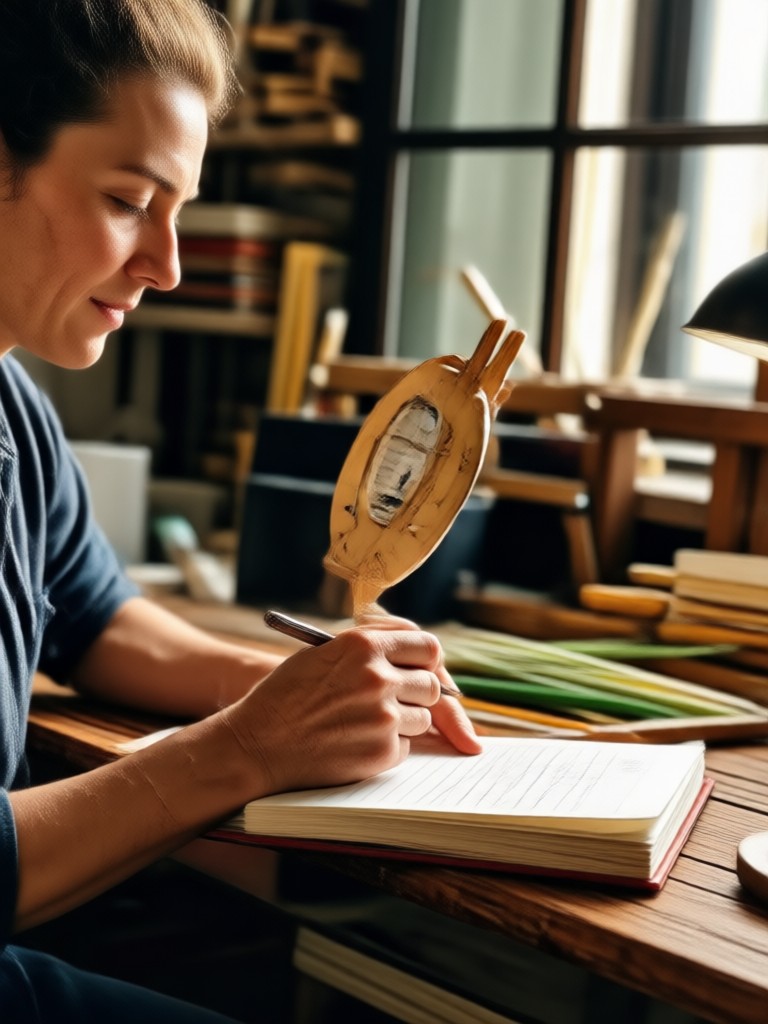
How to Use AI Product Photography Prompts in Pixpop
Turn a text description into a polished product image in three simple steps using the pixpop mobile app.

Step 01.
Download the pixpop app from Google Play and open it on your phone.

Step 02.
Choose a product photography style filter that matches your brand or desired look.

Step 03.
Enter one of the ready made prompts, generate your image, and download or share it directly.
Why Product Sellers Trust Pixpop Prompts
No camera, no studio, no editing skills required. Type a prompt and generate professional product shots in seconds.
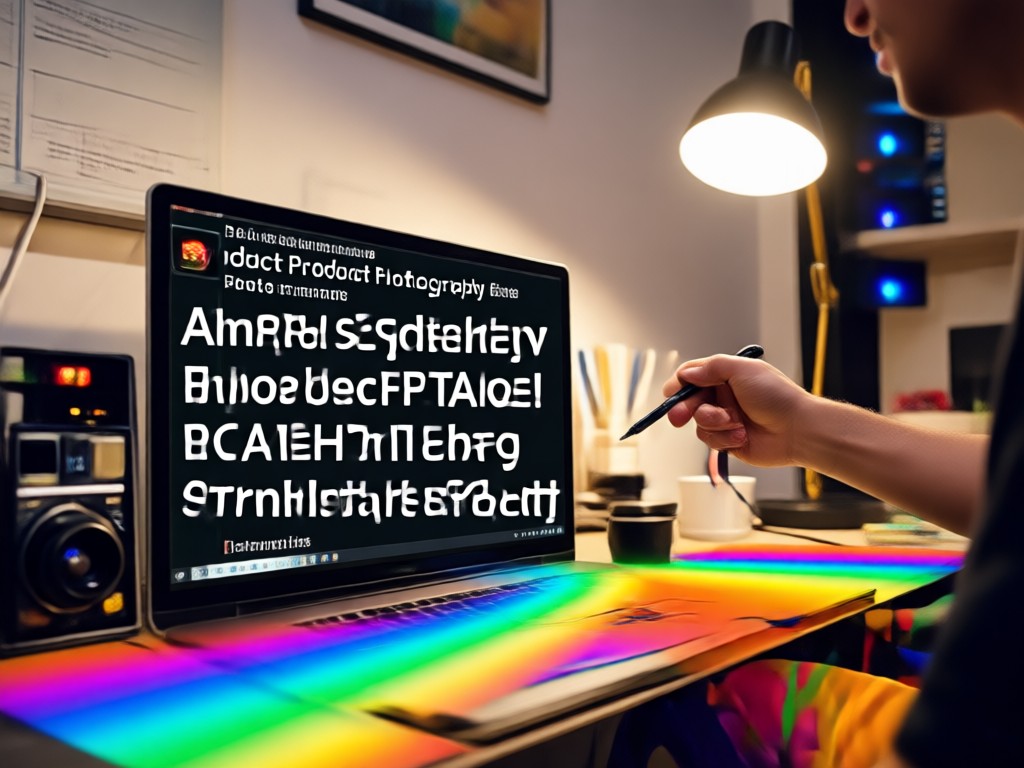
From Text to Product Photo in Seconds
Pixpop combines a massive library of style filters with an ultra simple prompt interface. Just describe your product, angle, lighting, and background, and the app handles the rest. Small business owners and content creators use these prompts to reduce photo shoot costs while keeping their stores fresh. Every image downloads in high resolution and is ready for listings, ads, or social media.
From Text to Product Photo in Seconds
Pixpop combines a massive library of style filters with an ultra simple prompt interface. Just describe your product, angle, lighting, and background, and the app handles the rest. Small business owners and content creators use these prompts to reduce photo shoot costs while keeping their stores fresh. Every image downloads in high resolution and is ready for listings, ads, or social media.

Turn Product Ideas Into Stunning Photos
Download pixpop and start generating AI product photography from your phone. No studio, no camera, no design experience needed.

What Sellers Say About Pixpop Product Prompts
Finally product photos without a photo shoot
I sell candles on Etsy and used to spend every weekend staging and editing. With these AI prompts I create a new catalog image in under a minute. The lighting looks consistent and my store feels premium.
Perfect for quick Amazon listings
I needed clean white background shots for a new supplement line. I typed a prompt, picked a filter, and downloaded three variations in minutes. No clipping path or Photoshop needed.
My social ads finally look professional
As a small coffee brand we cannot afford a studio. The product prompts give us lifestyle scenes and dramatic product shots for Instagram. Engagement jumped and I save hours every week.
Frequently Asked Questions About AI Product Photography Prompts
Find clear answers about using text prompts to create product photos inside the pixpop mobile app.
More Topics You May Like
Explore more AI photography prompt guides and discover fresh ideas tailored to your business.
AI Postcard Prompts: Create Stunning Travel Cards Instantly
Create Stunning Place Cards with AI Prompts in Minutes

AI Poolside Video Prompts for Dreamy Summer Clips

Turn Any Photo Into Retro Pixel Art With AI
AI Postcard Prompts: Create Stunning Travel Cards Instantly
Create Stunning Place Cards with AI Prompts in Minutes
AI Poolside Video Prompts for Dreamy Summer Clips
Turn Any Photo Into Retro Pixel Art With AI
Ready to Create Product Photos That Sell?
Download pixpop and start turning simple text prompts into beautiful product images. No studio, no expensive gear, just your phone and a good idea.
Ready to Create Product Photos That Sell?
Download pixpop and start turning simple text prompts into beautiful product images. No studio, no expensive gear, just your phone and a good idea.