PNG to Sticker Converter
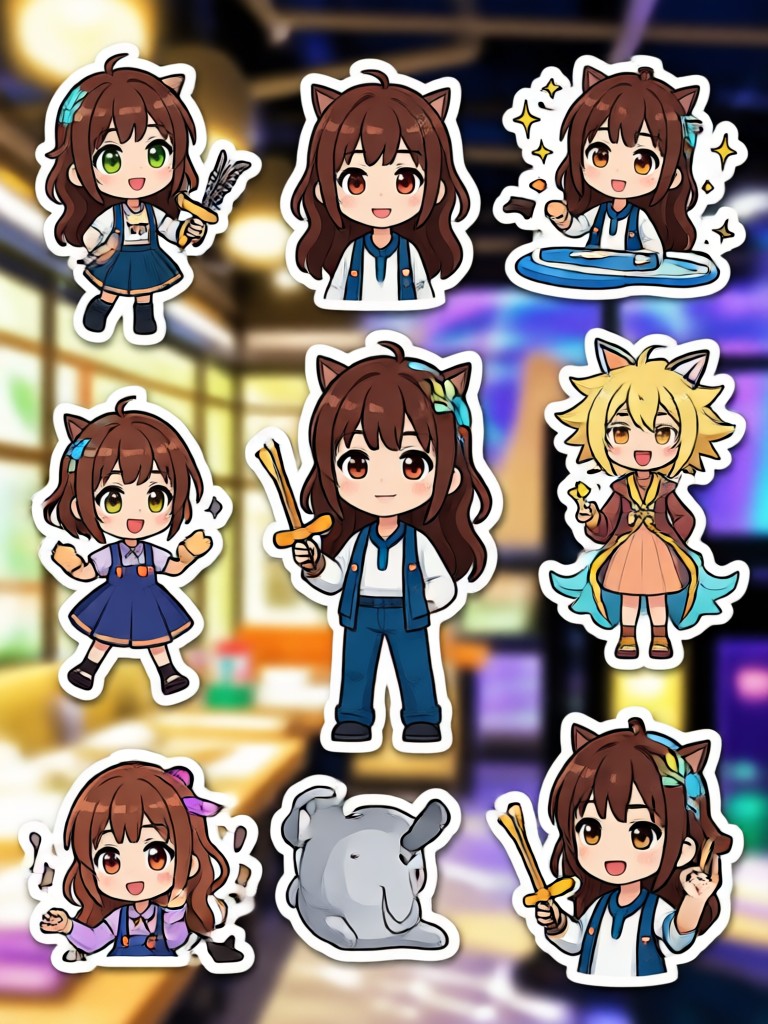
Choose the Perfect Sticker Style
Browse a wide selection of sticker filters and templates. From cute cartoon styles to bold graphic designs, find the ideal match for your PNG images.
Powerful PNG to Sticker Conversion Tools
Our AI powered converter makes it simple to turn any PNG file into a clean, ready to use sticker. Here is what you can do.
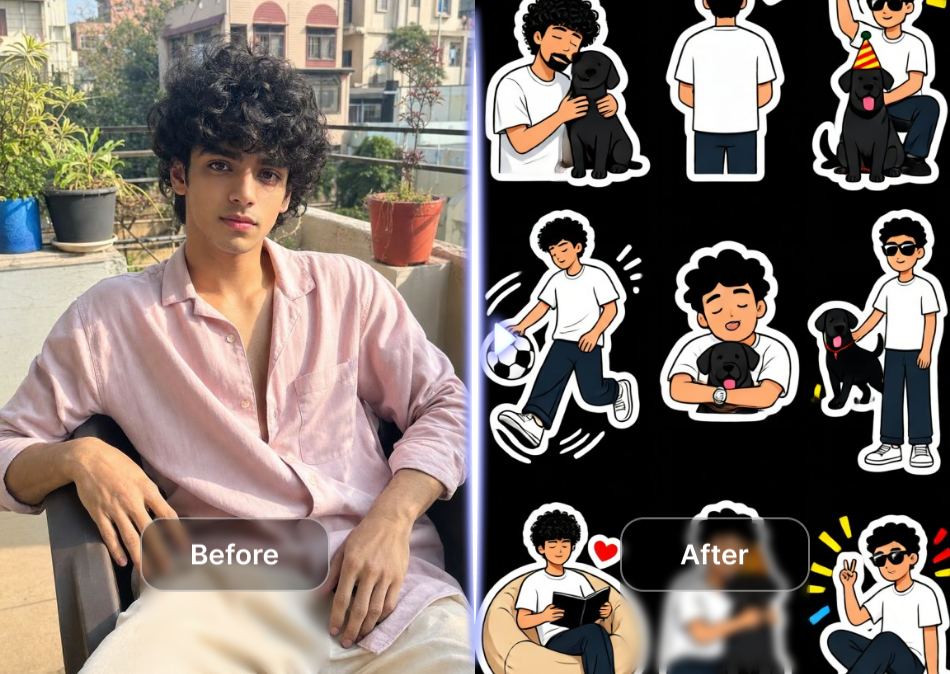
Automatic Background Removal
Upload a PNG with any background and our AI instantly isolates the subject. Get clean cutout edges and a transparent sticker background in seconds.
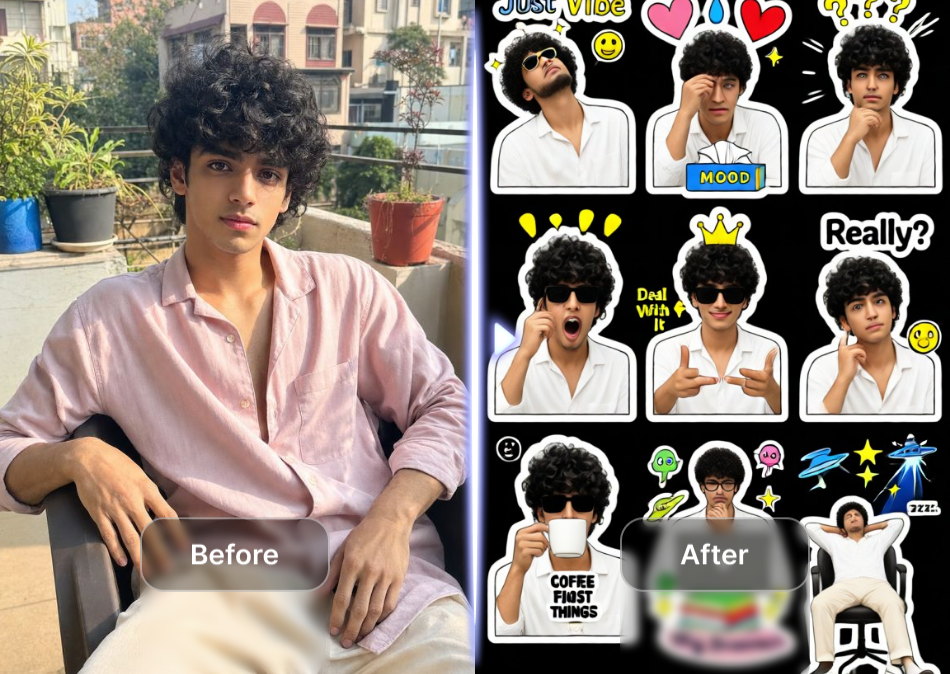
Hundreds of Style Filters
Apply cartoon, anime, 3D, or sticker specific effects to your PNG. Transform a plain image into a vibrant, shareable sticker with one tap.
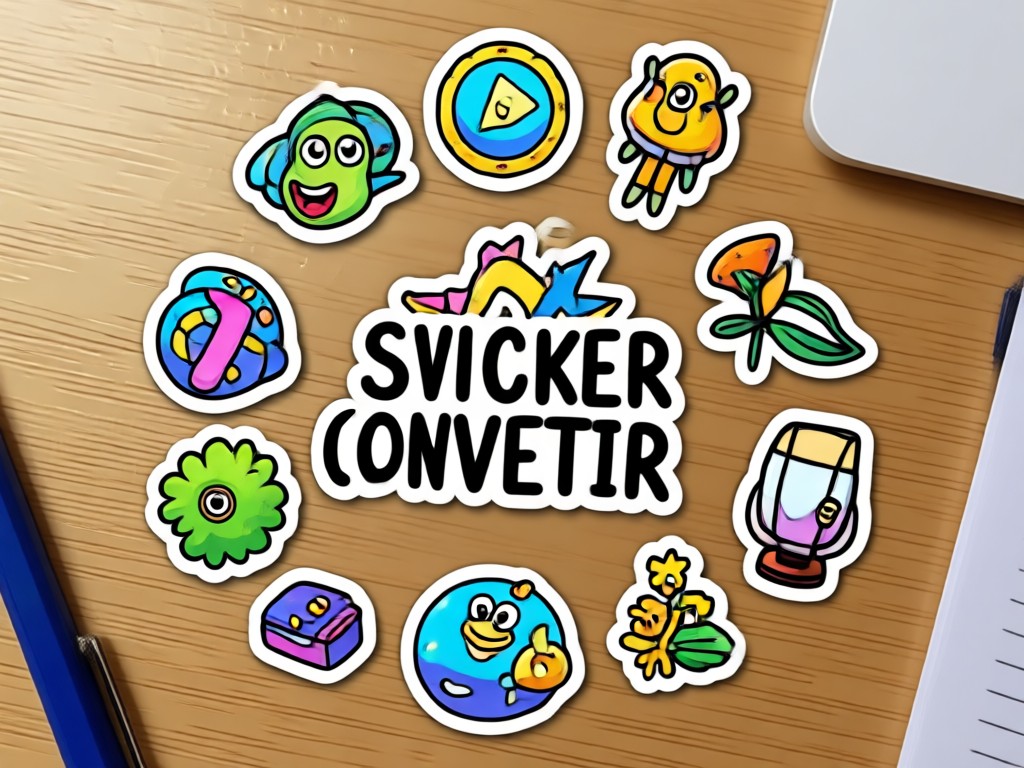
High Resolution Export
Download your stickers in high quality with transparent backgrounds. Perfect for WhatsApp, iMessage, Telegram, Discord, or any social platform.
How to Convert PNG to Sticker in 3 Steps
Creating custom stickers from your PNG files takes just a few taps. Follow these simple steps to get started.

Step 01.
Download the pixpop app from Google Play and open it on your Android device.

Step 02.
Upload your PNG image and pick a sticker style filter or background removal tool.

Step 03.
Generate your sticker, preview it, then save or share it directly to your favorite chat apps.
Sticker Ideas and Examples
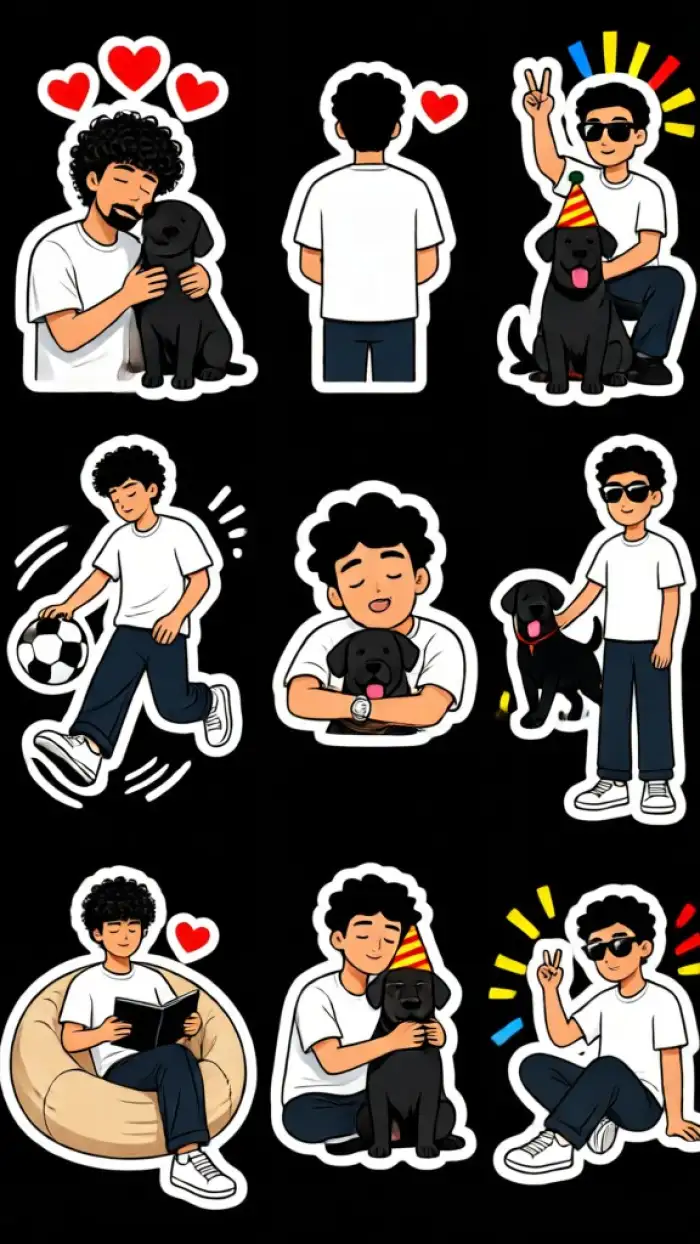
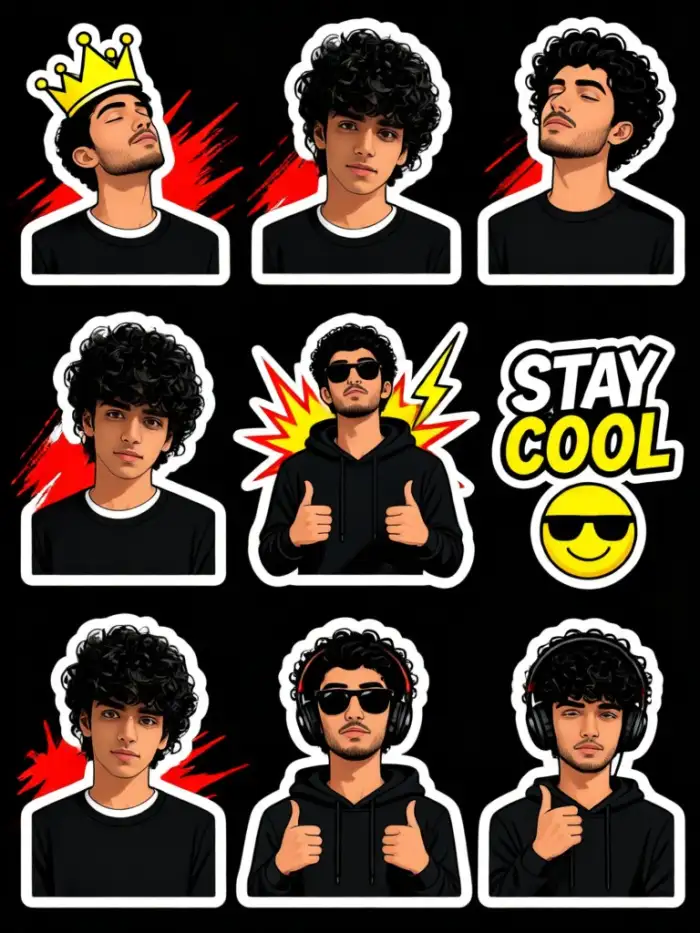
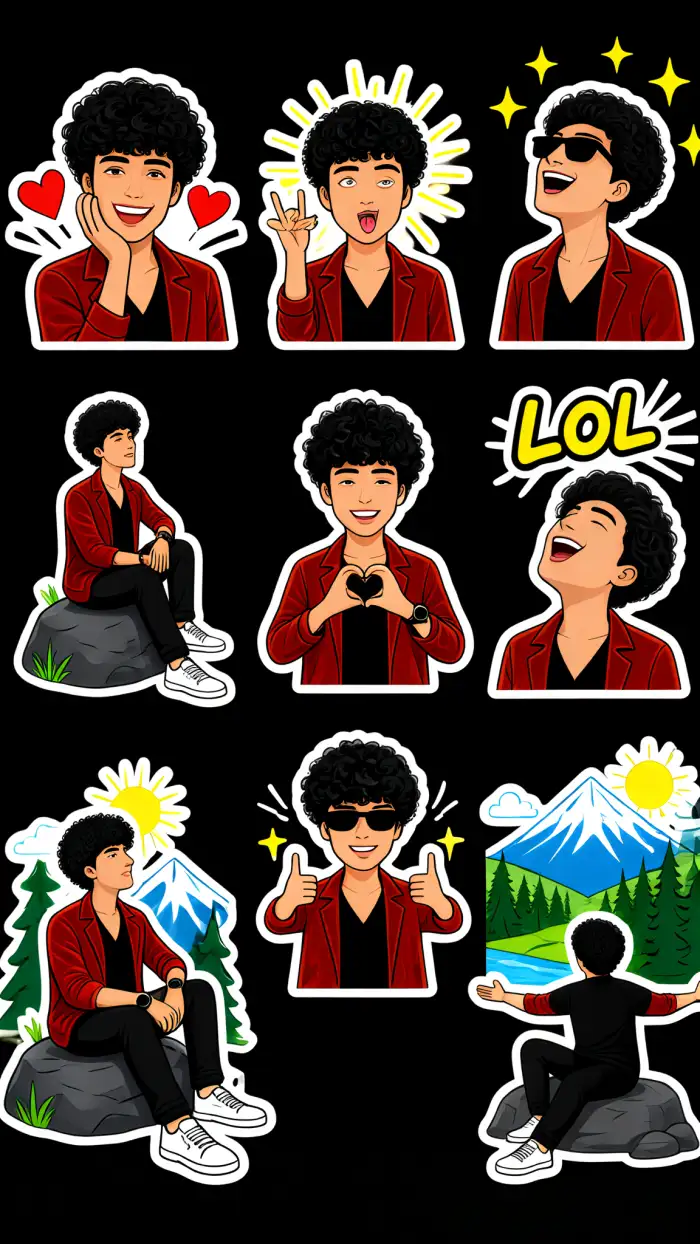
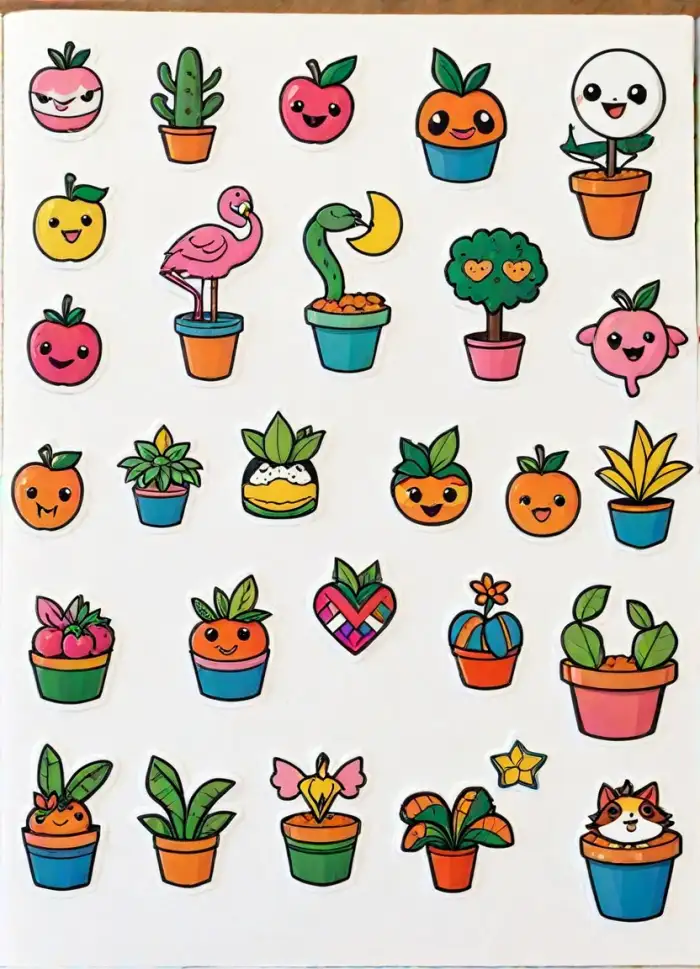
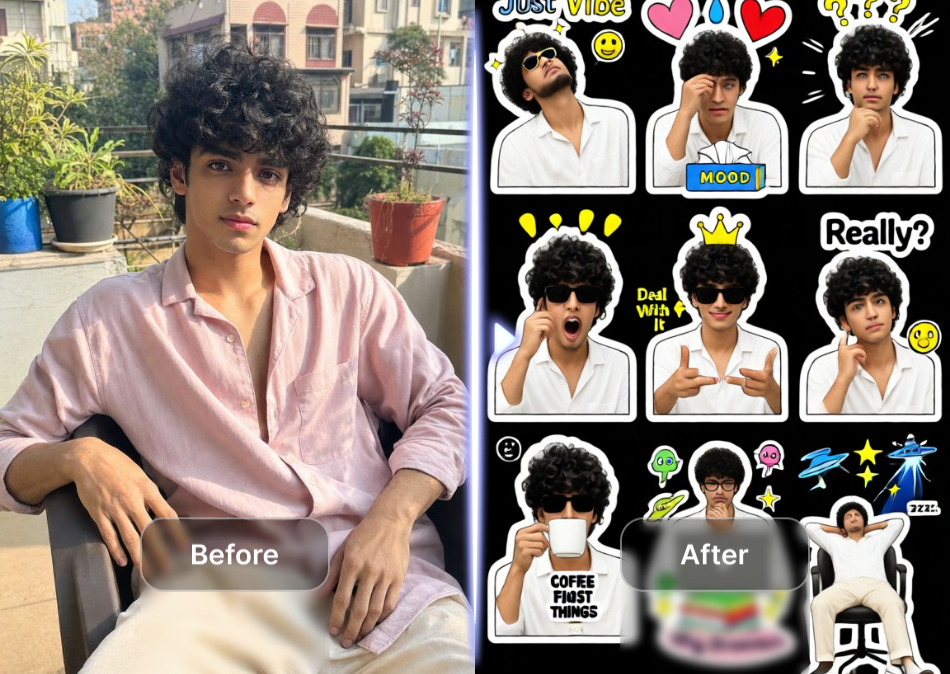
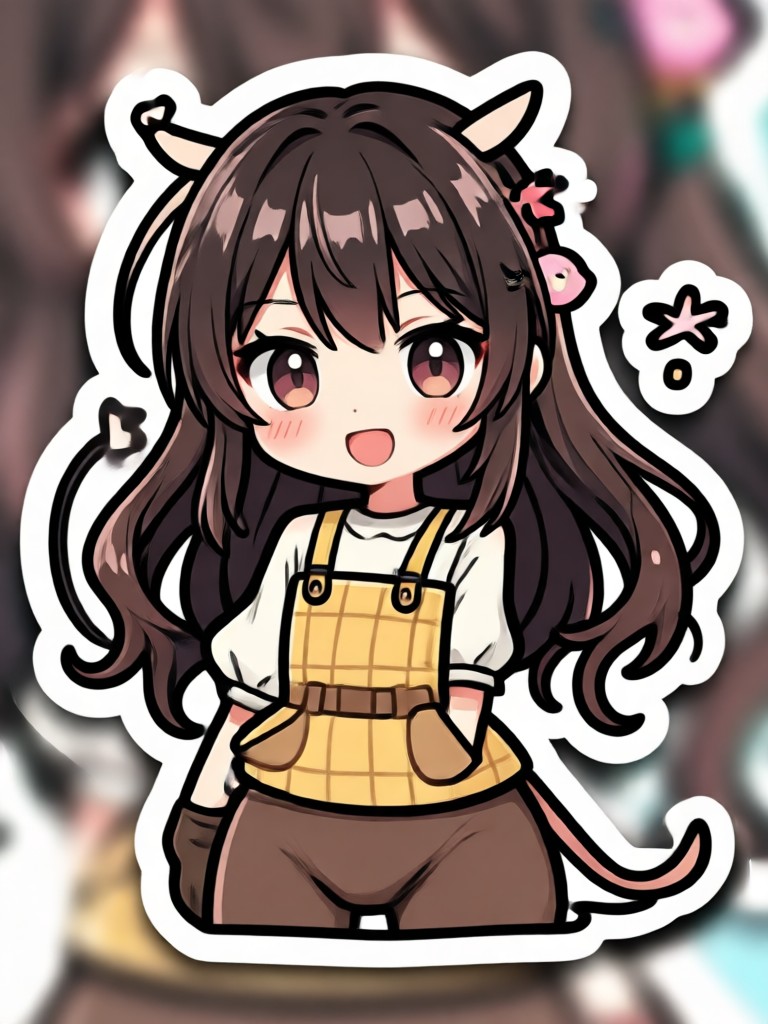
See what you can create with our PNG to sticker converter. From cute animal stickers to bold graphic designs, the possibilities are endless.
Why Use pixpop as Your PNG to Sticker Converter
Most sticker tools require complex editing software. pixpop handles everything automatically with AI. You upload a PNG, choose a style, and get a professional quality sticker in seconds. No design experience needed. The app works entirely on your phone and supports transparent background PNG files for clean cutouts.
Why Use pixpop as Your PNG to Sticker Converter
Most sticker tools require complex editing software. pixpop handles everything automatically with AI. You upload a PNG, choose a style, and get a professional quality sticker in seconds. No design experience needed. The app works entirely on your phone and supports transparent background PNG files for clean cutouts.
Turn Your Photos Into Stickers Today
Download pixpop from Google Play and start converting PNG images into custom stickers. Join thousands of creators who make stickers for their chats, social media, and business.

What Users Say About Our Sticker Converter
Easiest sticker maker I have used
I had a folder full of PNG files I wanted to turn into WhatsApp stickers. pixpop did it in minutes. The background removal is surprisingly accurate and the style filters are so fun.
Perfect for my small business
I make custom stickers for my Etsy shop and pixpop has become my go to tool. The high resolution export keeps everything crisp and the app is fast even on my older phone.
My chat group loves my stickers
I turn memes and photos into stickers all the time. The app is free to start and the results look better than paid apps I used before. Highly recommend for anyone who loves custom stickers.
PNG to Sticker Converter FAQs
Find clear answers to common questions about converting PNG files into stickers with pixpop.
More Topics You May Like
Explore more topics you may like and discover fresh ideas tailored to your interests.
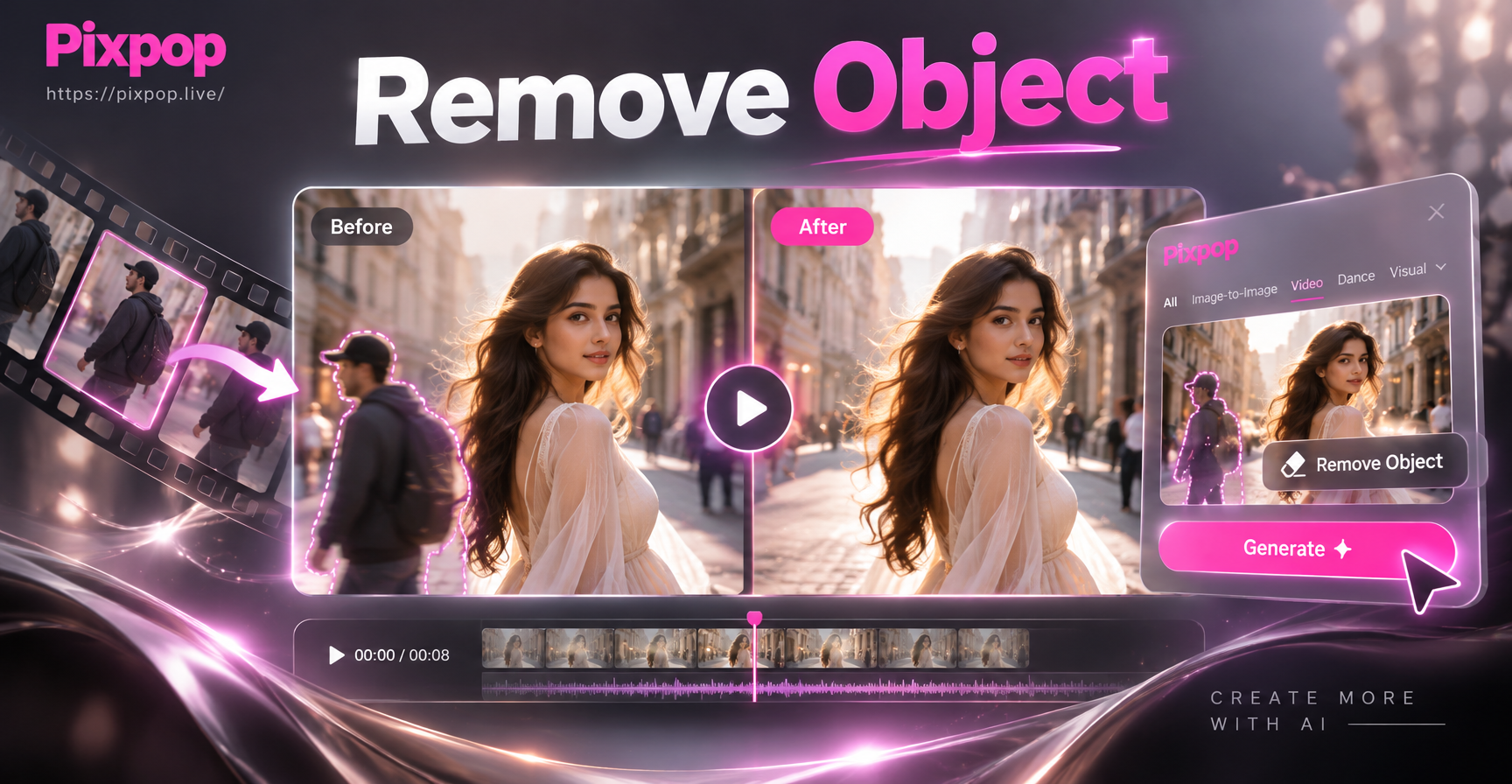
Clean Up Videos: Erase Unwanted Objects Instantly
Upload a clip, mark the object, and let AI remove it in seconds. Perfect for cleaning up footage, erasing people, or deleting text from videos. No editing skills needed.

Valentine Rose Couple Portrait Generator: Romantic AI Art
Create romantic AI couple portraits with roses. Turn your photos into stunning Valentine couple images, rose-themed love photos, and couple photoshoot ideas. Download the app now.
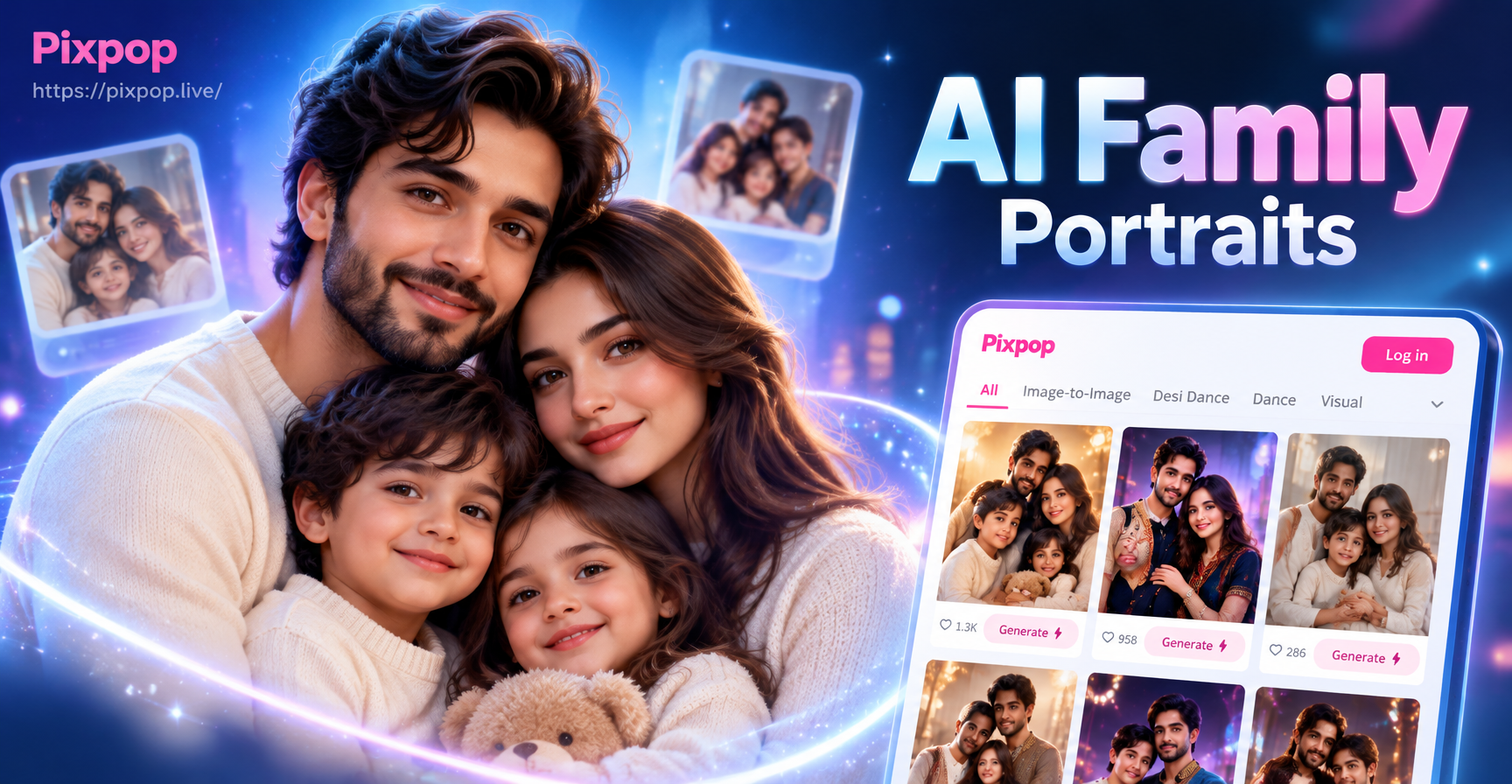
AI Family Portraits: Turn Group Photos into Stunning Art
Create stunning AI family portraits from photos. Pixpop handles multiple faces accurately with 1M+ styles like oil painting, Ghibli, and watercolor. Free to download.

Castle Kiss Video Generator: Create Romantic AI Videos
Turn your photos into a fairy tale castle kiss video with pixpop. Upload a picture, pick a romantic castle scene, and watch AI create a magical kiss animation in seconds.
Start Converting PNG to Stickers Now
Download pixpop for free and create custom stickers from your PNG images in seconds. No design skills required, just upload and transform.
Start Converting PNG to Stickers Now
Download pixpop for free and create custom stickers from your PNG images in seconds. No design skills required, just upload and transform.