Remove Objects from Video with AI Precision

Choose the Right AI Filter for Video Object Removal
Discover AI filters built for object removal, background cleanup, and motion aware editing. Find the perfect style for your shot.
Key Features for Video Object Removal
Erase unwanted objects, people, and text from your videos with AI tools designed for clean, natural results.
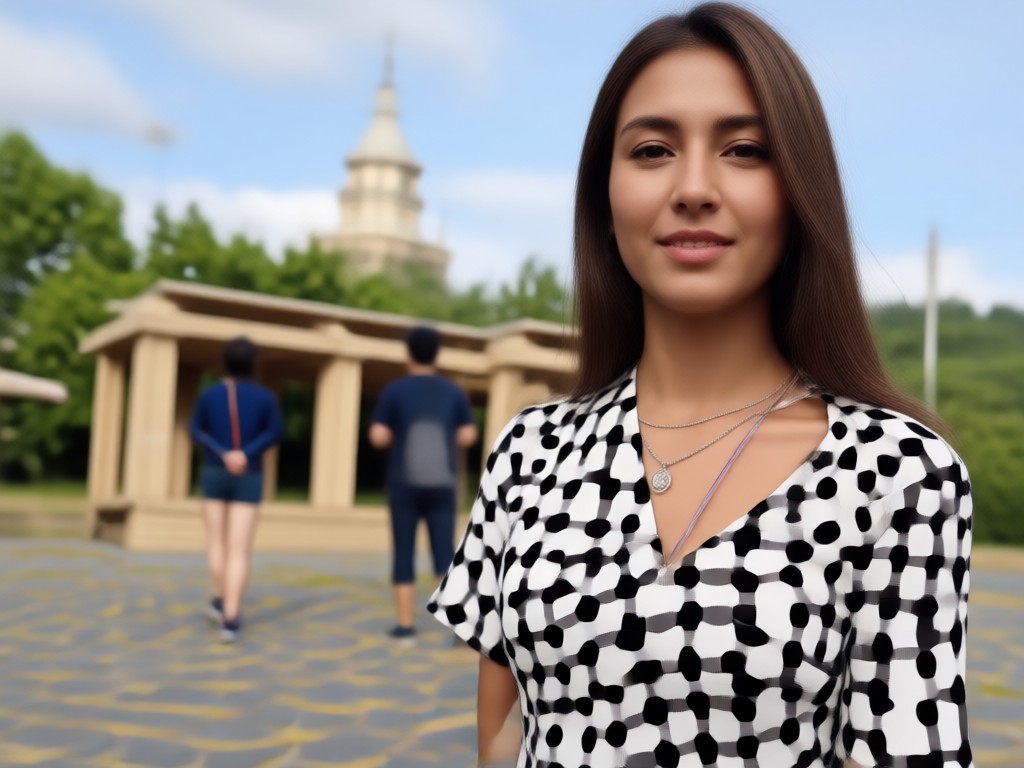
Precision Object Erasing
Mark any person, text, or object in a video. The AI tracks it across frames and removes it with clean background reconstruction.
Precision Object Erasing
Mark any person, text, or object in a video. The AI tracks it across frames and removes it with clean background reconstruction.

Seamless Background Blending
Removed areas are filled with realistic textures and colors, so the final clip looks native and untouched by editing software.
Seamless Background Blending
Removed areas are filled with realistic textures and colors, so the final clip looks native and untouched by editing software.
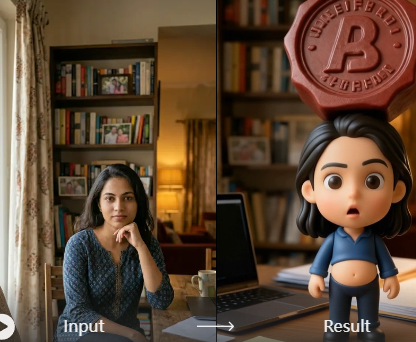
Motion Aware Tracking
The AI follows moving objects automatically, maintaining consistency even when the camera moves or the subject changes position.
Motion Aware Tracking
The AI follows moving objects automatically, maintaining consistency even when the camera moves or the subject changes position.
How to Remove Objects from Video with AI
Clean up your footage in three simple steps. No timeline scrubbing or manual masking needed.
Before and After: AI Video Object Removal Examples
See how pixpop cleans up footage by removing tourists, trash, logos, and other distractions from your favorite clips.






Why Use AI to Remove Objects from Video
Manual video cleanup can take hours and still look patchy. pixpop uses AI to understand the scene, track motion, and rebuild backgrounds with natural details. You get spotless results in seconds without needing a desktop editor or any design experience.
Why Use AI to Remove Objects from Video
Manual video cleanup can take hours and still look patchy. pixpop uses AI to understand the scene, track motion, and rebuild backgrounds with natural details. You get spotless results in seconds without needing a desktop editor or any design experience.
What Video Creators Are Saying
The best tool for cleaning travel clips
I film a lot on busy streets and always get random people in the shot. pixpop removes them completely and the background looks real. It saves me hours of editing.
Finally an easy way to delete text from video
I used to blur or crop my footage to hide watermarks. Now I just highlight the text and the app erases it perfectly. The AI keeps everything else looking sharp.
Clean results without a desktop editor
I do not have time to learn complex software. pixpop lets me remove objects from video on my phone in a few taps. The results look professional enough for client work.
Frequently Asked Questions About Video Object Removal
Find clear answers about removing objects, people, and text from videos with pixpop.
More Topics You May Like
Explore more video editing topics and discover fresh ideas tailored to your creative needs.

Valentine Rose Couple Portrait Generator: Romantic AI Art
Create romantic AI couple portraits with roses. Turn your photos into stunning Valentine couple images, rose-themed love photos, and couple photoshoot ideas. Download the app now.

AI Family Portraits: Turn Group Photos into Stunning Art
Create stunning AI family portraits from photos. Pixpop handles multiple faces accurately with 1M+ styles like oil painting, Ghibli, and watercolor. Free to download.

Castle Kiss Video Generator: Create Romantic AI Videos
Turn your photos into a fairy tale castle kiss video with pixpop. Upload a picture, pick a romantic castle scene, and watch AI create a magical kiss animation in seconds.

Make a Four Photo Portrait Collage in Seconds with AI
Turn four photos into one stunning portrait collage with AI. Upload your pictures, pick a template, and get a beautiful group poster in seconds. No design skills needed.
Clean Up Your Videos with AI Now
Remove unwanted objects and distractions from any clip in seconds. Download pixpop and start creating spotless, share ready videos today.
Clean Up Your Videos with AI Now
Remove unwanted objects and distractions from any clip in seconds. Download pixpop and start creating spotless, share ready videos today.