Funny Picture Filters

Pick Your Favorite Funny Filter
Browse popular comedic filters that turn regular photos into hilarious shareable moments.
What Makes Funny Picture Filters So Addictive
Discover the features that make pixpop the go-to app for creating side-splitting photo transformations your friends will love.
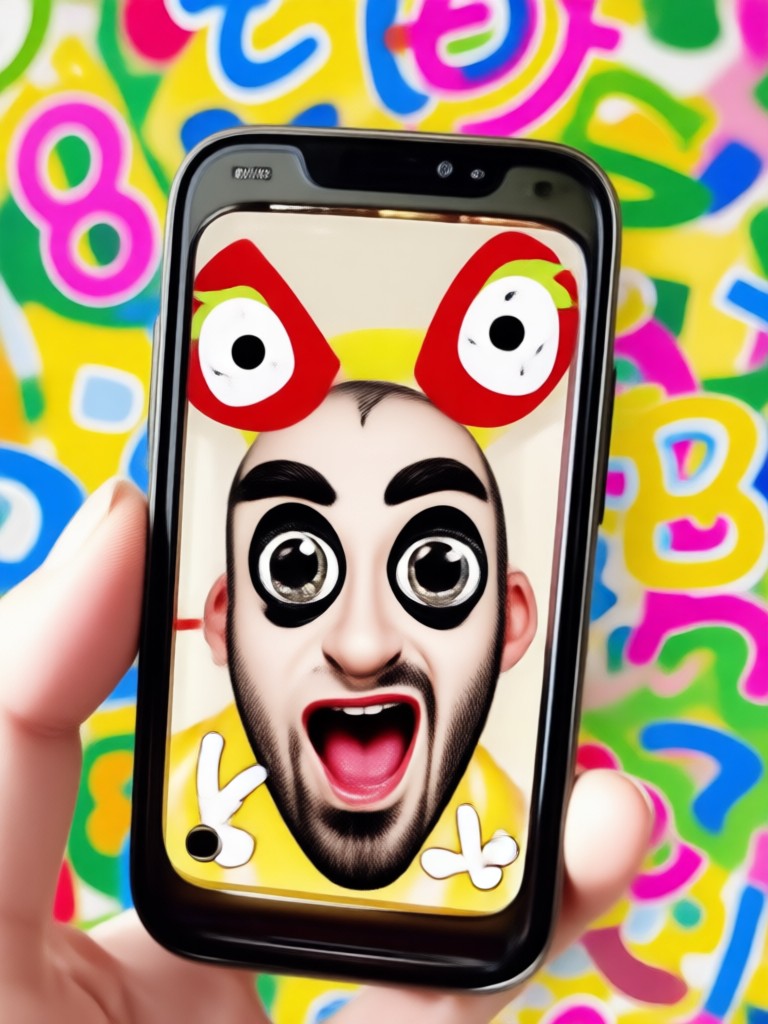
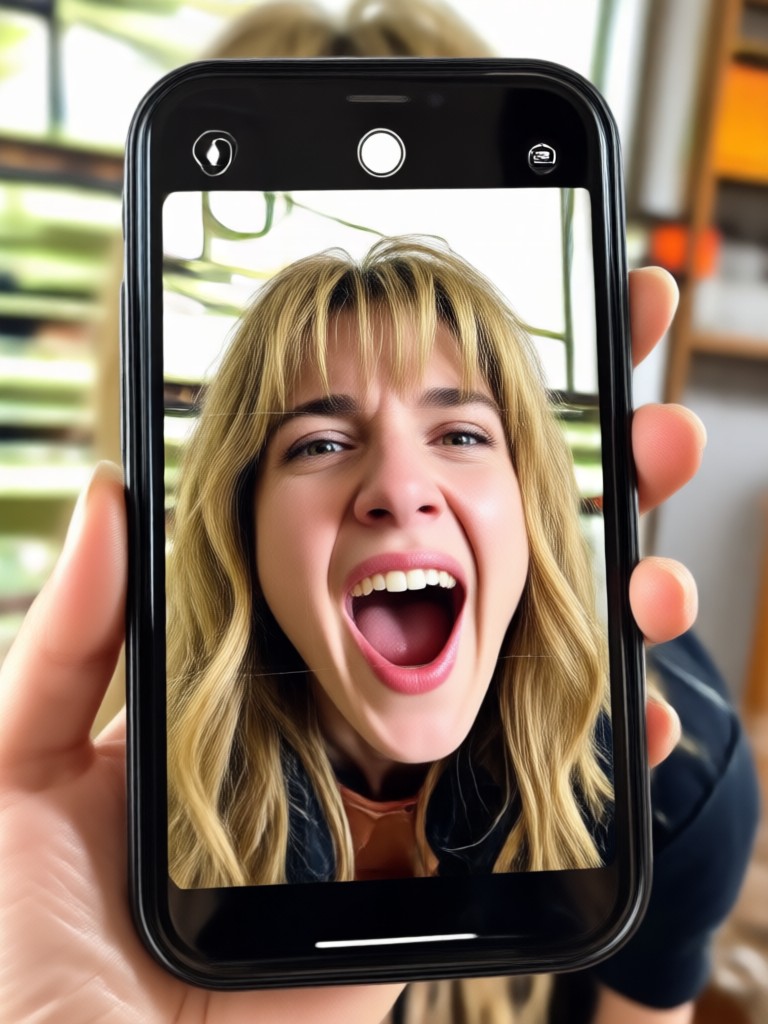
Instant Face Distortion
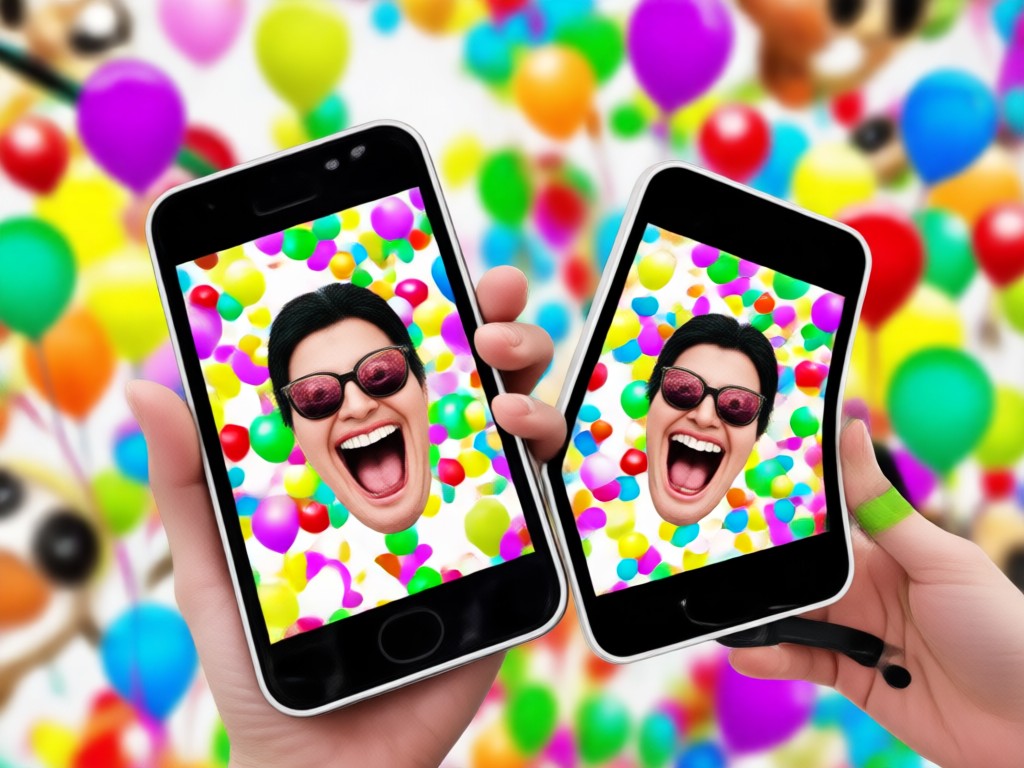
Upload any portrait and watch the AI stretch, squash, and twist facial features into cartoonish expressions. Perfect for creating goofy selfies and reaction memes that go viral.
Instant Face Distortion
Upload any portrait and watch the AI stretch, squash, and twist facial features into cartoonish expressions. Perfect for creating goofy selfies and reaction memes that go viral.
Animal Face Swap
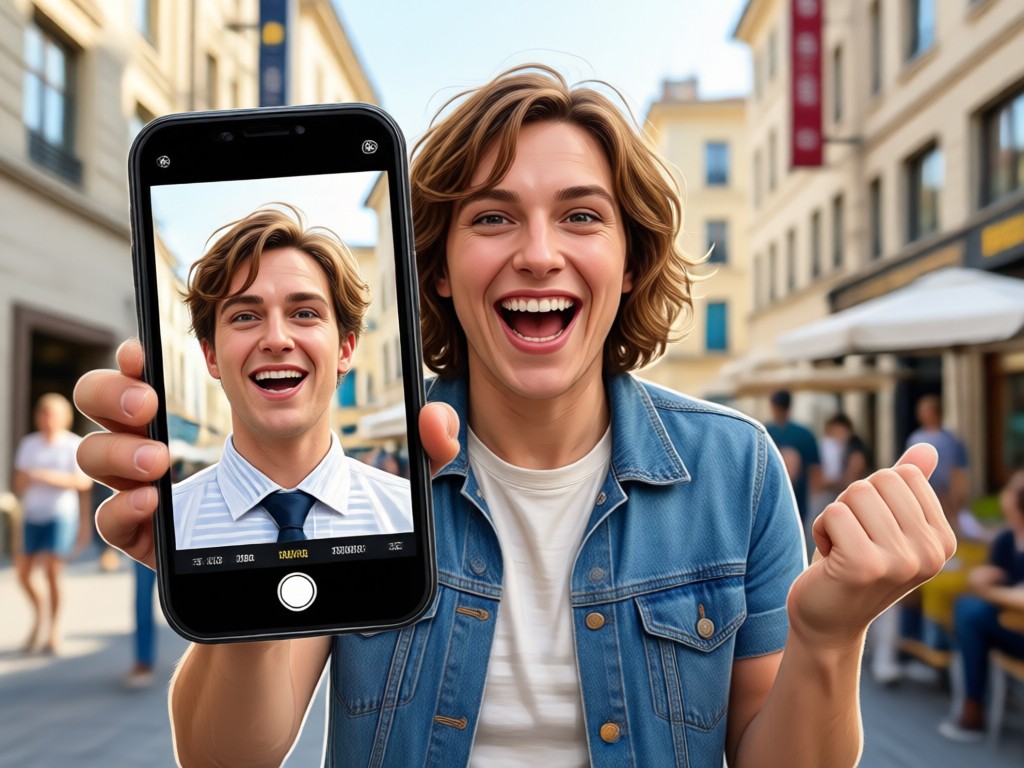
Replace faces with cats, dogs, pandas, and more. The AI preserves lighting and angles so the result looks surprisingly natural yet completely ridiculous.
Animal Face Swap
Replace faces with cats, dogs, pandas, and more. The AI preserves lighting and angles so the result looks surprisingly natural yet completely ridiculous.
Silly Scene Overlays
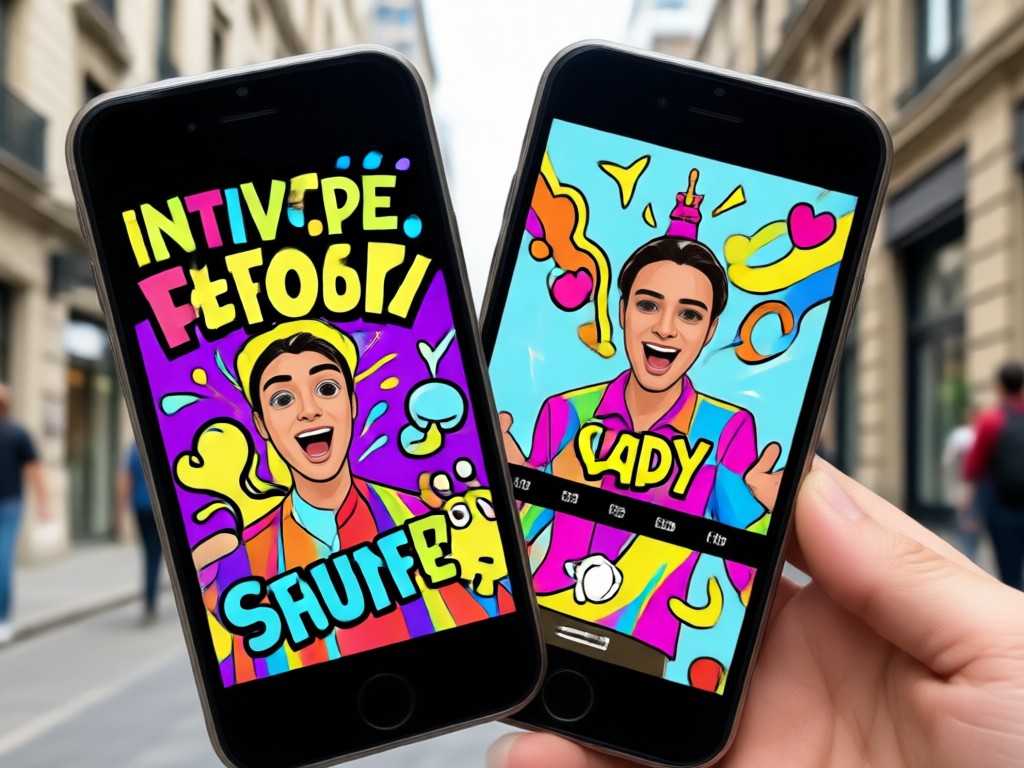
Drop your photo into outrageous scenes with funny hats, goofy props, and absurd backgrounds. One tap transforms a normal picture into a comedy sketch.
Silly Scene Overlays
Drop your photo into outrageous scenes with funny hats, goofy props, and absurd backgrounds. One tap transforms a normal picture into a comedy sketch.
Hilarious Transformations Made by Our Users
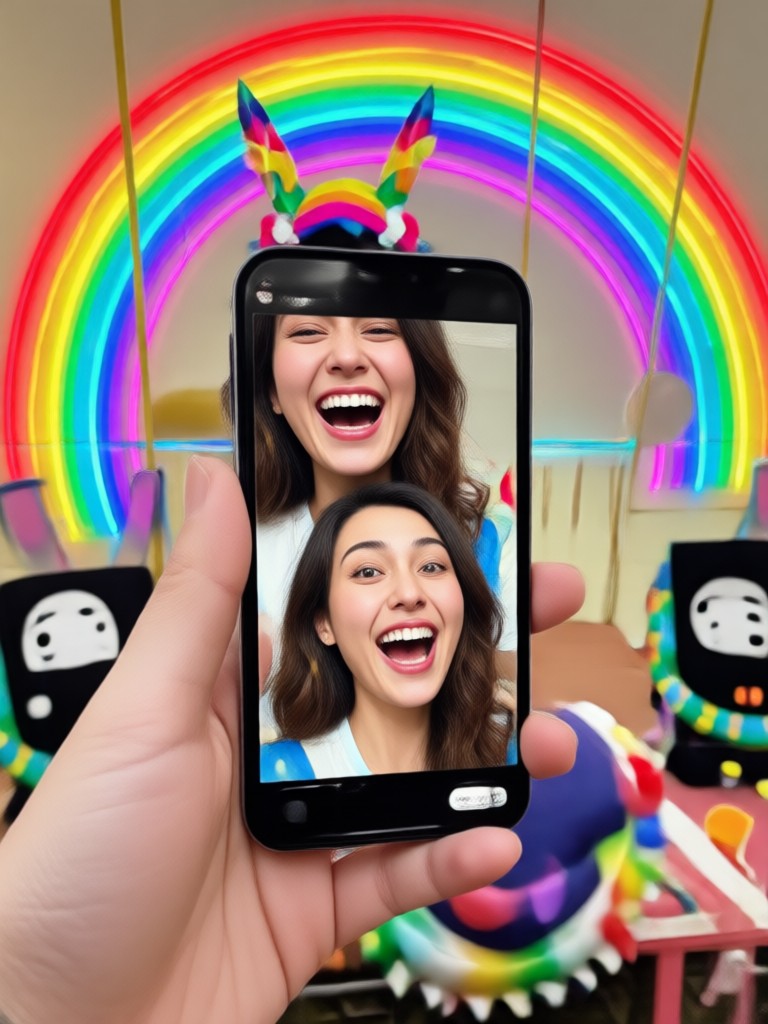
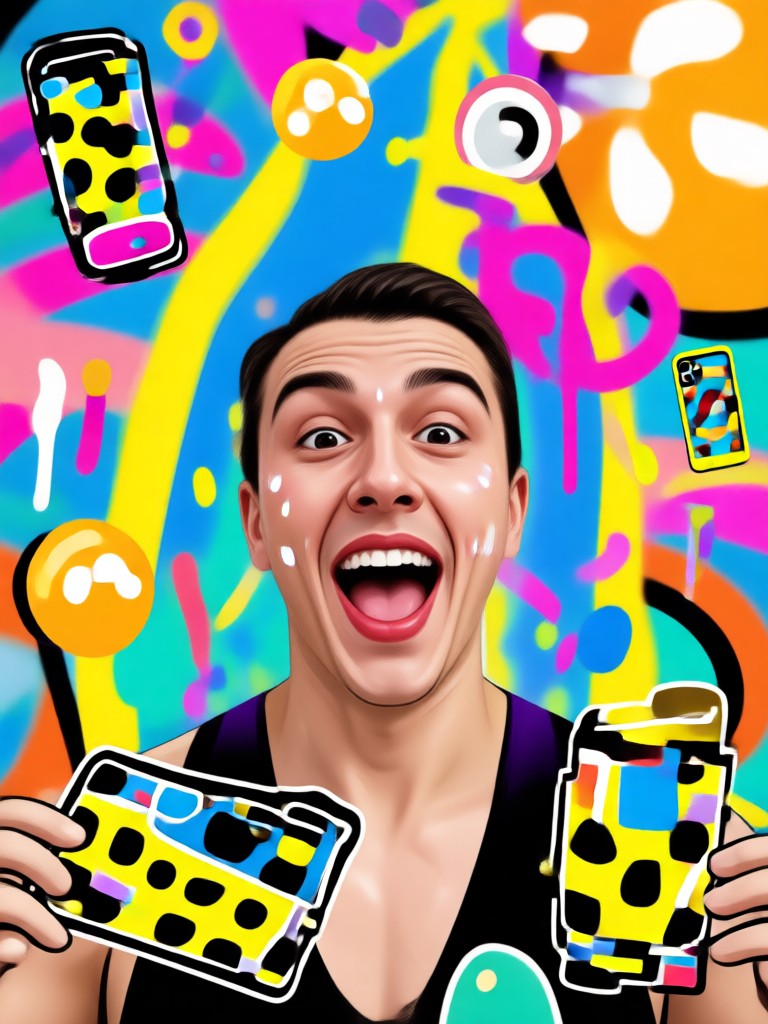
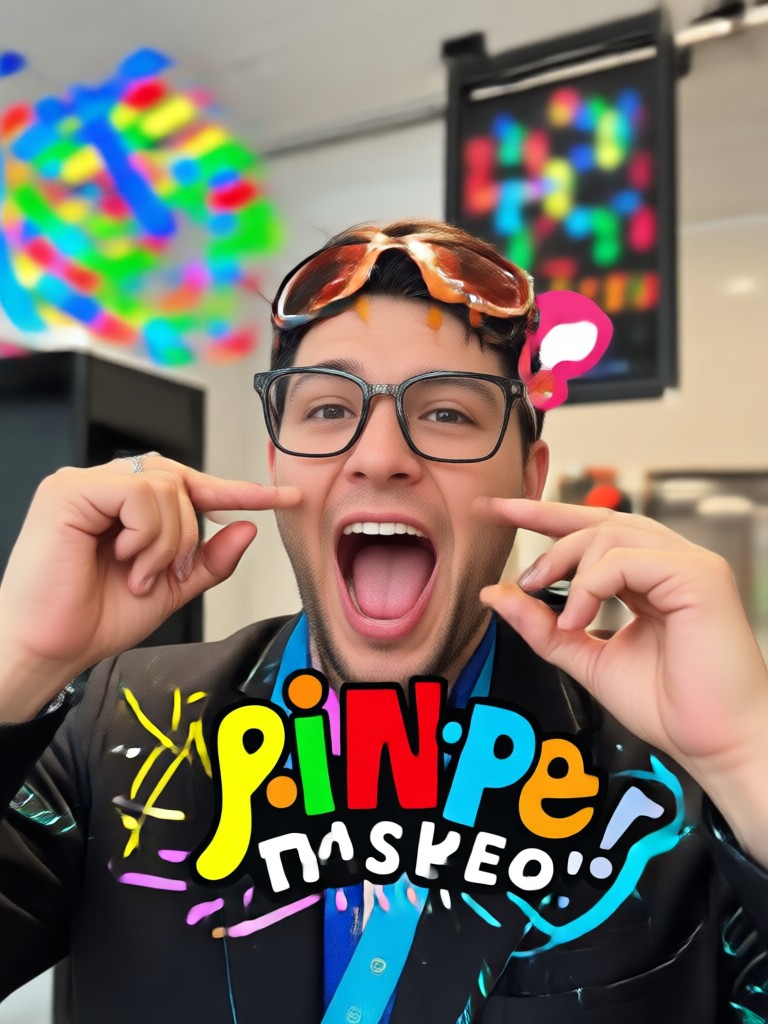
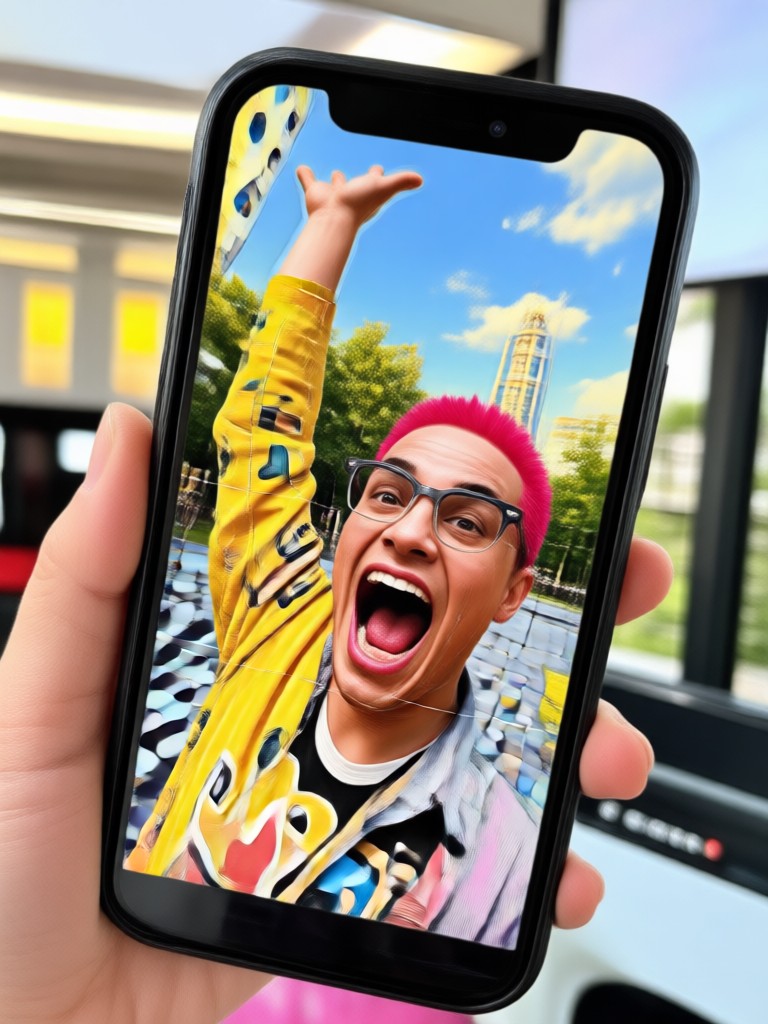
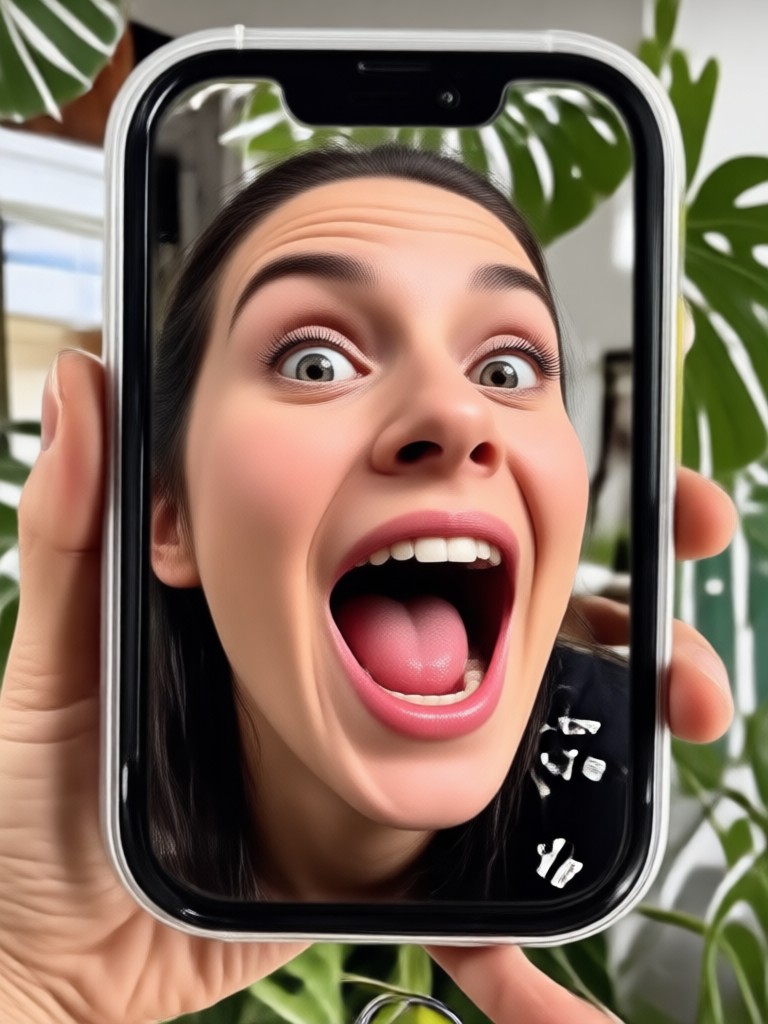
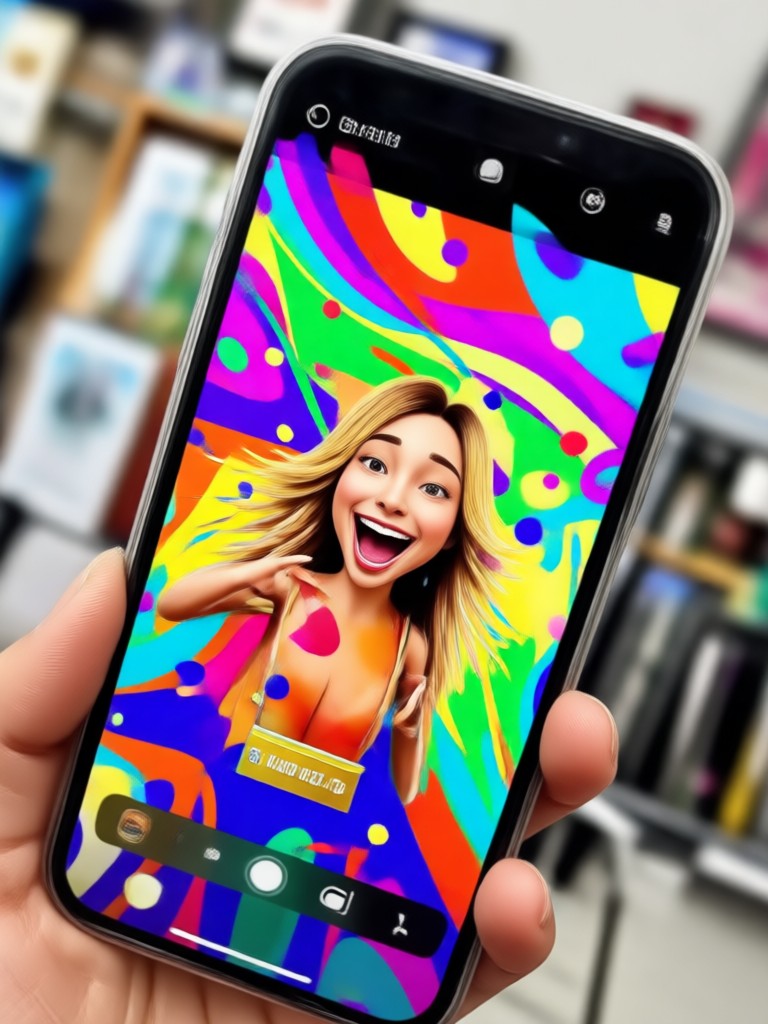
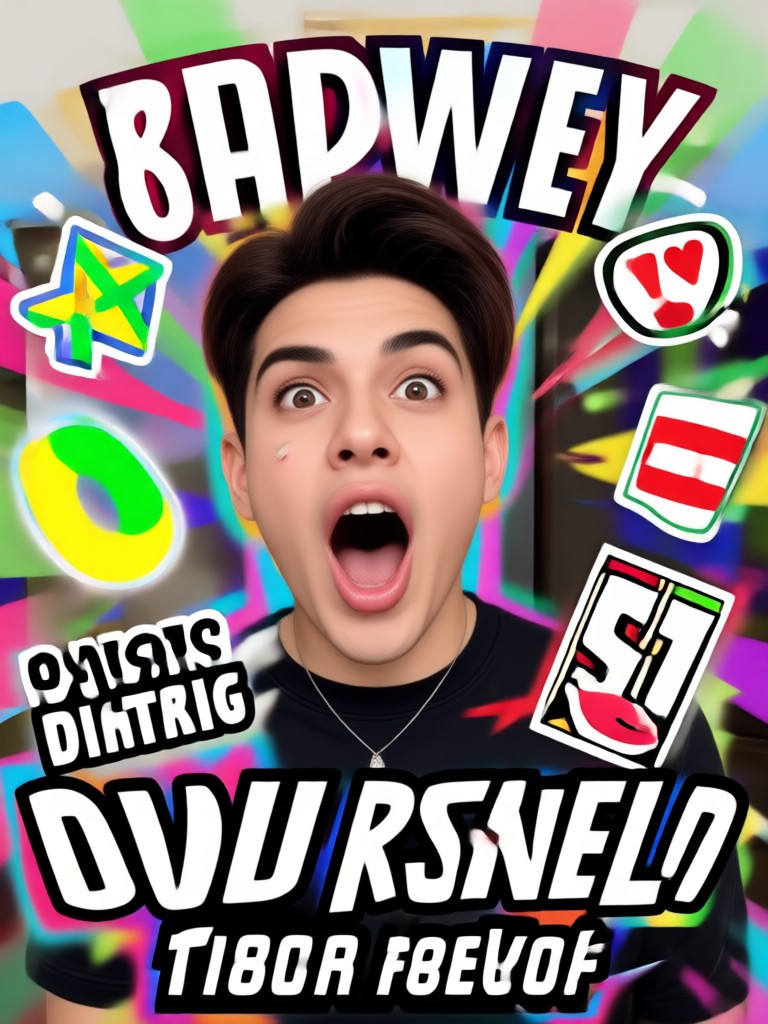
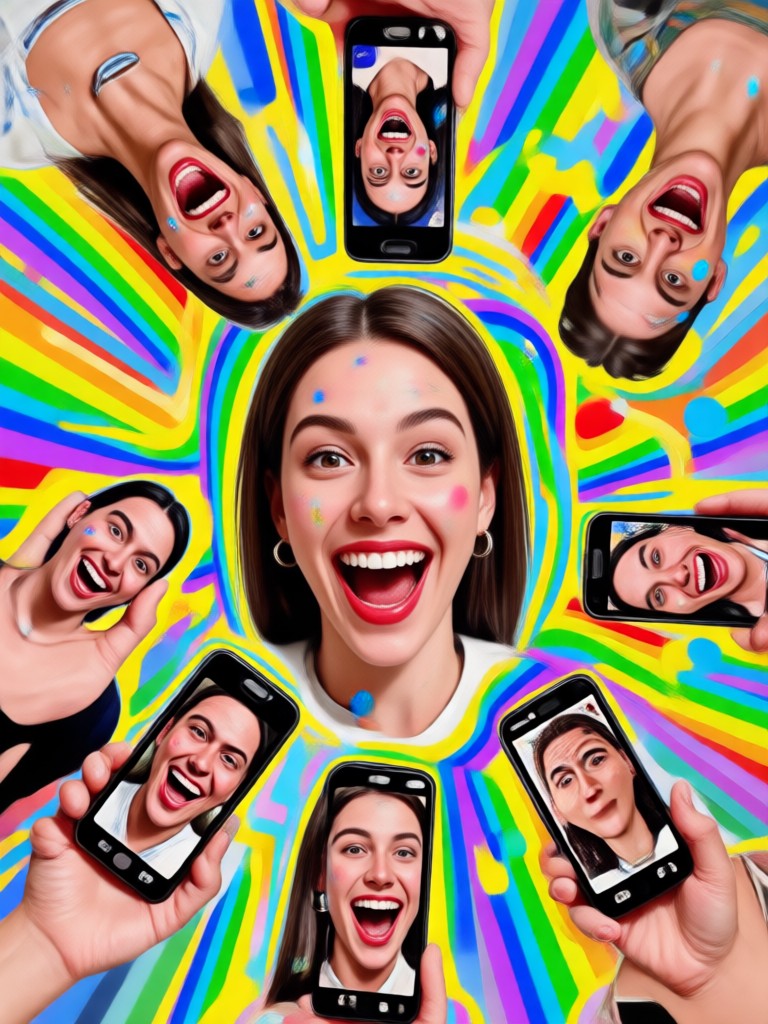
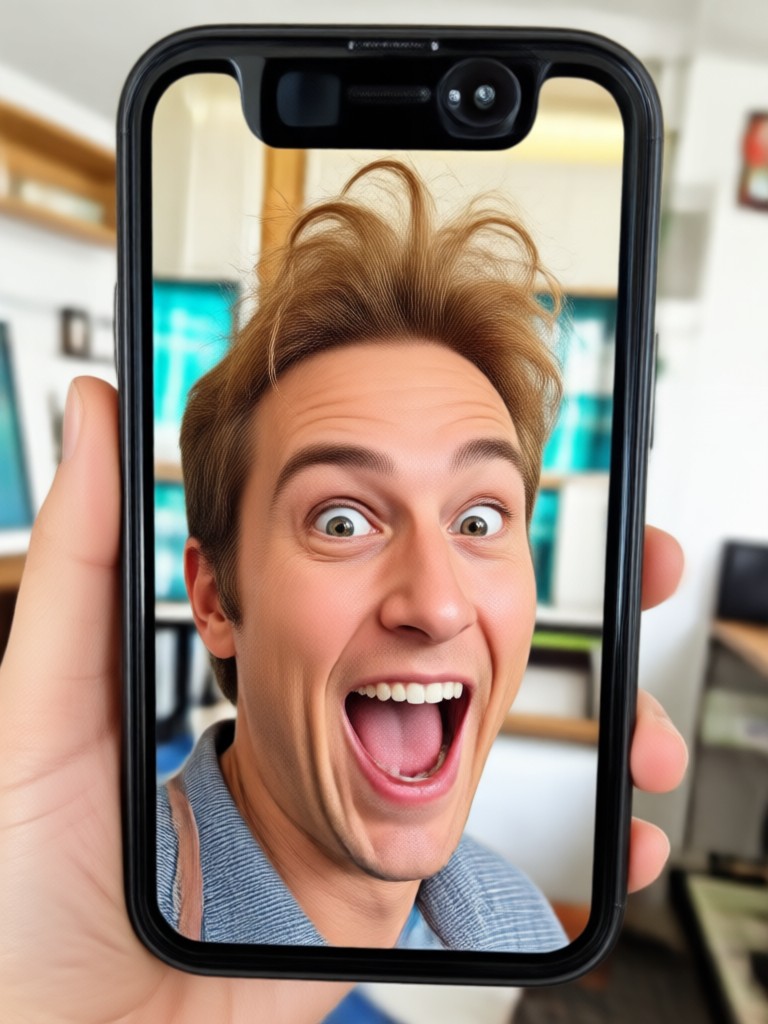
Check out these side-splitting transformations created with pixpop's funny picture filters. Each one started as an ordinary photo and became a shareable comedy moment.
How to Make Funny Filtered Pictures
Create hilarious photo transformations in three simple steps using pixpop's AI-powered filters. No design skills or complicated editing required.

Step 01.
Download the pixpop app from Google Play. Installation takes less than a minute and your photos stay private on your device.

Step 02.
Upload a photo or snap a selfie directly in the app. Browse the funny filter category and pick from face distortions, animal swaps, and silly overlays.

Step 03.
Generate your funny picture and share it directly to social media or save it to your gallery. Your friends will not believe their eyes.
Why pixpop Is the Best App for Funny Picture Filters
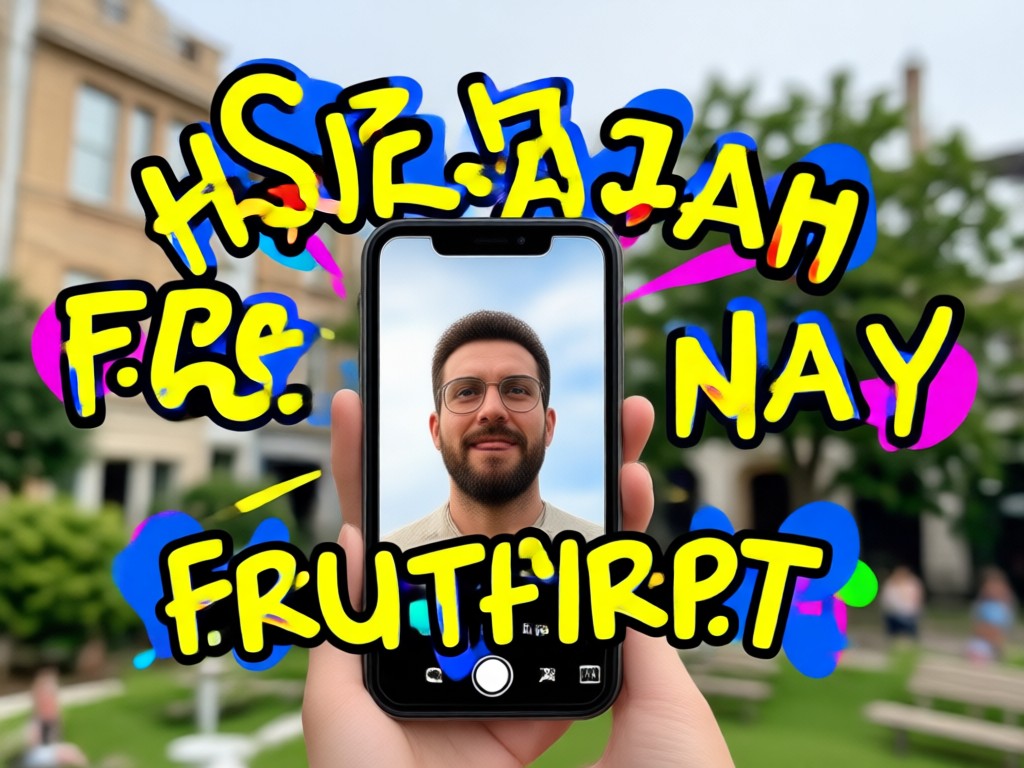
Unlike basic photo editors that just slap stickers on your image, pixpop uses advanced AI to completely transform your photos while keeping the result photo-realistic. The app runs entirely on your phone with no web uploads needed, so your photos stay private and processing is lightning fast.
Why pixpop Is the Best App for Funny Picture Filters
Unlike basic photo editors that just slap stickers on your image, pixpop uses advanced AI to completely transform your photos while keeping the result photo-realistic. The app runs entirely on your phone with no web uploads needed, so your photos stay private and processing is lightning fast.

Get Funny Picture Filters on Your Phone
Download pixpop from Google Play and start creating hilarious photo transformations in under a minute. Free to try, no sign-up required.

Frequently Asked Questions About Funny Picture Filters
Find quick answers to common questions about creating hilarious photo transformations with pixpop.
More Topics You May Like
Explore more topics you may like and discover fresh ideas tailored to your interests.
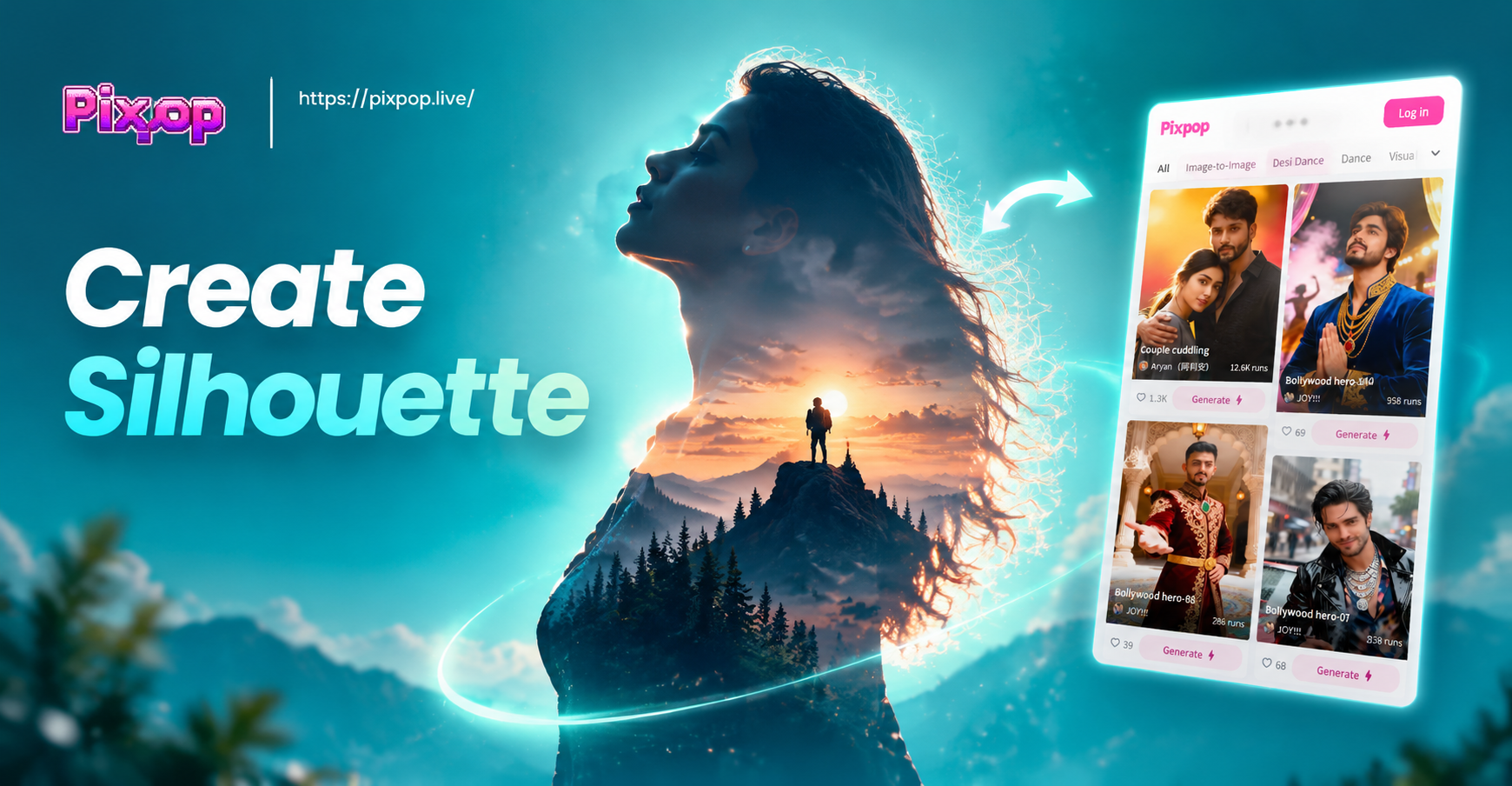
Create Silhouette From Photo: Transform Images into Art
Create silhouette from photo with pixpop. Upload a photo, pick a style, and turn it into a stylish black silhouette. No editing skills required. Download the app today.

Free AI Generator No Sign Up: Create AI Art Instantly
Use the free AI generator with no sign up. Download the app, pick a style, and create AI images and videos in seconds. No account needed. Try it now.
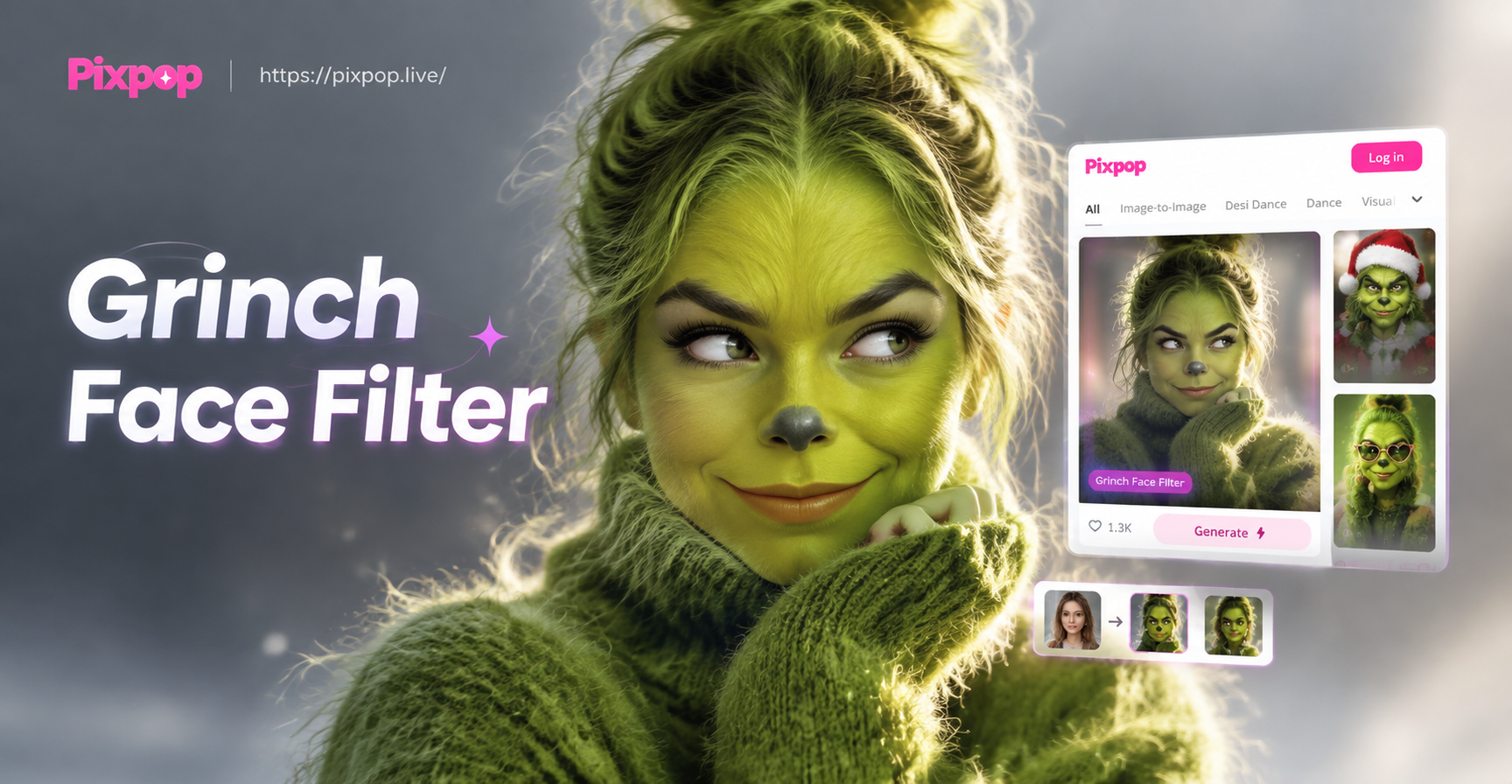
Grinch Face Filter: Go Green for Holiday Fun
Turn yourself into the Grinch with AI face filters. Upload a photo, pick the Grinch effect, and create hilarious green faced photos and videos in seconds.

Remover Logo do TikTok: AI Watermark Eraser App
Remover logo do TikTok is easy with pixpop. Upload your video, erase the TikTok watermark in seconds, and export clean videos ready for sharing. Download now.
Start Making People Laugh Today
Download pixpop from Google Play and turn your ordinary photos into hilarious works of art. Free to try, no editing skills required.

Start Making People Laugh Today
Download pixpop from Google Play and turn your ordinary photos into hilarious works of art. Free to try, no editing skills required.