Blur This Image
Creative Blur Effects & Filters
Explore different blur styles to match your creative vision, from natural bokeh to artistic motion blurs.
Why Our AI Image Blur Tool Stands Out
Experience professional-grade photo editing made simple. Our AI understands your image to deliver realistic, customizable blur effects in seconds.
Smart Subject Detection
Our AI automatically identifies and protects your main subject, applying a natural blur only to the background. No manual masking or selection is needed.
Adjustable Blur Intensity
Control the strength of your blur effect with a simple slider. Choose from a subtle depth of field to a completely abstract, creamy bokeh background.
Realistic Bokeh & Styles
Apply different blur styles like lens blur, motion blur, or Gaussian blur to create various moods and professional looks in your photos.
AI Blur Effect Transformations
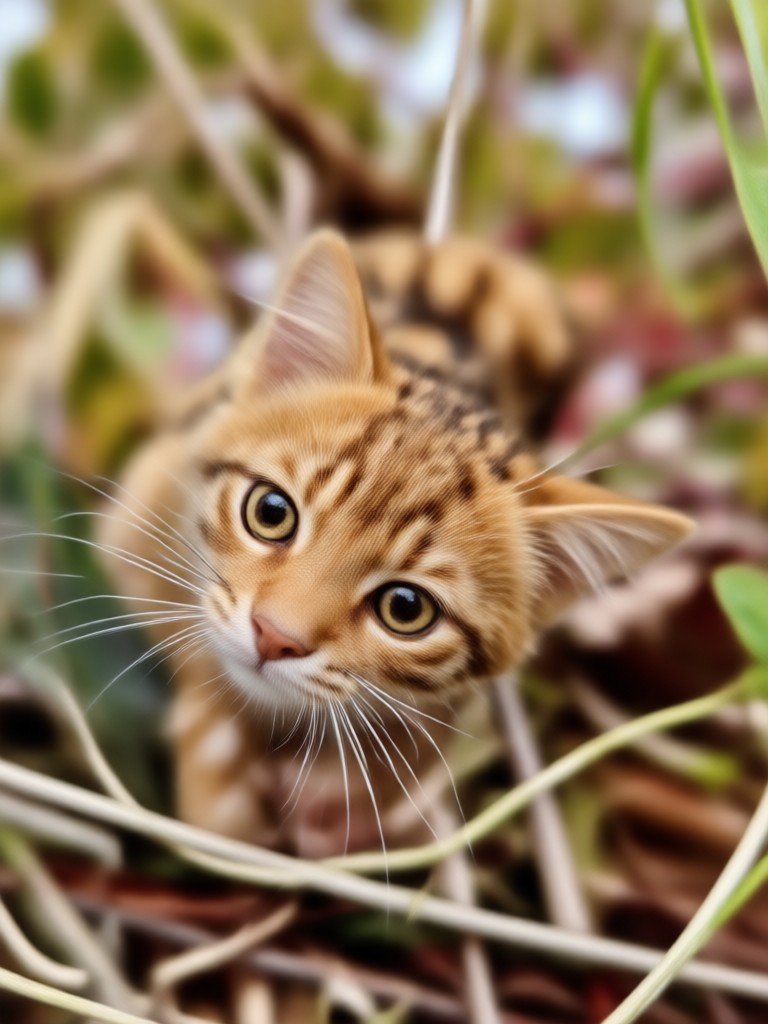
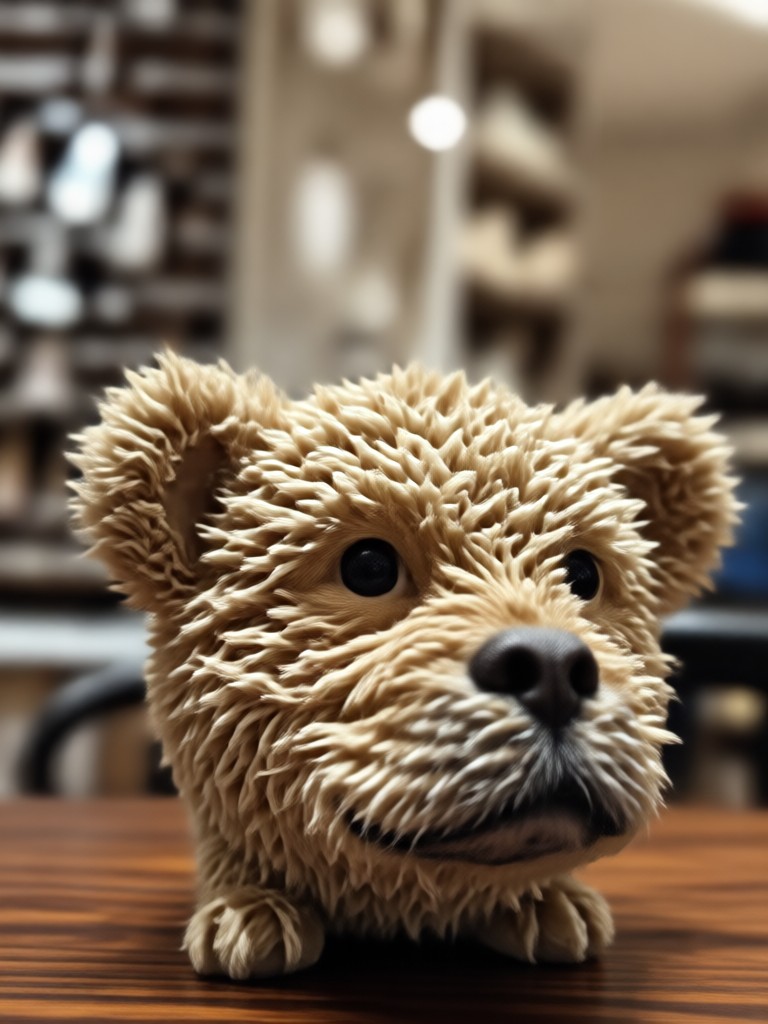
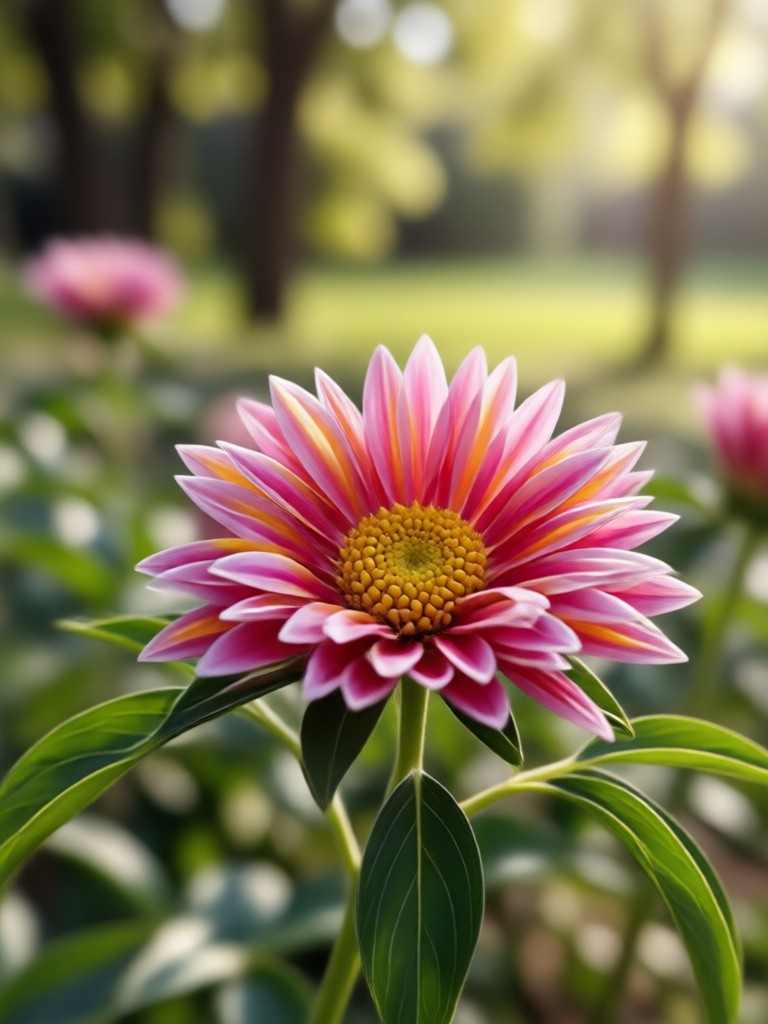
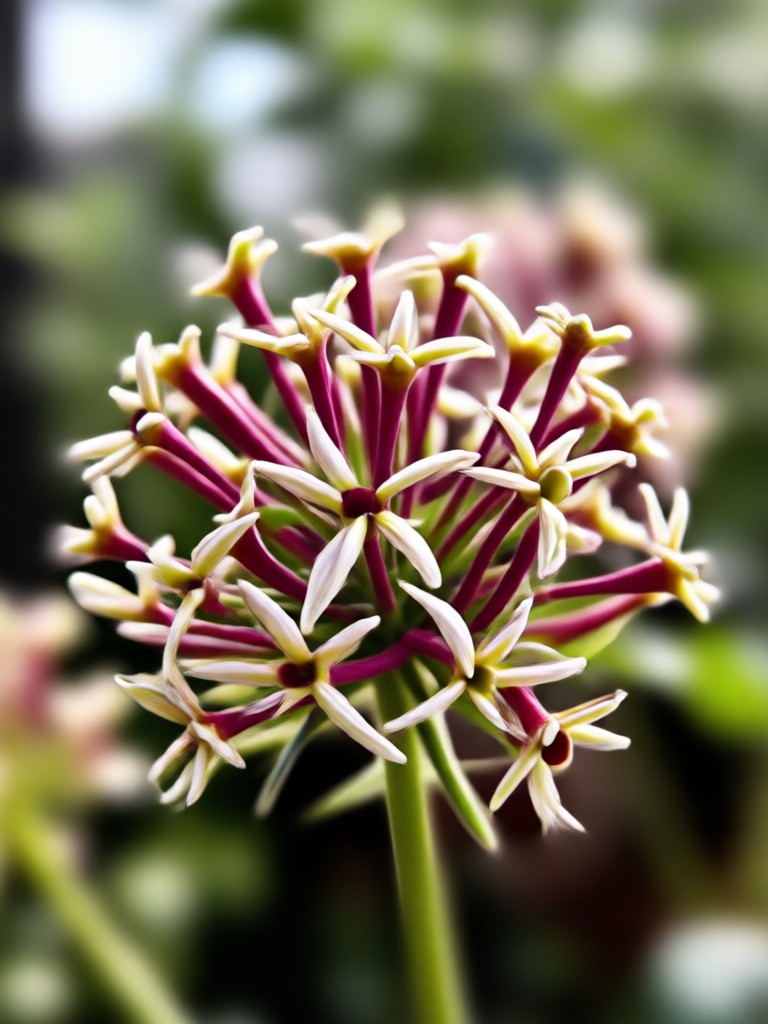
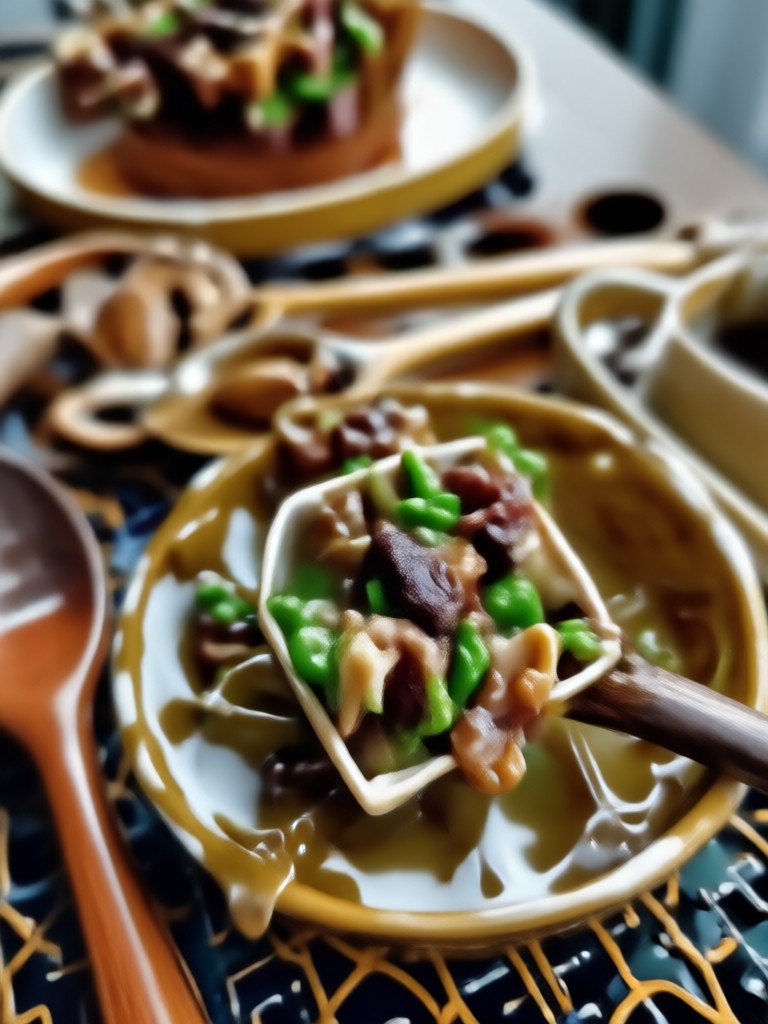
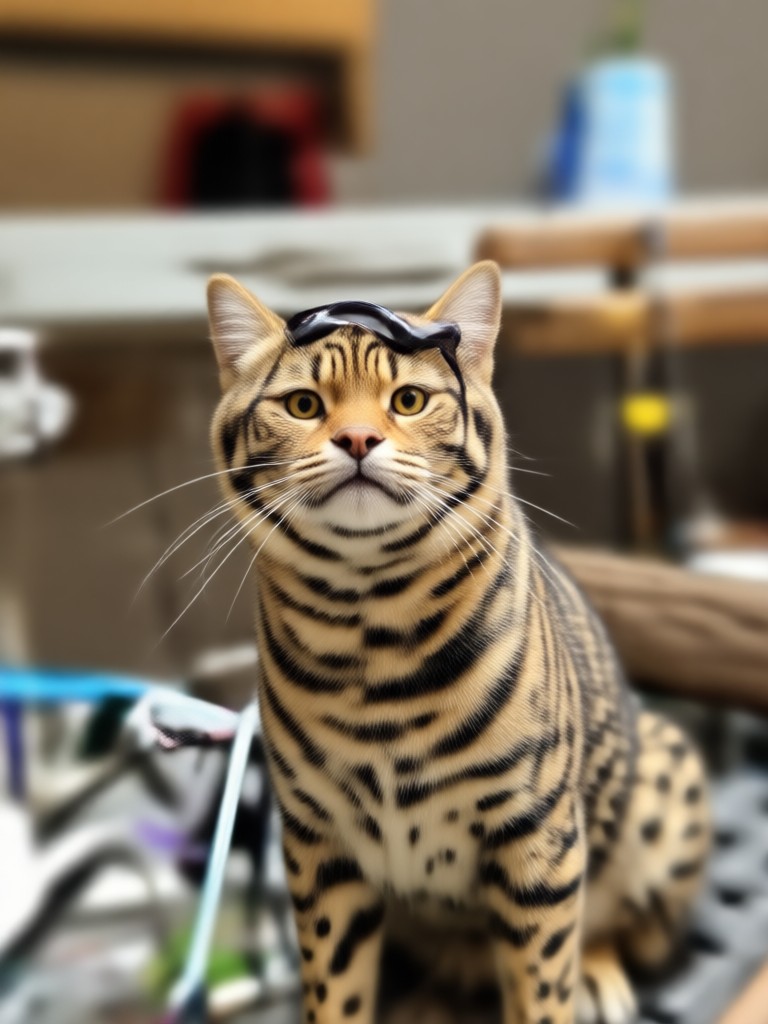
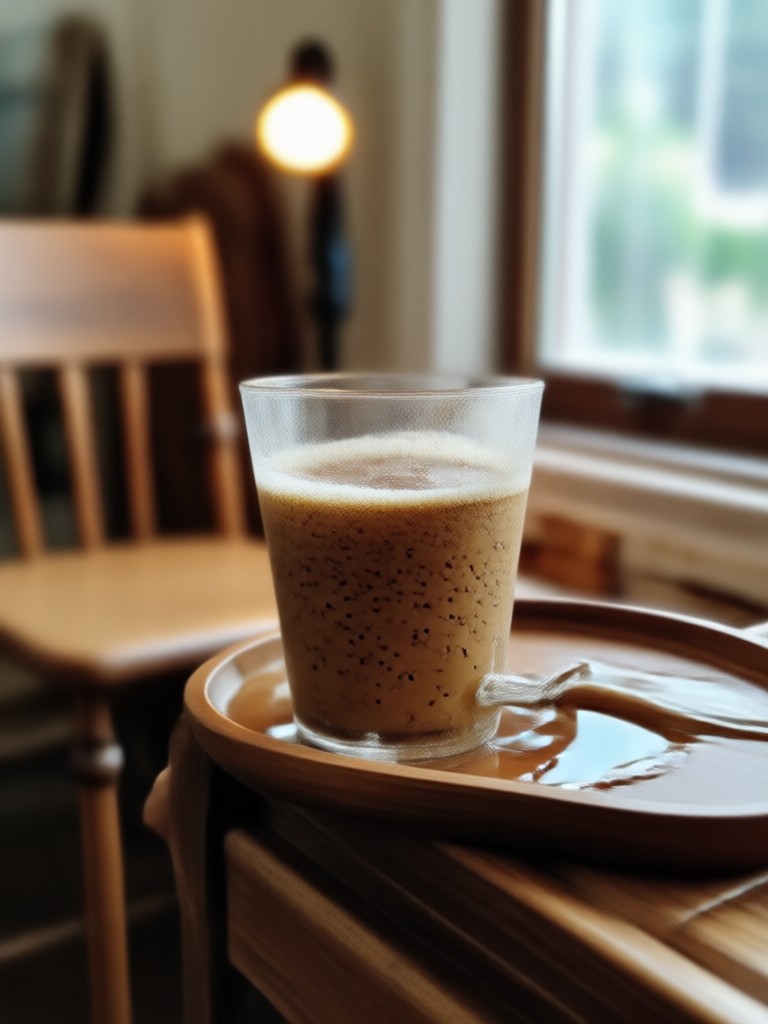
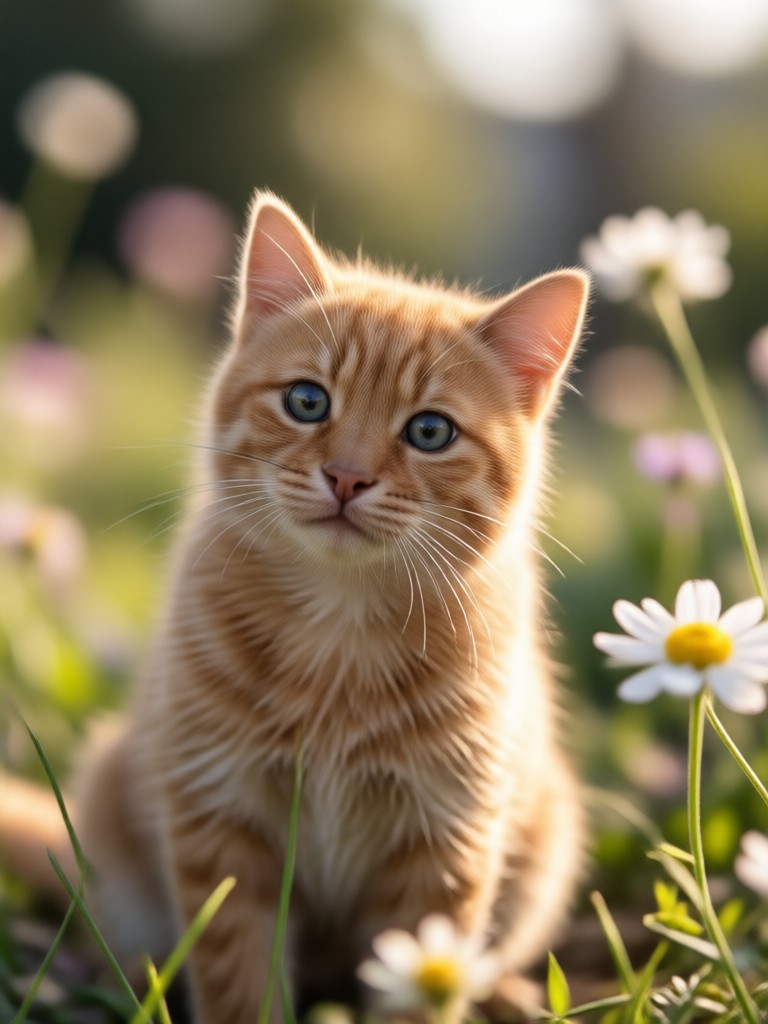
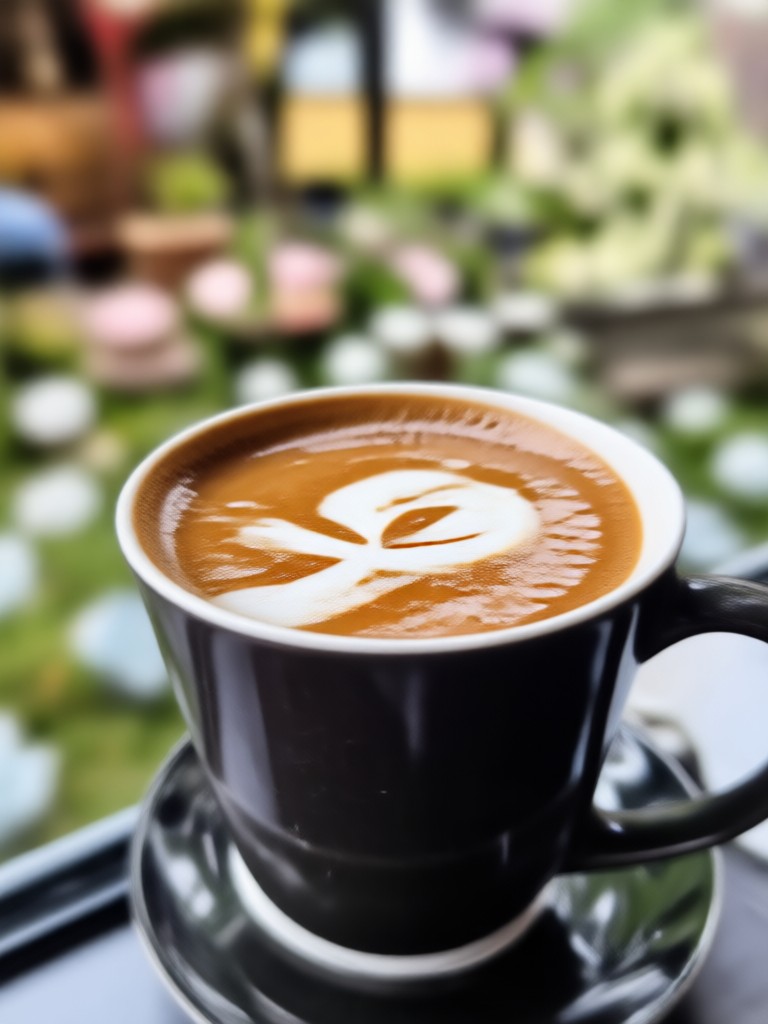
See how AI can instantly improve portraits, product photos, and everyday snaps by removing cluttered backgrounds and focusing attention.
How to Blur an Image in 3 Simple Steps
Create stunning, professional-looking photos with a blurred background directly from your phone in less than a minute.

Step 01.
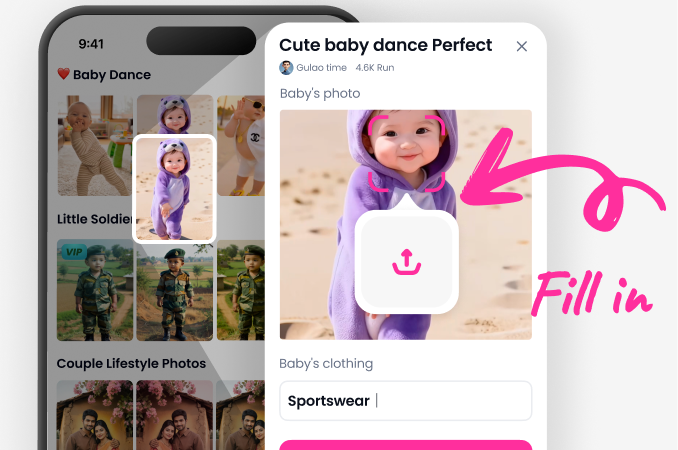
Download the Pixpop app from the Google Play Store to access all AI blur and editing tools on your mobile device.
Step 02.
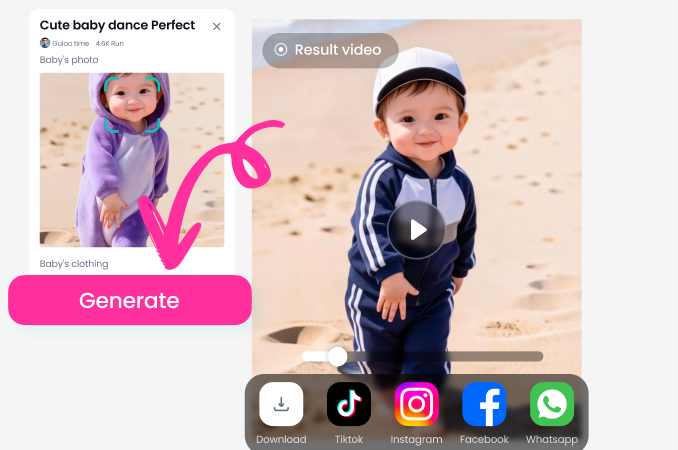
Upload your photo and select the 'Blur Background' or 'Bokeh' filter. Adjust the intensity and area of the blur to your preference.
Step 03.
Save your professionally edited image directly to your phone and share it instantly on social media or messaging apps.
The Power of a Simple Blur
A blurred background is more than an edit. It's a fundamental technique that elevates amateur photos to professional standards.
Transform Your Photography Instantly
Blurring the background directs the viewer's eye, creates a sense of depth, and conveys professionalism. Whether you're taking portrait photos for a LinkedIn profile, showcasing a product for an online store, or simply improving a casual snapshot, our AI tool does the heavy lifting. It intelligently separates your subject from a busy environment, applying a realistic, adjustable blur that mimics expensive camera lenses. This allows anyone to achieve polished results without learning complex editing software.
Transform Your Photography Instantly
Blurring the background directs the viewer's eye, creates a sense of depth, and conveys professionalism. Whether you're taking portrait photos for a LinkedIn profile, showcasing a product for an online store, or simply improving a casual snapshot, our AI tool does the heavy lifting. It intelligently separates your subject from a busy environment, applying a realistic, adjustable blur that mimics expensive camera lenses. This allows anyone to achieve polished results without learning complex editing software.
How Creatives Use AI to Blur Images
Marcus T.
I use this daily for my online jewelry shop. Blurring the background makes each piece the clear focus, and my product photos look 10 times more professional.
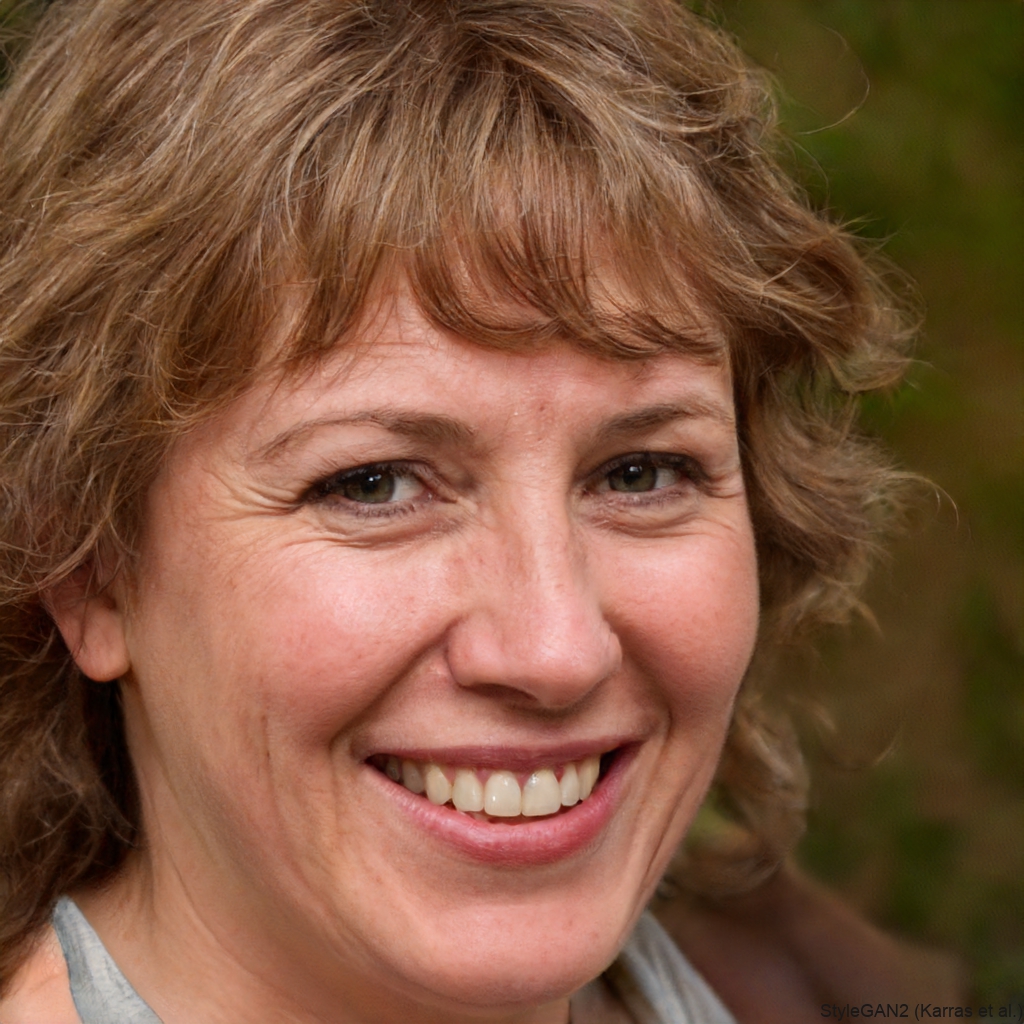
Sophia L.
As a content creator, I need my Instagram selfies to pop. This app's blur tool saves me so much time. The AI is scarily accurate at keeping my hair and edges sharp.
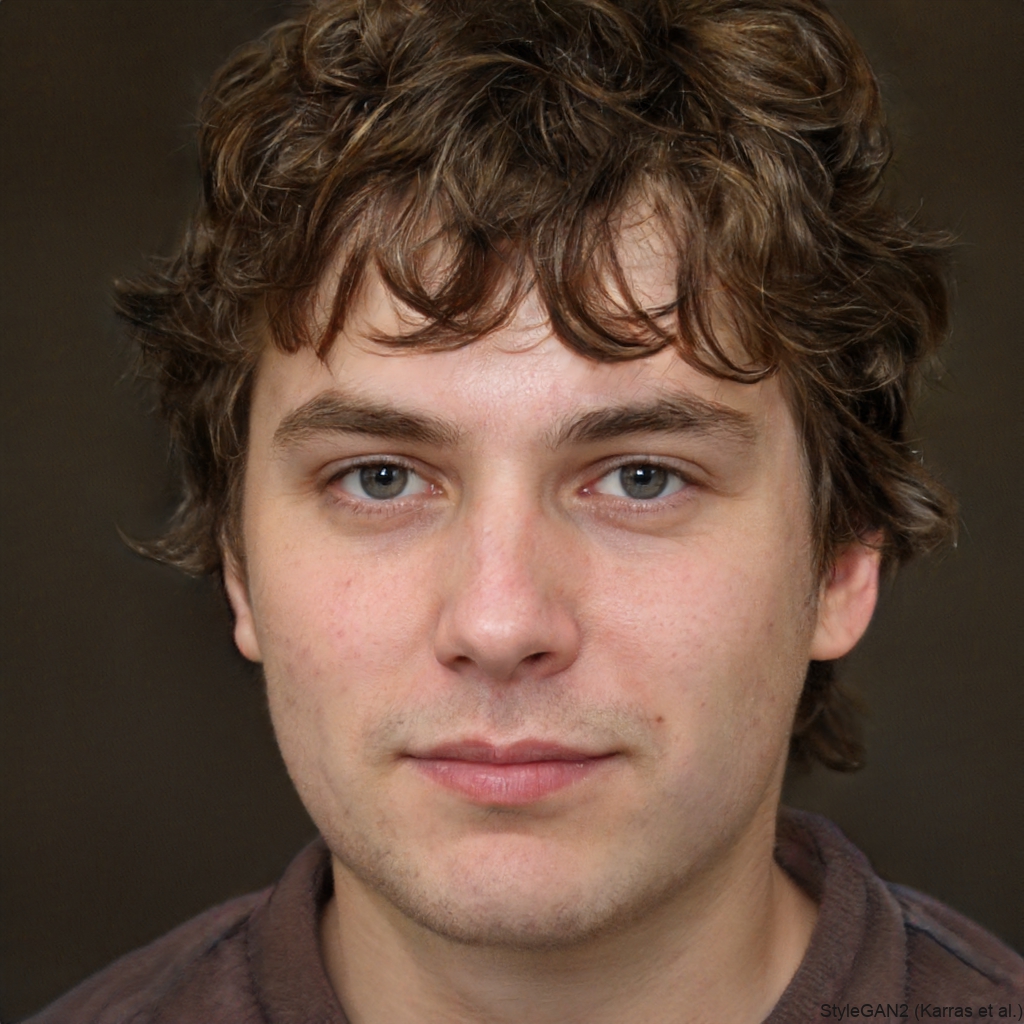
David R.
For real estate photos, I often need to blur out personal items or distracting clutter in a room. This tool is faster and more natural-looking than anything else I've tried.
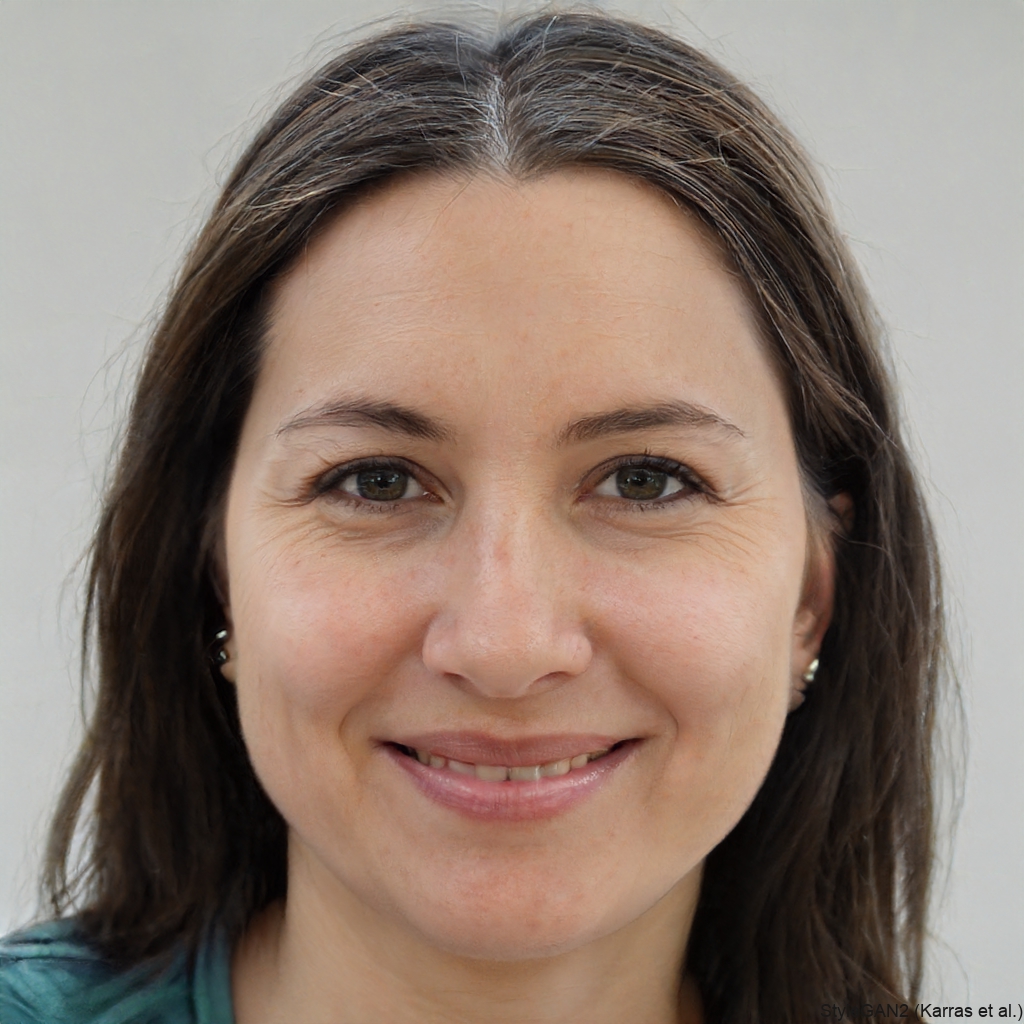
Anya K.
I love bird photography, but sometimes the background is too busy. This AI helps me create a beautiful bokeh effect that makes the bird stand out perfectly.
Marcus T.
I use this daily for my online jewelry shop. Blurring the background makes each piece the clear focus, and my product photos look 10 times more professional.
Sophia L.
As a content creator, I need my Instagram selfies to pop. This app's blur tool saves me so much time. The AI is scarily accurate at keeping my hair and edges sharp.
David R.
For real estate photos, I often need to blur out personal items or distracting clutter in a room. This tool is faster and more natural-looking than anything else I've tried.
Anya K.
I love bird photography, but sometimes the background is too busy. This AI helps me create a beautiful bokeh effect that makes the bird stand out perfectly.
Marcus T.
I use this daily for my online jewelry shop. Blurring the background makes each piece the clear focus, and my product photos look 10 times more professional.
Sophia L.
As a content creator, I need my Instagram selfies to pop. This app's blur tool saves me so much time. The AI is scarily accurate at keeping my hair and edges sharp.
David R.
For real estate photos, I often need to blur out personal items or distracting clutter in a room. This tool is faster and more natural-looking than anything else I've tried.
Anya K.
I love bird photography, but sometimes the background is too busy. This AI helps me create a beautiful bokeh effect that makes the bird stand out perfectly.
FAQs About Blurring Images
Get quick answers to common questions about using AI to blur backgrounds and enhance your photos.
More Topics You May Like
Explore more topics you may like and discover fresh ideas tailored to your interests.
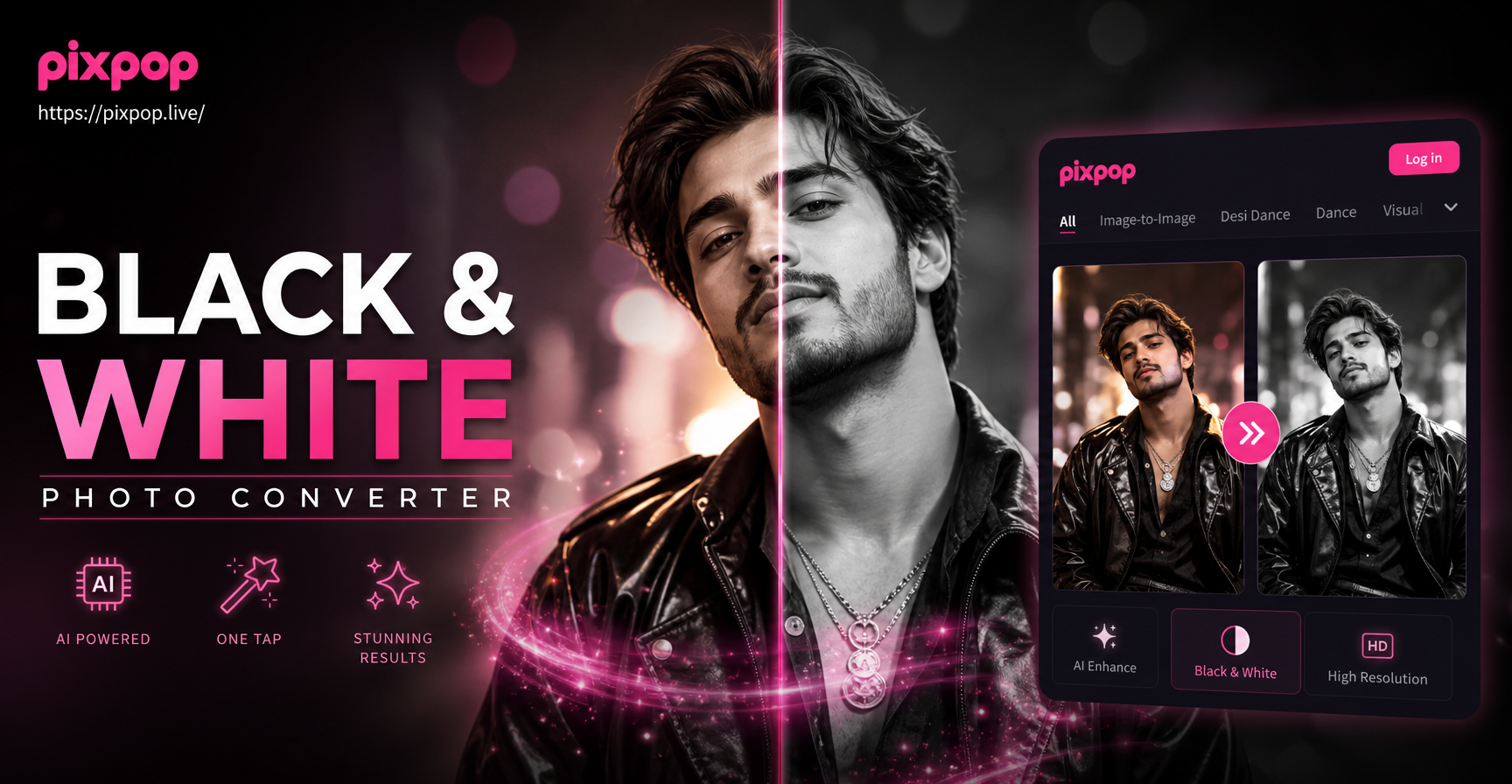
Convert Photos to Black and White Instantly with AI
AI Generated Business Photos - AI Powered Creative Tool | pixpop
AI Person Video Generator - AI Powered Creative Tool | pixpop
Restore Your Videos with AI: Upscale, Enhance & Repair
Convert Photos to Black and White Instantly with AI
AI Generated Business Photos - AI Powered Creative Tool | pixpop
AI Person Video Generator - AI Powered Creative Tool | pixpop
Restore Your Videos with AI: Upscale, Enhance & Repair
Create Professional Photos in Seconds
Stop wishing your photos had better focus. Download the app now and blur any image background with AI precision.
Create Professional Photos in Seconds
Stop wishing your photos had better focus. Download the app now and blur any image background with AI precision.