AI Video Restore
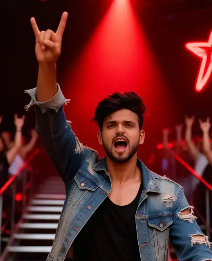
Choose Your Video Enhancement Style
Select from a range of powerful AI models designed for different types of restoration.
Core Features of AI Video Restore
Experience the power of advanced AI technology designed to transform your video quality with just a few taps.
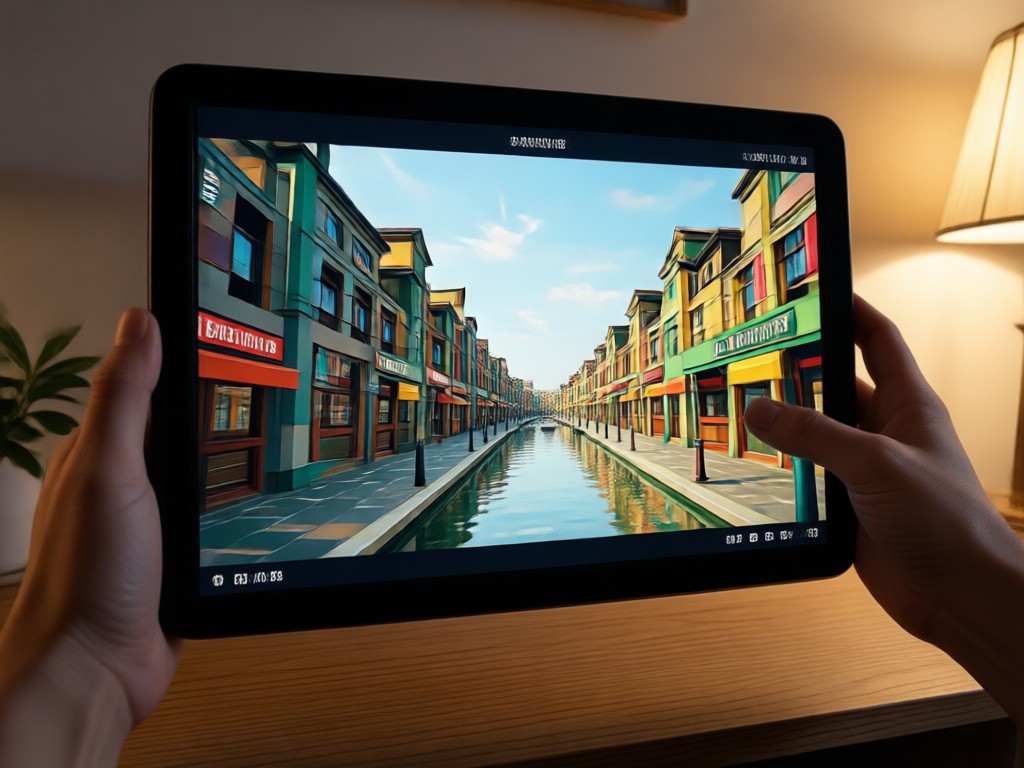
Smart Upscaling
Instantly increase your video resolution up to 4K. AI intelligently fills in missing details, sharpens edges, and creates a crisp, high definition output from low resolution sources.
Smart Upscaling
Instantly increase your video resolution up to 4K. AI intelligently fills in missing details, sharpens edges, and creates a crisp, high definition output from low resolution sources.
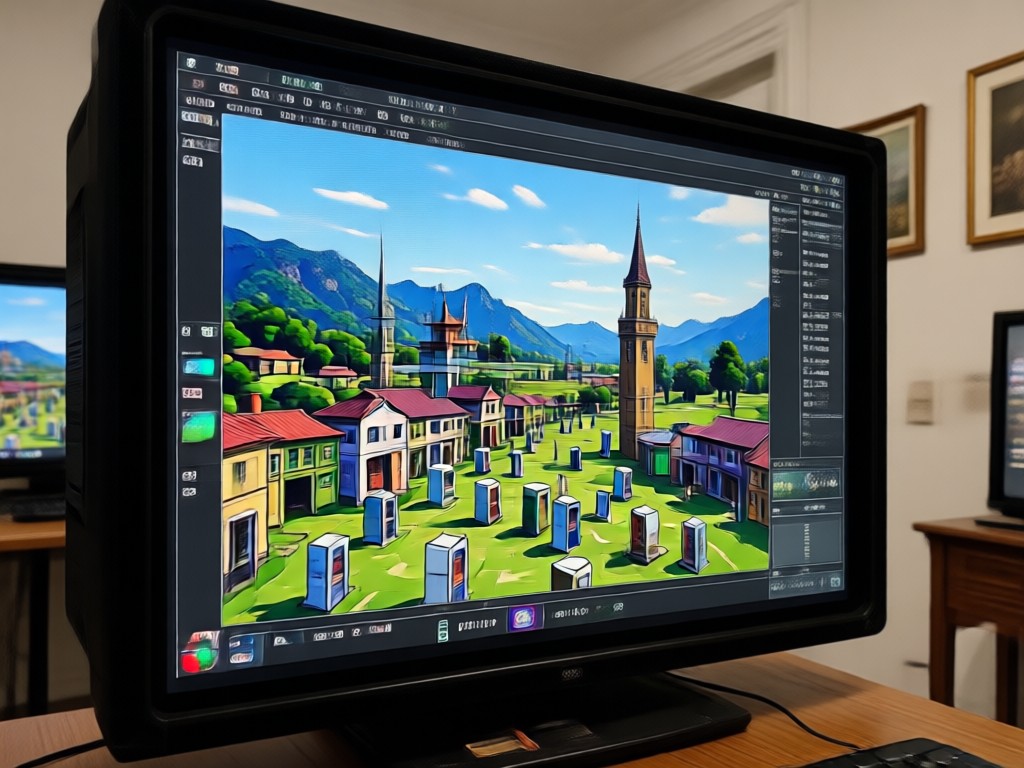
Noise & Artifact Removal
Eliminate grain, static, and compression artifacts caused by platforms like YouTube or TikTok. Our AI cleans the video signal for a smooth, professional looking finish.
Noise & Artifact Removal
Eliminate grain, static, and compression artifacts caused by platforms like YouTube or TikTok. Our AI cleans the video signal for a smooth, professional looking finish.
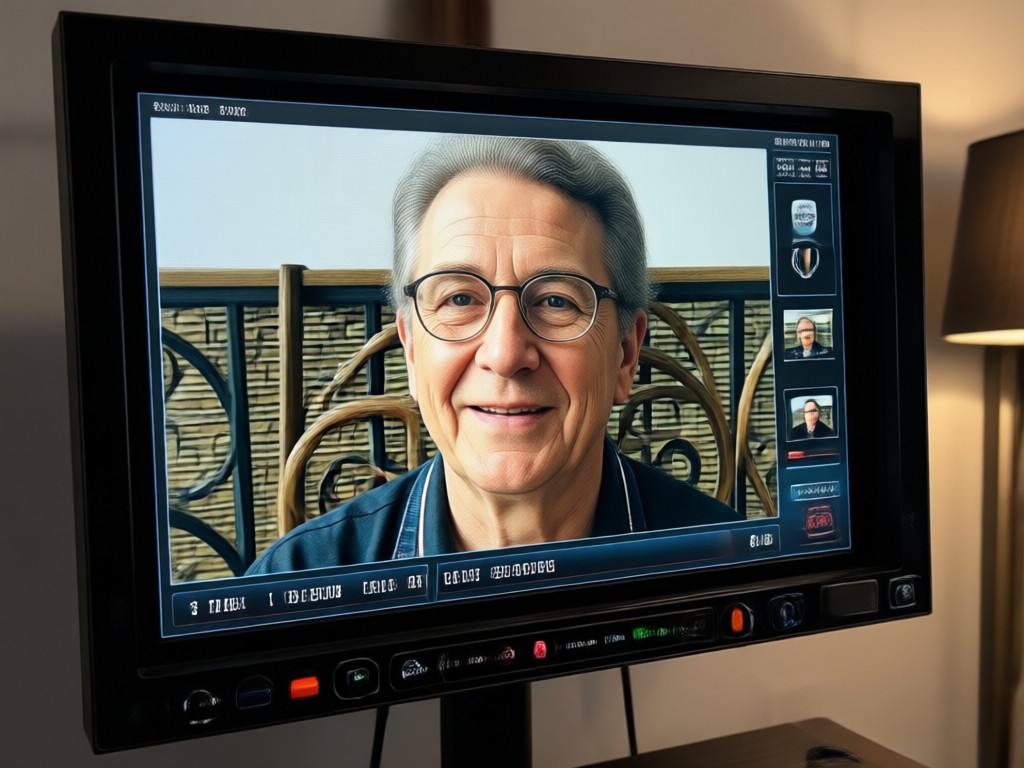
Color & Detail Enhancement
Automatically correct washed out colors, improve contrast, and recover lost details in shadows and highlights. Bring vibrancy and clarity back to dull footage.
Color & Detail Enhancement
Automatically correct washed out colors, improve contrast, and recover lost details in shadows and highlights. Bring vibrancy and clarity back to dull footage.
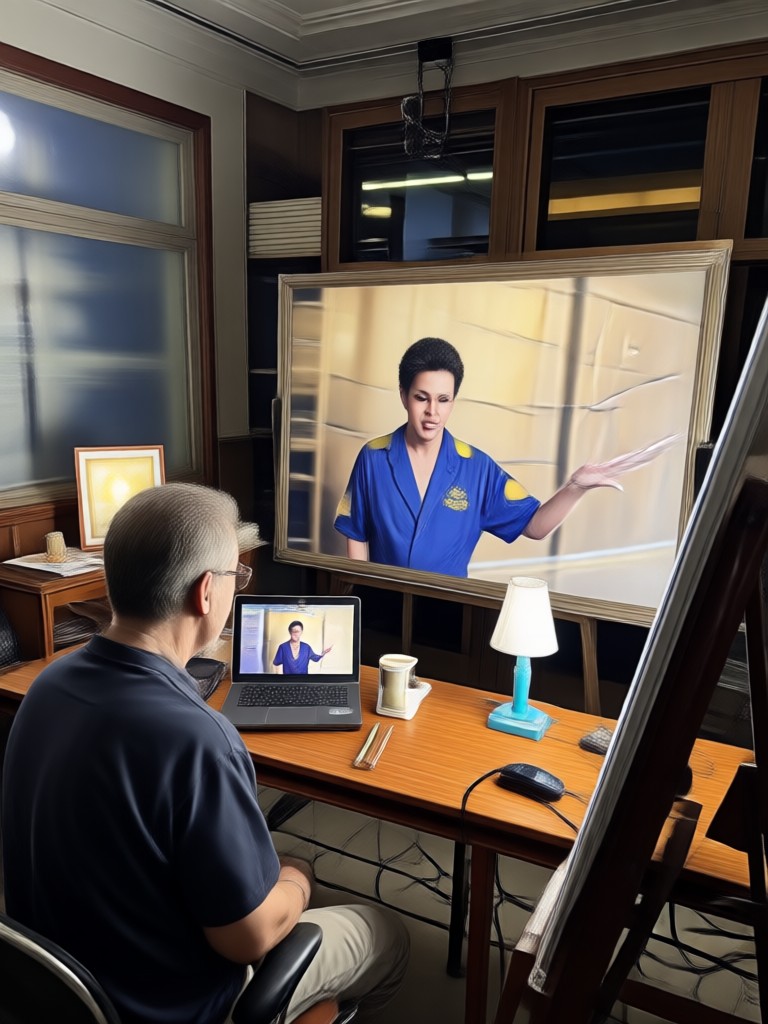
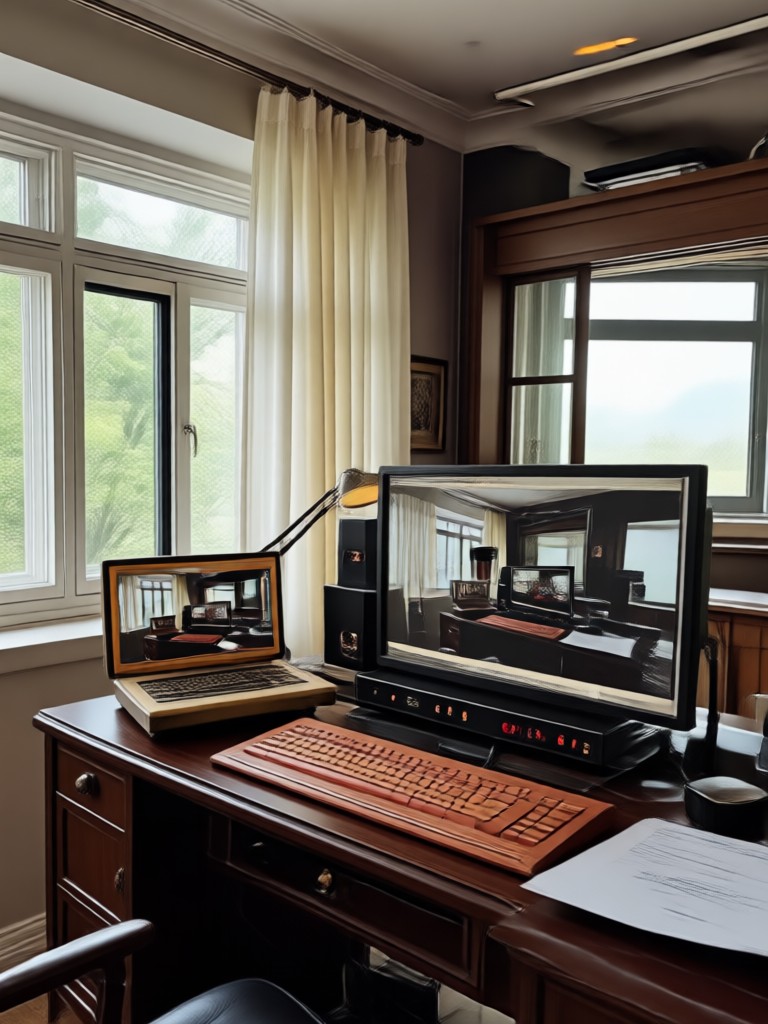
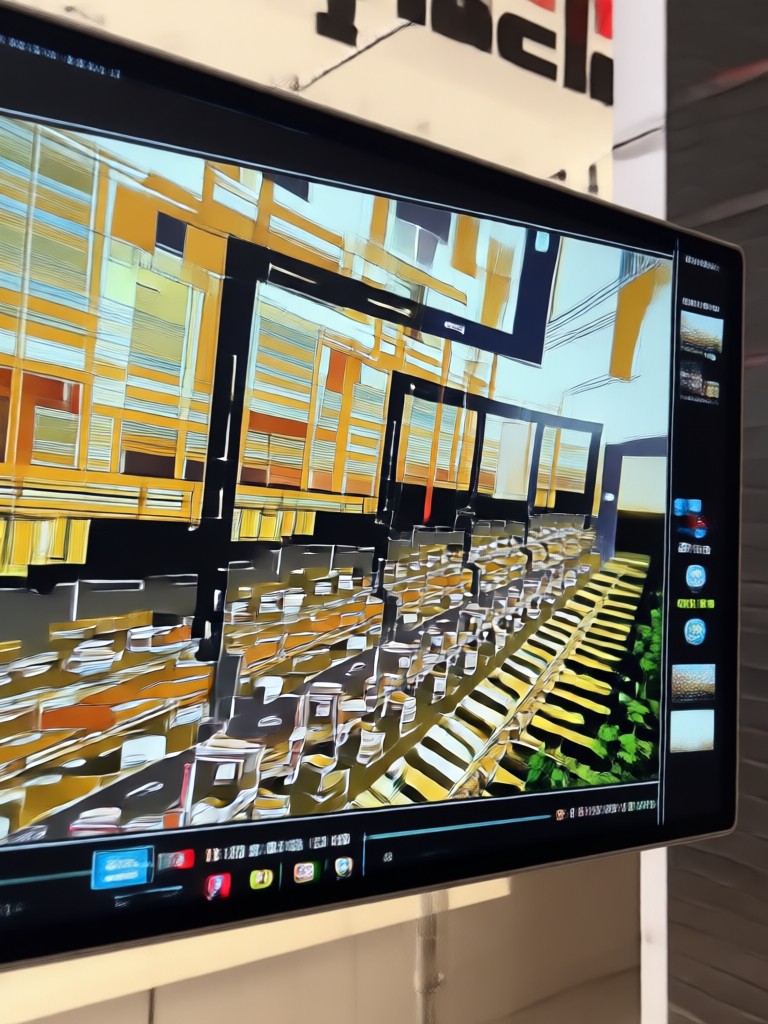
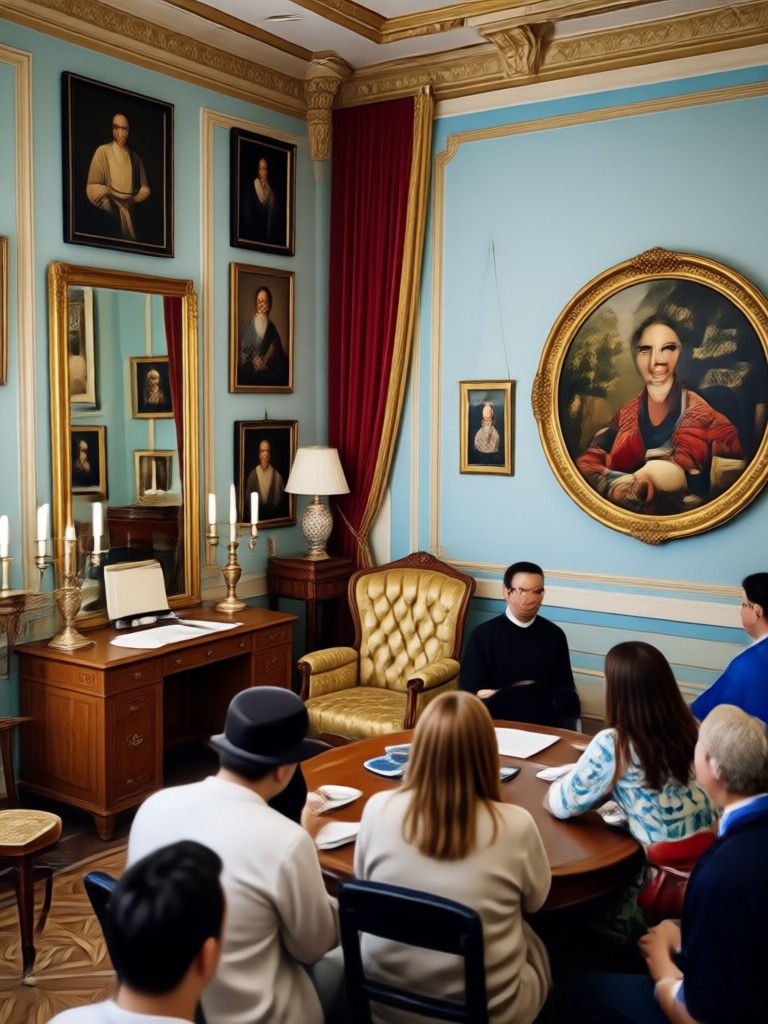
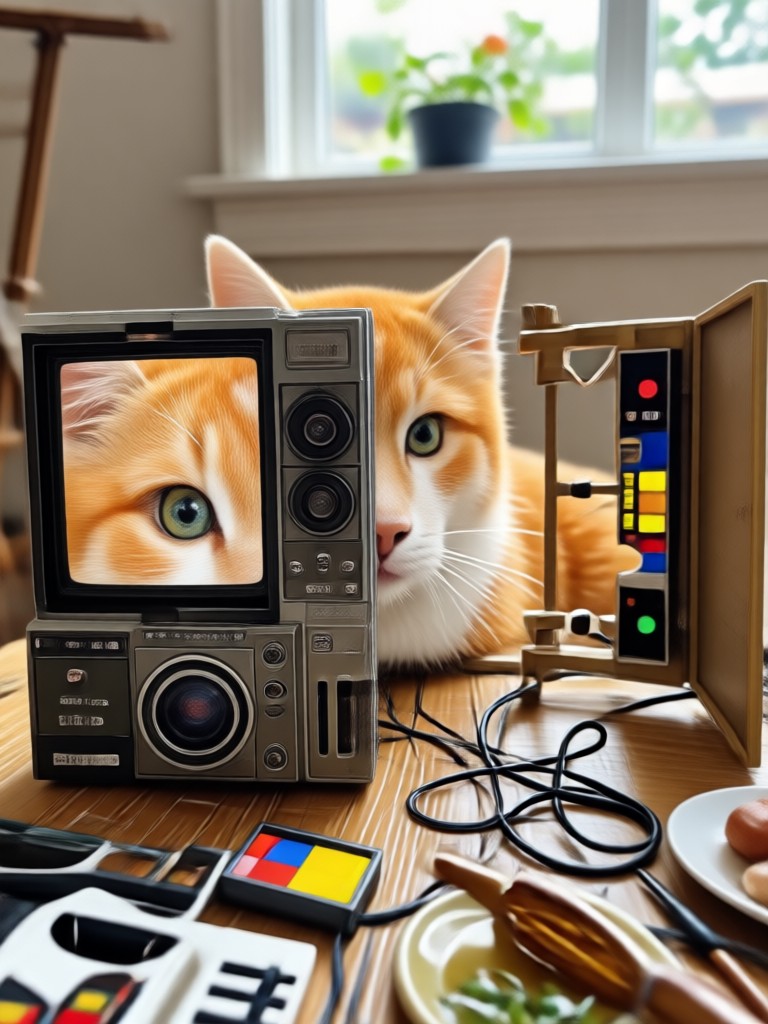
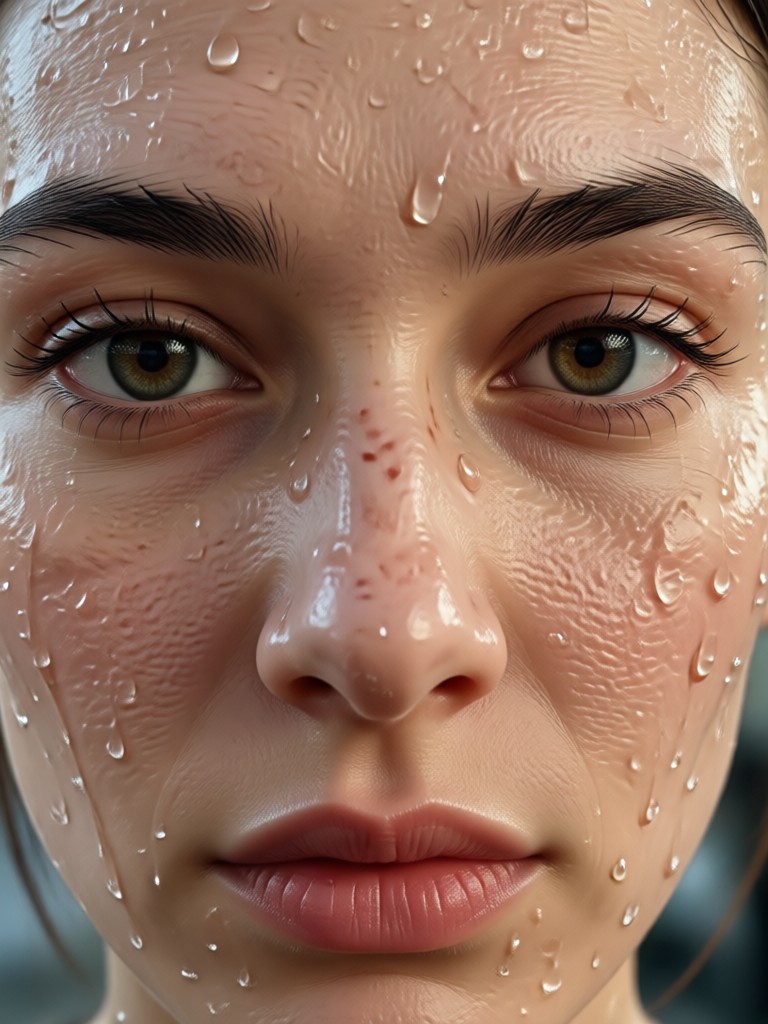
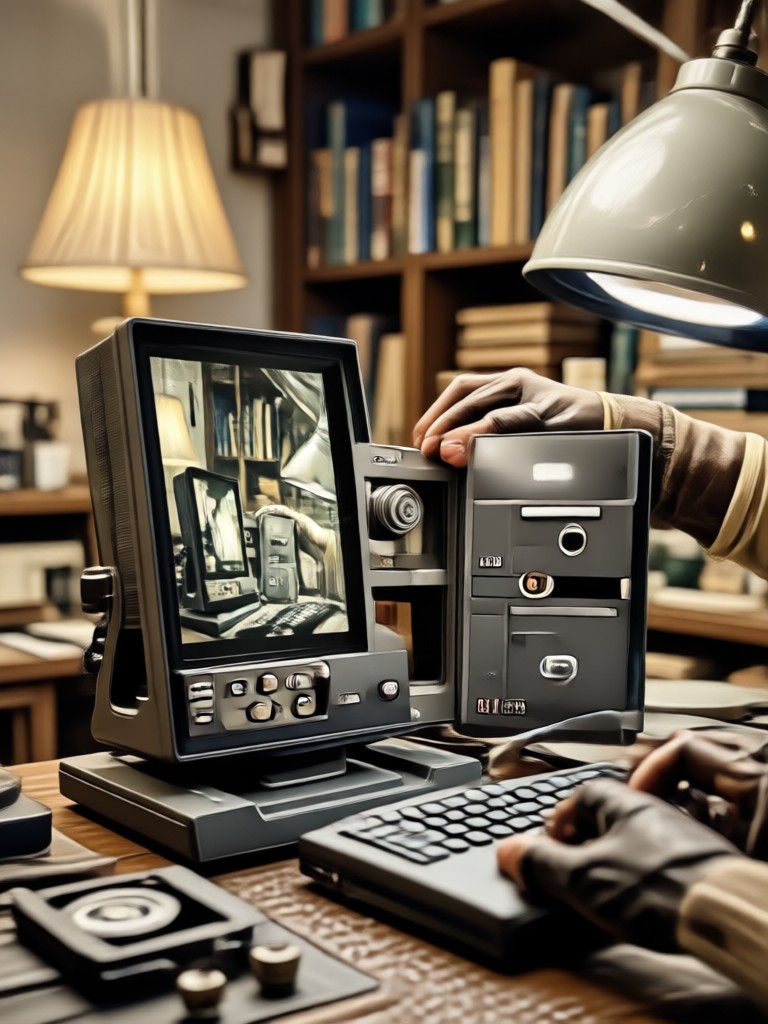
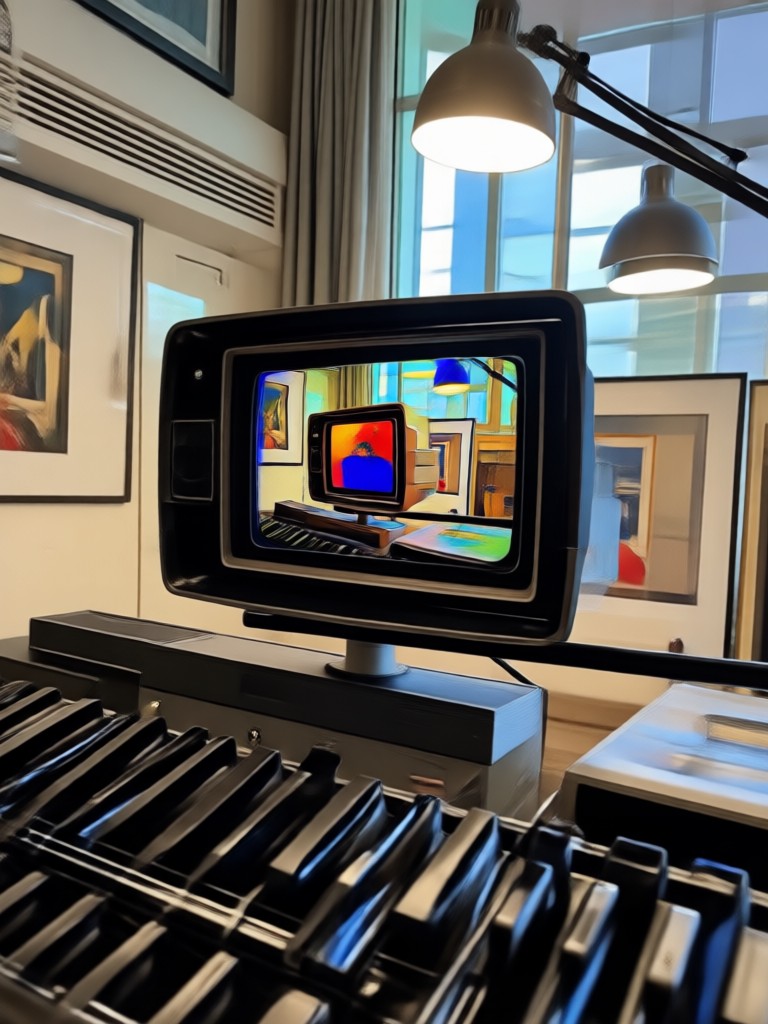
AI Video Restoration Showcase
See the dramatic transformation from low quality originals to stunning, AI enhanced results. Witness the power of restoration on various video types.




Why Choose AI Video Restore?
Professional grade enhancement is now accessible to everyone, directly from your phone.

Revive Any Video in Seconds
Traditional video restoration requires expensive software and expert skills. Our AI powered app automates the complex process of upscaling, denoising, and color grading. Simply upload your video, select an enhancement style, and let the AI work its magic. It's the fastest, most affordable way to rescue precious memories, improve content for social media, or prepare professional footage, all without a learning curve.
Revive Any Video in Seconds
Traditional video restoration requires expensive software and expert skills. Our AI powered app automates the complex process of upscaling, denoising, and color grading. Simply upload your video, select an enhancement style, and let the AI work its magic. It's the fastest, most affordable way to rescue precious memories, improve content for social media, or prepare professional footage, all without a learning curve.
What Creators Say About Video Restoration
Saved my archival footage project
I had hours of family VHS tapes transferred to digital, but they were grainy and dull. This app upscaled them and brought back the colors. It felt like recovering lost time. The results were stunning and so easy to achieve.
Essential tool for my YouTube channel
I often reuse B roll from older, lower quality cameras. This AI tool seamlessly upscales that footage to match my current 4K standard. It fixes compression from previous uploads, making my entire channel look more professional and consistent.
Breathed life into old concert videos
The videos I took on my phone at concerts years ago were dark and shaky. I didn't think they were salvageable. The noise reduction and sharpening features worked wonders. I can finally see the details and share these moments clearly.
How to Restore a Video with AI?
Transform your low quality videos into masterpieces in three simple steps with the pixpop app.

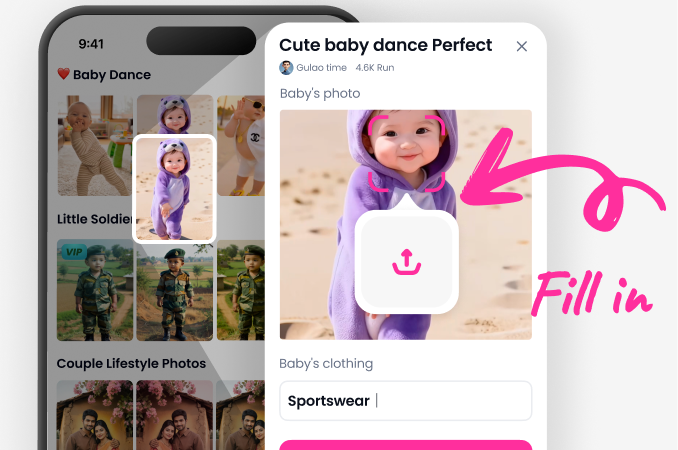
Step 01.
Download the free pixpop app from Google Play. Open it and navigate to the video restoration tools.
Step 02.
Upload your blurry, grainy, or low resolution video. Browse and select the perfect AI restoration style for your needs, such as 'Upscale HD' or 'Remove Noise'.
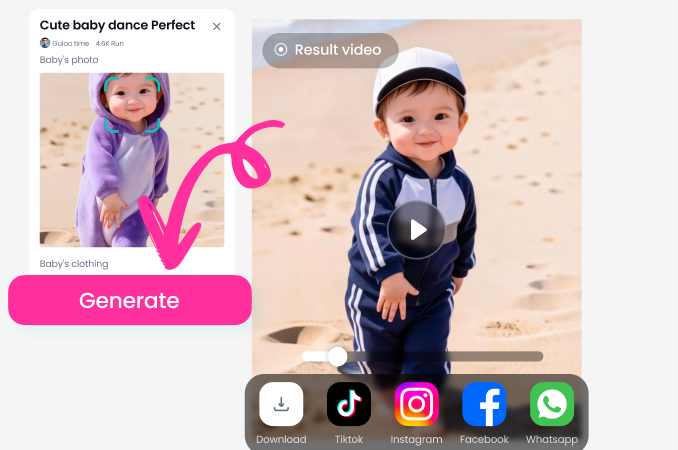
Step 03.
Let the AI process your video. In seconds, preview and download your newly enhanced, high quality video ready to share or archive.
AI Video Restore FAQs
Find answers to common questions about restoring and enhancing your videos with artificial intelligence.

Restore Videos on Your Phone
Carry a powerful video enhancement studio in your pocket. Download pixpop now to upscale, clean, and perfect any clip instantly.

More Topics You May Like
Explore more topics you may like and discover fresh ideas tailored to your interests.
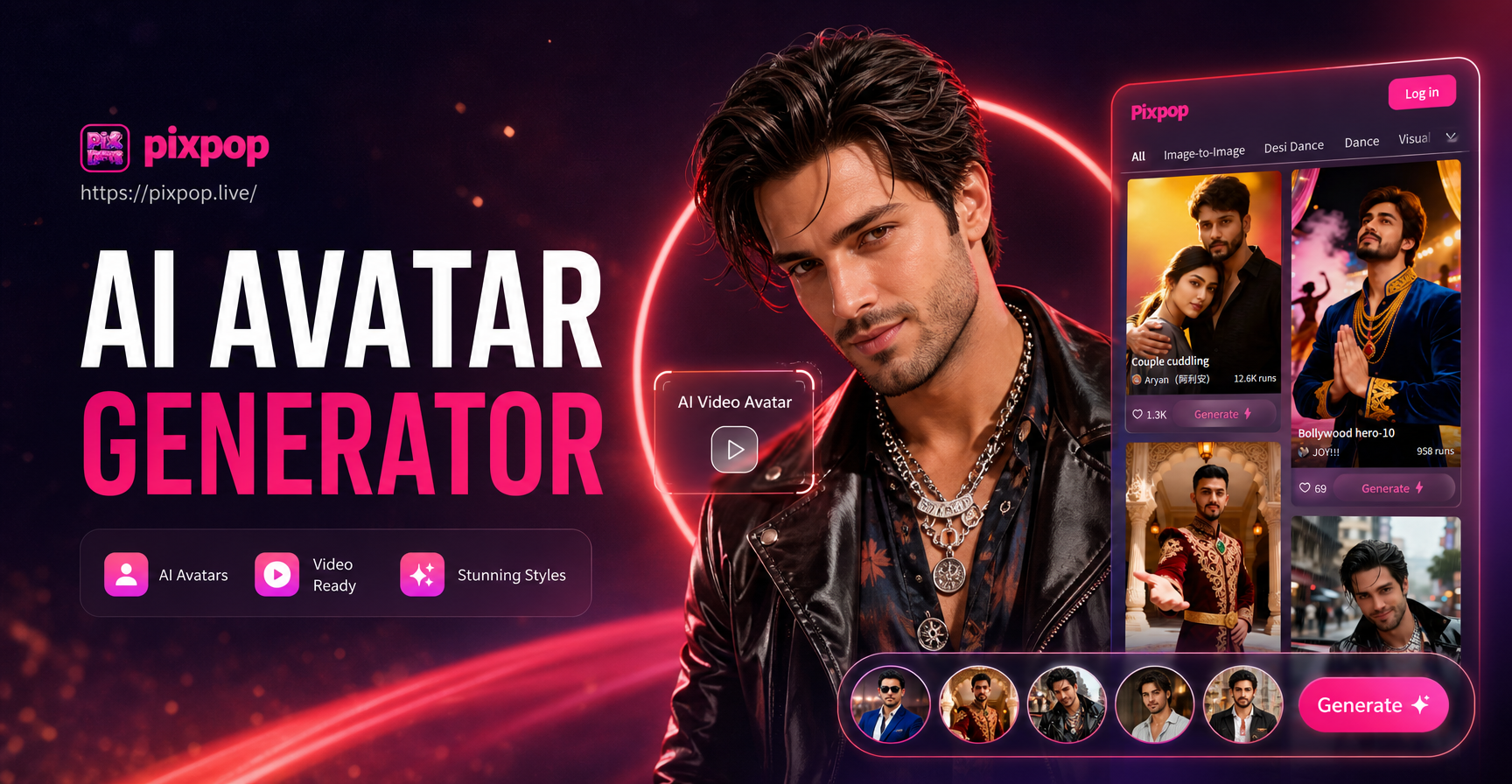
AI Avatar Generator Video - AI Powered Creative Tool | Pixpop
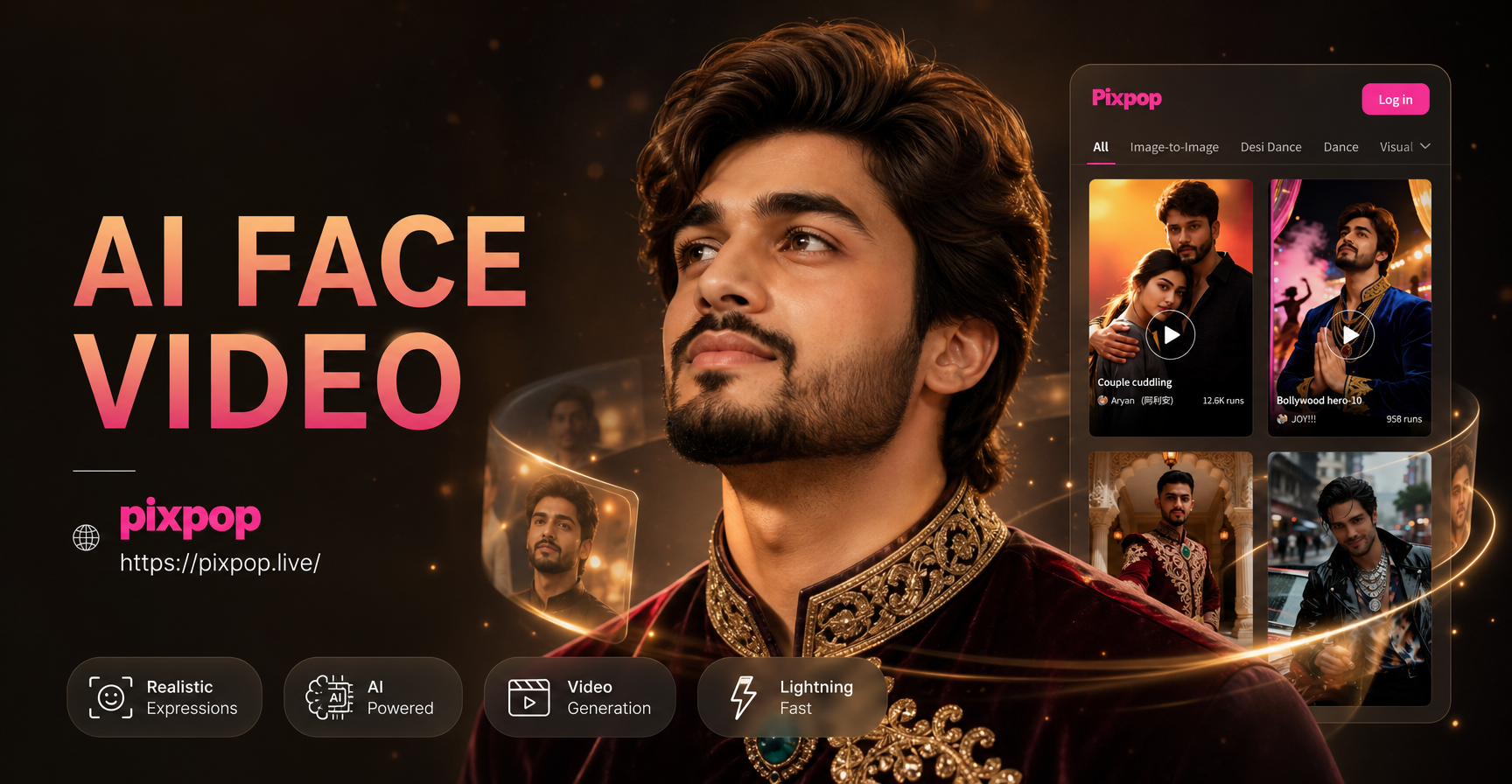
Create Realistic AI Face Videos Instantly

AI Face & Voice Generator: Create Synthetic Digital Humans

Pixpop AI World Cup Avatar Generator - Free Online Realistic World Cup Football Avatar Editor
AI Avatar Generator Video - AI Powered Creative Tool | Pixpop
Create Realistic AI Face Videos Instantly
AI Face & Voice Generator: Create Synthetic Digital Humans
Pixpop AI World Cup Avatar Generator - Free Online Realistic World Cup Football Avatar Editor
Rescue Your Precious Videos Today
Don't let blurry memories fade. Transform low quality footage into stunning, shareable高清 videos with the power of AI. The perfect restoration is just one tap away.
Rescue Your Precious Videos Today
Don't let blurry memories fade. Transform low quality footage into stunning, shareable高清 videos with the power of AI. The perfect restoration is just one tap away.