AI Face Video Generator
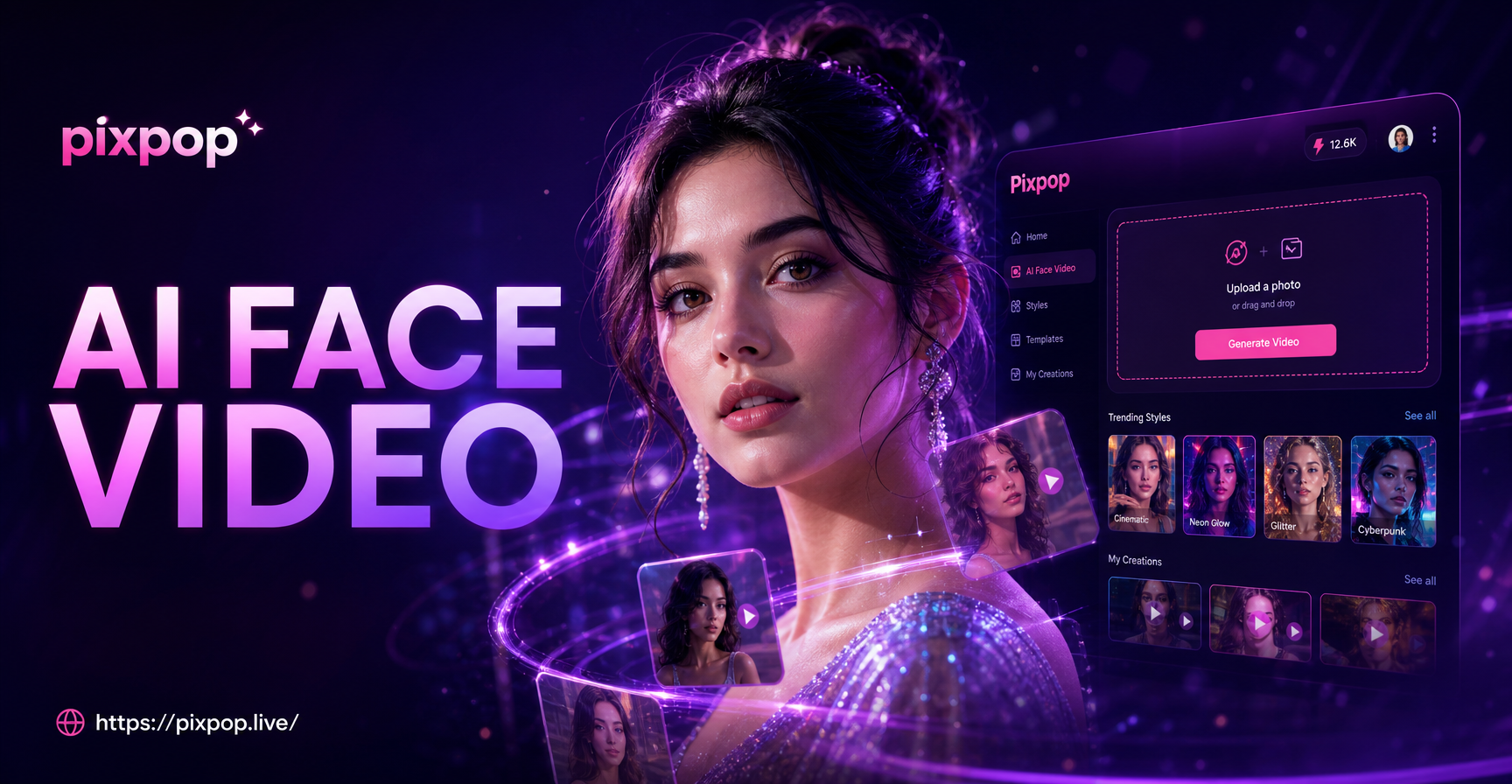
Explore AI Face Animation Styles
Choose from a variety of motion and expression templates to match your creative vision. From subtle smiles to dynamic head turns.
Why Choose Our AI Face Video Generator
PixPop combines advanced face animation technology with an intuitive mobile app, making professional video creation accessible to everyone.
One-Photo Animation
Generate a full talking head video from a single static portrait. No need for multiple photos or complex rigging. The AI intelligently models facial structure.
Lifelike Expressions
Create natural eye blinks, subtle smiles, head tilts, and realistic mouth movements. The AI understands facial dynamics for convincing, non-creepy results.
Style & Template Library
Apply trending effects like 'AI Kiss', 'Old Photo Revival', or cinematic styles. Choose from pre-set motions or customize your own animation path.
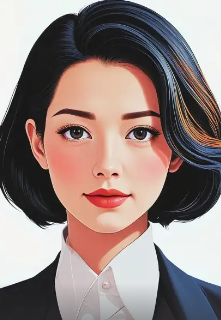
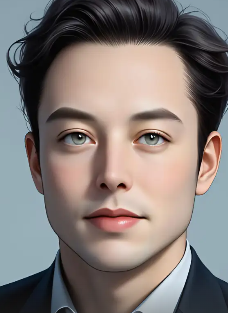
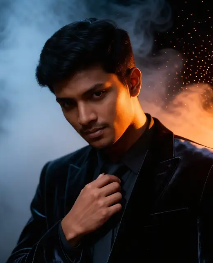
AI Face Video Creations
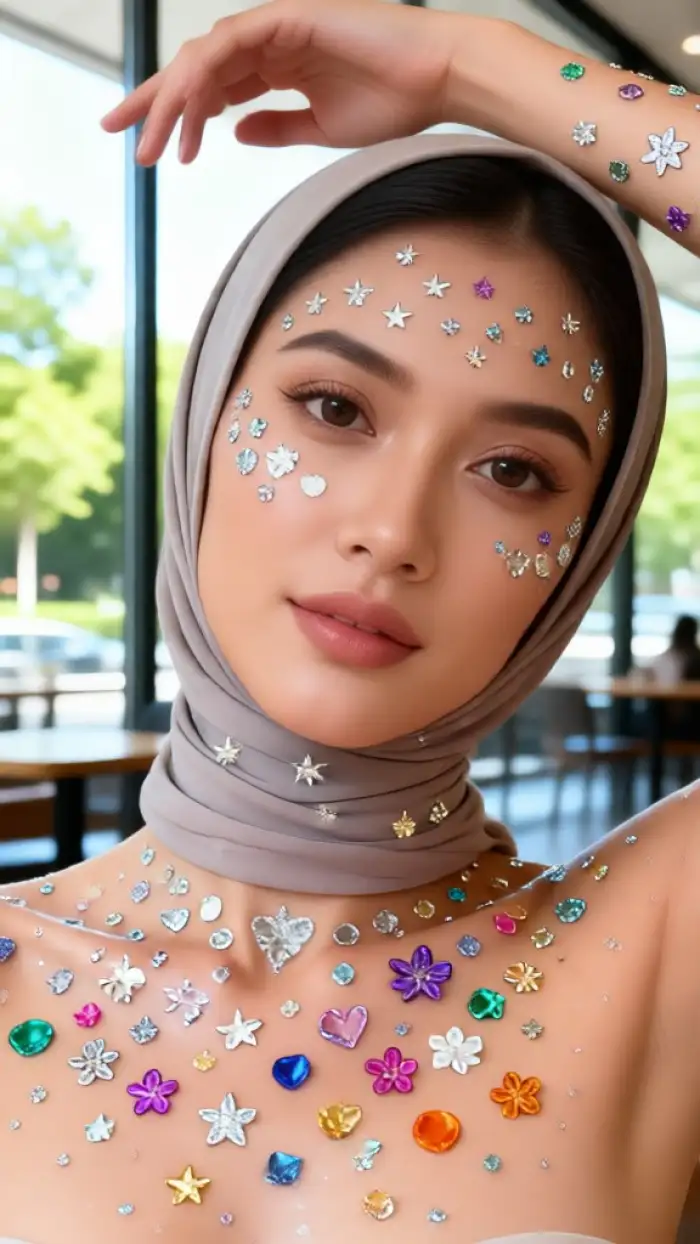
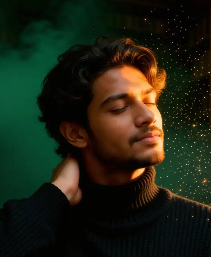
See how still portraits are transformed into engaging, lifelike videos. These samples were all generated from single photos using the PixPop app.
How to Create an AI Face Video
Create stunning animated face videos in three simple steps directly from your mobile device with the PixPop app.
Step 01.
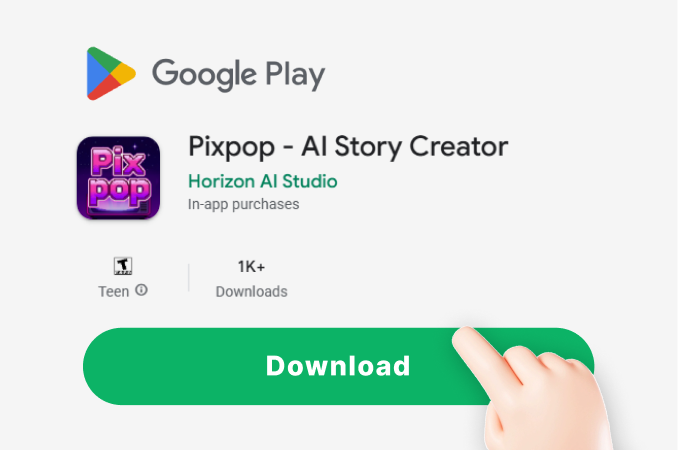
Download the free PixPop app from Google Play. Open it and navigate to the 'Video' or 'Animate' section to begin your project.
Step 02.
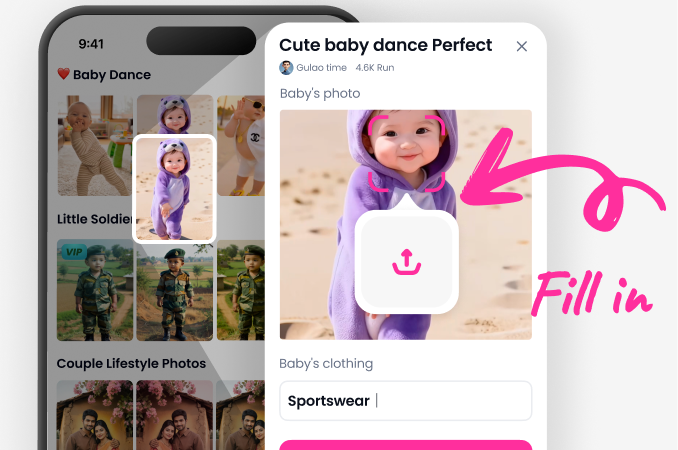
Upload a clear front facing portrait photo. Browse the extensive library of animation templates and styles, such as 'Smile', 'Talk', or 'Ghibli Style'.
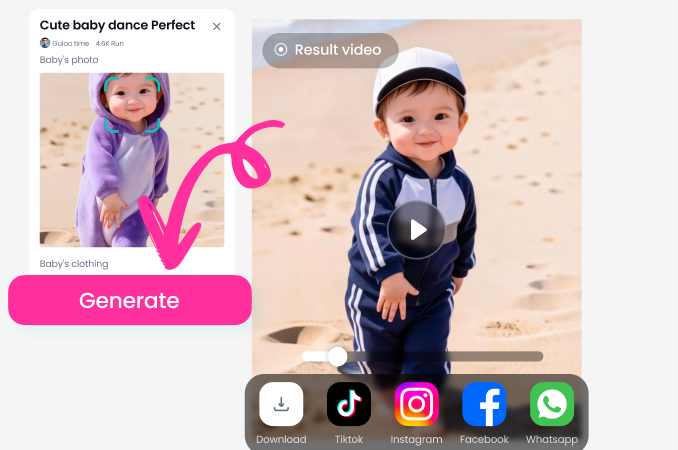
Step 03.
Tap 'Generate'. In seconds, watch your static photo come to life. Preview, download your AI face video in HD, and share it directly to social platforms.
Creators Love Our AI Face Video Generator
Revived my grandfather's old photo
I had one still photo of my grandfather. Using this, I created a short video where he smiles and blinks. It felt incredibly personal and moving to see him 'alive' again. The process was so simple on my phone.
Game changer for social media content
As a small business owner, I use it to make my product announcement videos more engaging. I animate my own talking head intro in different styles every week. It saves me hours of filming and editing.
Perfect for unique digital gifts
I made animated birthday greetings for my friends using their profile pictures. Adding a wink or a smile to their photo made the cards viral in our group chats. The app is fun and addictive.
AI Face Video Generator FAQs
Get answers to the most common questions about creating animated face videos with AI technology on your mobile device.
More Topics You May Like
Explore more topics you may like and discover fresh ideas tailored to your interests.
AI Face & Voice Generator: Create Synthetic Digital Humans
Pixpop AI World Cup Avatar Generator - Free Online Realistic World Cup Football Avatar Editor
Create Viral AI Puppy Videos in Seconds
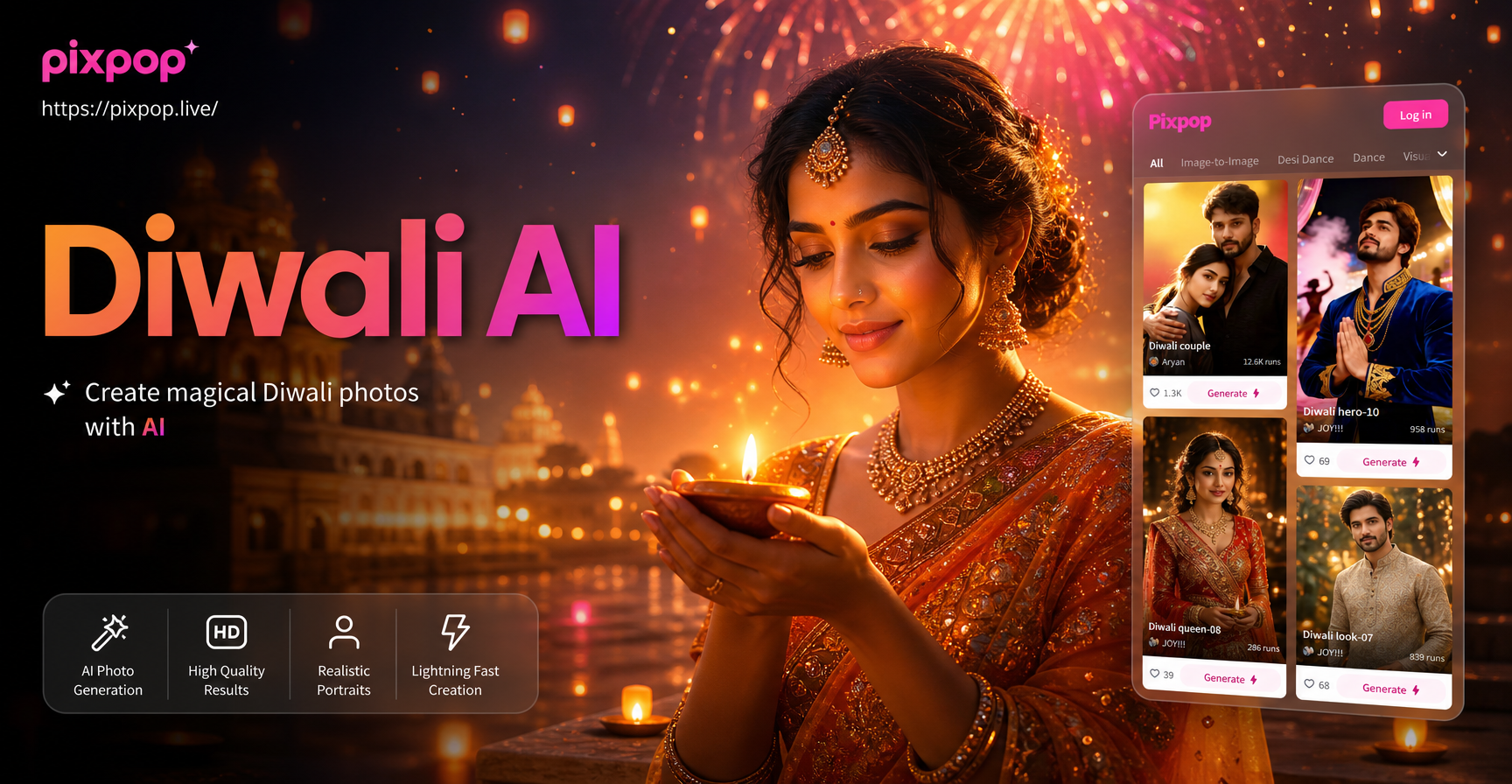
AI Diwali Photos: Celebrate with Magical & Festive AI Edits
AI Face & Voice Generator: Create Synthetic Digital Humans
Pixpop AI World Cup Avatar Generator - Free Online Realistic World Cup Football Avatar Editor
Create Viral AI Puppy Videos in Seconds
AI Diwali Photos: Celebrate with Magical & Festive AI Edits
Animate Your World Today
Stop scrolling and start creating. Download PixPop now and turn your photos into captivating, moving stories that get noticed. No experience required.
Animate Your World Today
Stop scrolling and start creating. Download PixPop now and turn your photos into captivating, moving stories that get noticed. No experience required.