Every memorable sports team, tech startup, and local café relies on a mascot to connect with its audience. A well-designed mascot turns a faceless brand into a friendly, recognizable character that people want to cheer for, share, and remember. Whether you need a cute animal for a children's brand or a bold esports warrior, the principles of mascot design remain the same. This guide breaks down professional mascot design from core principles to practical workflow, including how AI can speed up the ideation stage with creative prompts. By the end, you will have a clear path to create a mascot that feels authentic and lasting.
What Is Mascot Design?
Mascot design is the process of creating a visual character that represents a brand, team, school, product, or event. Unlike a logo, which is often abstract or typographic, a mascot is a living personality with expressions, posture, and attitude. The best mascots are more than just drawings. They carry the emotional weight of the organization and become a shorthand for its values and tone. Think of the smiling fast-food clown, the energetic cereal tiger, or the friendly insurance gecko. Each one is instantly recognizable, highly memorable, and built to make people feel a certain way.
A successful mascot works across many contexts. It appears on merchandise, social media, packaging, uniforms, and even in live costumed form. Because of this versatility, the design must be simple enough to reproduce at small sizes yet expressive enough to carry a full narrative. Mascot design sits at the intersection of illustration, branding, and character design. It requires both artistic skill and strategic thinking.
Core Principles of Memorable Mascot Design
Before you start sketching, understand the principles that separate great mascots from forgettable ones. These guidelines will inform every decision you make, from color choice to pose.
Simplicity and Recognizability
Your mascot must be easy to recognize at a glance. That means reducing the character to its most essential shapes and features. Avoid cluttered details, excessive stripes, tiny patterns, or complicated limbs. A simple silhouette allows the mascot to work at any size, from a small app icon to a large stadium banner. When someone sees the character from across the room, they should know immediately who it is. Simplicity also makes the mascot easier to animate and adapt into different poses or merchandise.
Personality and Story
A mascot is not just a cute face. It needs a backstory, a name, and a consistent attitude. Is your mascot cheerful and clumsy, brave and competitive, or wise and calm? The personality should mirror the brand's voice. A children's bookstore might have a dreamy owl mascot that loves stories, while a fitness app might have an energetic cheetah that never stops moving. Give your mascot three core character traits and one small quirk or habit. That quirk makes the character feel real and gives copywriters and social media managers material to work with.
Color Psychology
Color is one of the strongest tools in mascot design. Red conveys energy and urgency, blue builds trust and calm, green signals growth and nature, and yellow brings optimism and playfulness. Choose two to four main colors that align with your brand's existing palette. Keep contrast high so the mascot stands out on both white and dark backgrounds. The dominant color should cover most of the body, with a secondary color for accents like clothing, eyes, or accessories. Avoid using too many colors, as this can make the character look chaotic and hard to reproduce.
Proportion and Silhouette
Exaggerated proportions make mascots more expressive and appealing. Large heads, big eyes, oversized hands, and small bodies are common in friendly characters because they trigger a nurturing response. For a more heroic or aggressive mascot, use broader shoulders, a strong jaw, and a taller stance. The silhouette should be unique enough to be recognized even in solid black. Test your design by filling it with black and viewing it from a distance. If the shape still reads clearly, you have a strong foundation.
The Mascot Design Process Step by Step
A structured workflow keeps your project on track and ensures the final mascot meets both creative and business goals. Follow these stages to move from idea to polished character.
Define Your Brand Persona
Start with a clear brief. Write down the name of your organization, its mission, target audience, and the emotions you want people to feel. List adjectives that describe the brand, such as friendly, innovative, bold, or playful. Also note any cultural or regional references that should be included or avoided. This brief will guide every design choice. If you are designing for an existing brand, review the brand guidelines, logo, and voice. The mascot must feel like a natural extension, not a separate entity.
Sketch Thumbnails and Mood Boards
Before committing to a single concept, generate many rough sketches. Try different animals, objects, human characters, or abstract creatures. For each thumbnail, explore three variations: a cute version, a bold version, and a quirky version. Do not worry about polish at this stage. The goal is to explore possibilities. Create a mood board with images of other mascots you admire, but do not copy them. Look for patterns in body shape, eye style, and color blocking. This visual reference will help you articulate your preferences and communicate with collaborators or AI tools.
Refine the Winning Concept
Select two or three thumbnails that best match the brief. Develop each one further by adding facial expressions, clothing, and accessories. Choose the one that feels most distinctive and flexible. Then refine the linework, clean up the shapes, and test the design in different poses: standing, running, waving, and holding a product. Make sure the mascot looks good in a small avatar size and in a large banner format. At this stage, you can use AI tools like pixpop to explore style variations. Upload a simple sketch and apply different style filters, such as flat vector, 3D clay, or watercolor, to see which finish best suits your brand.
Prepare a Style Guide
Once the design is finalized, document it. A style guide includes the main mascot pose, alternate poses, facial expression range, color codes (RGB, CMYK, HEX), and usage rules. Specify how much space should surround the mascot, which backgrounds are allowed, and what not to do (for example, do not stretch, recolor, or add shadows). This guide ensures that anyone who uses the mascot in the future will keep it consistent. If you plan to use the mascot in live events, also provide a costume reference sheet with front, side, and back views.
Using AI to Generate Mascot Design Ideas
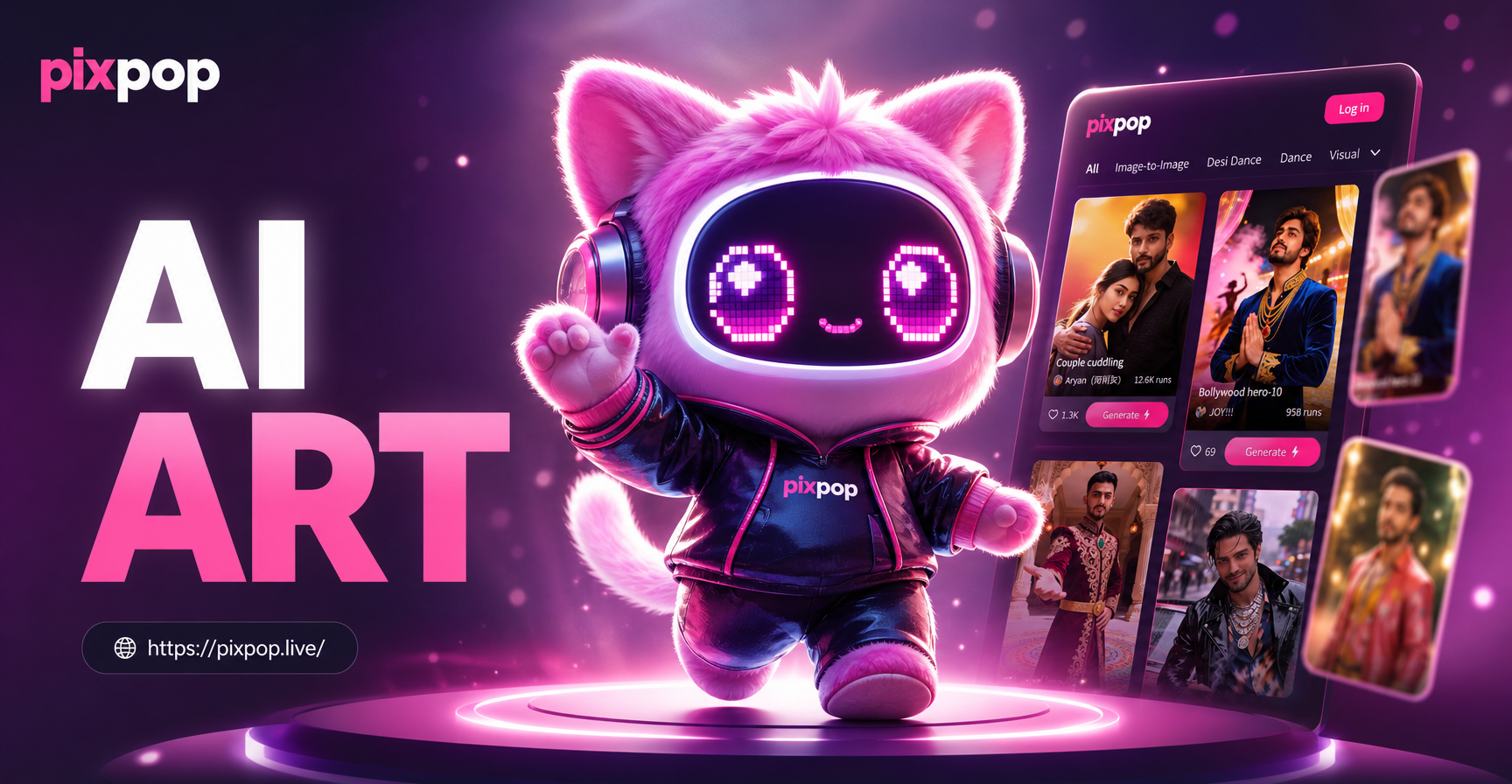
AI image generation has changed the way designers explore mascot concepts. With the pixpop app, you can turn text descriptions into detailed mascot illustrations in seconds. This is especially useful in the early ideation phase, when you need many visual options without spending hours sketching. The app offers over one million style filters, from realistic 3D renders to hand-drawn anime and vector flat design. You can also use image-to-image generation to upload a rough sketch and let the AI refine it while preserving the subject's key features.
The process is simple. Download the pixpop app from Google Play, open the text-to-image tool, and type a prompt that describes your mascot. Choose a style template that matches your vision, then generate. You will receive several variations that you can use as starting points or direct inspiration. If the result is close but not perfect, adjust the prompt or switch the style filter. Because the app is mobile-only, you can refine your mascot ideas anywhere, from a client meeting to a coffee shop.
AI is not a replacement for a professional designer, but it is a powerful brainstorming partner. It helps you break out of creative ruts and test color palettes, body shapes, and artistic styles quickly. Once you find a direction you like, you can hand the AI-generated concept to an illustrator for final polishing or continue refining it within the app.
Example AI Prompts for Mascot Design
Use these ready-to-use prompts in the pixpop app to generate mascot ideas. Each prompt describes a complete character with personality, color, and style. Copy the prompt, paste it into the app, and experiment with different style filters.
- A friendly bulldog mascot for a high school sports team, wearing a red jersey and white shorts, bold vector style, clean lines, white background
- A cheerful coffee cup character with cartoon eyes and a big smile, holding a steaming mug, warm brown and cream colors, flat illustration style
- An energetic cheetah mascot for a fitness brand, wearing a blue headband and running shoes, dynamic pose, 3D clay render, bright studio lighting
- A wise old owl mascot for a children's bookstore, round glasses, holding a book under one wing, soft watercolor style, pastel colors
- A brave robot mascot for a tech startup, shiny metal body, glowing cyan eyes, friendly wave pose, cinematic lighting, digital art
- A playful panda mascot for a gaming app, wearing headphones and a purple hoodie, neon accent colors, anime style, full body view
- A majestic lion mascot for a university, wearing a gold and navy scarf, confident stance, stylized vector portrait, minimal background
- A cute sloth mascot for a meditation app, sitting cross-legged with closed eyes, calm expression, soft pastel gradient background, 3D render
When using these prompts, do not hesitate to add more details specific to your brand, such as a product prop, a team name, or a specific color code. You can also chain prompts: first generate a basic character, then use image-to-image with a prompt like "make this mascot wave and smile" or "convert this sketch to a flat vector logo style." The more specific your prompt, the more accurate the result.
Common Mascot Design Mistakes to Avoid
Even experienced designers can fall into these traps. Recognizing them early will save you time and money.
- Too many details. A mascot covered in patterns, gradients, and tiny accessories becomes a blur when scaled down. Keep the design clean and bold.
- Inconsistent personality. The mascot looks cheerful in one pose but angry in another. Define the character's emotion range before you start.
- Ignoring the silhouette. If the mascot's shape is identical to a generic human or animal, it will not stand out. Exaggerate one feature to make it unique.
- Poor color contrast. Busy backgrounds and similar tones make the mascot disappear. Test the design on both light and dark backgrounds.
- Copying popular mascots. Borrowing too heavily from a famous character can lead to legal issues and a lack of originality. Use references for inspiration, not direct copying.
- No style guide. Without documentation, the mascot will be used inconsistently by different team members, weakening the brand over time.
Final Thoughts and Next Steps
Mascot design is a blend of strategy and creativity. A great mascot captures your brand's personality in a single, unforgettable character. By following the principles of simplicity, personality, color, and proportion, and by using a structured workflow, you can create a mascot that resonates with your audience for years. AI tools like pixpop make the early exploration faster and more fun, giving you dozens of concepts in minutes. Start by writing a clear brand brief, generate a few AI concepts, refine your favorite, and test it across different applications. Download the pixpop app today and begin transforming your brand into a character people love.