Red Smoke Portrait Generator
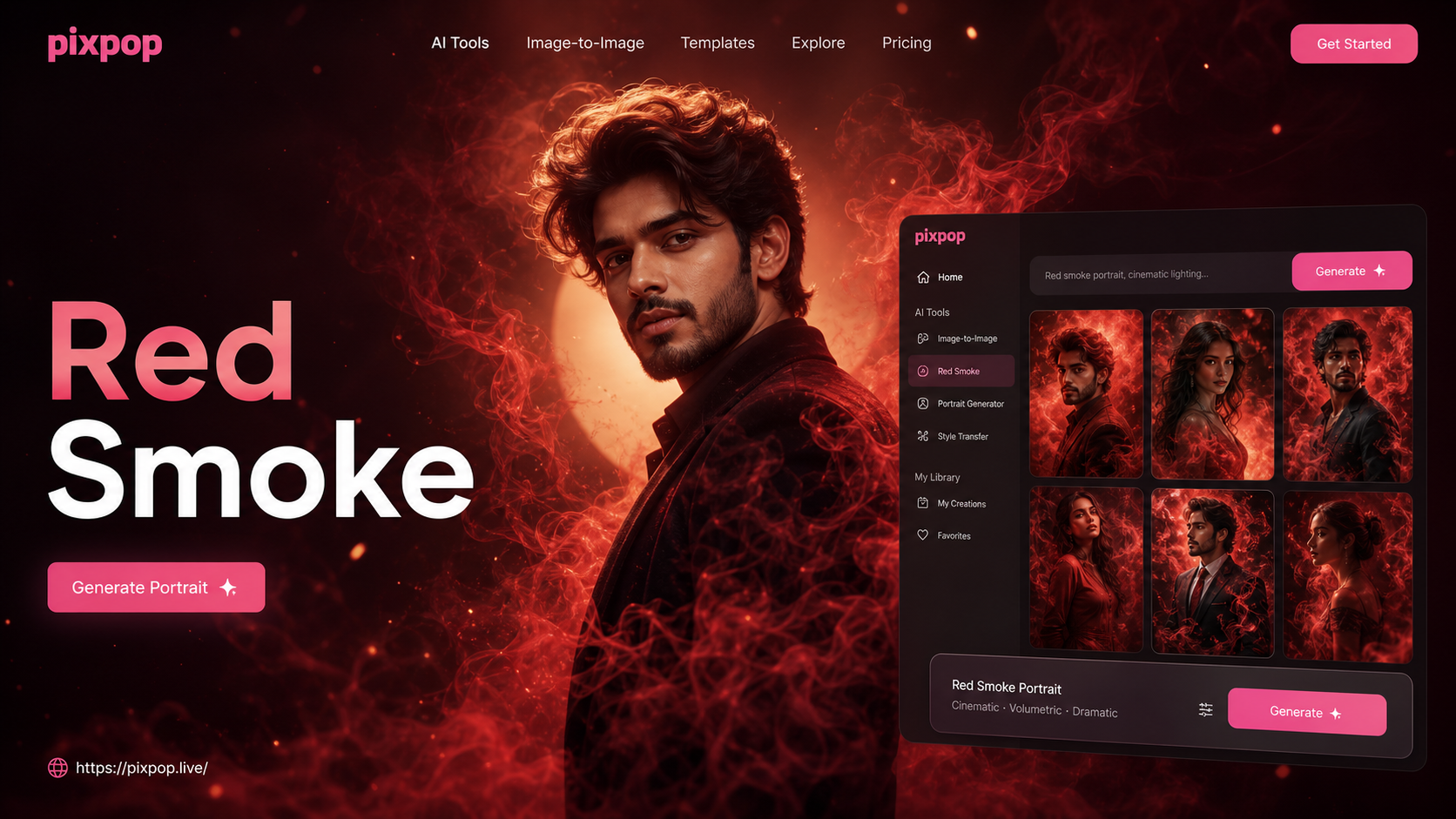
Explore Fiery Portrait Effects
Choose from our top red smoke, fire, and mist filters to create the perfect dramatic atmosphere for your portrait.
Powerful Red Smoke AI Features
Create professional-grade dramatic portraits with our intuitive AI tools. Perfect for social media, album art, and creative projects.
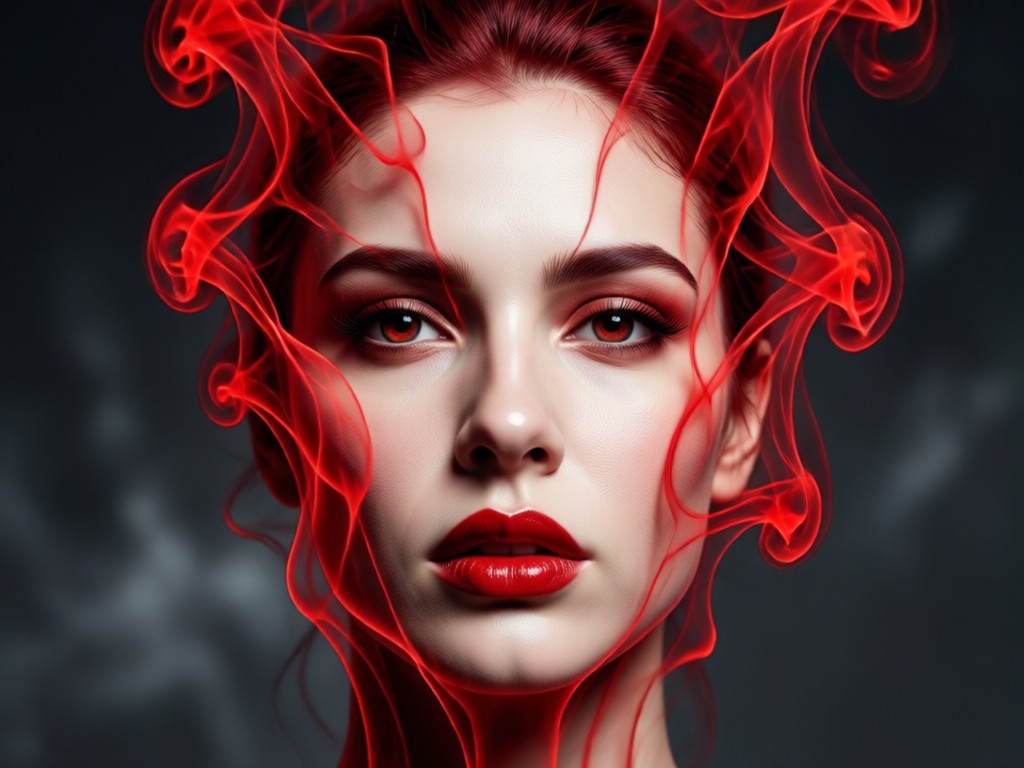
Dynamic Smoke & Mist
Generate realistic, flowing red smoke that naturally wraps around your subject. Control the density, flow direction, and intensity for a truly custom look.
Dynamic Smoke & Mist
Generate realistic, flowing red smoke that naturally wraps around your subject. Control the density, flow direction, and intensity for a truly custom look.
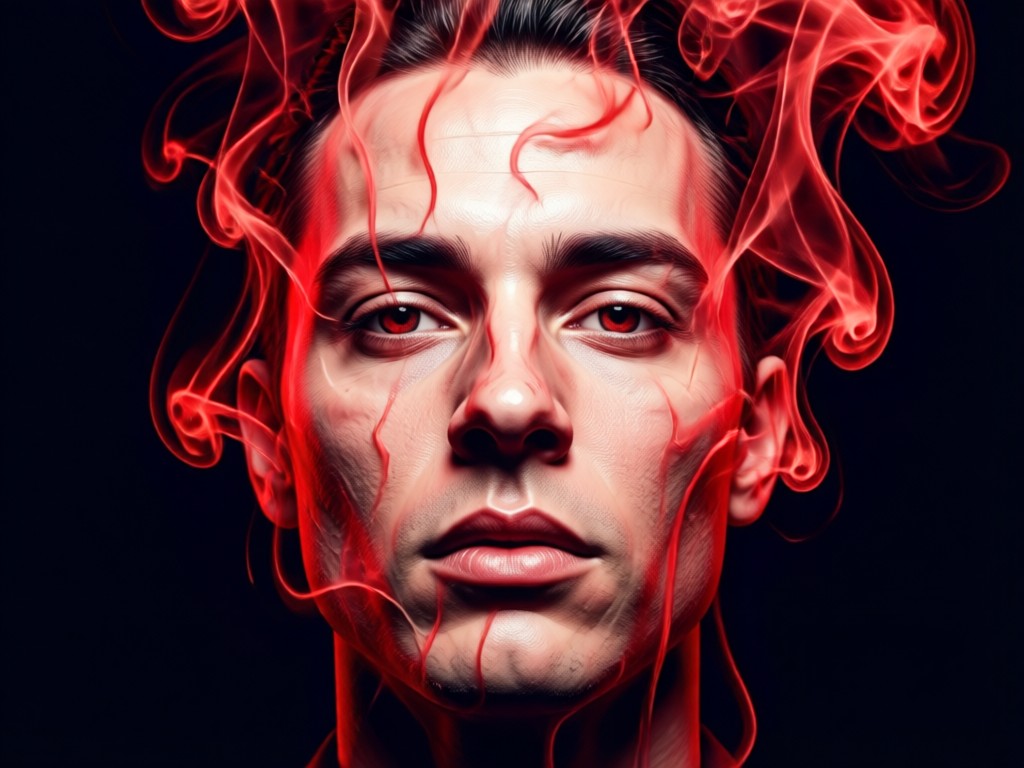
Flame & Ember Overlays
Add intense fiery elements, glowing embers, or soft, wispy flames to your portraits. Choose from multiple styles to match your desired mood, from powerful to mystical.
Flame & Ember Overlays
Add intense fiery elements, glowing embers, or soft, wispy flames to your portraits. Choose from multiple styles to match your desired mood, from powerful to mystical.
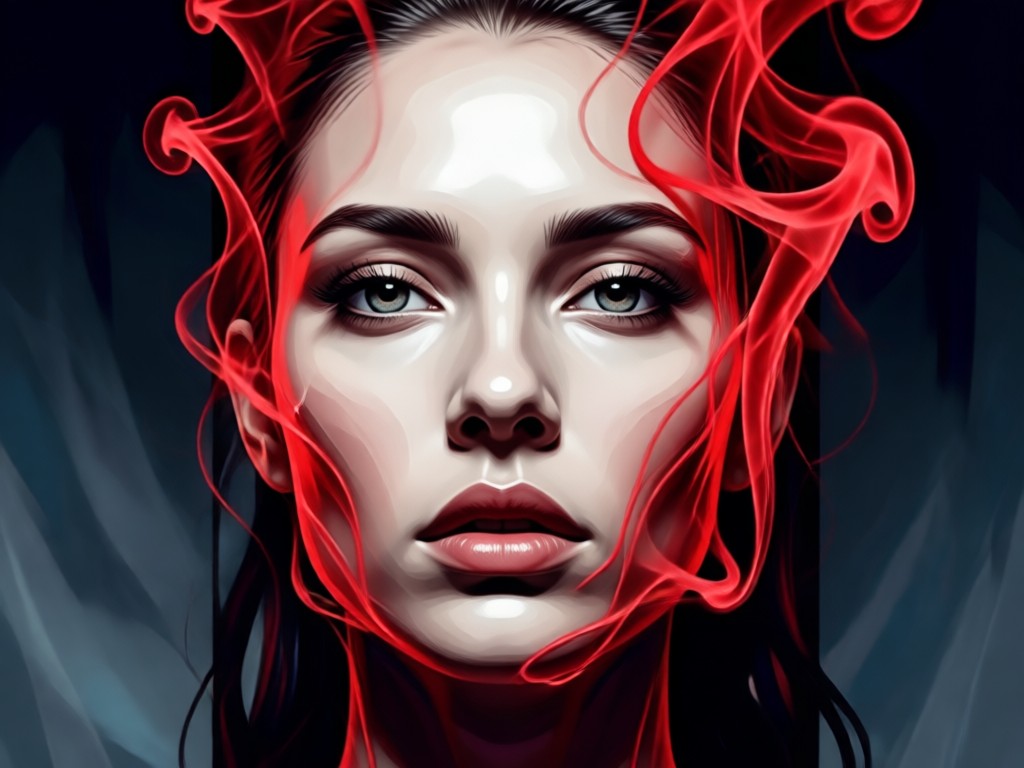
Artistic Style Transfer
Apply cinematic, painting, or fantasy art styles to your entire image. The AI intelligently blends the red smoke with the chosen aesthetic for a cohesive masterpiece.
Artistic Style Transfer
Apply cinematic, painting, or fantasy art styles to your entire image. The AI intelligently blends the red smoke with the chosen aesthetic for a cohesive masterpiece.
How to Create a Red Smoke Portrait?
Make a stunning fiery portrait in just three simple steps with our AI-powered mobile app.

Step 01.
Download the Pixpop app from Google Play. It's your all-in-one toolkit for AI photo and video creation, including red smoke effects.
Step 02.
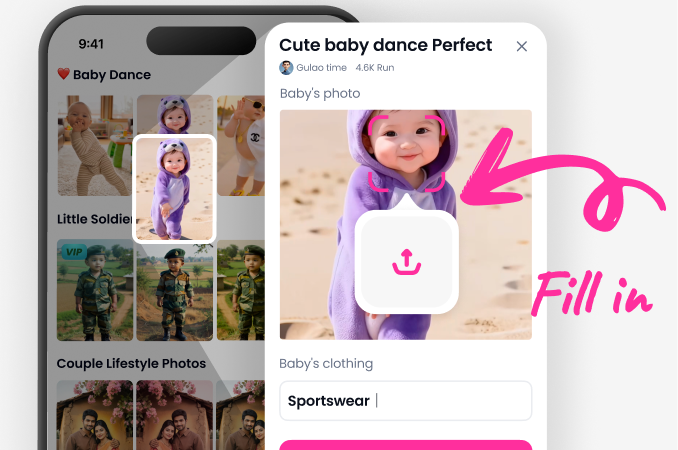
Upload your portrait and browse the 'Effects' or 'Style' section. Select a red smoke, fire, or mist filter that matches your creative vision.
Step 03.
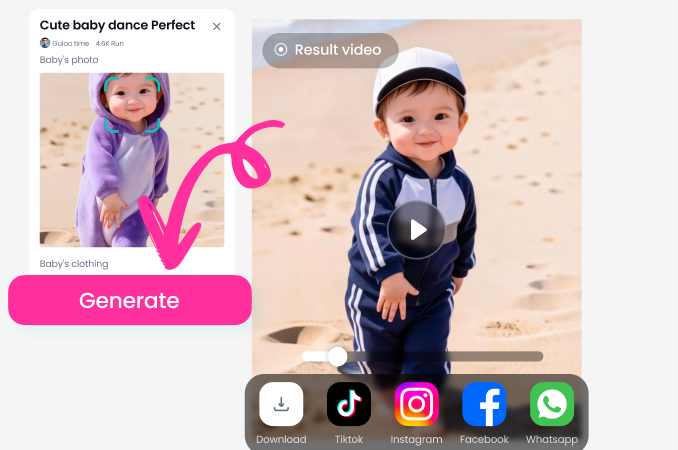
Generate your image with one tap. Adjust intensity if needed, then download your high-quality red smoke portrait to share anywhere.
Creators Using the Red Smoke Portrait Generator
Maya C.
This tool is a game-changer for my fantasy character art. The red smoke adds so much drama and mystery instantly. It's now my go-to for creating powerful cover images.
Leo R.
As a photographer, I use this to add post-production magic to client shots. The AI smoke looks incredibly realistic and saves me hours in Photoshop. Clients love the unique, fiery touch.
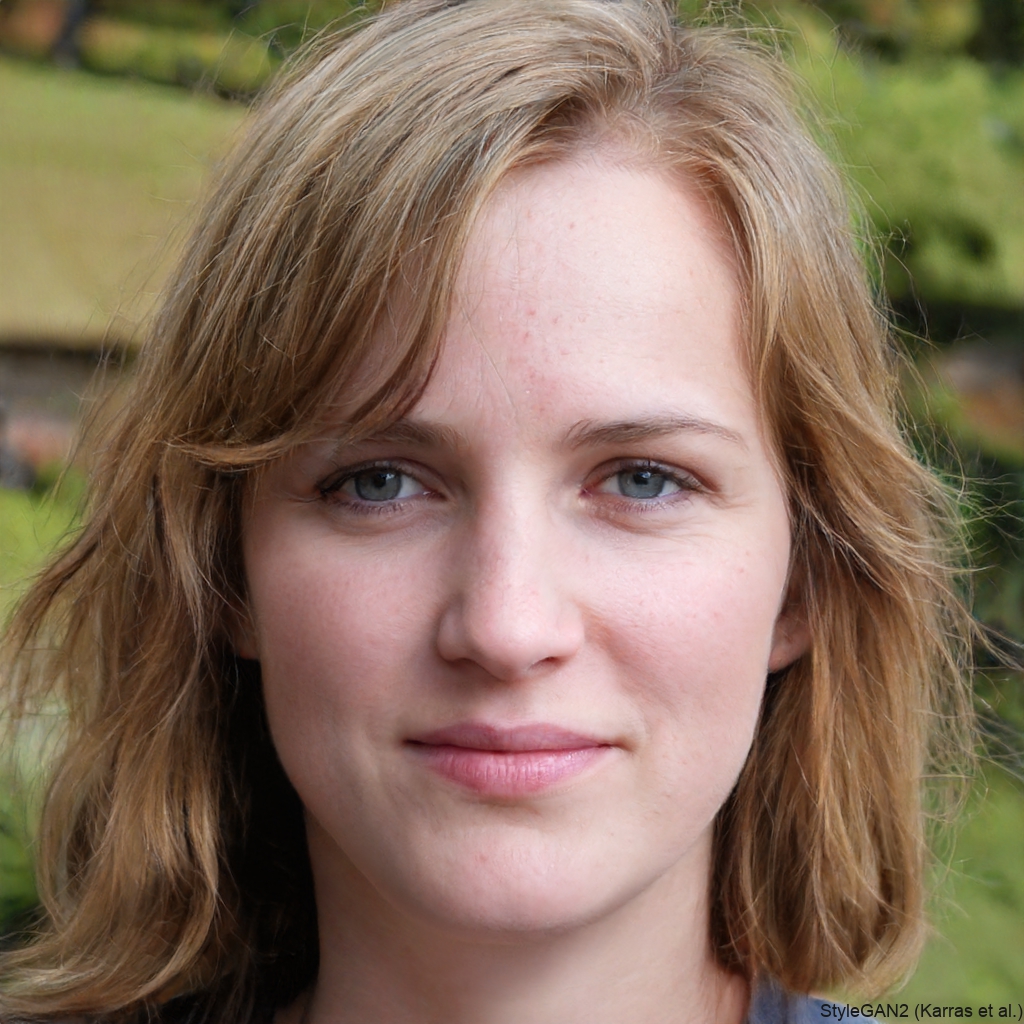
Sam K.
Perfect for creating eye-catching content for music artists and brands on Instagram. The red smoke effect makes any portrait stand out in the feed and drives great engagement.
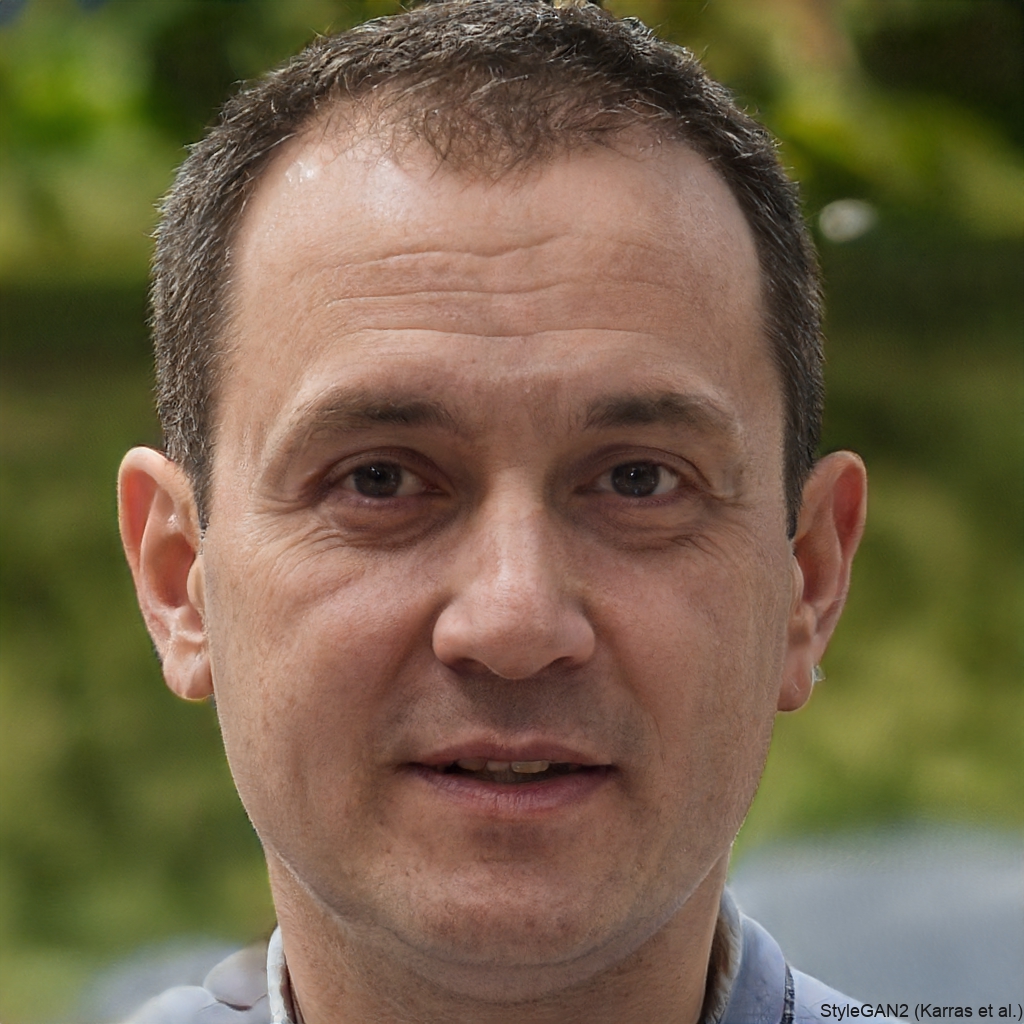
Jin W.
I use it to enhance my cosplay photos. Adding red smoke or flame auras makes my characters look like they've stepped right out of an anime or game. It's incredibly easy and effective.
Maya C.
This tool is a game-changer for my fantasy character art. The red smoke adds so much drama and mystery instantly. It's now my go-to for creating powerful cover images.
Leo R.
As a photographer, I use this to add post-production magic to client shots. The AI smoke looks incredibly realistic and saves me hours in Photoshop. Clients love the unique, fiery touch.
Sam K.
Perfect for creating eye-catching content for music artists and brands on Instagram. The red smoke effect makes any portrait stand out in the feed and drives great engagement.
Jin W.
I use it to enhance my cosplay photos. Adding red smoke or flame auras makes my characters look like they've stepped right out of an anime or game. It's incredibly easy and effective.
Maya C.
This tool is a game-changer for my fantasy character art. The red smoke adds so much drama and mystery instantly. It's now my go-to for creating powerful cover images.
Leo R.
As a photographer, I use this to add post-production magic to client shots. The AI smoke looks incredibly realistic and saves me hours in Photoshop. Clients love the unique, fiery touch.
Sam K.
Perfect for creating eye-catching content for music artists and brands on Instagram. The red smoke effect makes any portrait stand out in the feed and drives great engagement.
Jin W.
I use it to enhance my cosplay photos. Adding red smoke or flame auras makes my characters look like they've stepped right out of an anime or game. It's incredibly easy and effective.
Red Smoke Portrait Generator FAQ
Find answers to common questions about creating dramatic red smoke portraits with our AI technology.
More Topics You May Like
Explore more topics you may like and discover fresh ideas tailored to your interests.
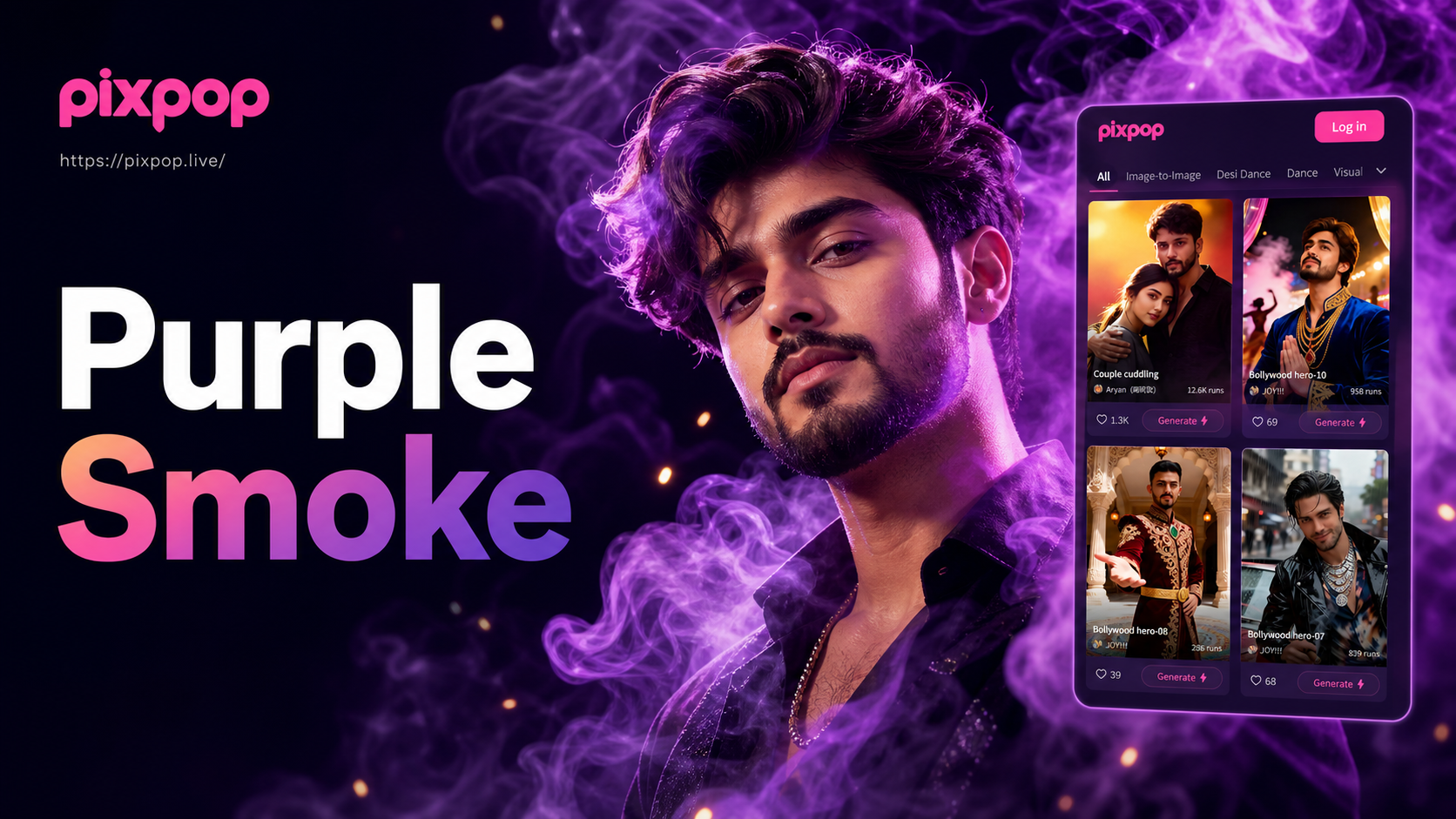
Create Mystical Portraits with AI Purple Smoke
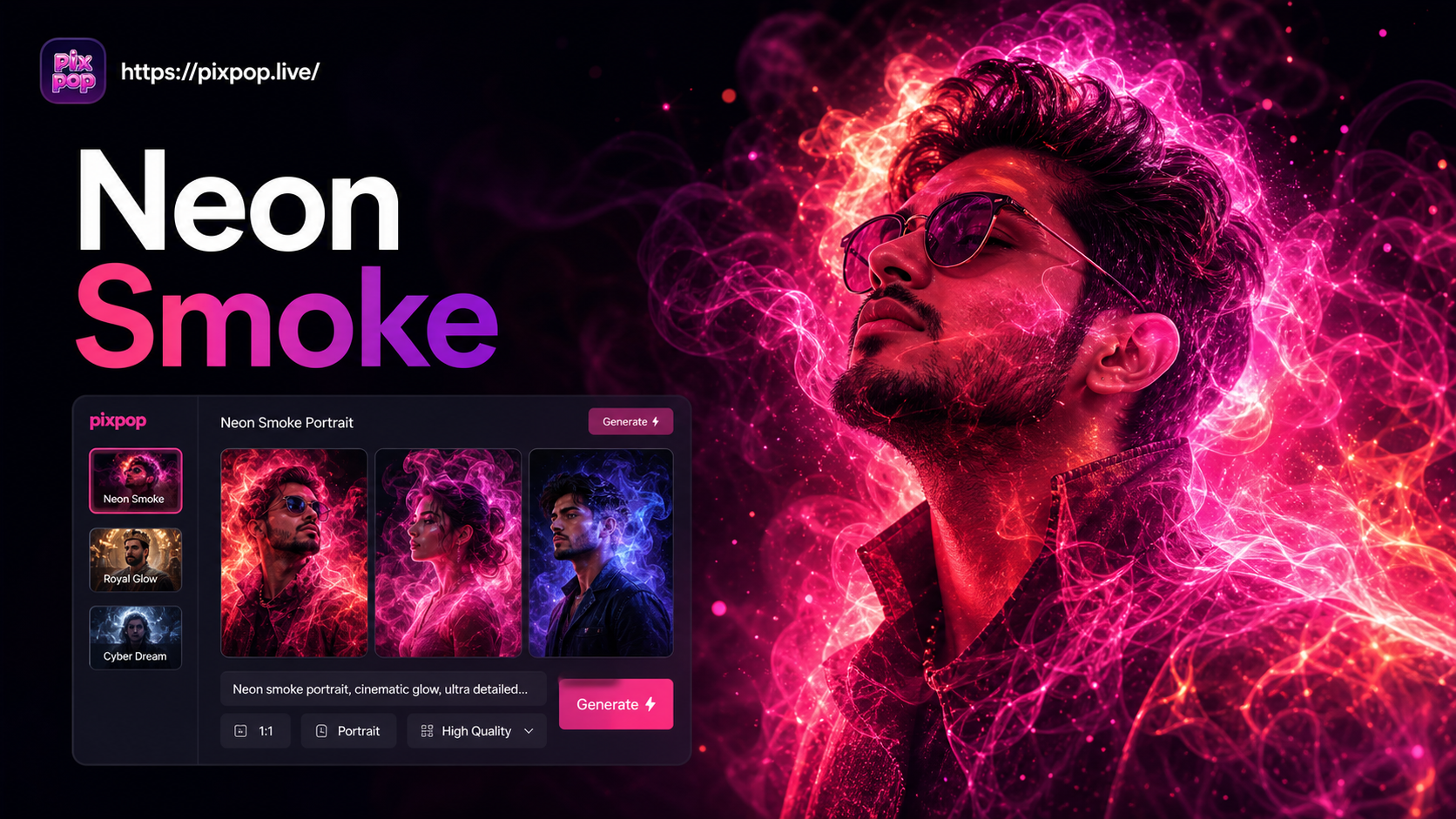
Create Breathtaking Neon Smoke Portraits with AI
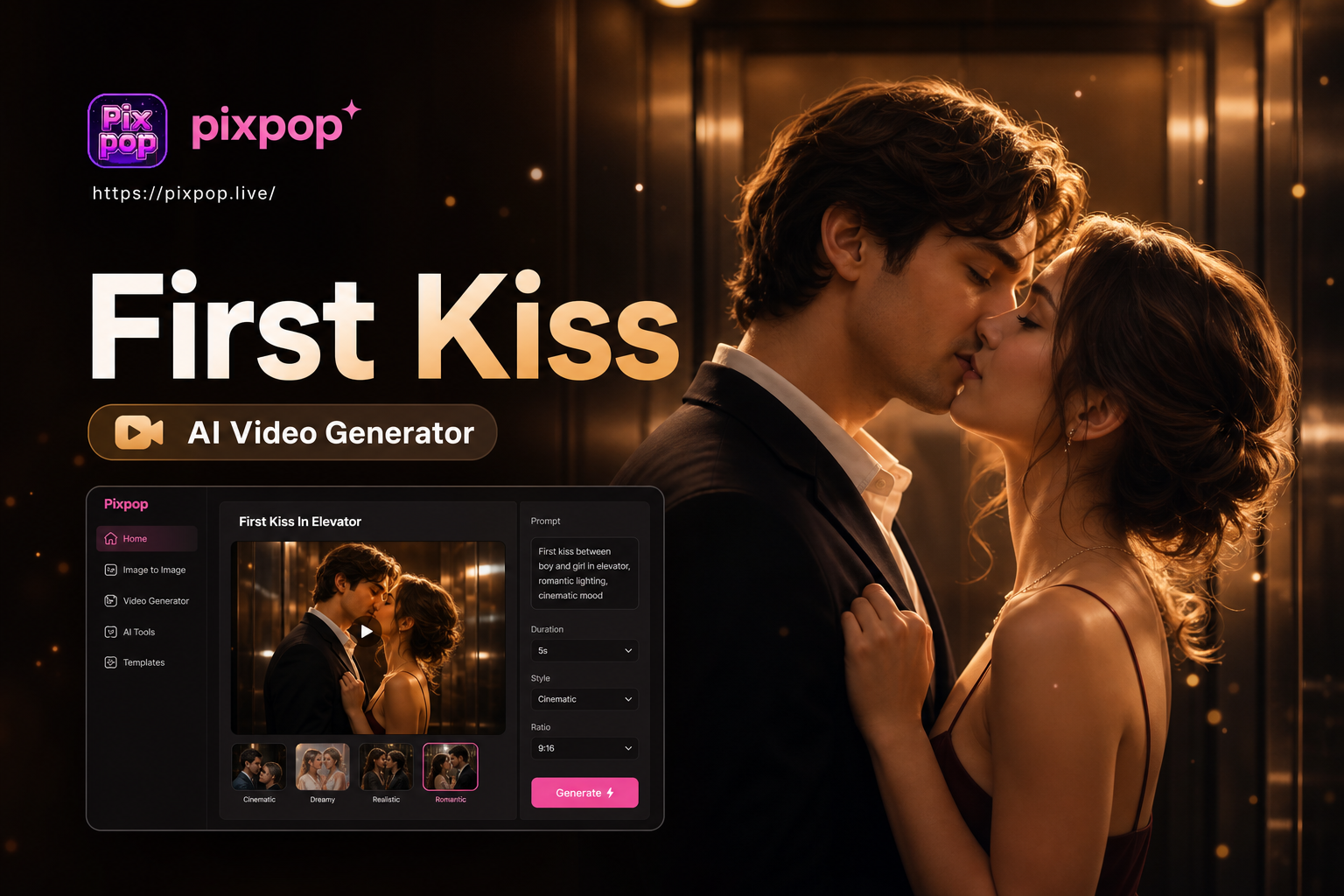
Create Your First Kiss in an Elevator Video with AI
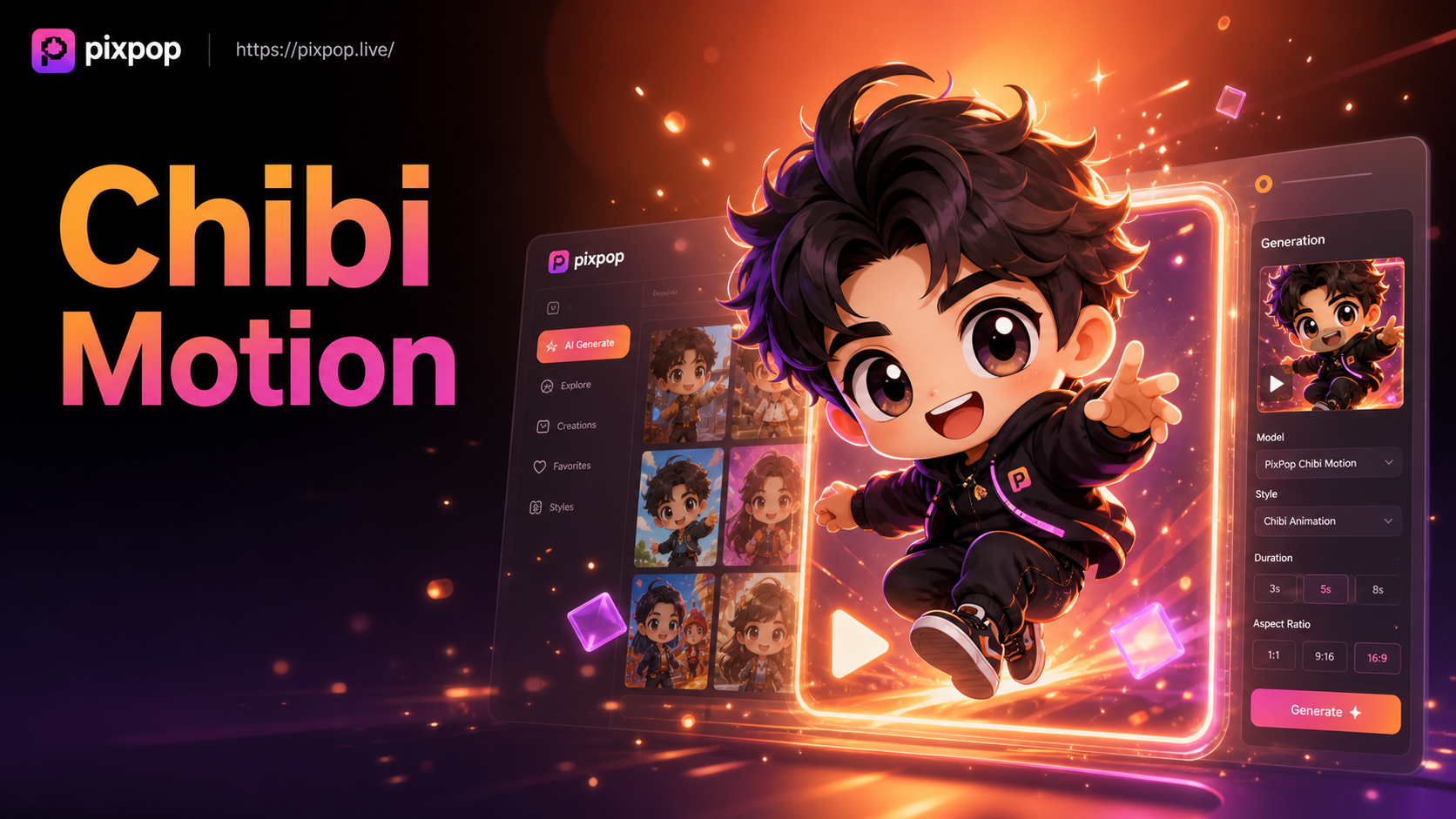
AI Chibi Cartoon Video Effect - Create adorable AI chibi videos
Create Mystical Portraits with AI Purple Smoke
Create Breathtaking Neon Smoke Portraits with AI
Create Your First Kiss in an Elevator Video with AI
AI Chibi Cartoon Video Effect - Create adorable AI chibi videos
Ignite Your Portraits with AI
Stop scrolling and start creating. Download the app now and transform your photos into breathtaking red smoke masterpieces in under a minute.
Ignite Your Portraits with AI
Stop scrolling and start creating. Download the app now and transform your photos into breathtaking red smoke masterpieces in under a minute.