Pencil Photo Sketch

Find Your Perfect Pencil Art Style
Choose from our collection of dedicated sketch and drawing filters to achieve the exact artistic look you envision.
Create Masterful Sketch Art with AI
Our AI pencil sketch tool is designed for everyone. Whether you're a digital artist looking for a base sketch or someone wanting to create personalized art, it's incredibly simple.
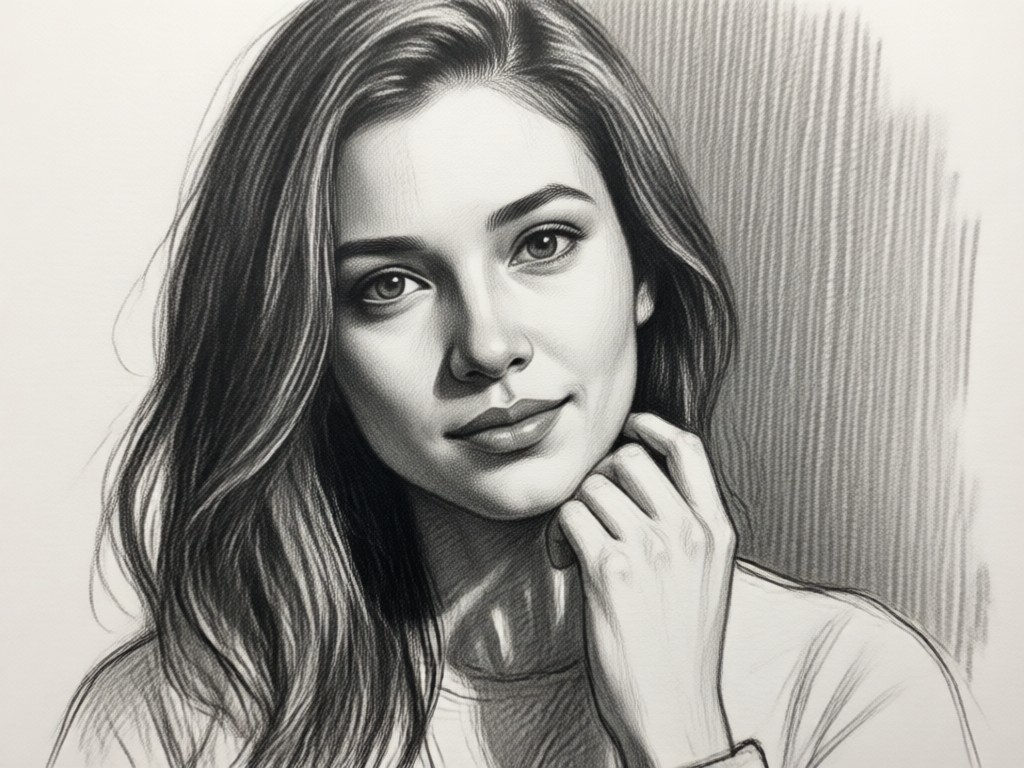
Authentic Graphite & Charcoal Textures
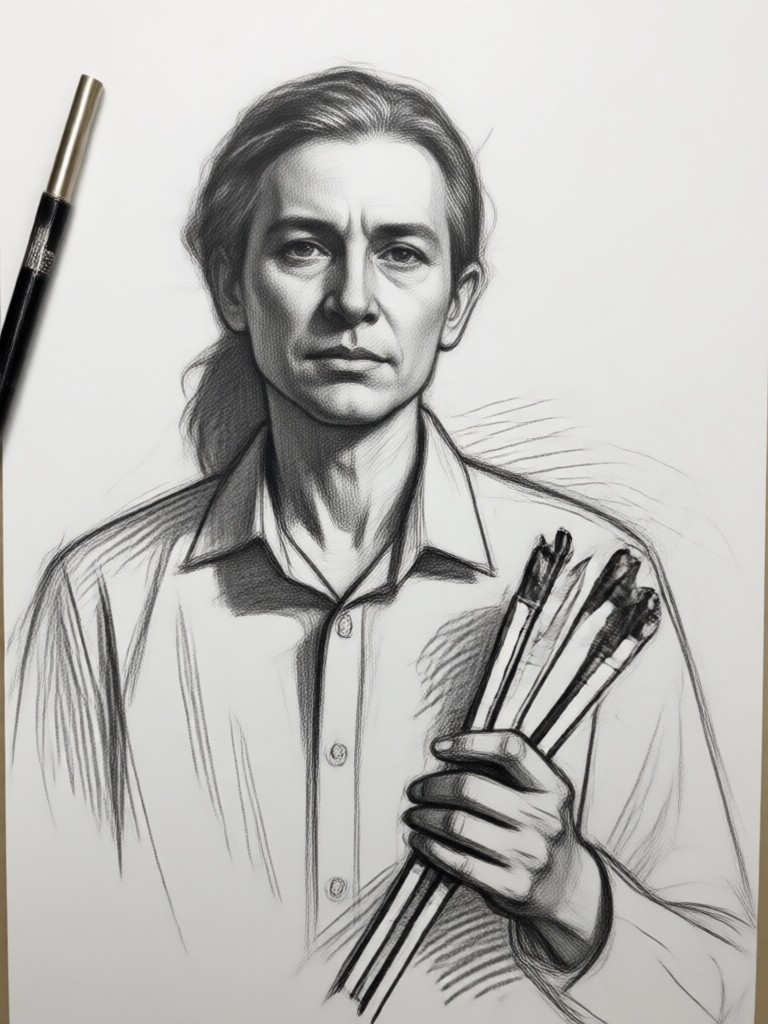
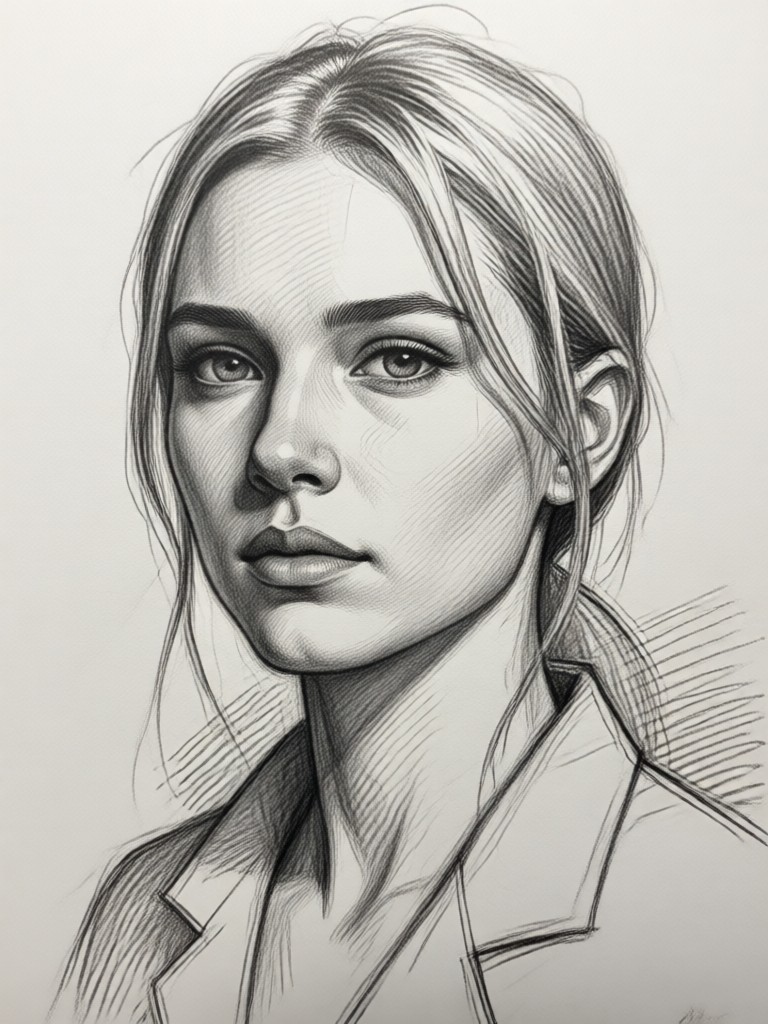
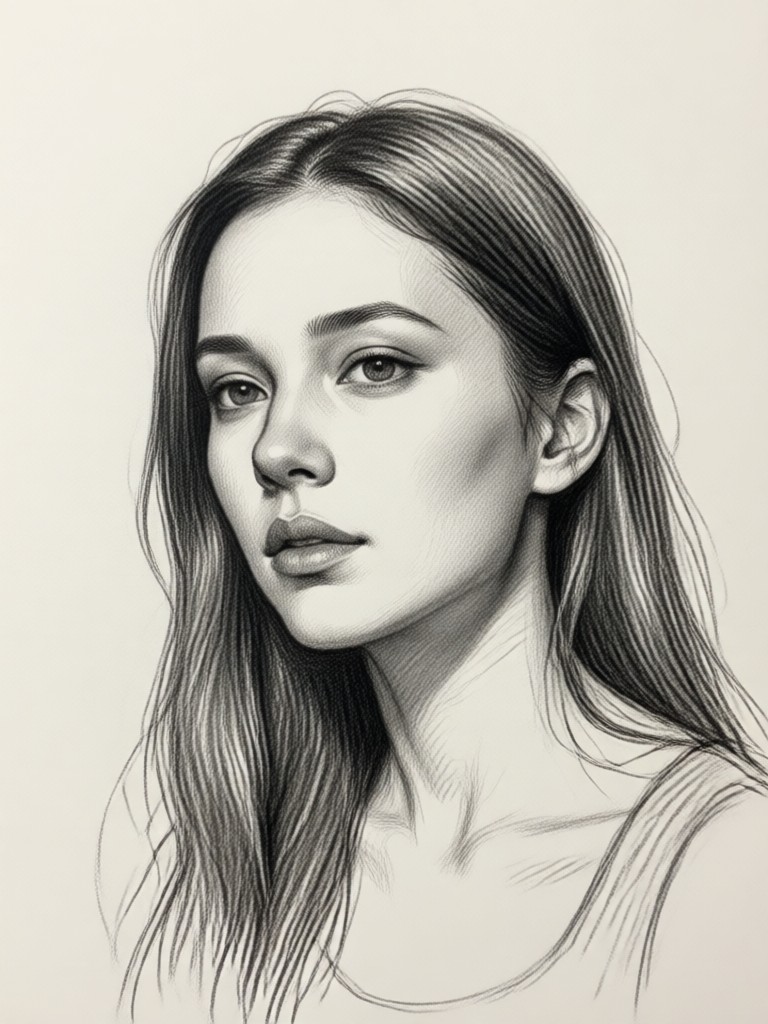
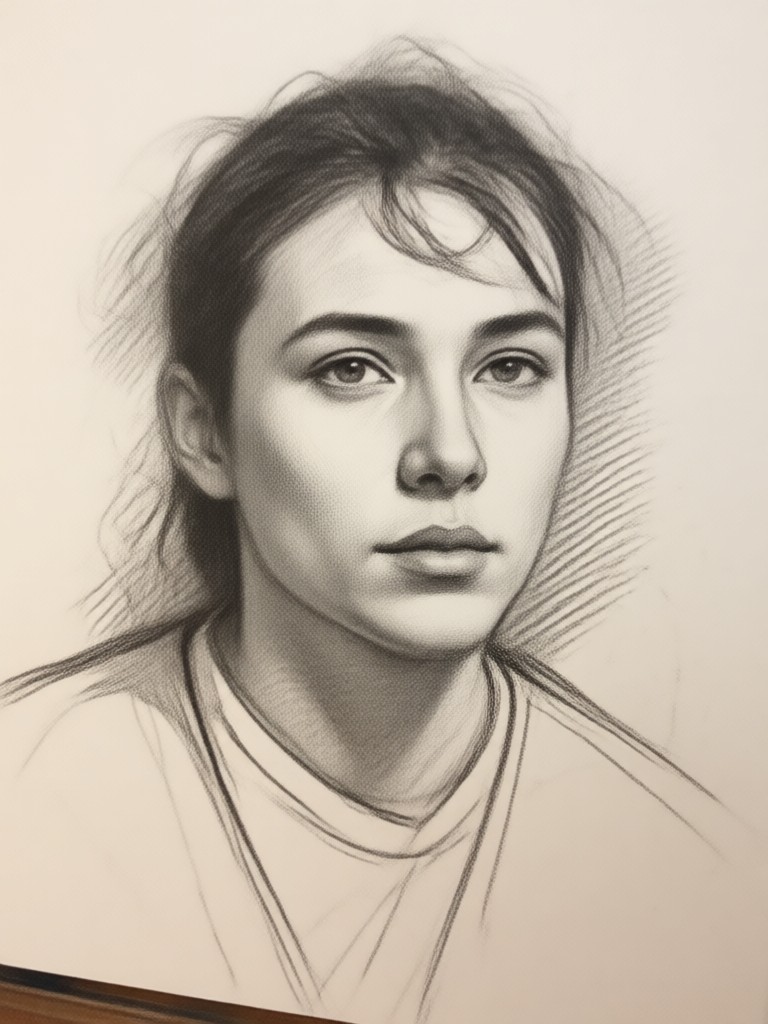
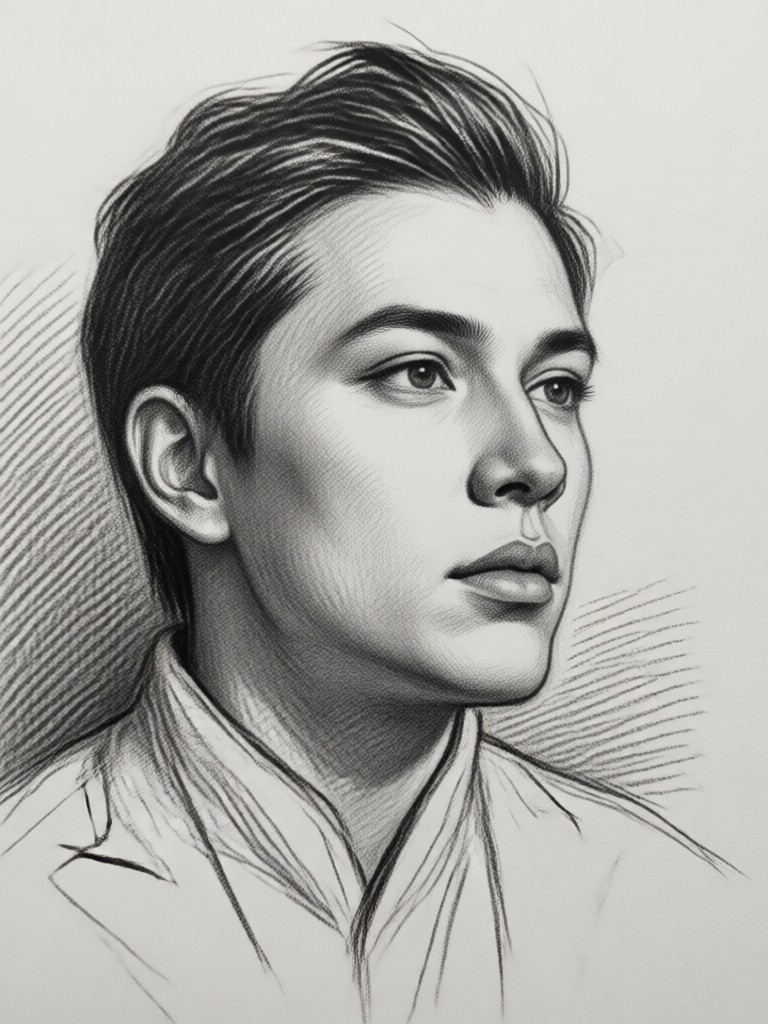
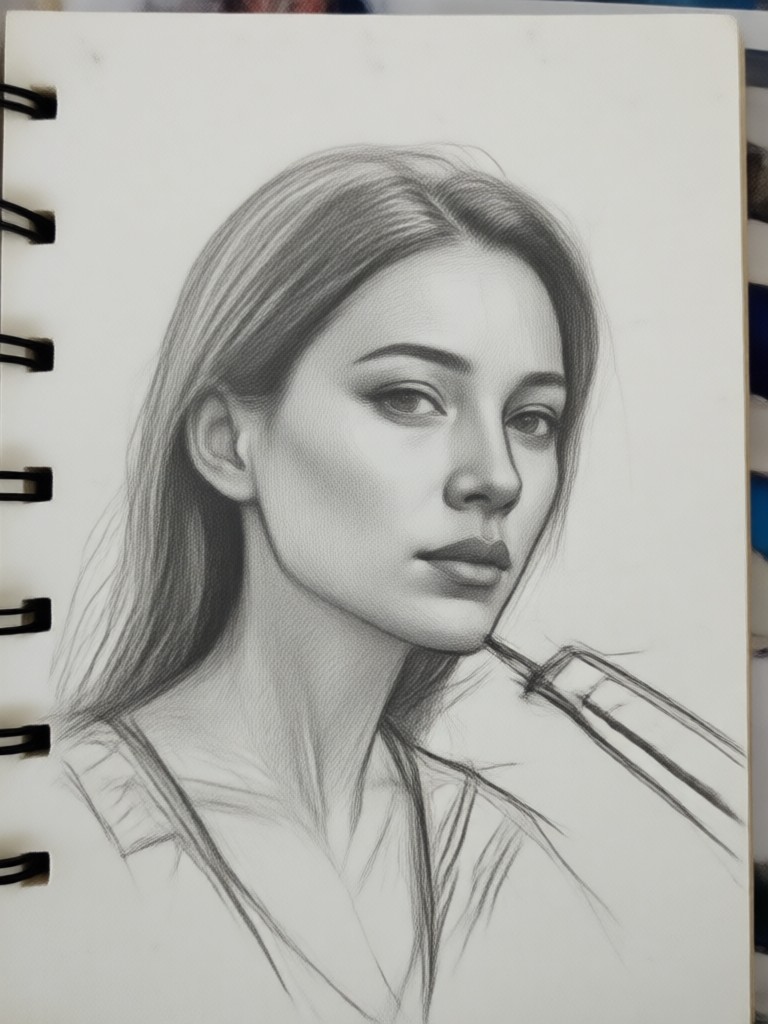
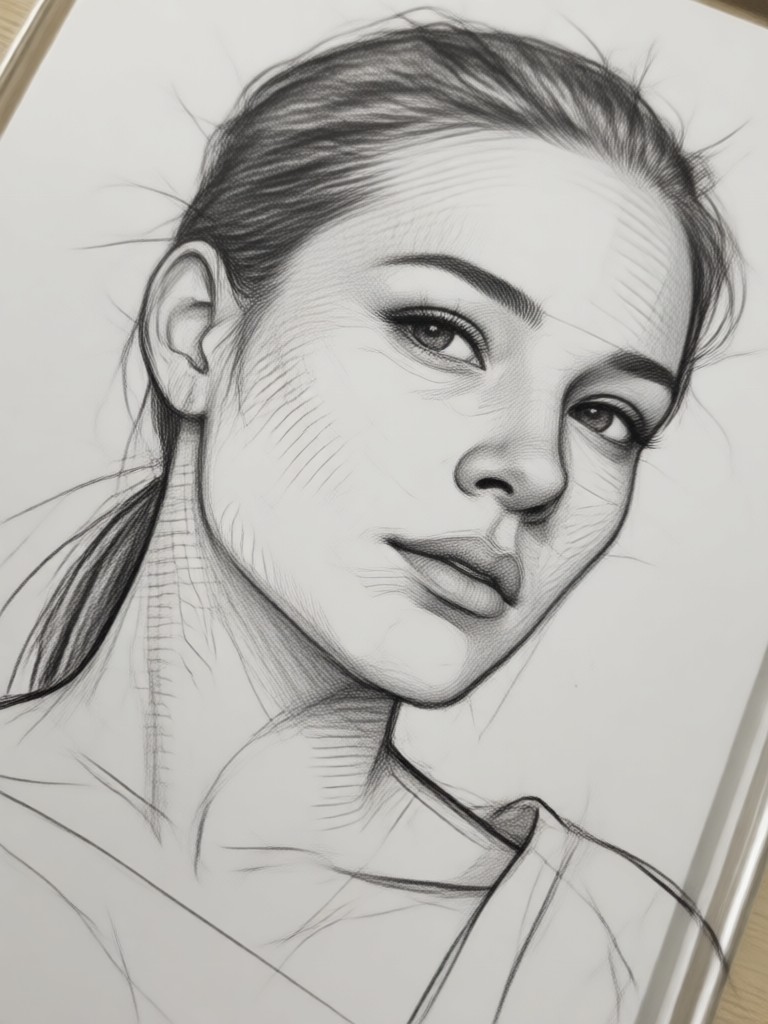
Go beyond simple edge detection. Our AI replicates the subtle grain of paper, the soft smudges of charcoal, and the precise lines of a sharpened pencil for true artistic results.
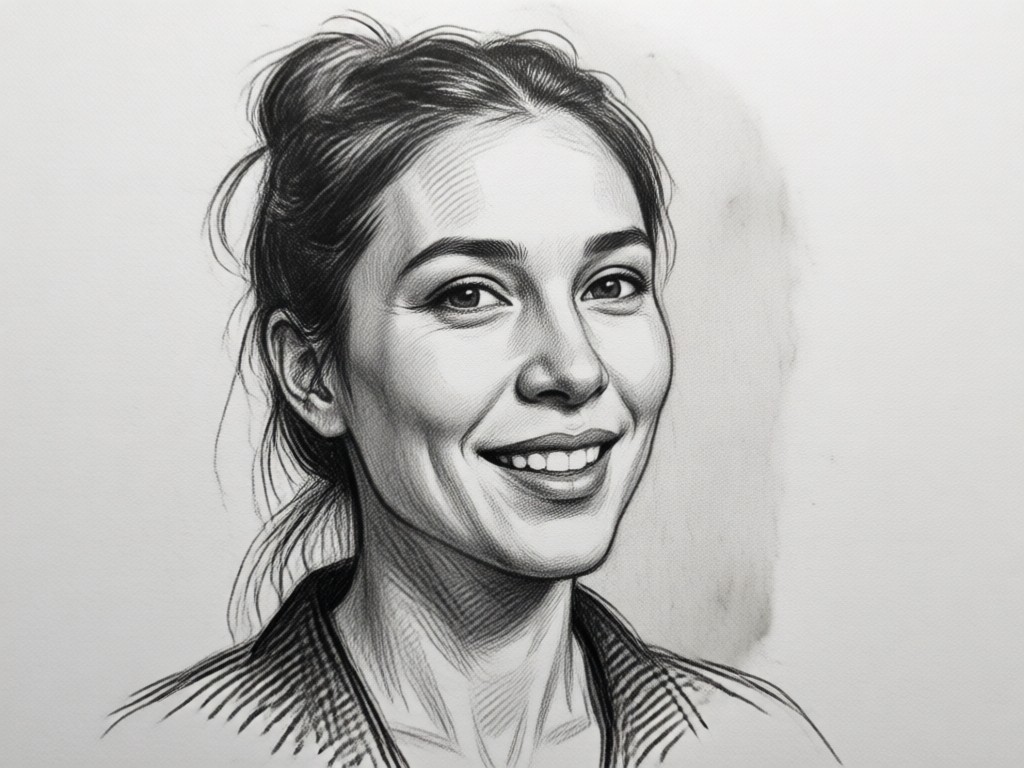
Smart Shading & Depth
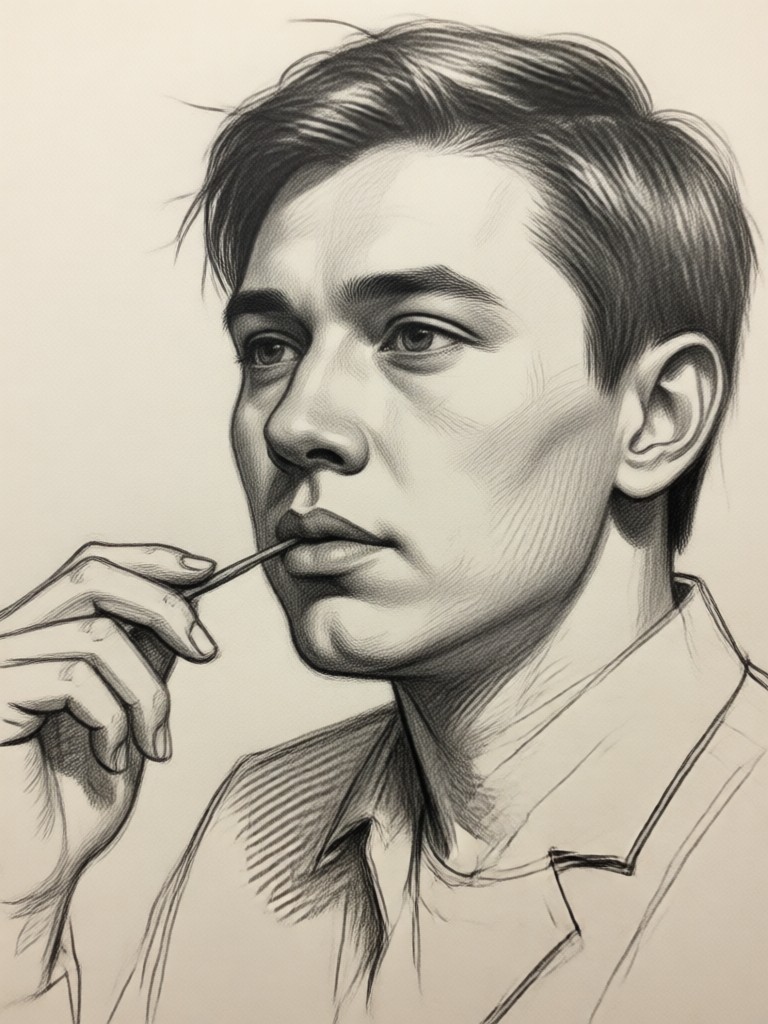
The AI intelligently analyzes light and shadow in your photo, applying dynamic shading and cross hatching to add volume and a three dimensional feel to your sketches.
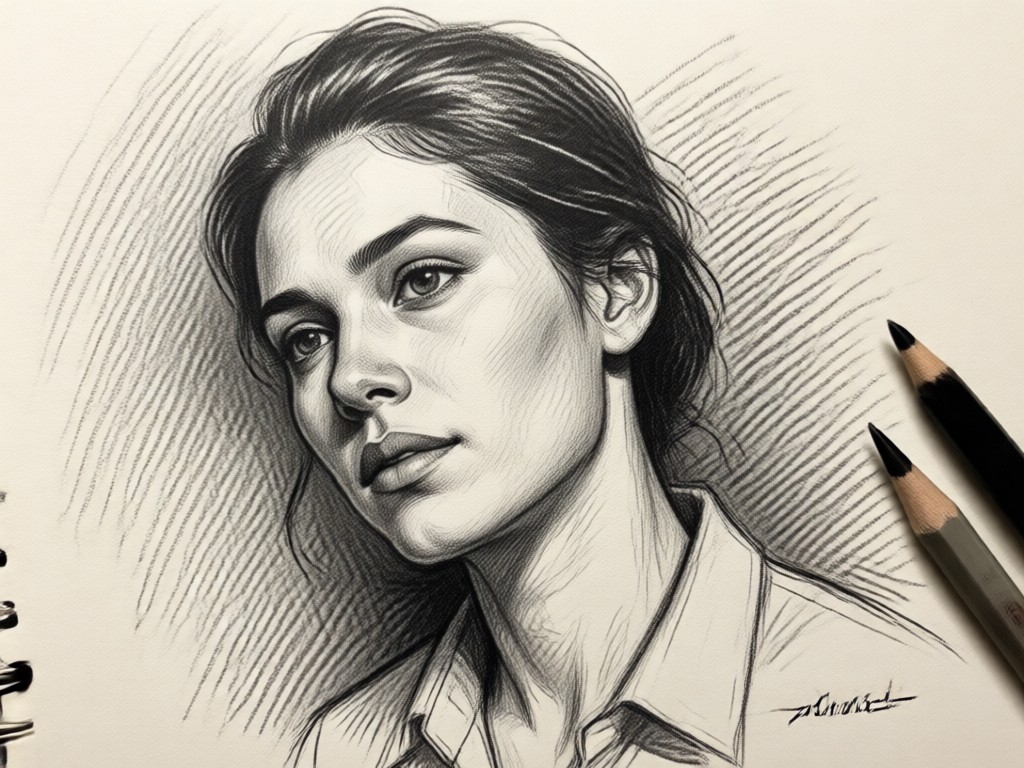
One Tap Style Variety
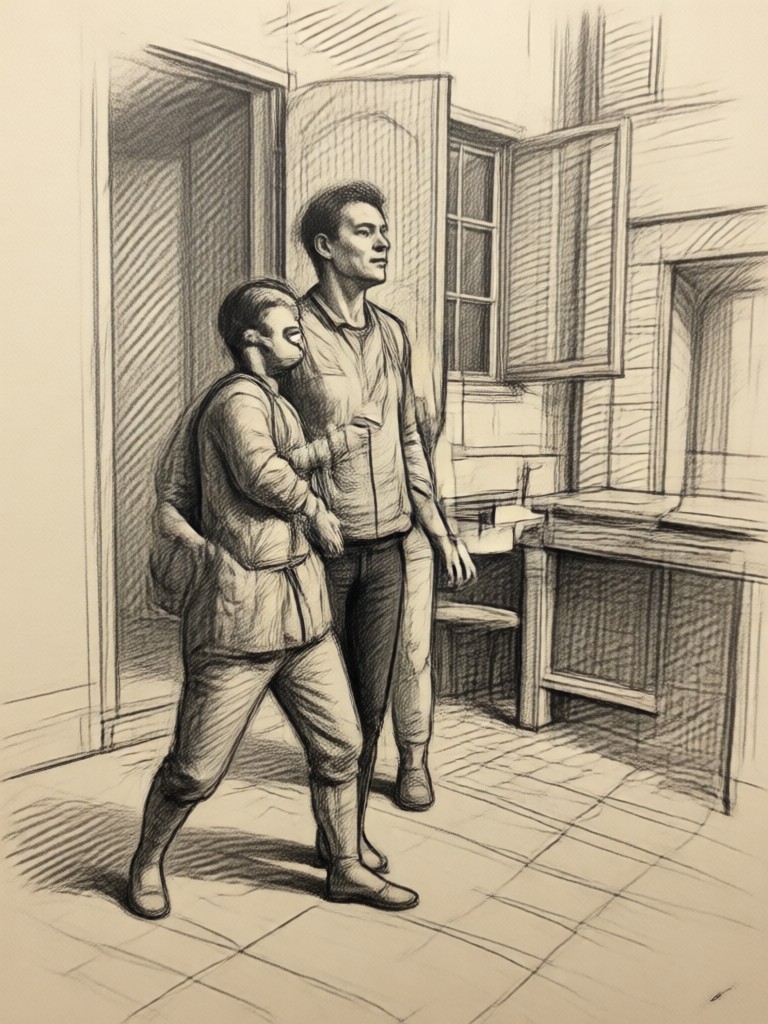
Switch between soft sketch, detailed technical drawing, bold charcoal art, or classic pencil portrait styles instantly. No manual adjustments needed.
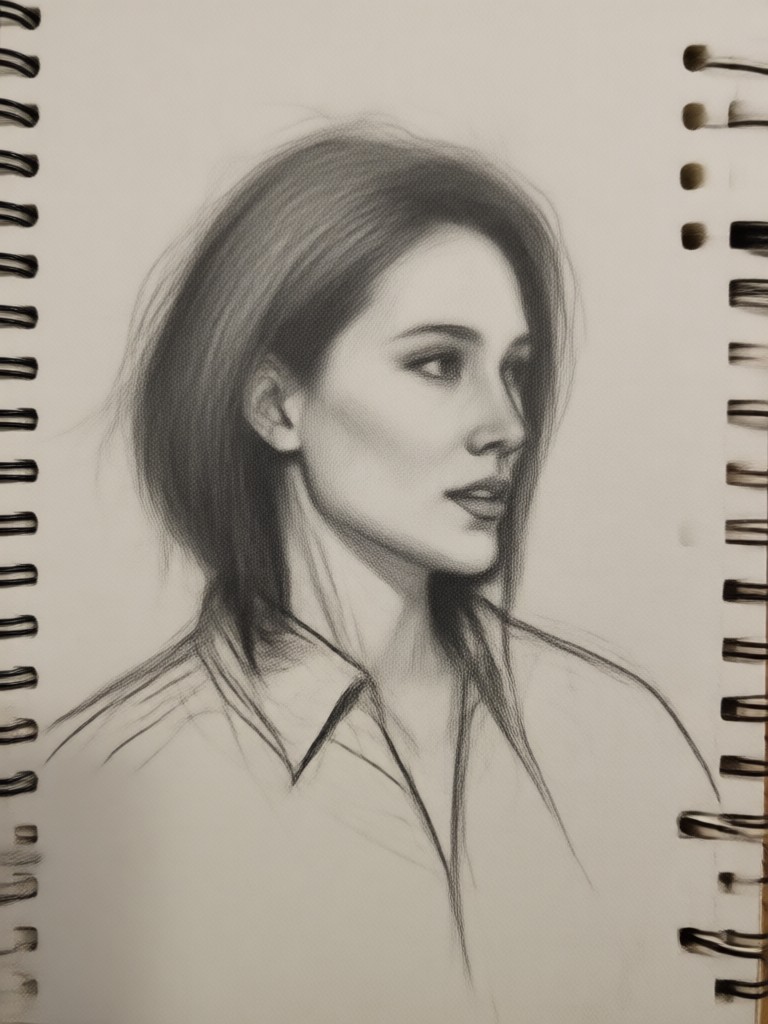
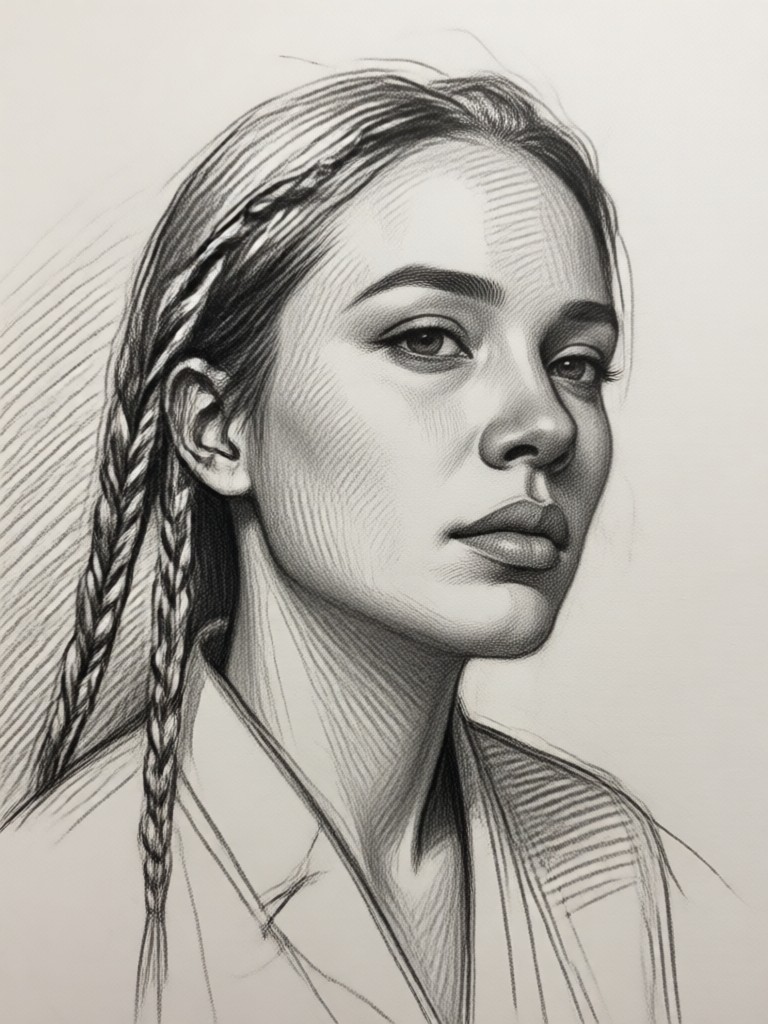
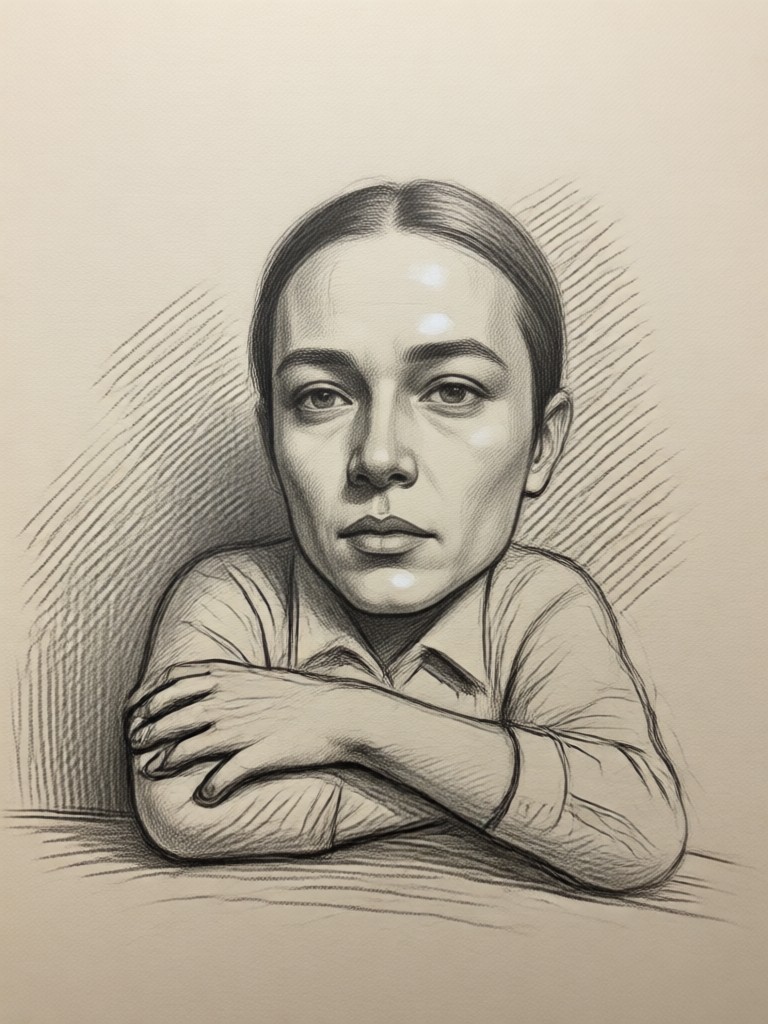
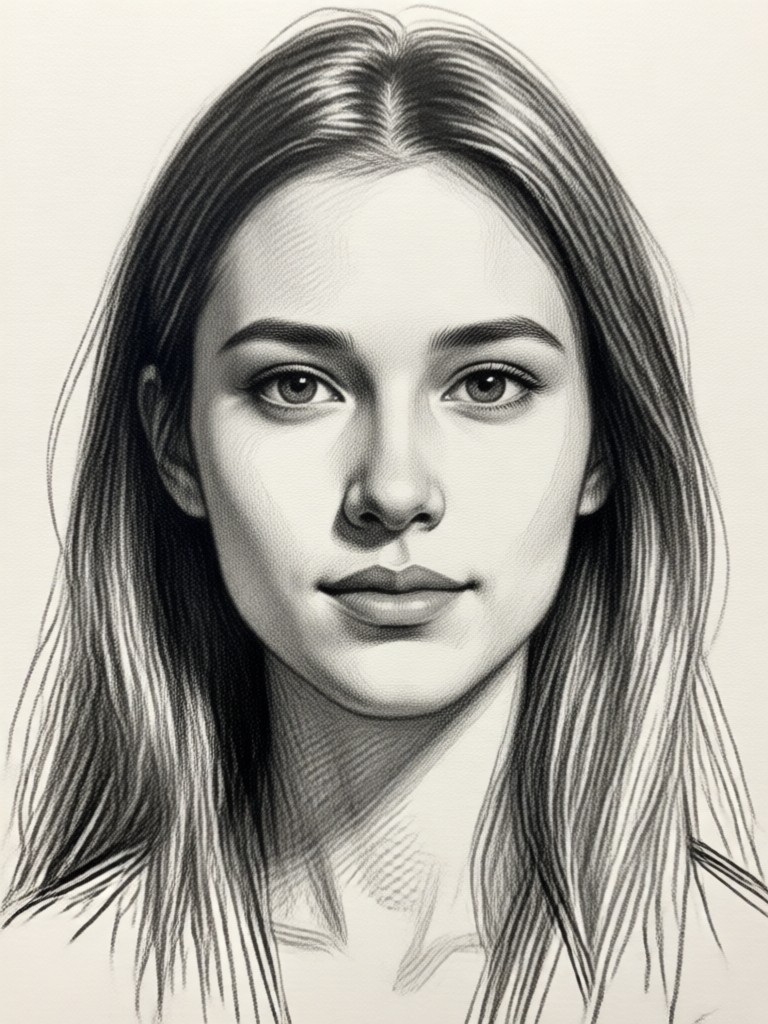
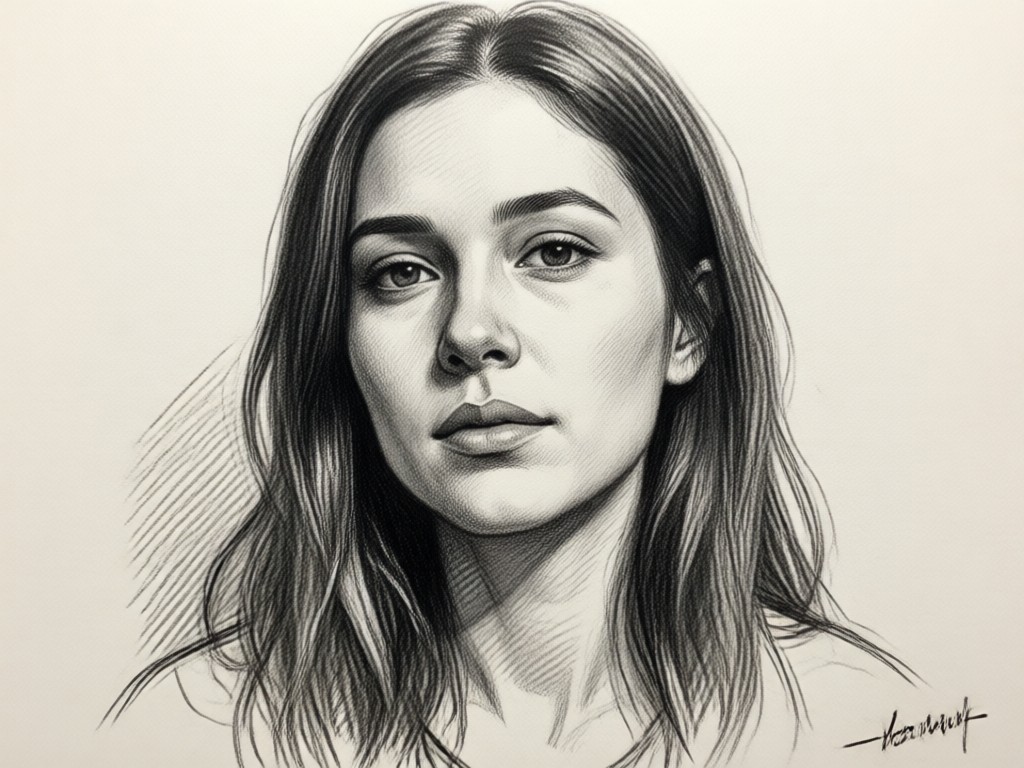
Pencil Sketch AI Gallery
See how ordinary photos are transformed into extraordinary pencil drawings. Get inspired by these AI generated sketch artworks created by users just like you.
Why Create a Pencil Sketch from Your Photo?
A pencil sketch adds a timeless, artistic quality that a standard photo can't match. It's perfect for creating unique profile pictures, personalized gifts like custom portraits, or adding a creative touch to your social media content and projects.
Why Create a Pencil Sketch from Your Photo?
A pencil sketch adds a timeless, artistic quality that a standard photo can't match. It's perfect for creating unique profile pictures, personalized gifts like custom portraits, or adding a creative touch to your social media content and projects.
How to Make a Pencil Sketch in 3 Steps
Creating beautiful pencil sketch art from your photos is incredibly easy. Follow these simple steps to get started right away.

Step 01.
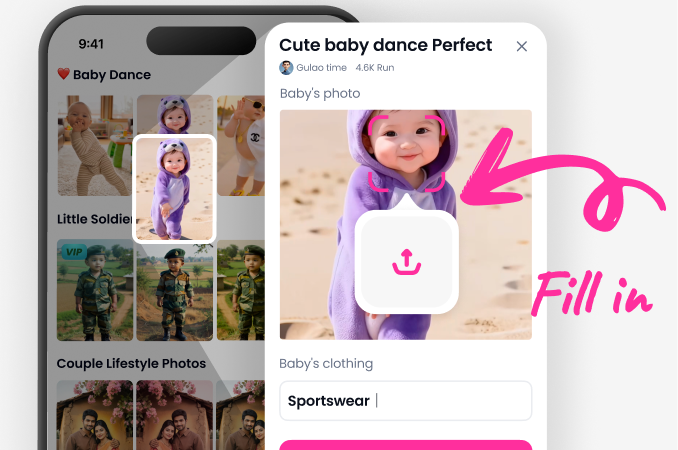
Download the PixPop app from the Google Play Store to access all AI sketch tools directly on your mobile device.
Step 02.
Upload any photo from your gallery and browse our specialized pencil sketch, charcoal, and drawing style filters.
Step 03.
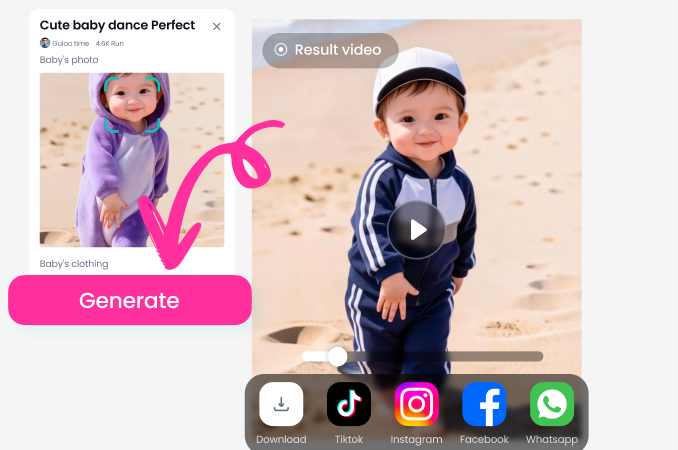
Generate your artwork in seconds. Save your high quality pencil sketch to your phone or share it directly on social media.
What Our Artists & Creators Are Saying
Incredible for Concept Art Sketches
As a digital artist, I use this to quickly generate pencil sketch bases for my character designs. The shading and line quality are so authentic, it saves me hours of initial sketching.
Perfect for Personalized Gifts
I turned a family photo into a beautiful charcoal style sketch and framed it for my parents' anniversary. They were amazed. It looks like it was commissioned from an artist.
My Go To for Unique Social Content
My Instagram audience loves the pencil sketch versions of my travel photos. It makes my feed stand out and adds a really artistic, cohesive theme to my profile.
Pencil Sketch Artist in Your Pocket
Carry a powerful AI art studio with you. Transform any moment into a sketch masterpiece directly from your phone, anytime, anywhere.

Pencil Photo Sketch FAQ
Find answers to common questions about creating AI pencil sketches, from getting the best results to using your artwork.
More Topics You May Like
Explore more topics you may like and discover fresh ideas tailored to your interests.

Transform Photos into Music Videos with AI Face Swap
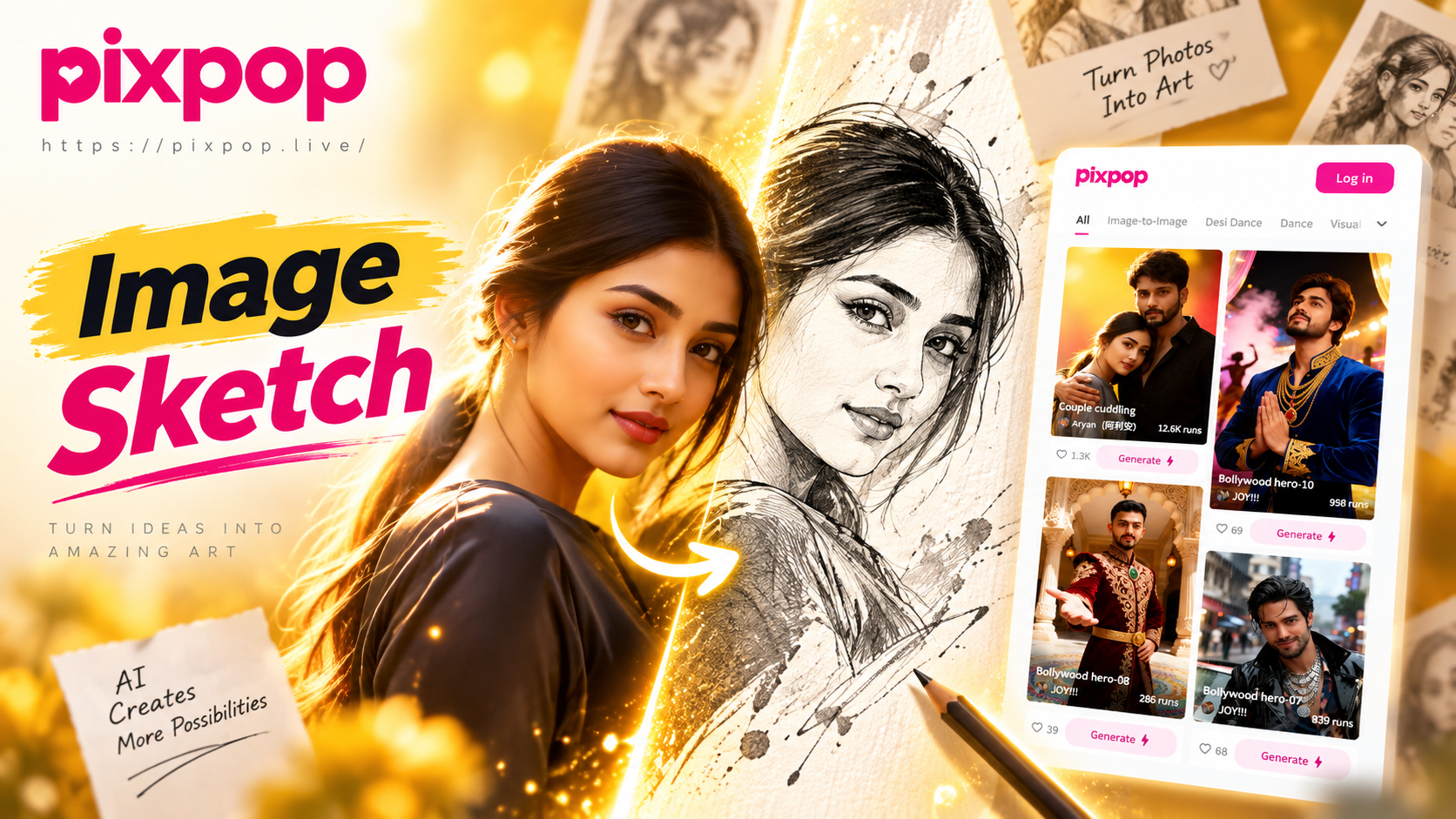
AI Sketch Artist: Turn Photos into Stunning Sketches

Face Swap Live in Real Time | 3D Video Face Transfer

Twórz Realistyczne Wizerunki z Generator Twarzy AI
Transform Photos into Music Videos with AI Face Swap
AI Sketch Artist: Turn Photos into Stunning Sketches
Face Swap Live in Real Time | 3D Video Face Transfer
Twórz Realistyczne Wizerunki z Generator Twarzy AI
Sketch Your World Today
Unlock the artist within. Download the app now and see your memories transformed into beautiful, timeless pencil artwork with just a tap.
Sketch Your World Today
Unlock the artist within. Download the app now and see your memories transformed into beautiful, timeless pencil artwork with just a tap.