Edit Wajah AI
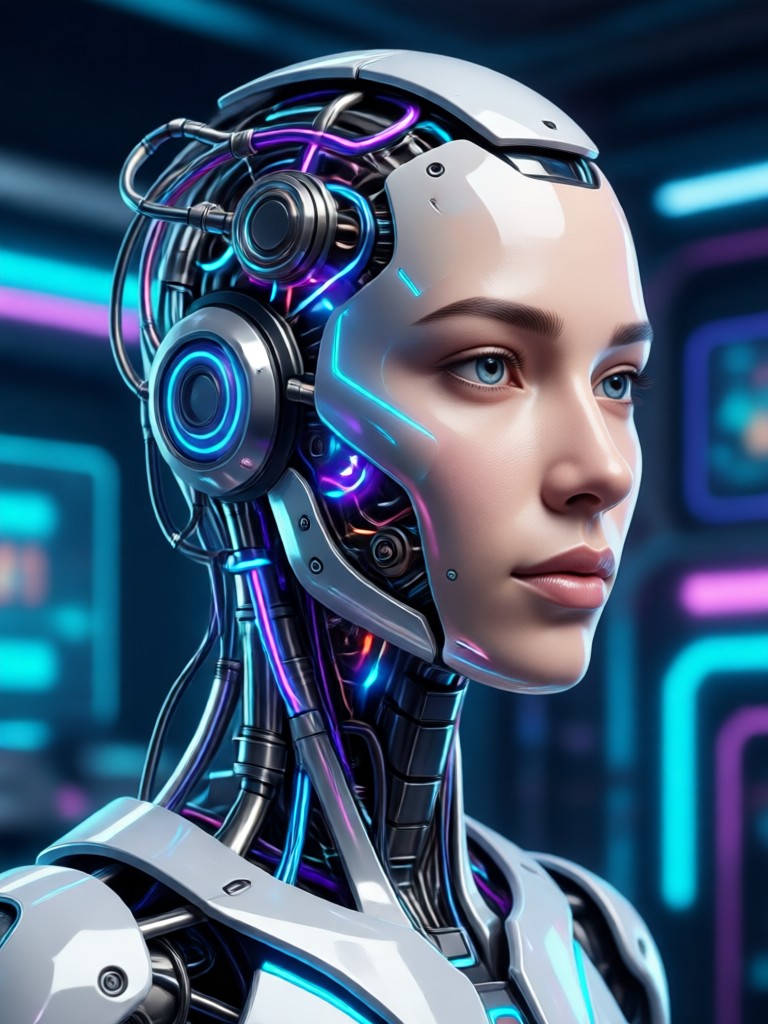
Discover Your Perfect AI Face Edit
Choose from a wide range of AI powered filters designed for skin touch ups, facial feature enhancement, and artistic transformations. Find the style that fits your vision.
Powerful AI Face Editing Features
Access a full suite of intelligent tools designed to enhance, refine, and creatively transform your portraits, all within one simple mobile app.
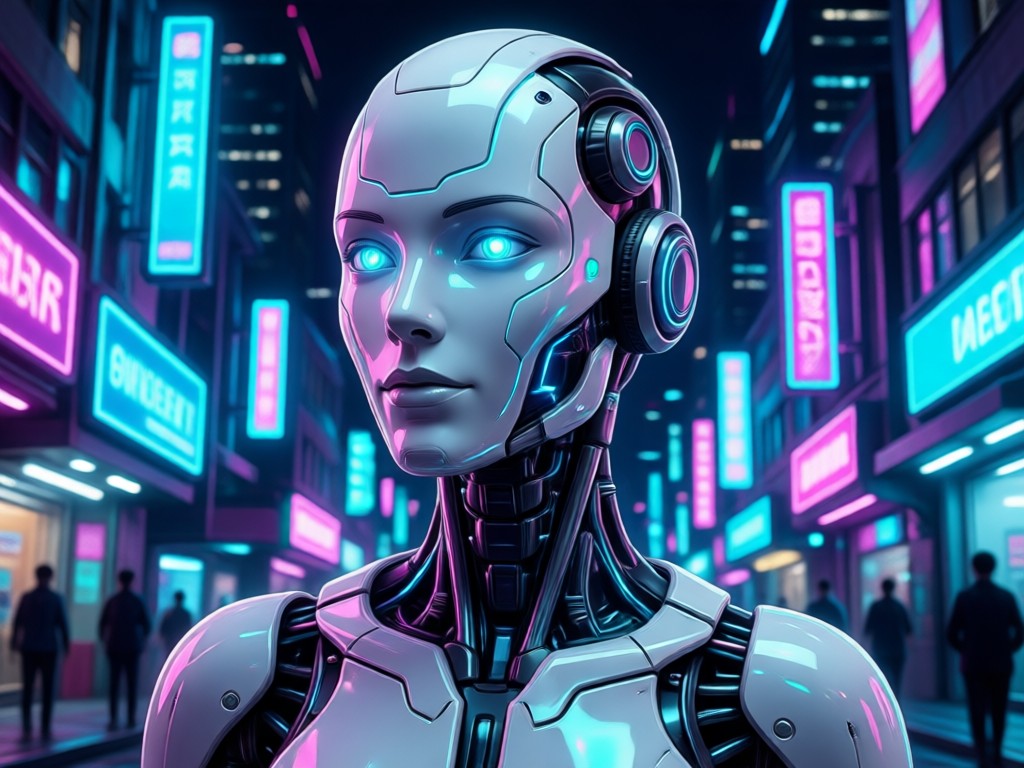
AI Skin Perfection
Automatically smooth skin, remove blemishes, and reduce shine while preserving natural textures and details for a flawless yet realistic finish.
AI Skin Perfection
Automatically smooth skin, remove blemishes, and reduce shine while preserving natural textures and details for a flawless yet realistic finish.
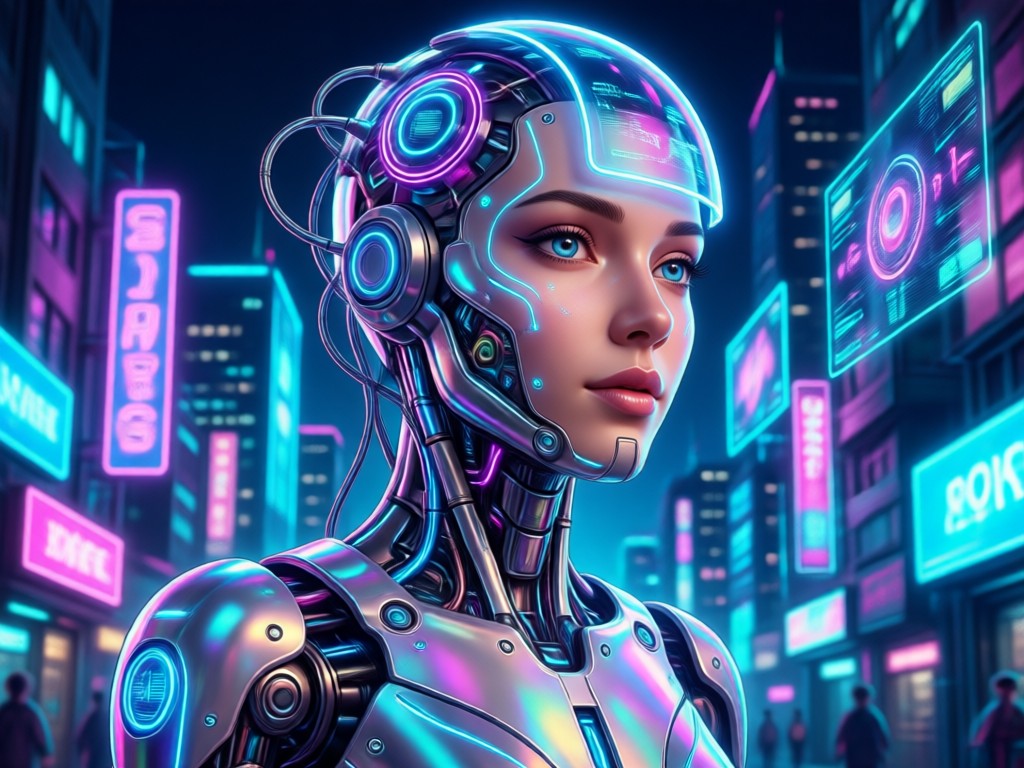
Facial Feature Enhancement
Subtly adjust eyes, lips, jawline, and other features. Brighten eyes, add a natural smile, or define your facial structure with intuitive sliders.
Facial Feature Enhancement
Subtly adjust eyes, lips, jawline, and other features. Brighten eyes, add a natural smile, or define your facial structure with intuitive sliders.
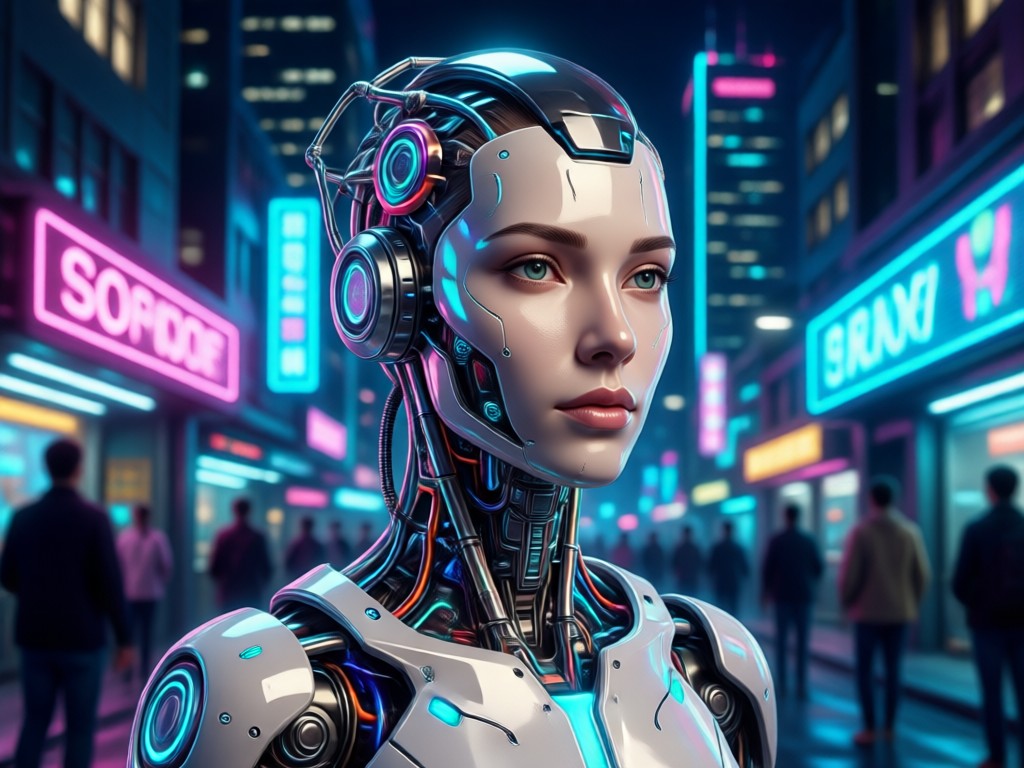
Creative Style Filters
Apply artistic filters, change makeup looks, or experiment with completely new hairstyles. Go from casual to glamorous or try a cartoon avatar.
Creative Style Filters
Apply artistic filters, change makeup looks, or experiment with completely new hairstyles. Go from casual to glamorous or try a cartoon avatar.
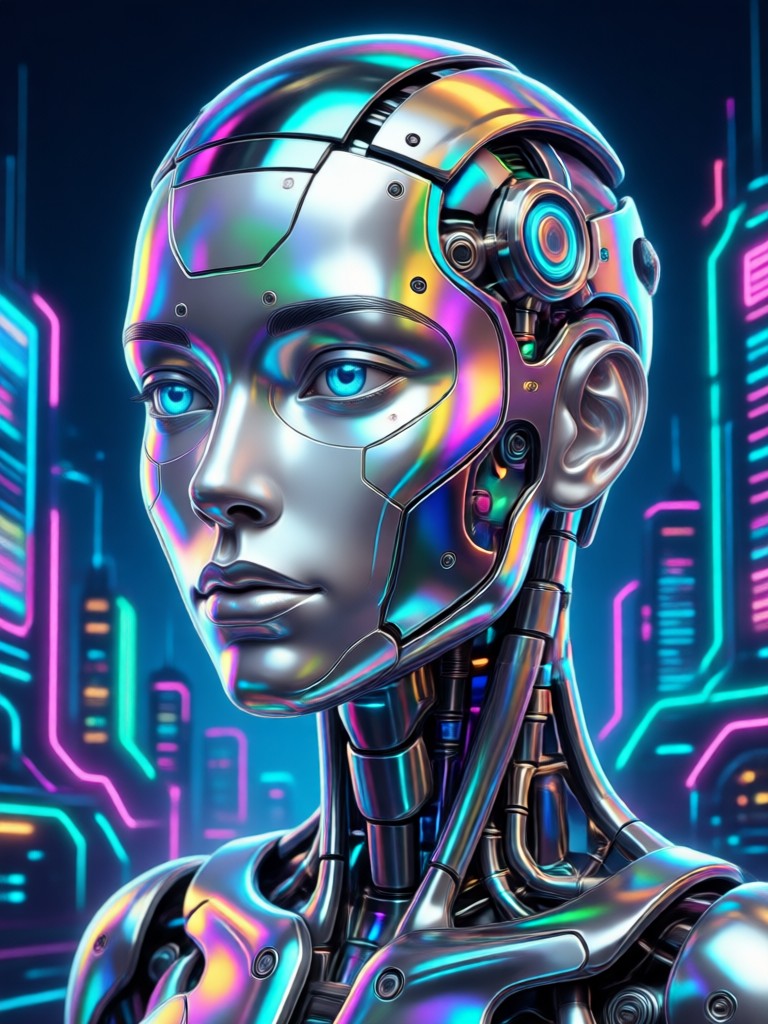
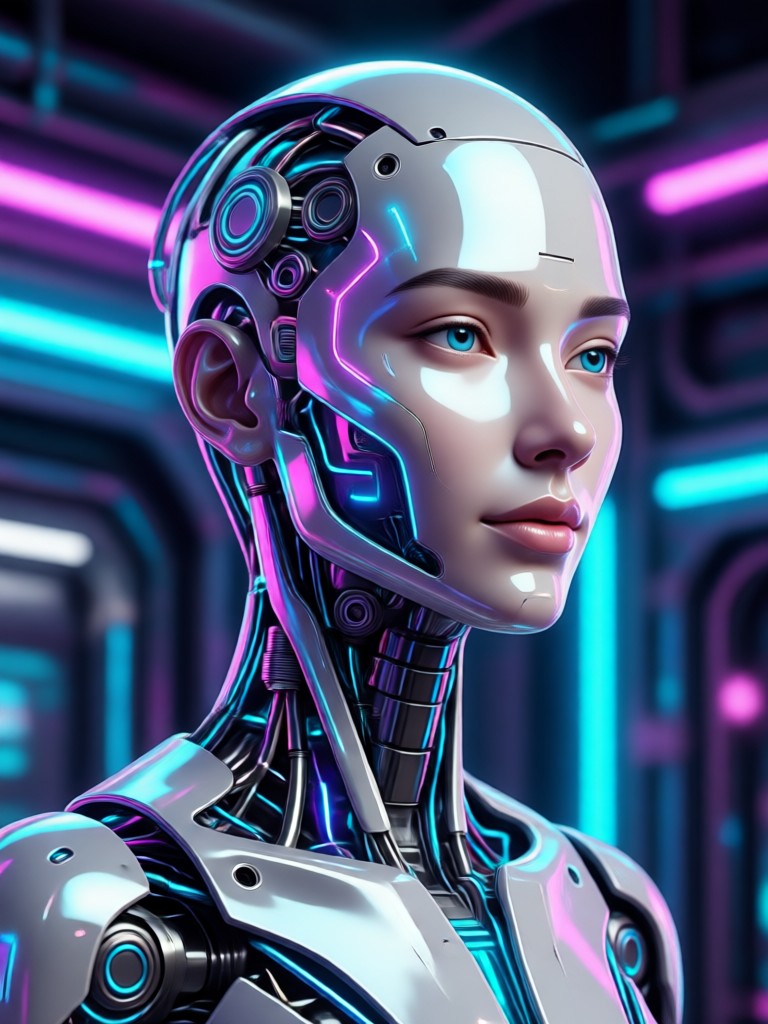
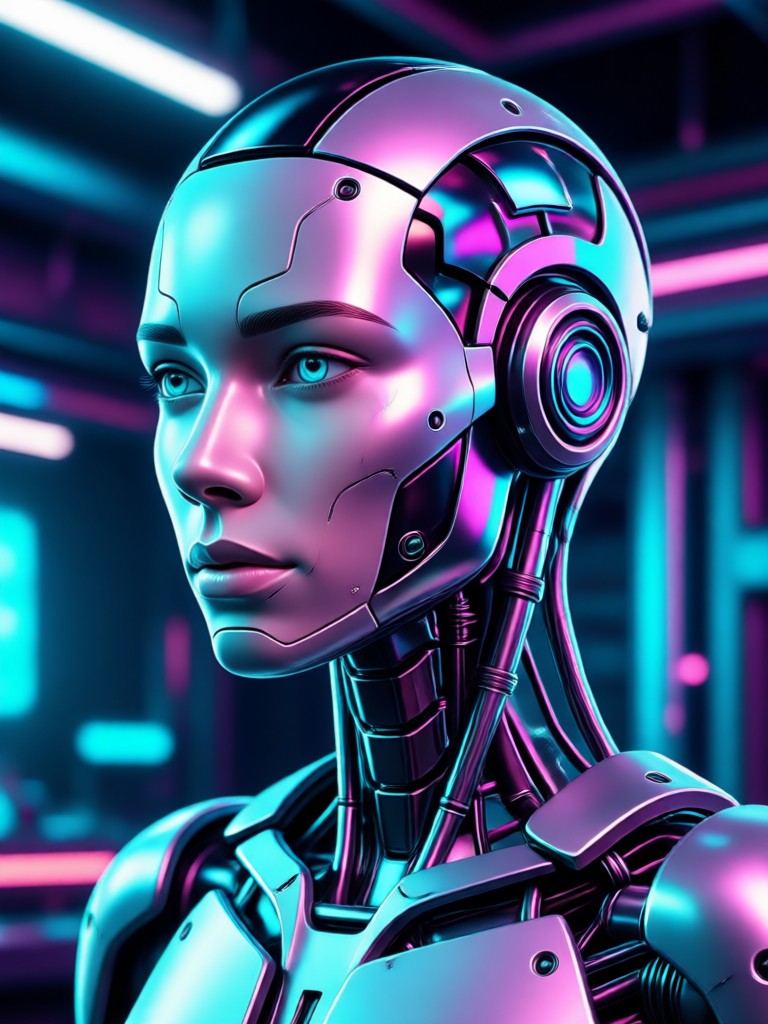
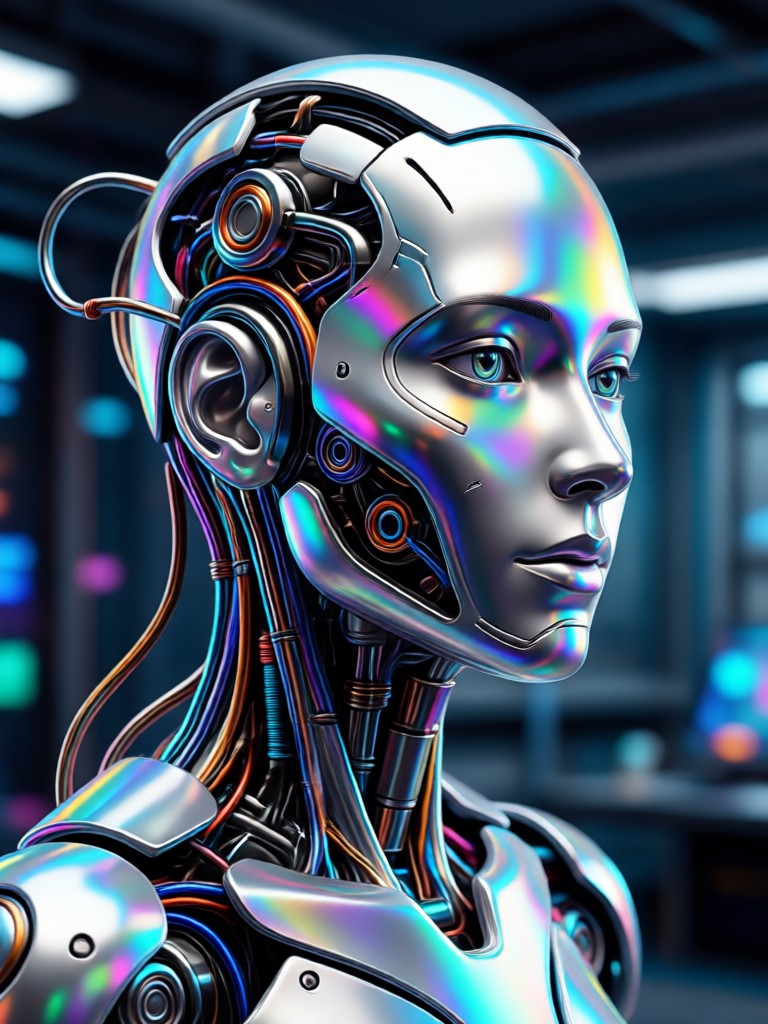
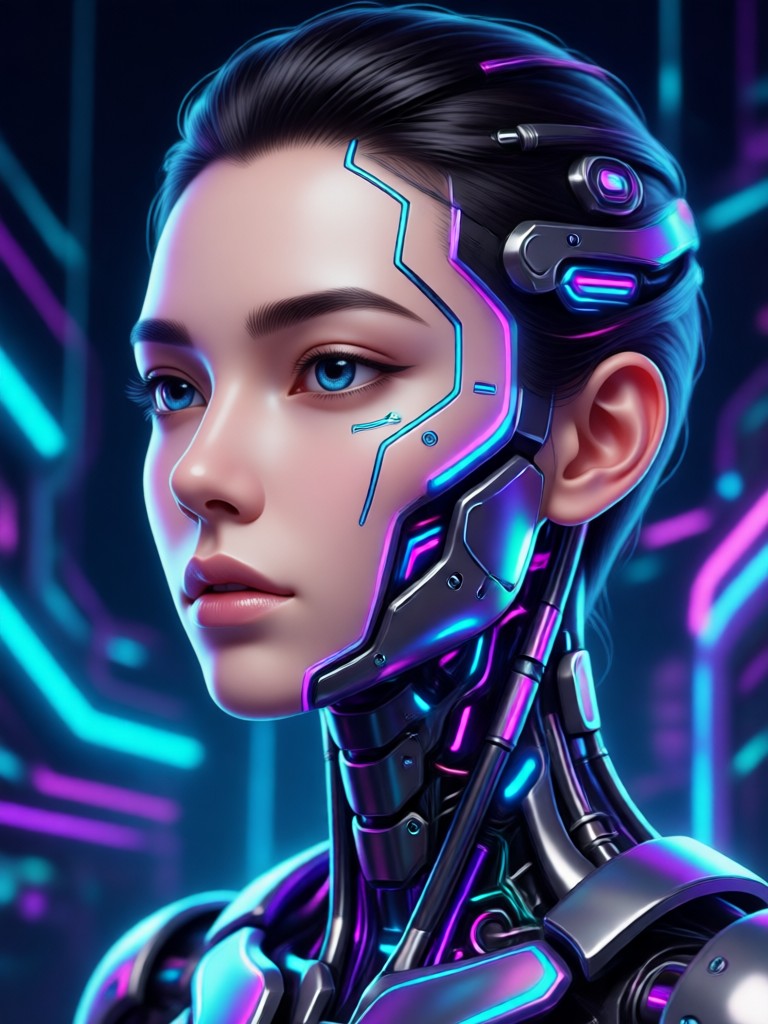
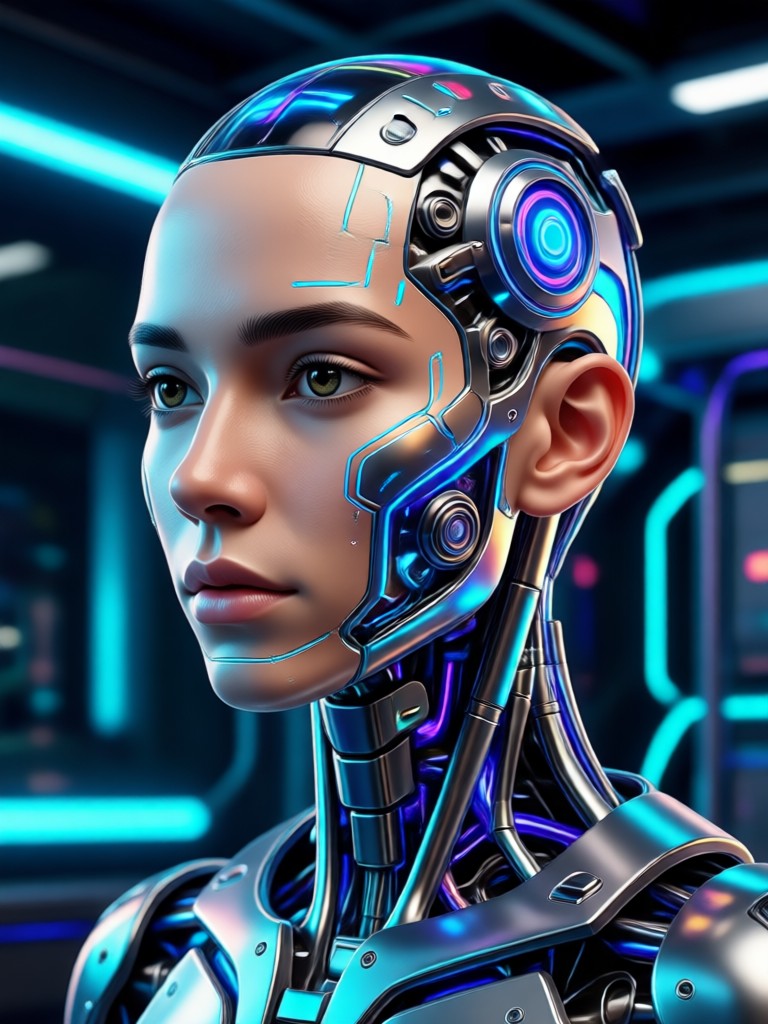
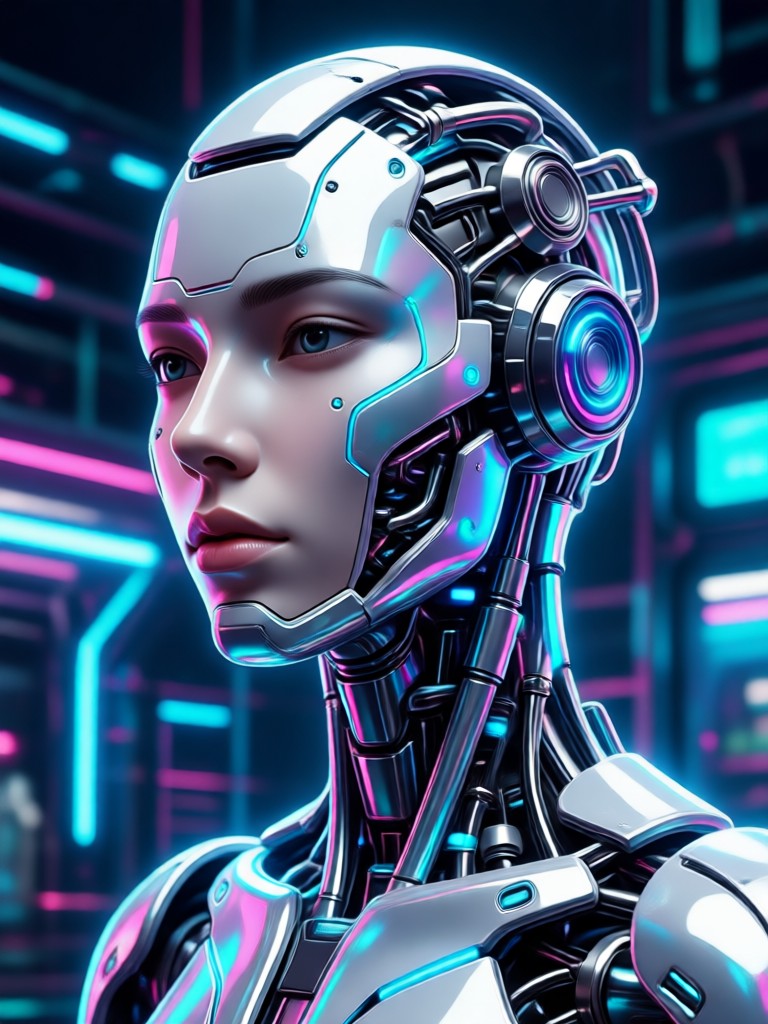
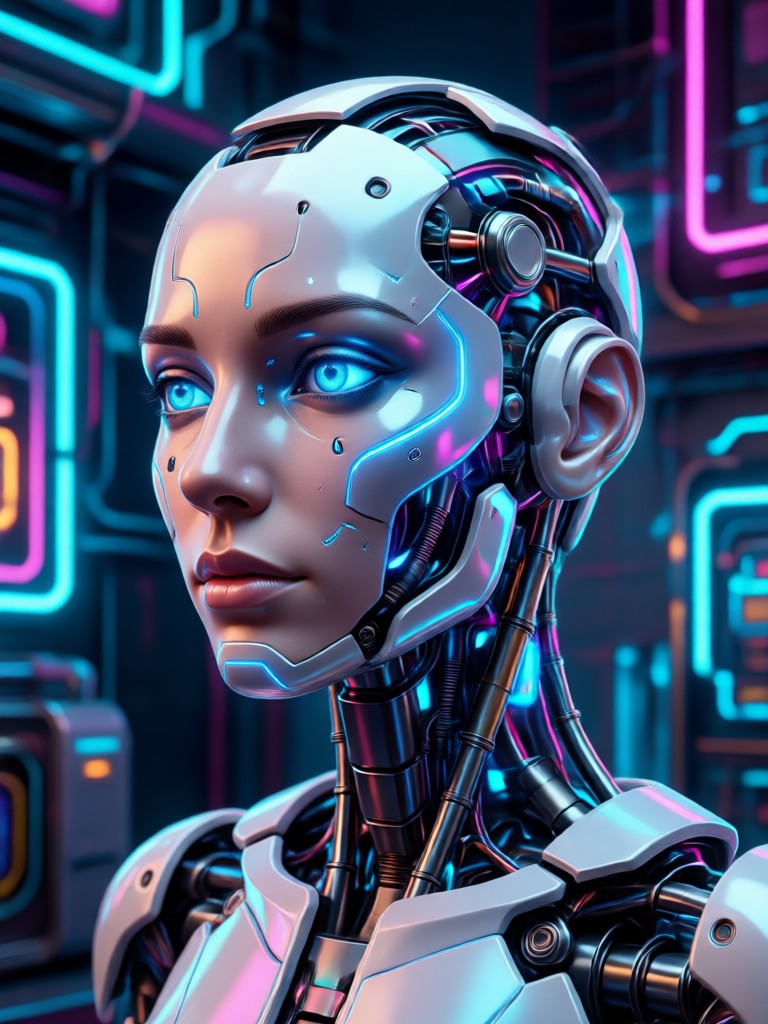
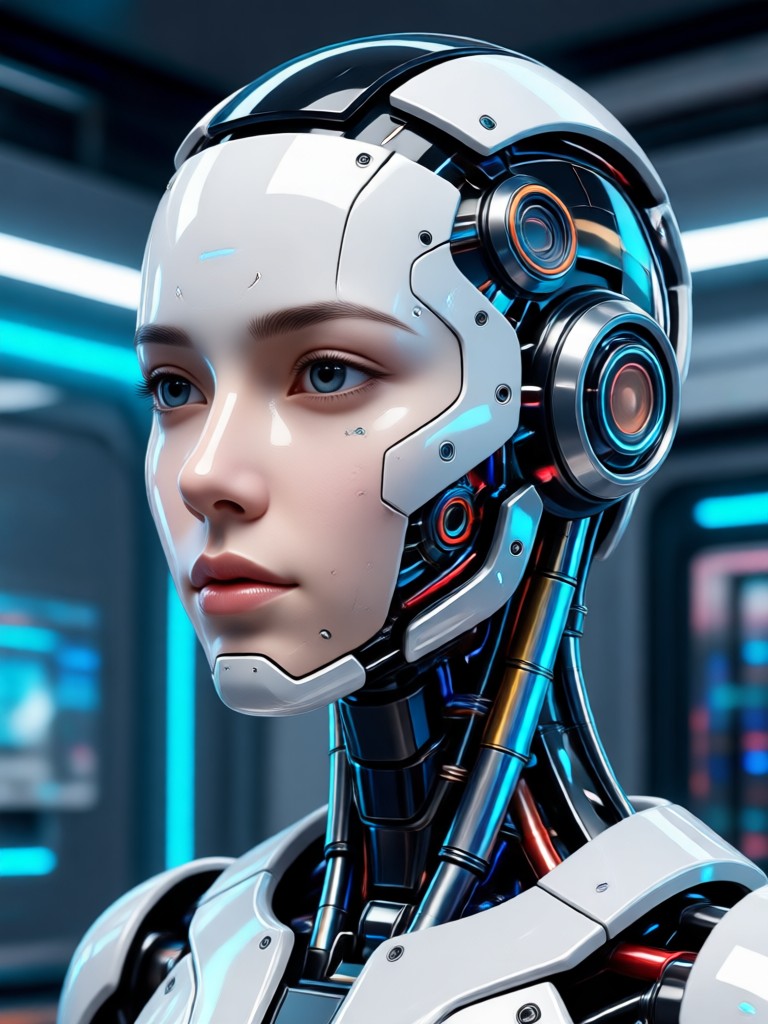
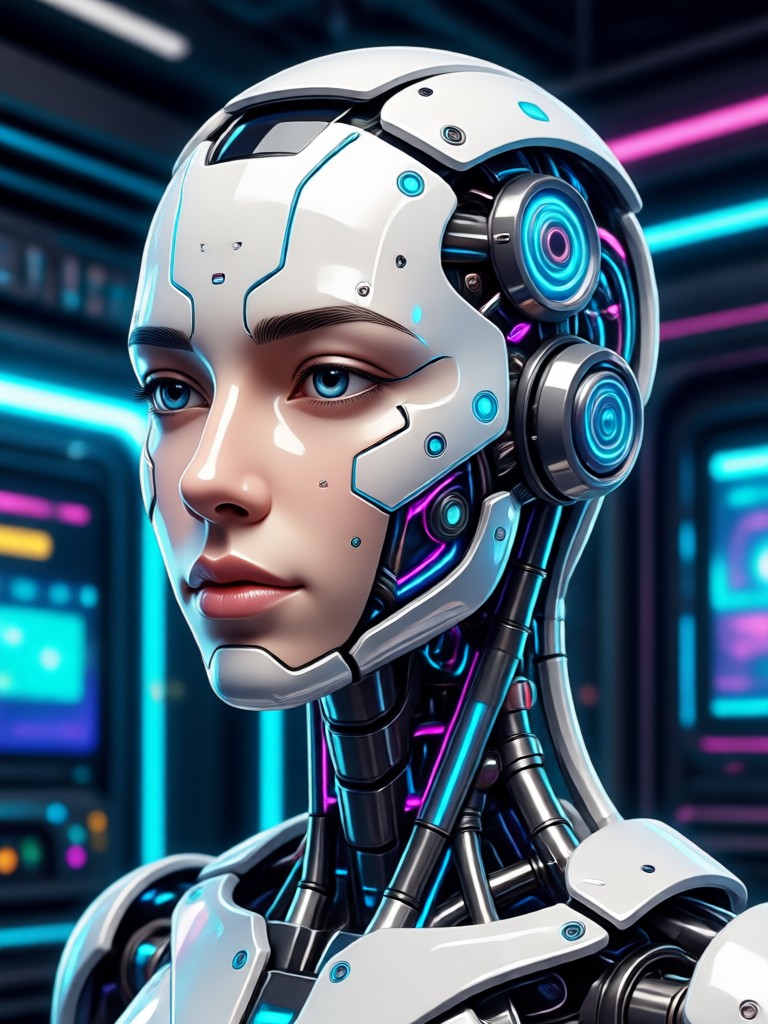
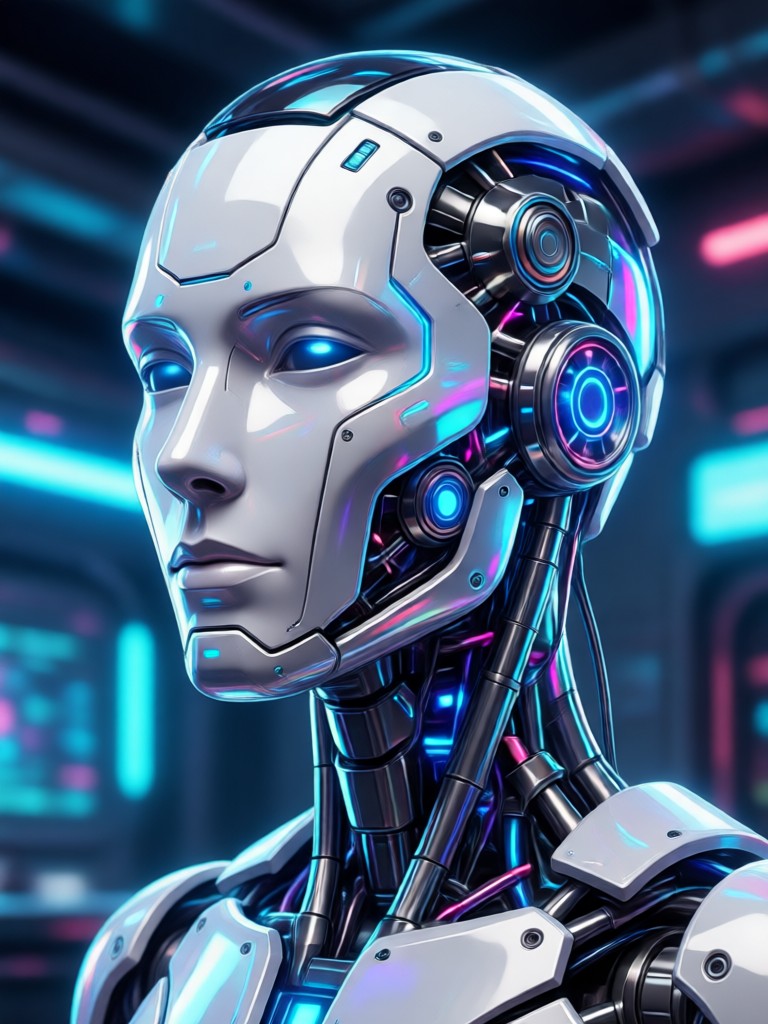
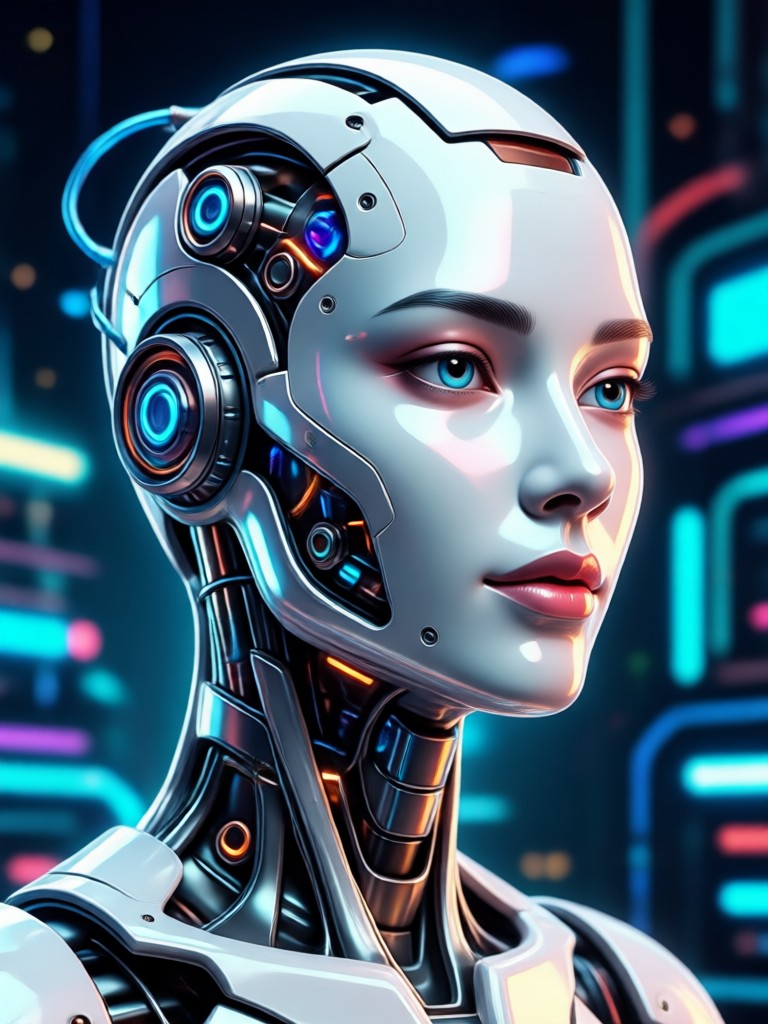
Edit Wajah AI Transformations Gallery
See real examples of portraits transformed with AI. From subtle touch ups to dramatic makeovers, explore what's possible with a single tap.
How to Use Edit Wajah AI?
Transform any portrait in three simple steps. No design skills or complex software needed.

Step 01.
Download the Pixpop app from Google Play to access all AI face editing tools directly on your mobile device.
Step 02.
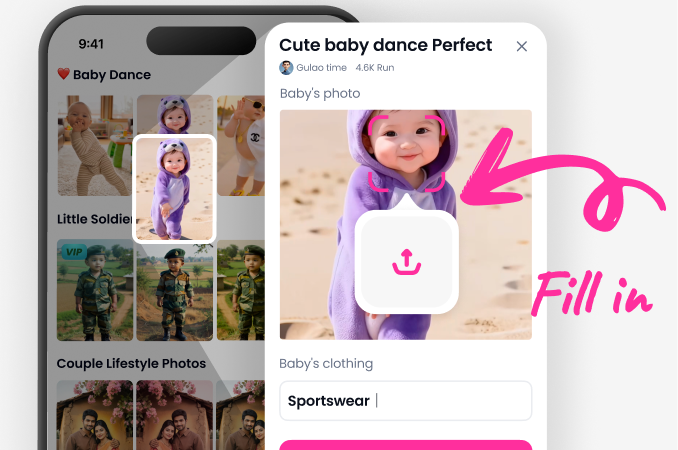
Upload your portrait photo and browse our vast library of AI filters. Choose from beauty, enhancement, or creative style categories.
Step 03.
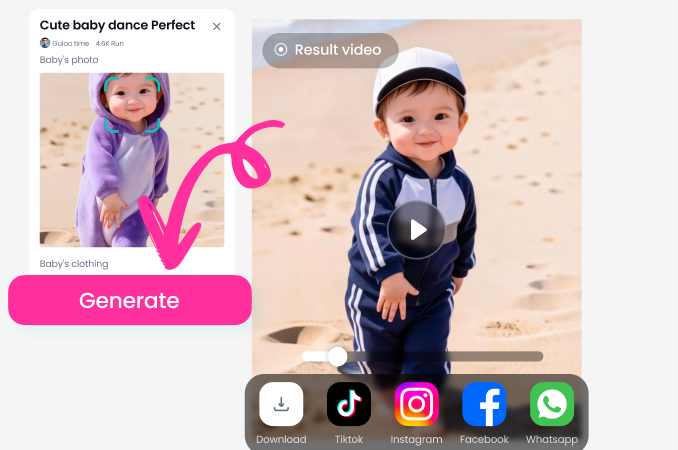
Generate your edited image instantly. Fine tune with sliders if desired, then save and share your stunning new portrait directly.
What Users Say About AI Face Editing
My go to app for perfect selfies
I use this before posting any portrait online. The skin smoothing is so natural, and the eye brightening feature makes me look more awake. It saves me so much time compared to manual editing.
Incredible for professional headshots
As a freelancer, I need a polished LinkedIn photo but can't afford a studio. This AI tool gave me a professional grade edit. The subtle jawline definition and skin tone correction are flawless.
Fun and easy for creative projects
My friends and I love trying the artistic filters. Turning ourselves into anime characters or adding virtual makeup for themed parties is a blast. The app is incredibly intuitive.
Edit Wajah AI FAQs
Get quick answers to common questions about using AI for face editing, privacy, and getting the best results.
Edit Wajah AI on Mobile
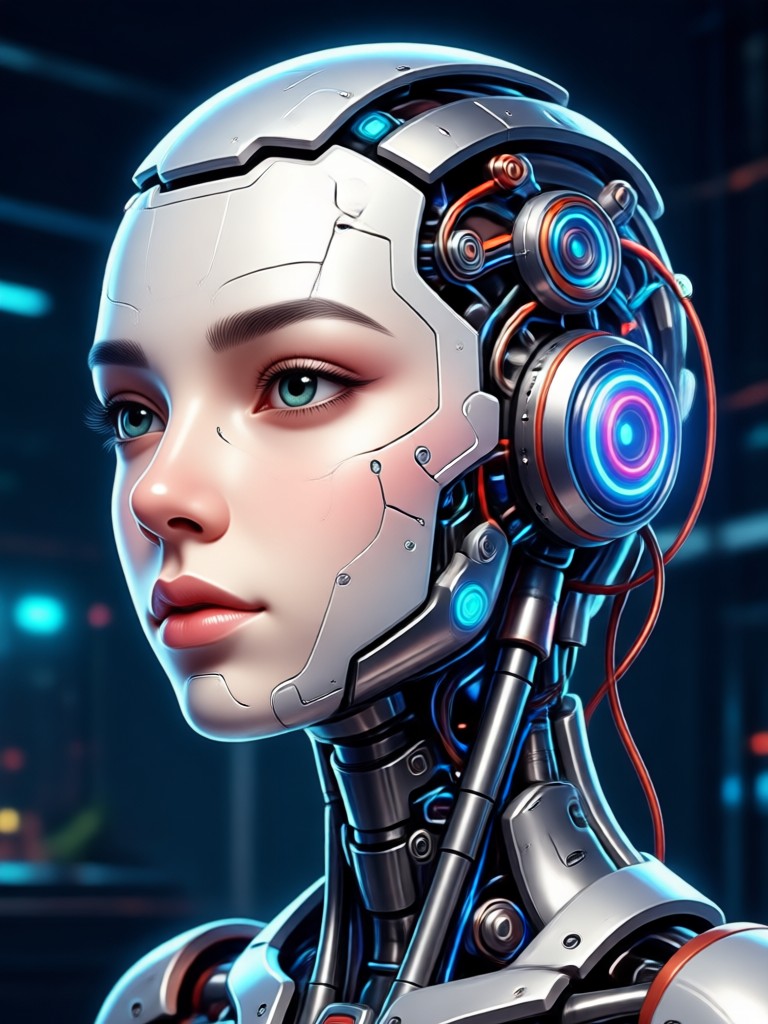
Carry professional AI photo editing in your pocket. Transform selfies, portraits, and group photos anytime, anywhere with the Pixpop app.

Redefine Your Portrait Today
Stop struggling with complex editors. Experience the power of AI to create stunning, share worthy photos in seconds. Your perfect edit is one tap away.
Redefine Your Portrait Today
Stop struggling with complex editors. Experience the power of AI to create stunning, share worthy photos in seconds. Your perfect edit is one tap away.