Convert JPG To AI
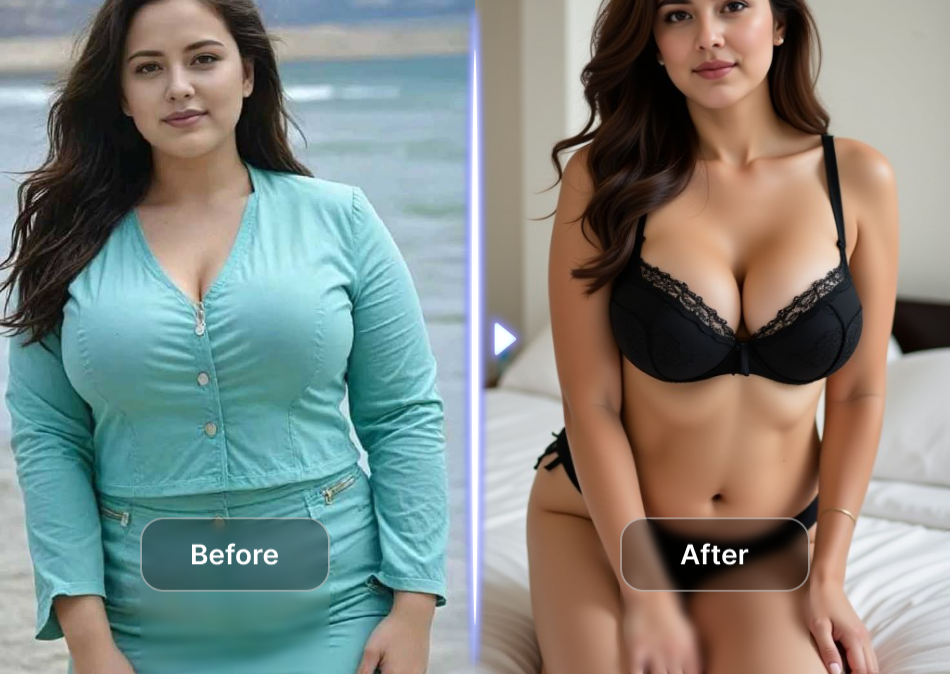
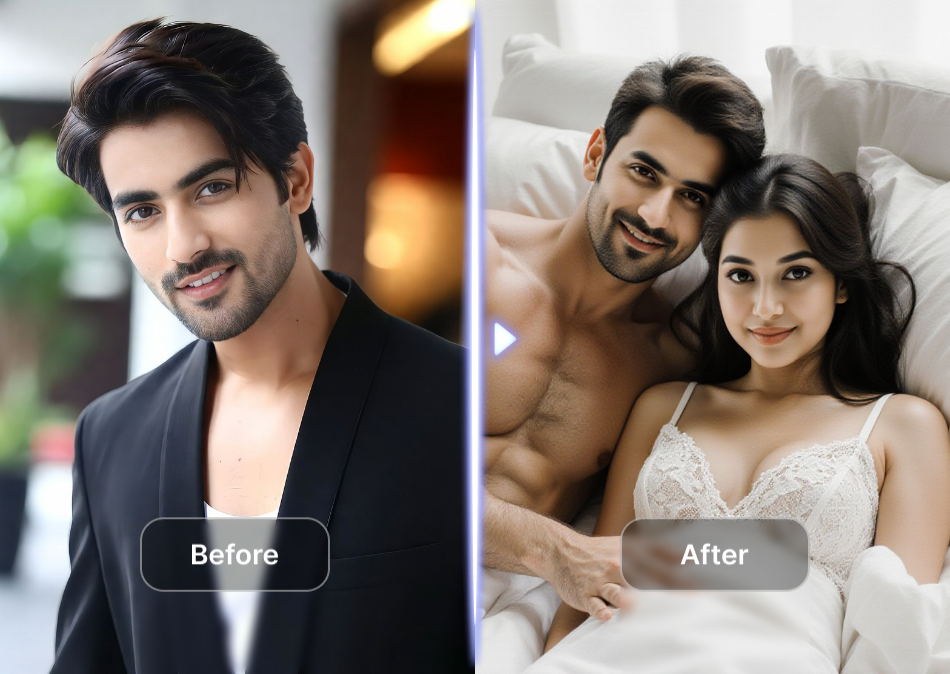
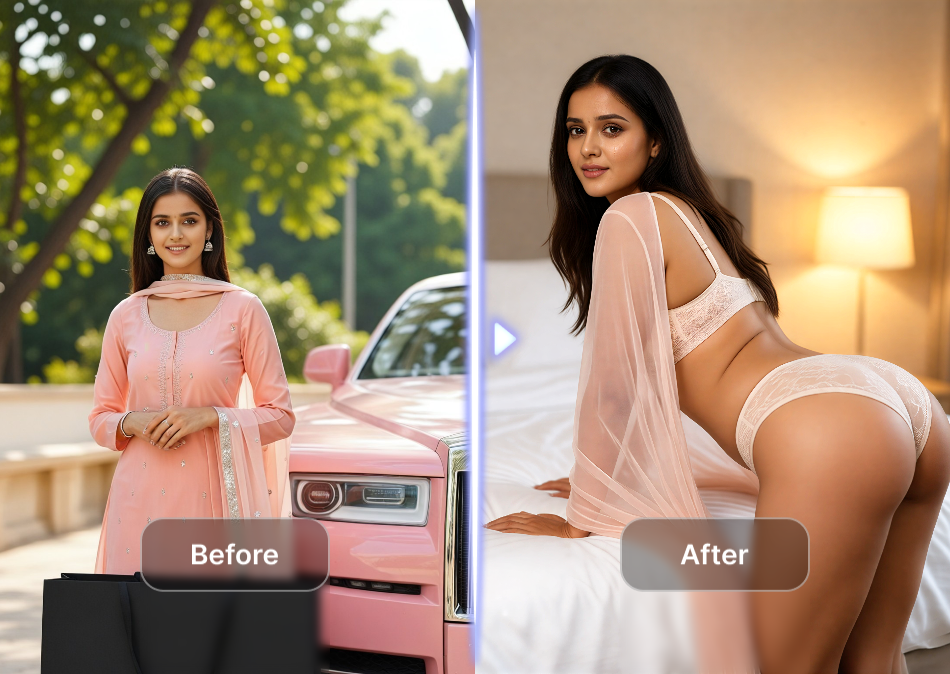
Pick the Perfect AI Style for Your JPG
Browse popular filters that turn regular JPG photos into standout AI creations matching any mood or theme you want.
Powerful Ways to Convert JPG To AI
Pixpop brings together simple tools and massive creative options so anyone can turn everyday JPG photos into polished AI art without complicated steps or software.
One Tap Style Transfer
Upload any JPG and apply advanced AI image to image conversion that keeps faces, poses, and key details clear. The system handles lighting and textures automatically so results look natural and professional every time you generate.
One Tap Style Transfer
Upload any JPG and apply advanced AI image to image conversion that keeps faces, poses, and key details clear. The system handles lighting and textures automatically so results look natural and professional every time you generate.
Over One Million Style Filters
Access realistic photography looks, anime, 3D clay, Ghibli style, cyberpunk, watercolor, oil painting, and cinematic quality options. New trending filters appear regularly so your converted JPG images always feel fresh and share ready.
Over One Million Style Filters
Access realistic photography looks, anime, 3D clay, Ghibli style, cyberpunk, watercolor, oil painting, and cinematic quality options. New trending filters appear regularly so your converted JPG images always feel fresh and share ready.
Image and Video Output Options
Convert your JPG into a high definition still image or bring it to life as a short AI video with natural motion. Share directly to social platforms or save for later projects with consistent quality across both formats.
Image and Video Output Options
Convert your JPG into a high definition still image or bring it to life as a short AI video with natural motion. Share directly to social platforms or save for later projects with consistent quality across both formats.
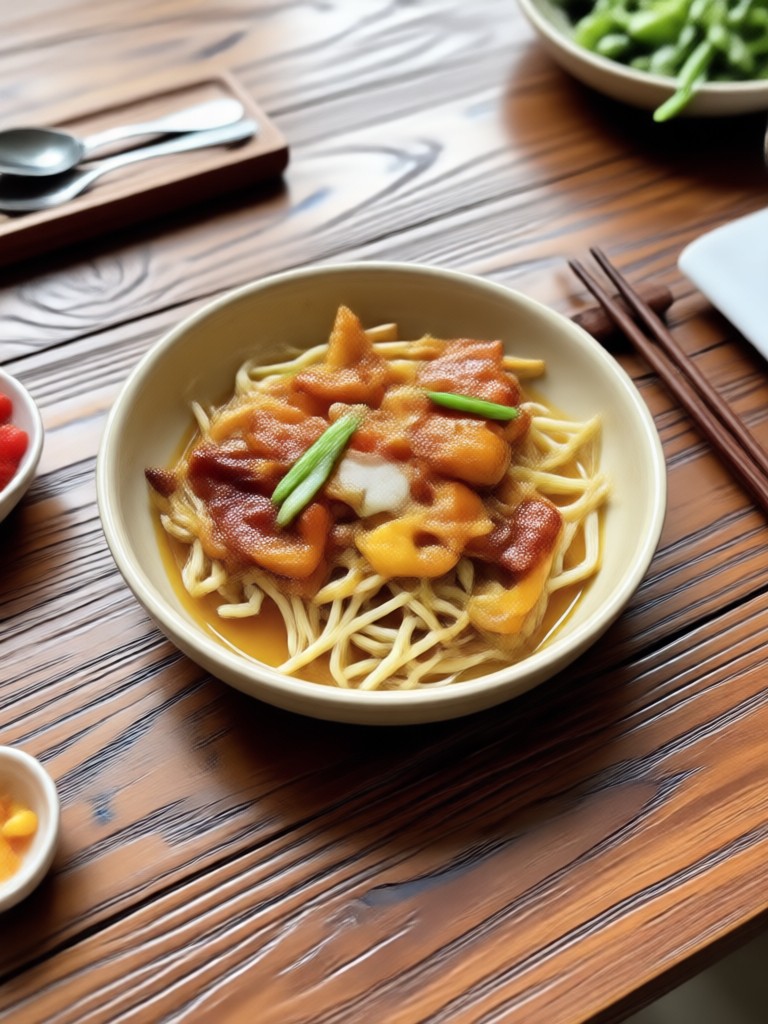
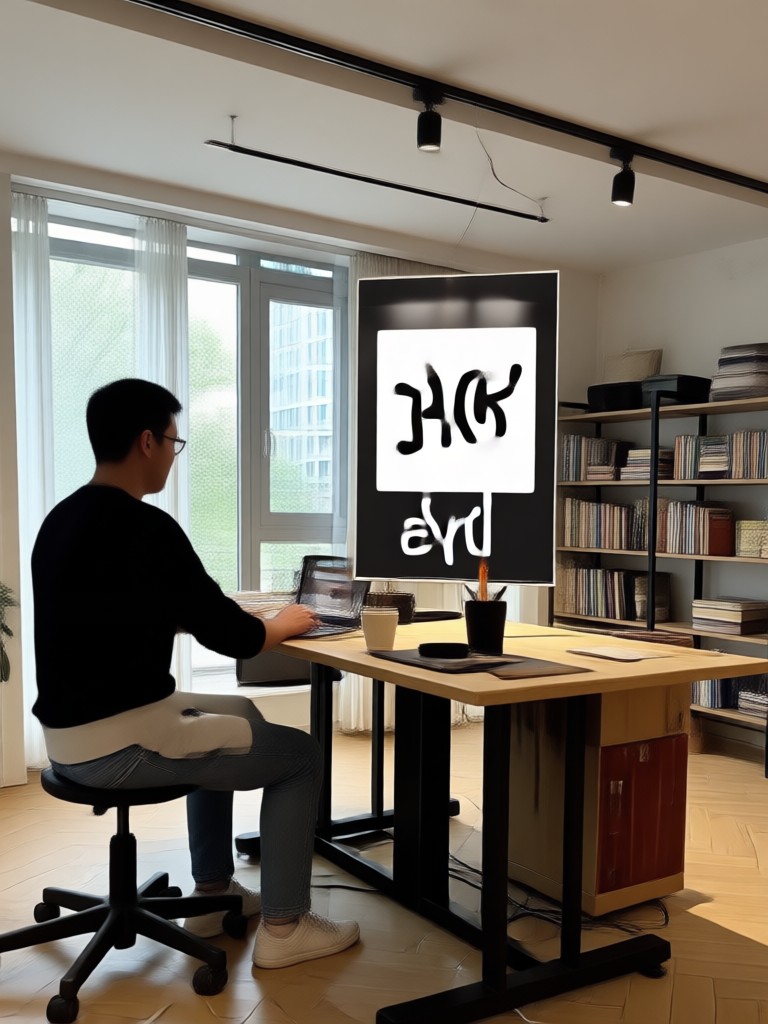
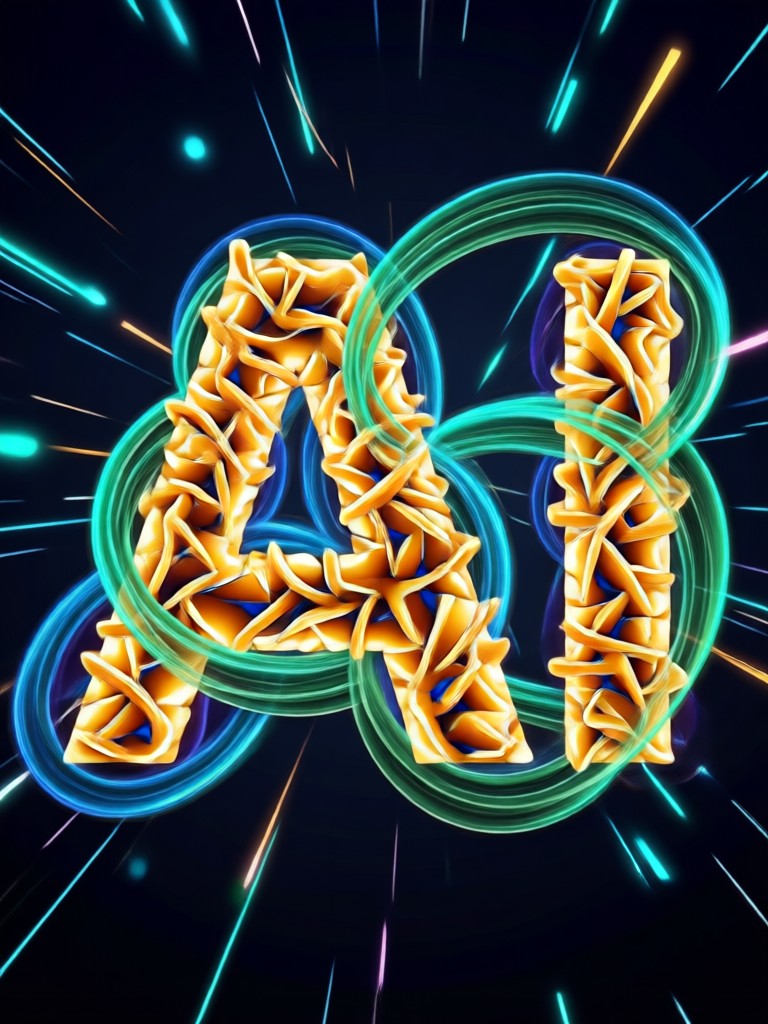
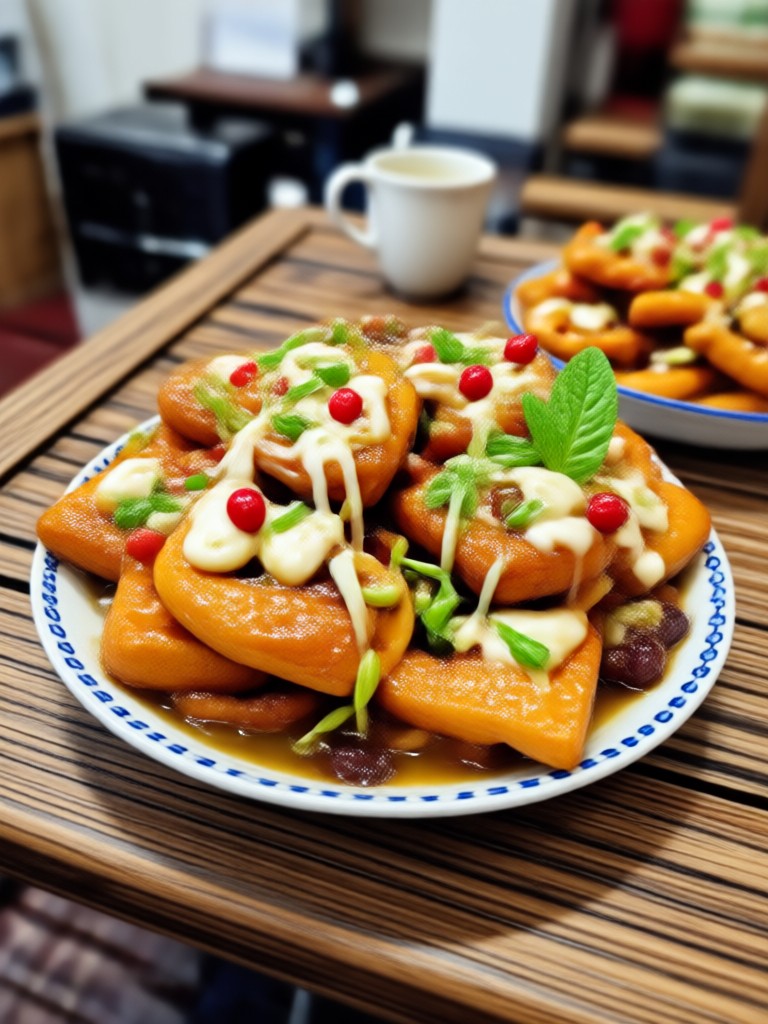
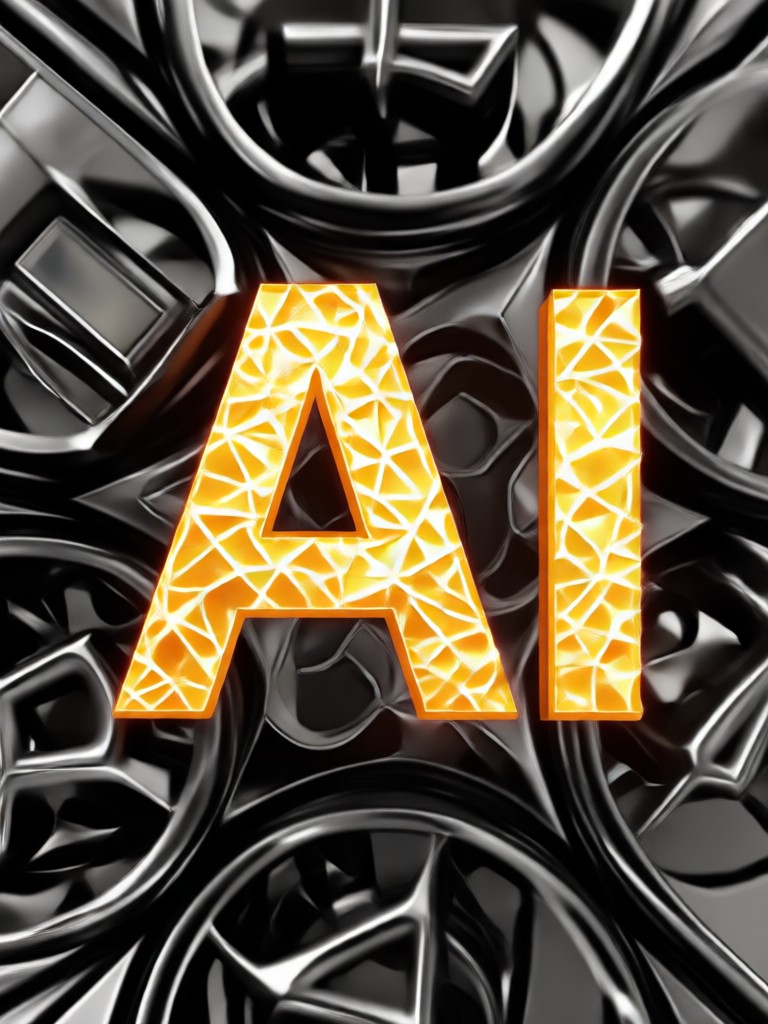
See JPG Photos Converted to AI Art
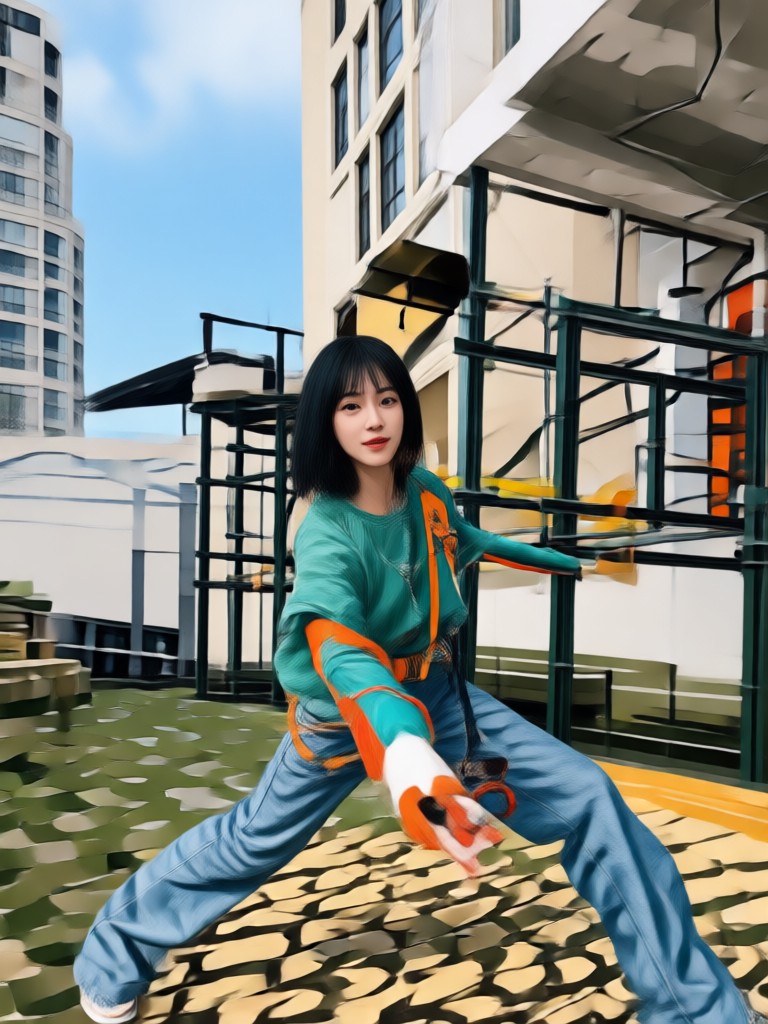
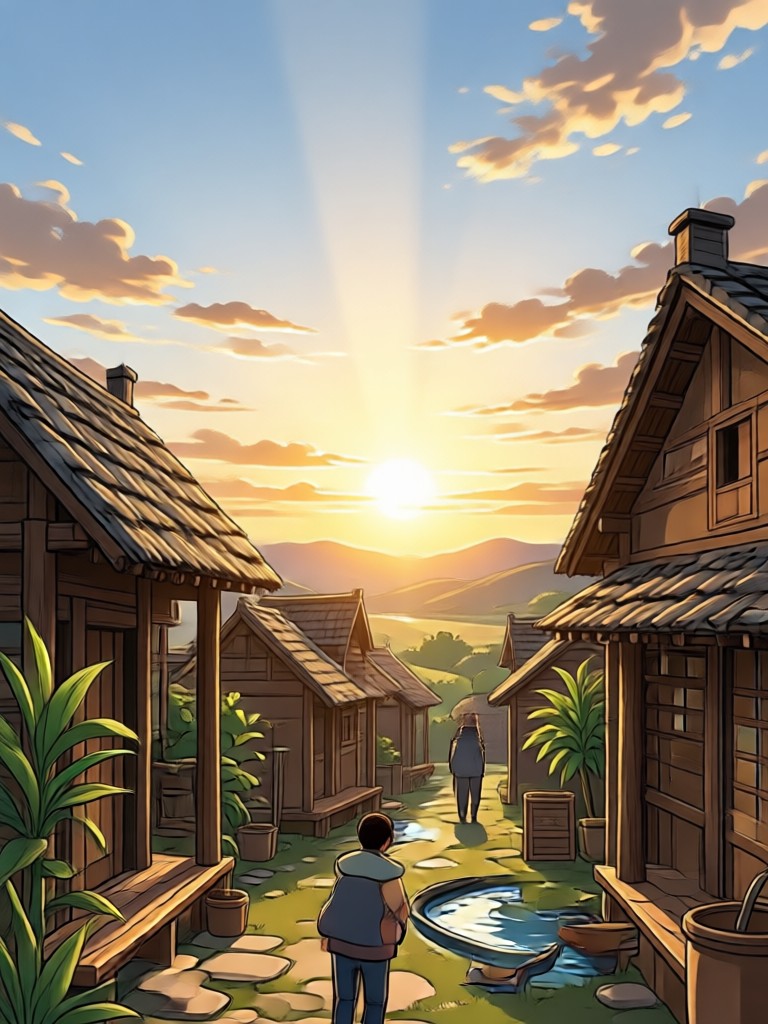
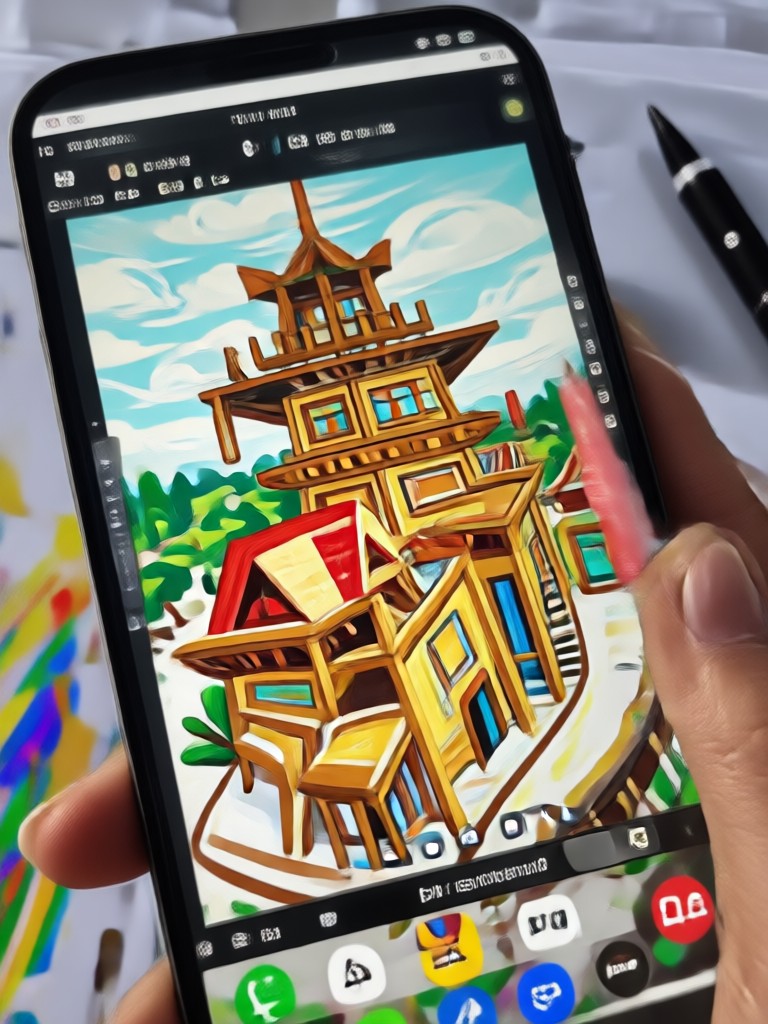
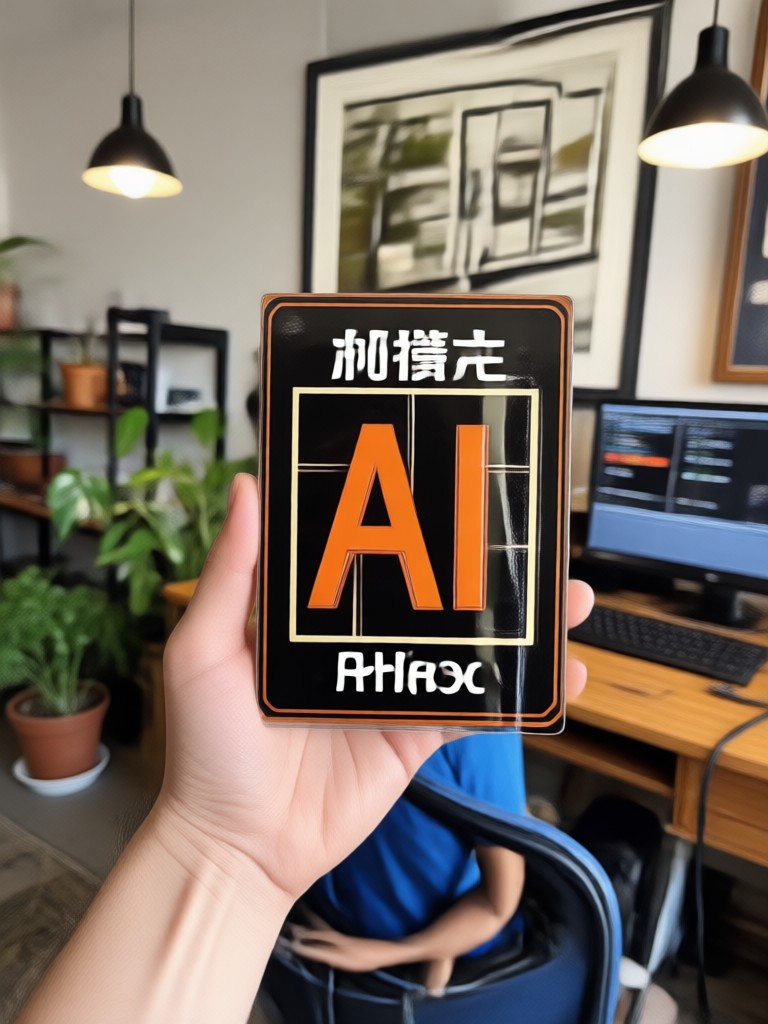
Browse real examples of ordinary JPG images transformed into vibrant AI styles. Get inspired by the variety of looks possible and start your own conversion today inside the app.
How to Convert JPG To AI in Three Steps
Transform any JPG photo into AI art quickly using the Pixpop mobile app. The process stays simple from start to finish so you can focus on creativity.
Step 01.
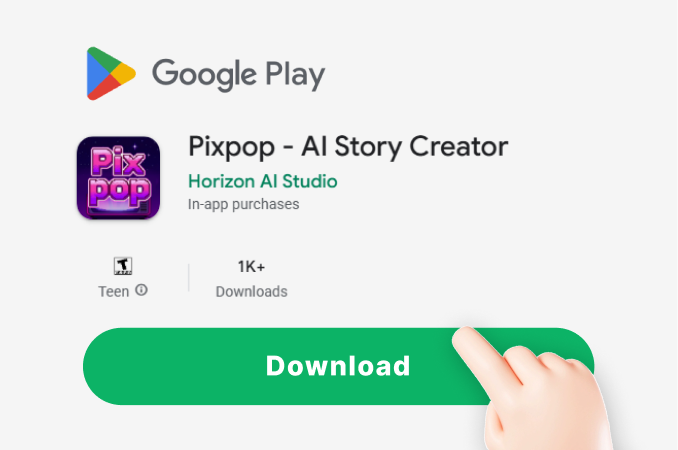
Download the Pixpop app from Google Play and open it to begin converting JPG photos into AI creations anytime you like on your mobile device.
Step 02.
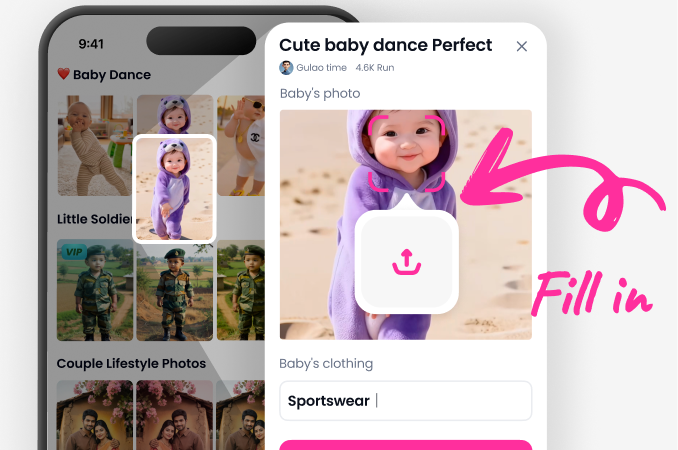
Upload your JPG photo as the reference image then choose from more than one million AI style filters to match the exact look and mood you want.
Step 03.
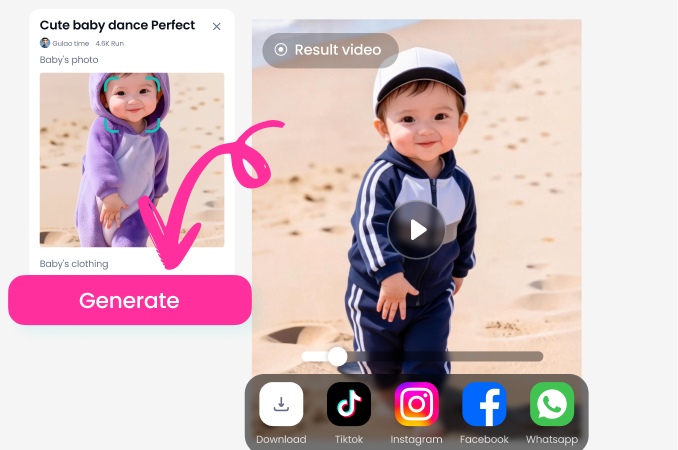
Generate your converted AI image or short video, download the high quality result, and share it with friends or post it on social media in moments.
Why Choose Pixpop to Convert JPG To AI
Other tools feel complicated or limited. Pixpop combines massive style variety with mobile first simplicity so converting JPG photos into AI art becomes enjoyable and fast. You keep full control over the final look while the AI handles the heavy lifting of style application and detail preservation. Results stay sharp and ready for any platform you use.
Convert JPG To AI Anywhere You Go
Carry a full AI design studio in your pocket. Upload JPGs, apply trending styles, and create shareable art or videos without needing a computer or design experience.

What Creators Say About Converting JPG To AI
Sophia Reed
I turn my travel JPGs into anime style posts for Instagram every week. The faces stay accurate and the styles look polished. It takes seconds and my followers always ask how I make them.
Marcus Cole
As a content creator I needed fast ways to refresh old product photos. Converting JPG files to cyberpunk and cinematic AI looks gave my feed a fresh boost without hiring designers.
Lena Park
Family photos become beautiful watercolor and oil painting style gifts. The app keeps everyone recognizable while adding artistic flair. Super easy and the quality surprises me every time.
Jordan Hale
I convert casual JPG selfies into short AI videos with natural motion for TikTok. The results feel professional and I can generate several versions quickly until I find the perfect one.
Sophia Reed
I turn my travel JPGs into anime style posts for Instagram every week. The faces stay accurate and the styles look polished. It takes seconds and my followers always ask how I make them.
Marcus Cole
As a content creator I needed fast ways to refresh old product photos. Converting JPG files to cyberpunk and cinematic AI looks gave my feed a fresh boost without hiring designers.
Lena Park
Family photos become beautiful watercolor and oil painting style gifts. The app keeps everyone recognizable while adding artistic flair. Super easy and the quality surprises me every time.
Jordan Hale
I convert casual JPG selfies into short AI videos with natural motion for TikTok. The results feel professional and I can generate several versions quickly until I find the perfect one.
Frequently Asked Questions
Get clear answers about converting JPG photos to AI art with Pixpop so you can start creating with confidence right away.
More Topics You May Like
Explore more topics you may like and discover fresh ideas tailored to your interests.
Remove Video Watermarks Instantly with Powerful AI
Use our AI tool to remove watermark from video in seconds. Upload any clip, erase logos and text overlays cleanly, and download polished results. Free mobile app with realistic AI fill for creators.
Convert Videos to High Quality MP4 Files Instantly
Turn ideas into MP4 videos with AI. Upload photos or enter text, select styles, and create shareable MP4s instantly. Get the free pixpop app for mobile video generation and results in seconds.
Free AI Makeup Filters to Transform Your Look Instantly
Choose free AI makeup filters and transform selfies in seconds. Upload a photo, pick glam, natural or bold styles, and get realistic results. Download pixpop app free on Google Play and create anytime.
AI Adult Art Generator | Create Unique Digital Art
Generate distinctive, artistic AI adult content. Choose from realistic, anime, fantasy, and painterly styles to create digital art that matches your creative vision. No design skills required.
Start Converting Your JPGs to AI Art Today
Download Pixpop and unlock millions of styles plus simple tools that turn any photo into share ready AI creations in seconds. Your next favorite post is just a tap away.

Start Converting Your JPGs to AI Art Today
Download Pixpop and unlock millions of styles plus simple tools that turn any photo into share ready AI creations in seconds. Your next favorite post is just a tap away.