Black and White Double Exposure Generator
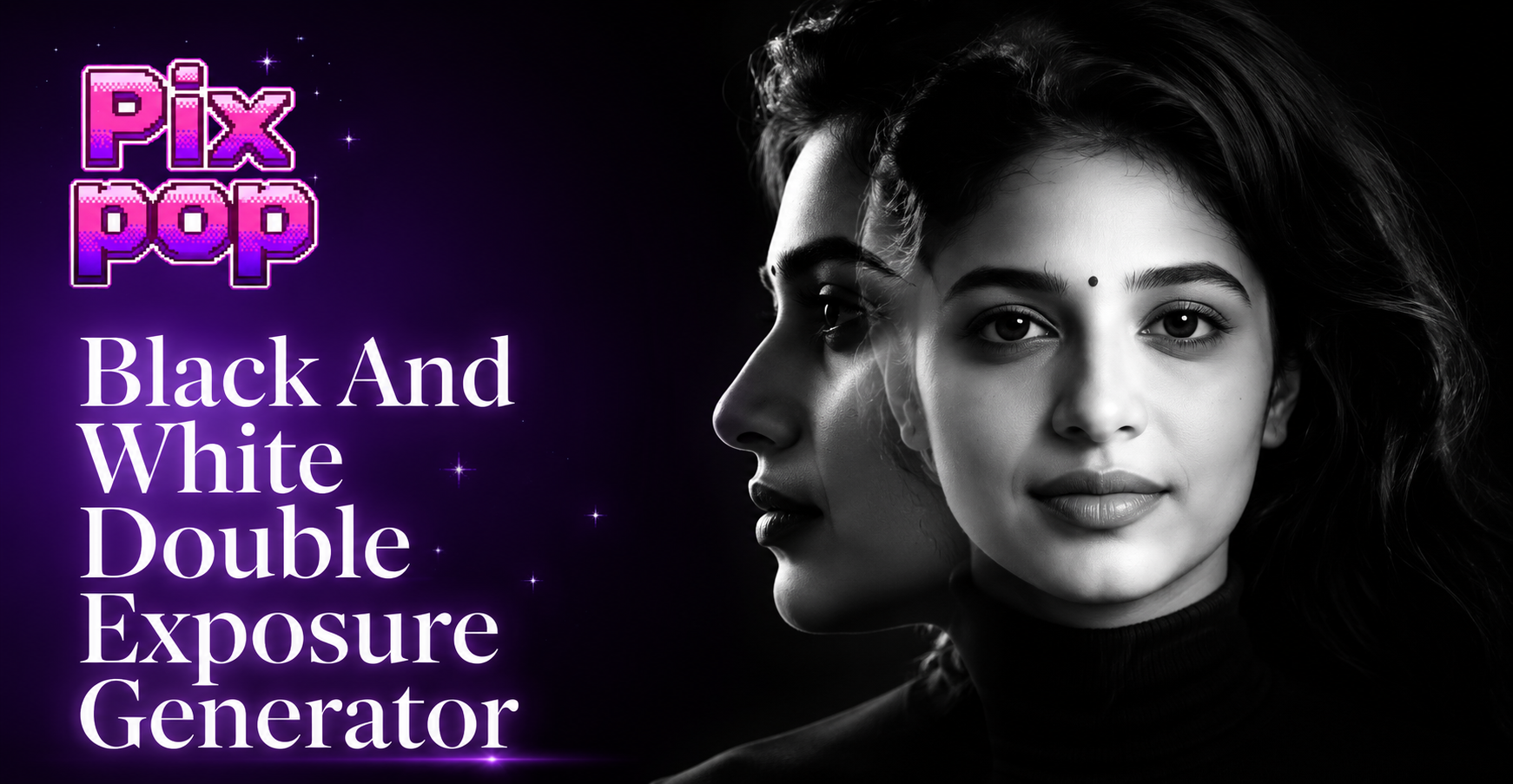
Discover Your Artistic Style
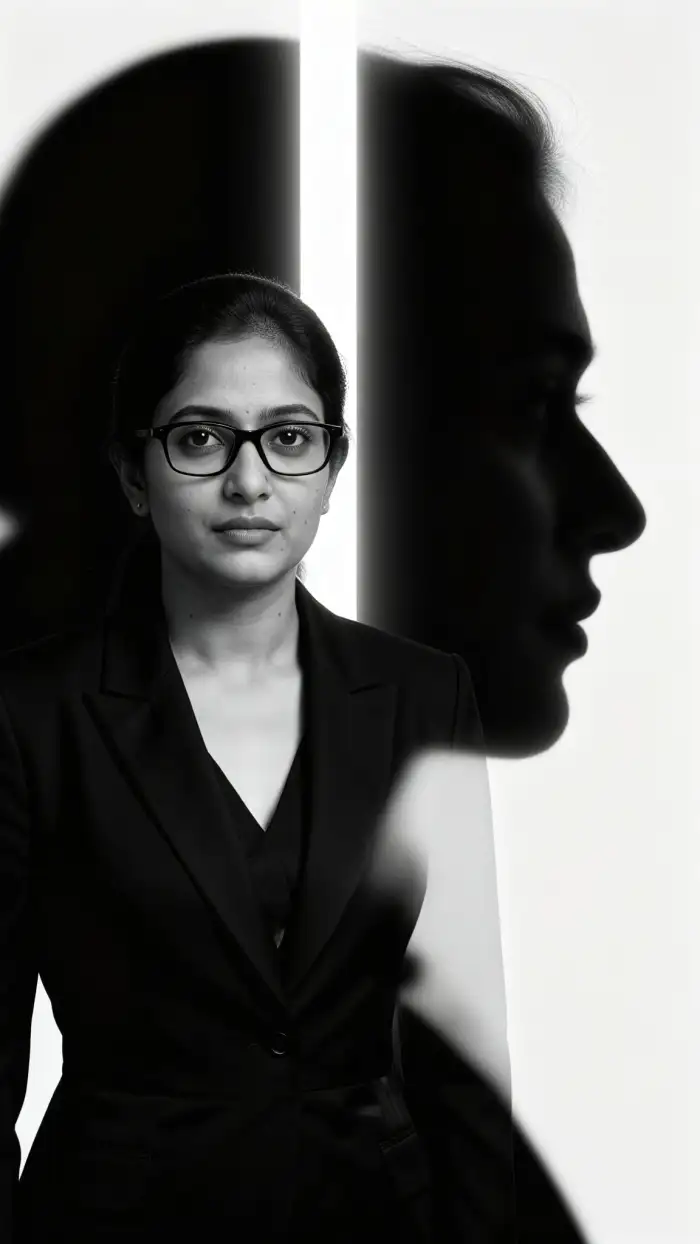
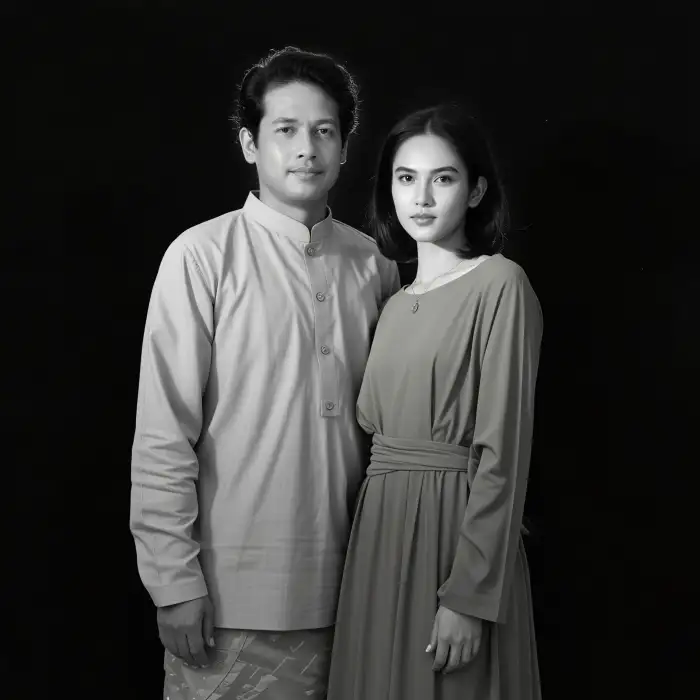
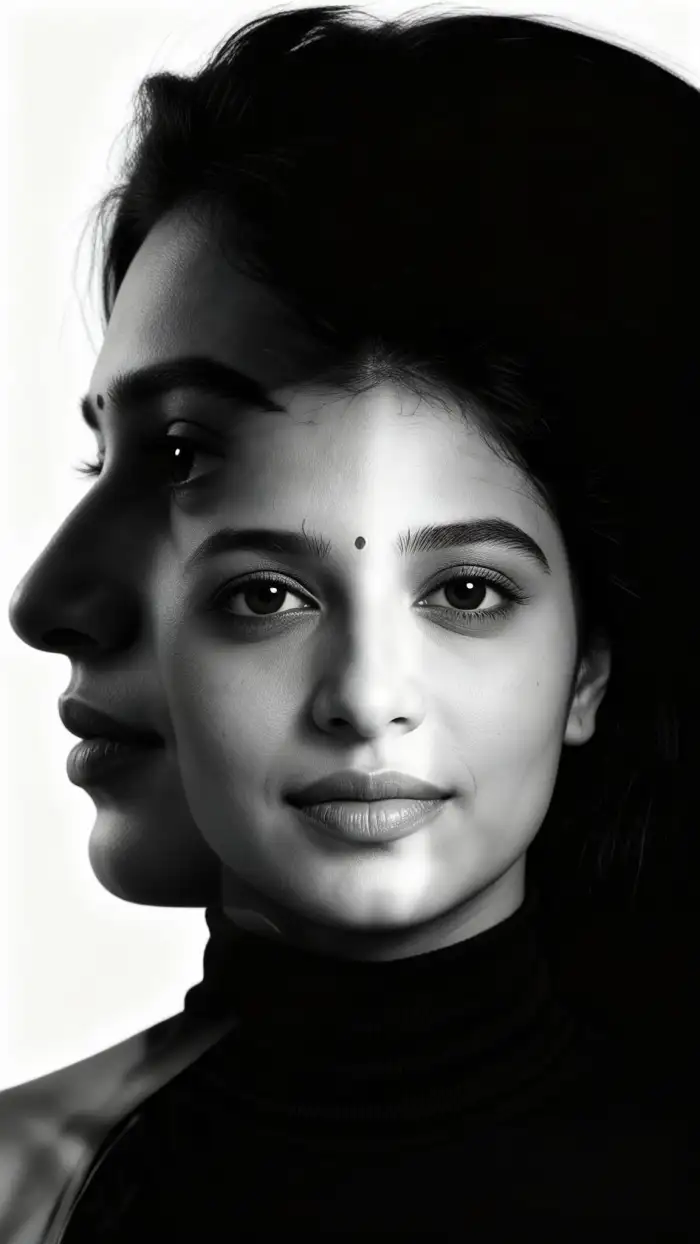
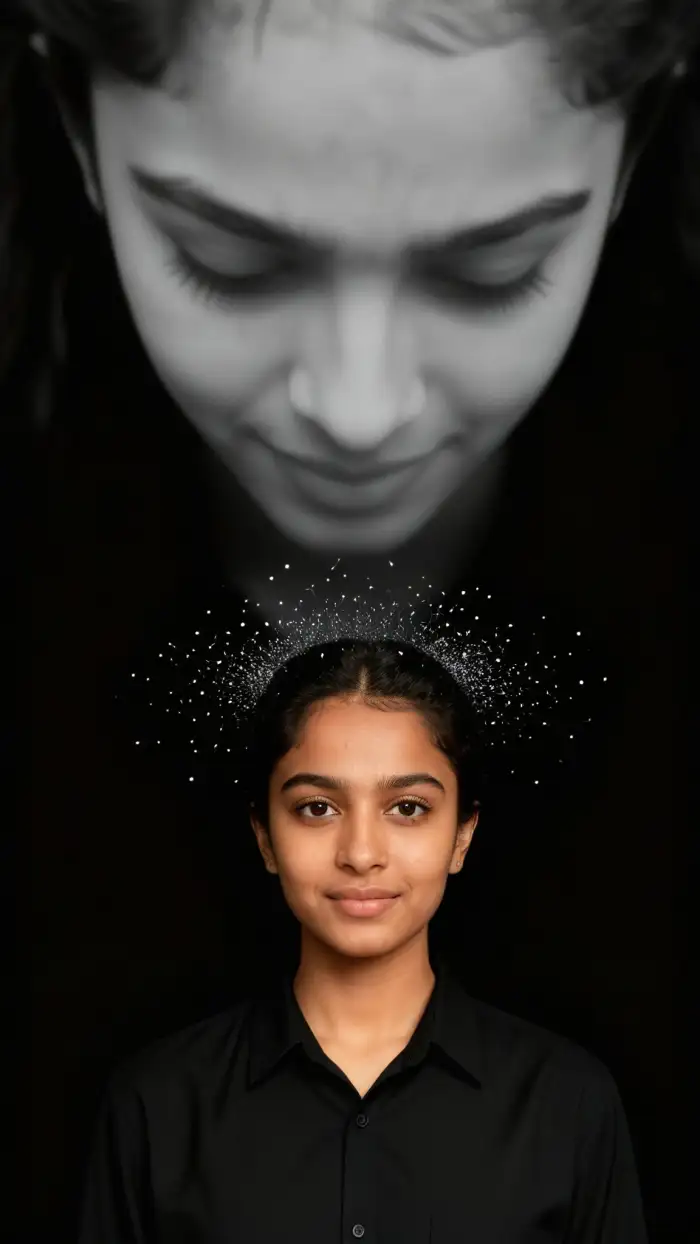
Explore a curated collection of double exposure filters, from subtle texture blends to dramatic, high-contrast fusions.
Craft Layered Masterpieces in Seconds
Our generator is built for effortless creativity. Upload your photos, choose a style, and let AI handle the complex blending to produce striking monochrome art.
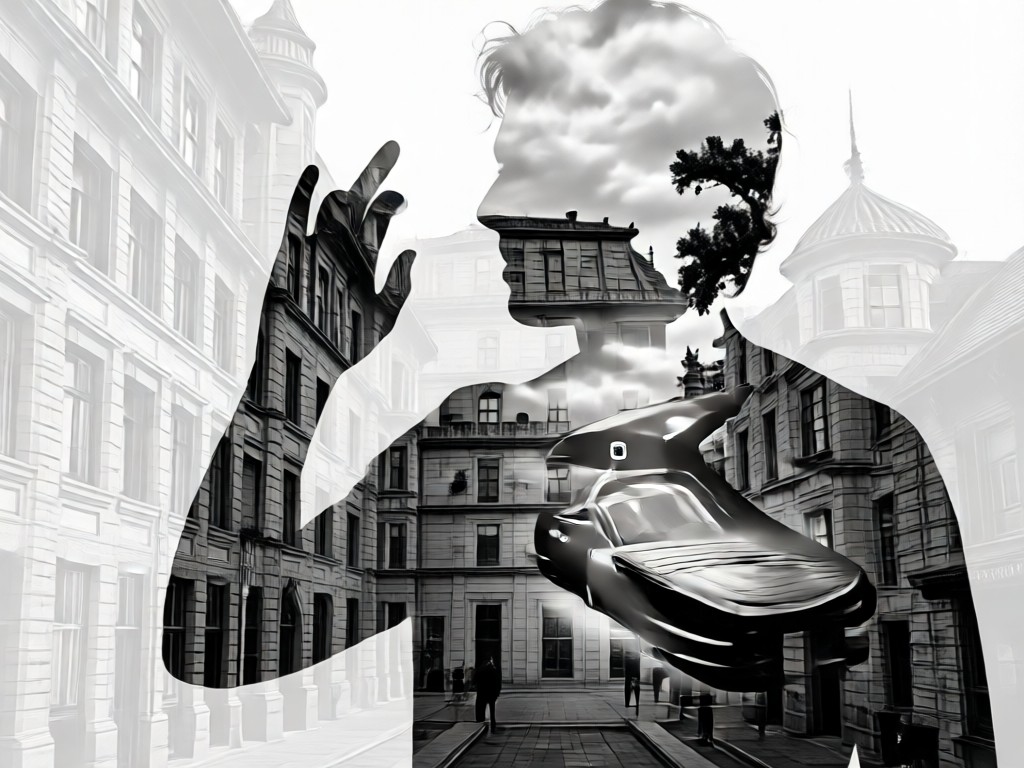
Intelligent Image Fusion
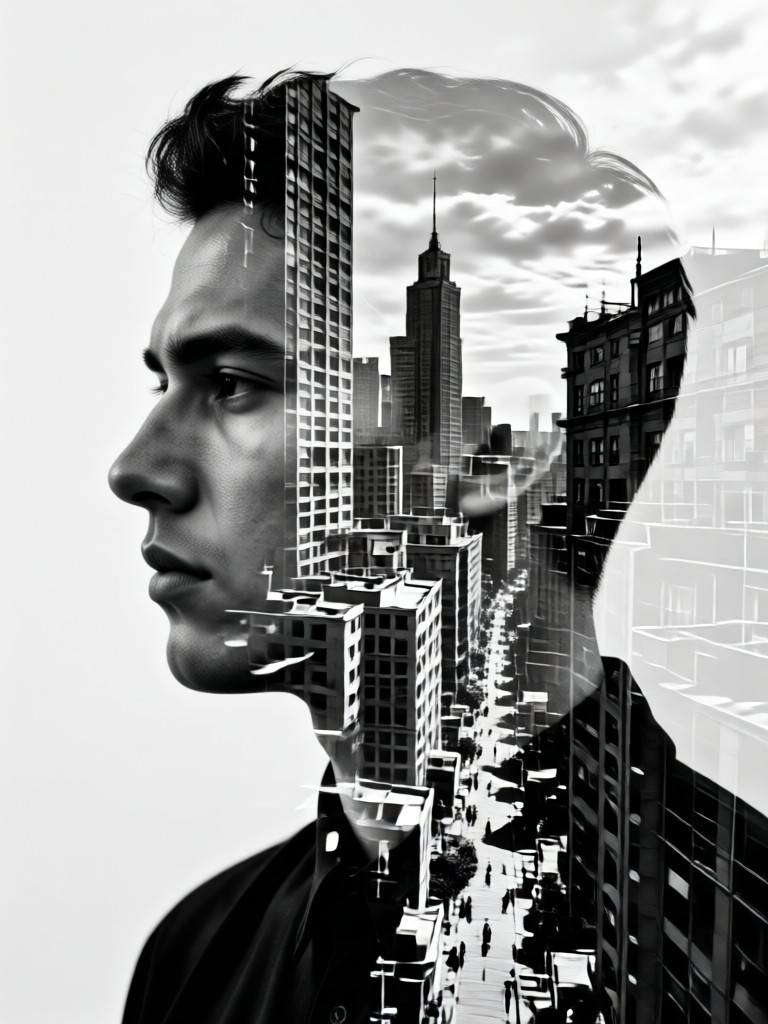
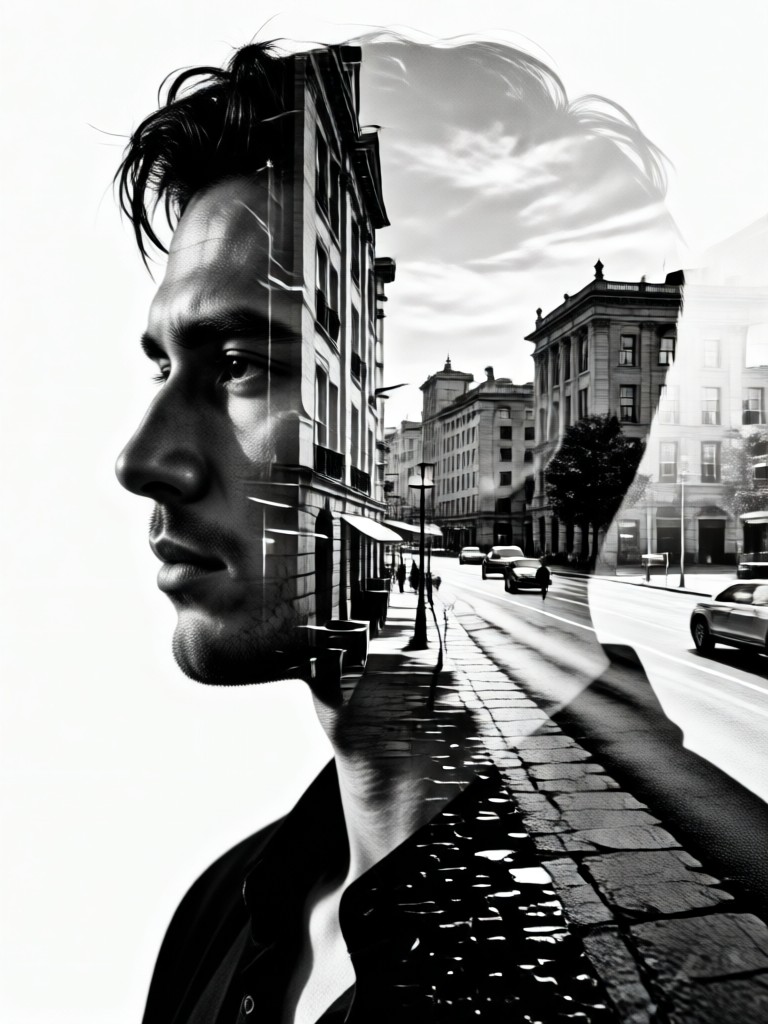
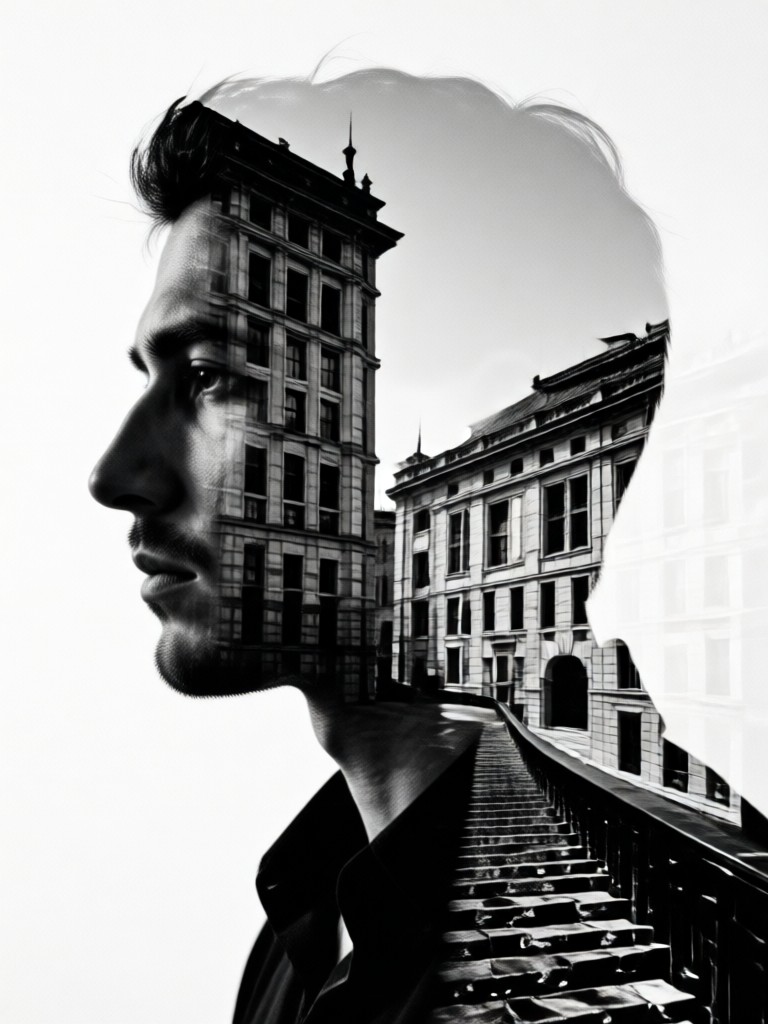
AI perfectly aligns and blends your chosen portrait and landscape. It intelligently preserves facial details while seamlessly integrating texture, architecture, or nature scenes for a natural, artistic result.
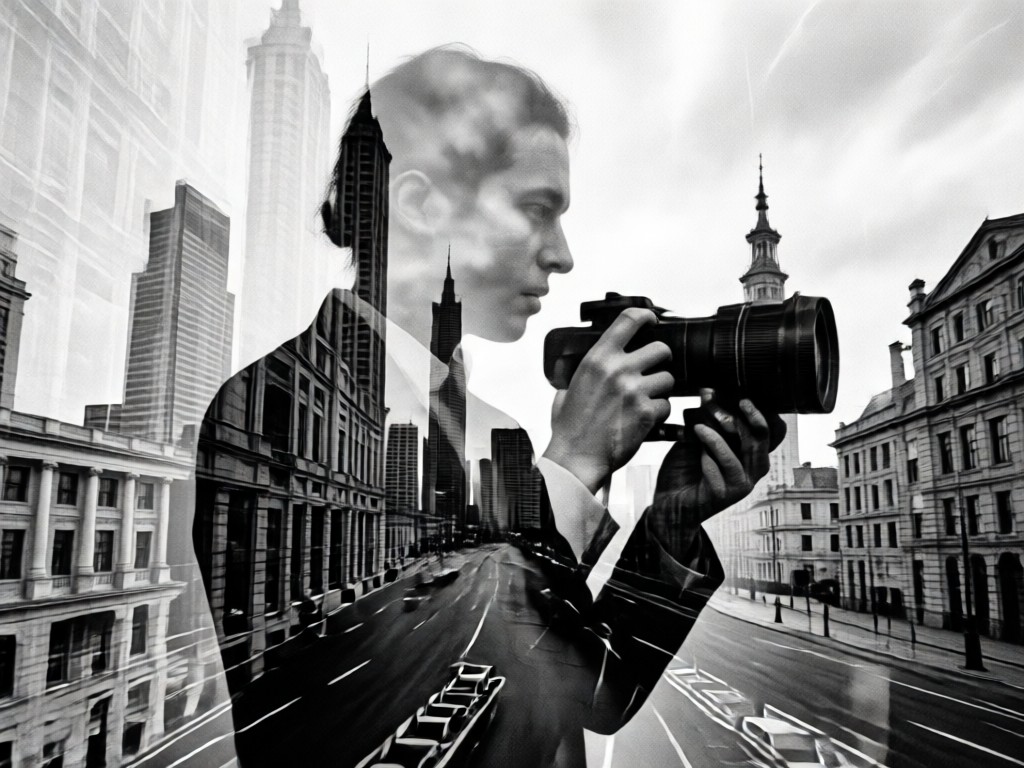
Monochrome Perfection
Focus on form, light, and shadow. Our tool specializes in black and white aesthetics, offering control over contrast, grain, and tonal depth to achieve that classic, timeless fine art look.
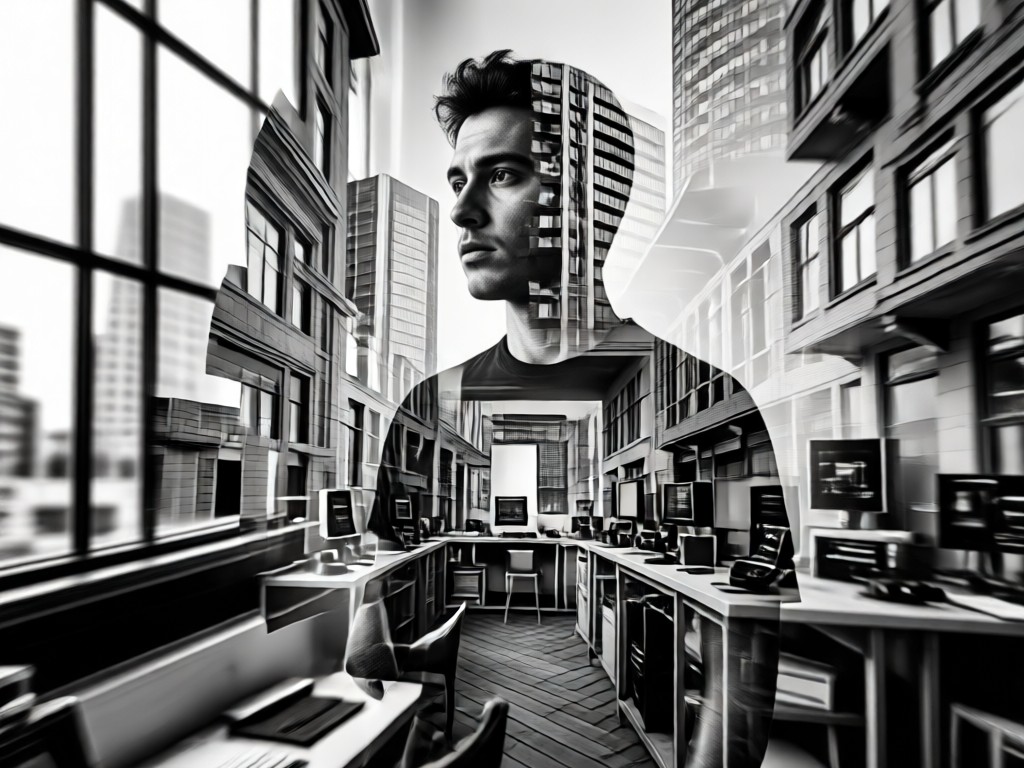
One-Click Artistic Templates
No manual layering needed. Choose from pre-designed templates like 'Urban Soul', 'Forest Spirit', or 'Cosmic Portrait' to apply professional-grade double exposure effects instantly.
Inspiration from Our Creative Community
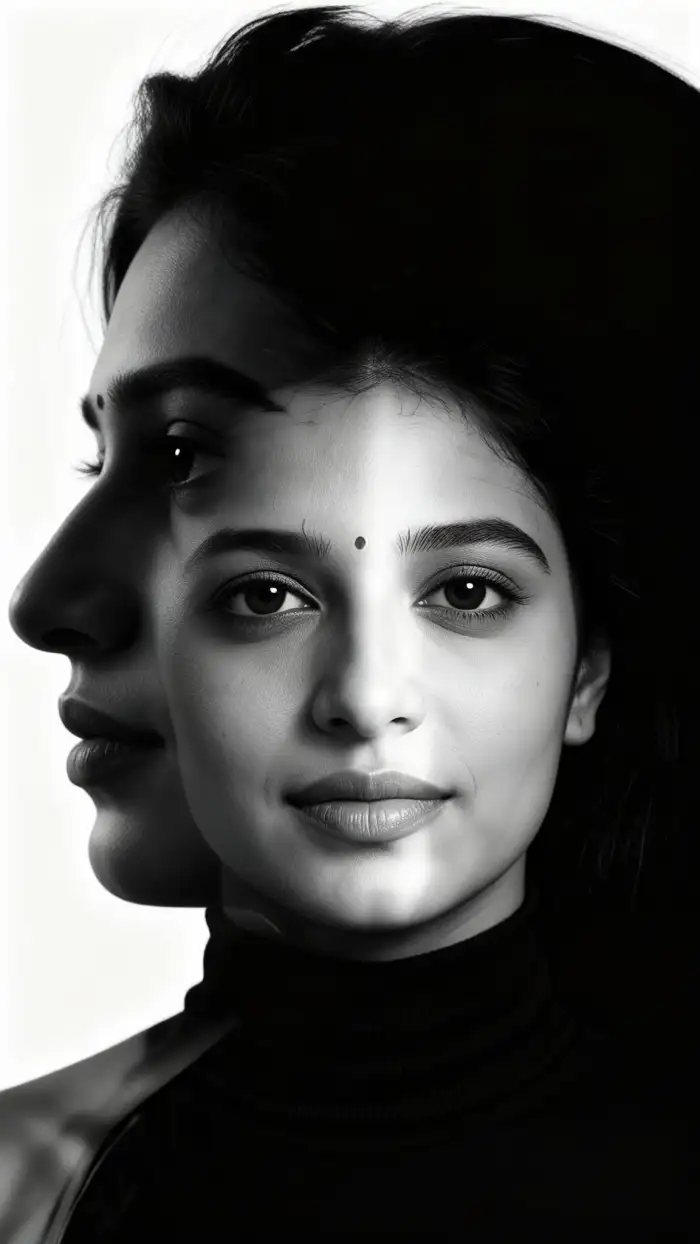
See what's possible. Browse stunning black and white double exposures created by users just like you, merging everything from city skylines to ocean waves with human portraits.
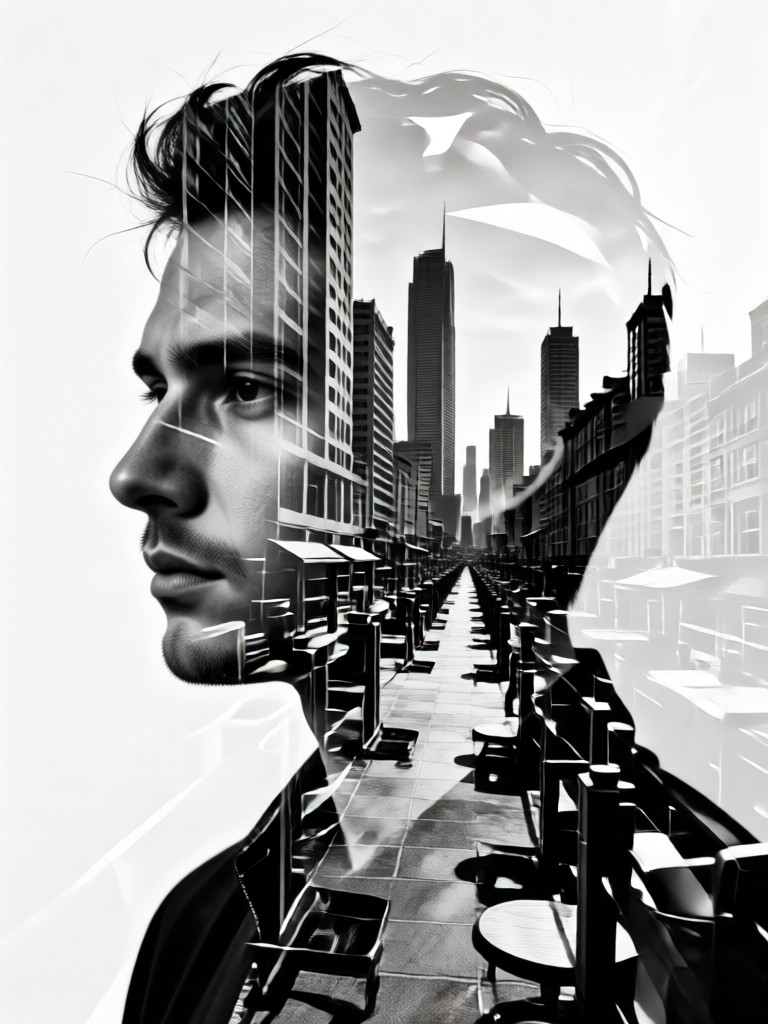
How to Create a Double Exposure?
Make professional black and white double exposure art in three simple steps. No photo editing experience required.
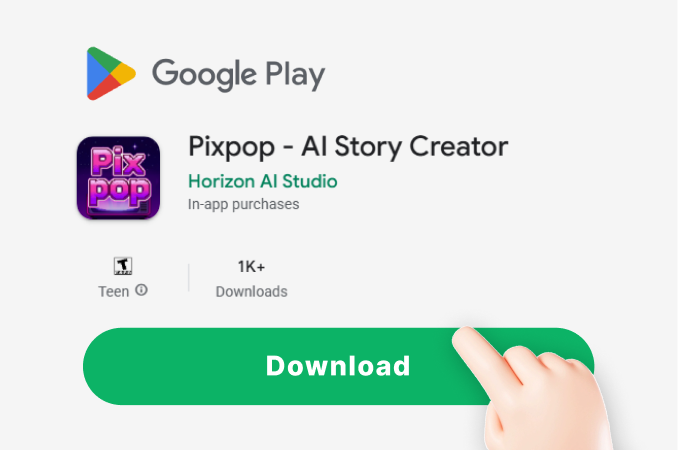
Step 01.
Download the PixPop app from Google Play. It's your all-in-one mobile studio for creating stunning AI art and double exposures on the go.
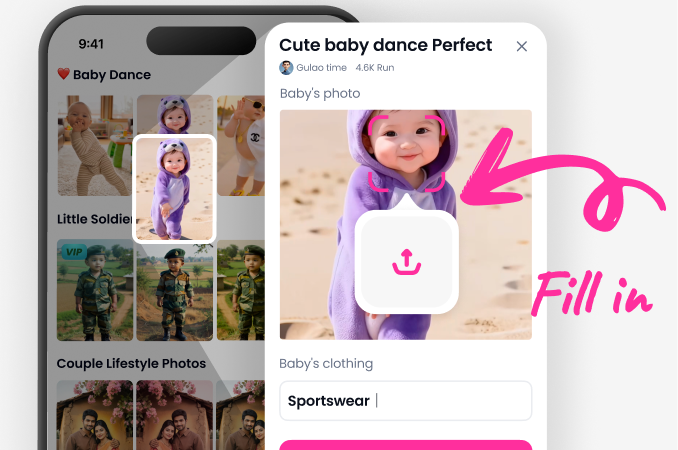
Step 02.
Select the 'Double Exposure' category. Upload a clear portrait as your base and choose a second image (landscape, texture, pattern) to blend with it.
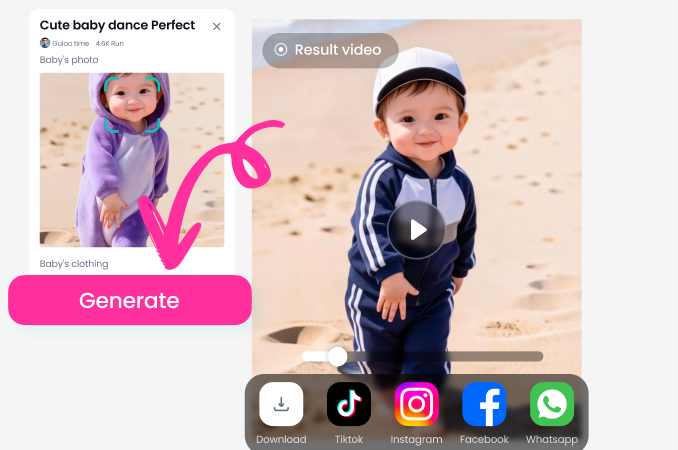
Step 03.
Apply the black and white filter, adjust blending intensity if desired, and generate. Download your artwork in high resolution to share or print.
Why Choose Our Double Exposure Generator?
Move beyond basic filters. Our AI-powered tool understands art, not just pixels.
Artistic Control Made Simple
Traditional double exposure requires complex Photoshop layers and masks. Our generator eliminates that complexity. The AI intelligently maps the secondary image's luminance values onto your portrait's contours, creating a blend that feels intentional and artistic. You get the sophisticated result of hours of manual work, with the simplicity of a single tap. It's designed for photographers, content creators, and anyone who wants to express a visual story without a steep learning curve.
Artistic Control Made Simple
Traditional double exposure requires complex Photoshop layers and masks. Our generator eliminates that complexity. The AI intelligently maps the secondary image's luminance values onto your portrait's contours, creating a blend that feels intentional and artistic. You get the sophisticated result of hours of manual work, with the simplicity of a single tap. It's designed for photographers, content creators, and anyone who wants to express a visual story without a steep learning curve.
Artists and Creators Love Our Tool
Finally, an app that gets double exposure right
I used to do these manually in Photoshop for my photography clients. This generator delivers the same depth and artistry in seconds. The black and white output is particularly stunning, with perfect contrast for fine art prints.
Perfect for creating unique album art and social visuals
As a musician, I use this to create all my cover art and promotional posts. Blending my portrait with thematic landscapes gives my brand a consistent, moody aesthetic. It's incredibly easy and the results are always professional.
My secret weapon for standout content
In a sea of colorful social media posts, a striking black and white double exposure always stops the scroll. This tool helps me create that premium, editorial look for my brand's content in under a minute. Highly recommended.
Double Exposure Generator FAQs
Get quick answers to common questions about creating and using your black and white double exposure art.
More Topics You May Like
Explore more topics you may like and discover fresh ideas tailored to your interests.
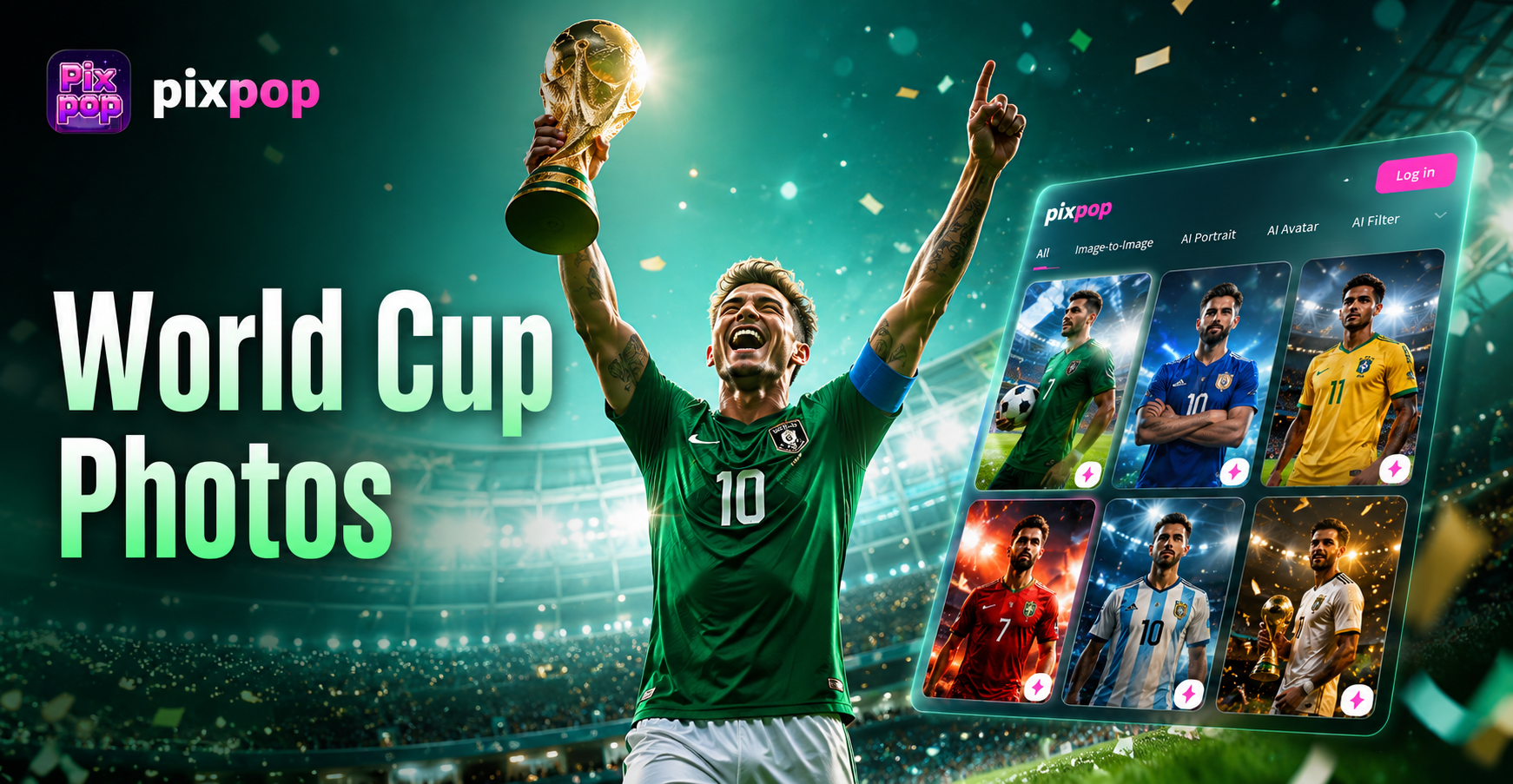
2026 World Cup Photo Generator - Generate your 2026 FIFA World Cup squad photos instantly
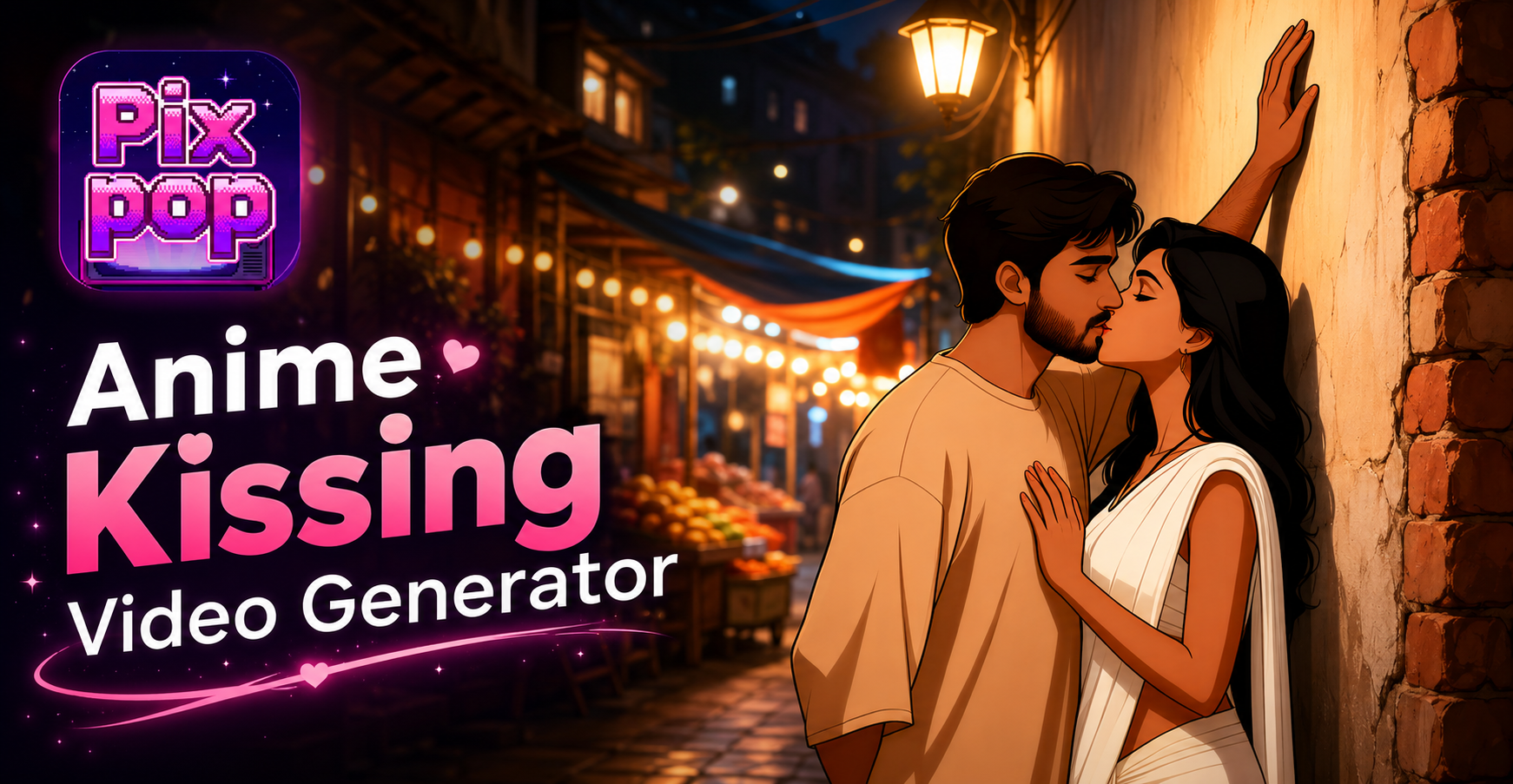
Anime Kissing Video Generator - Turn Any Photo Into An Anime Kissing Video
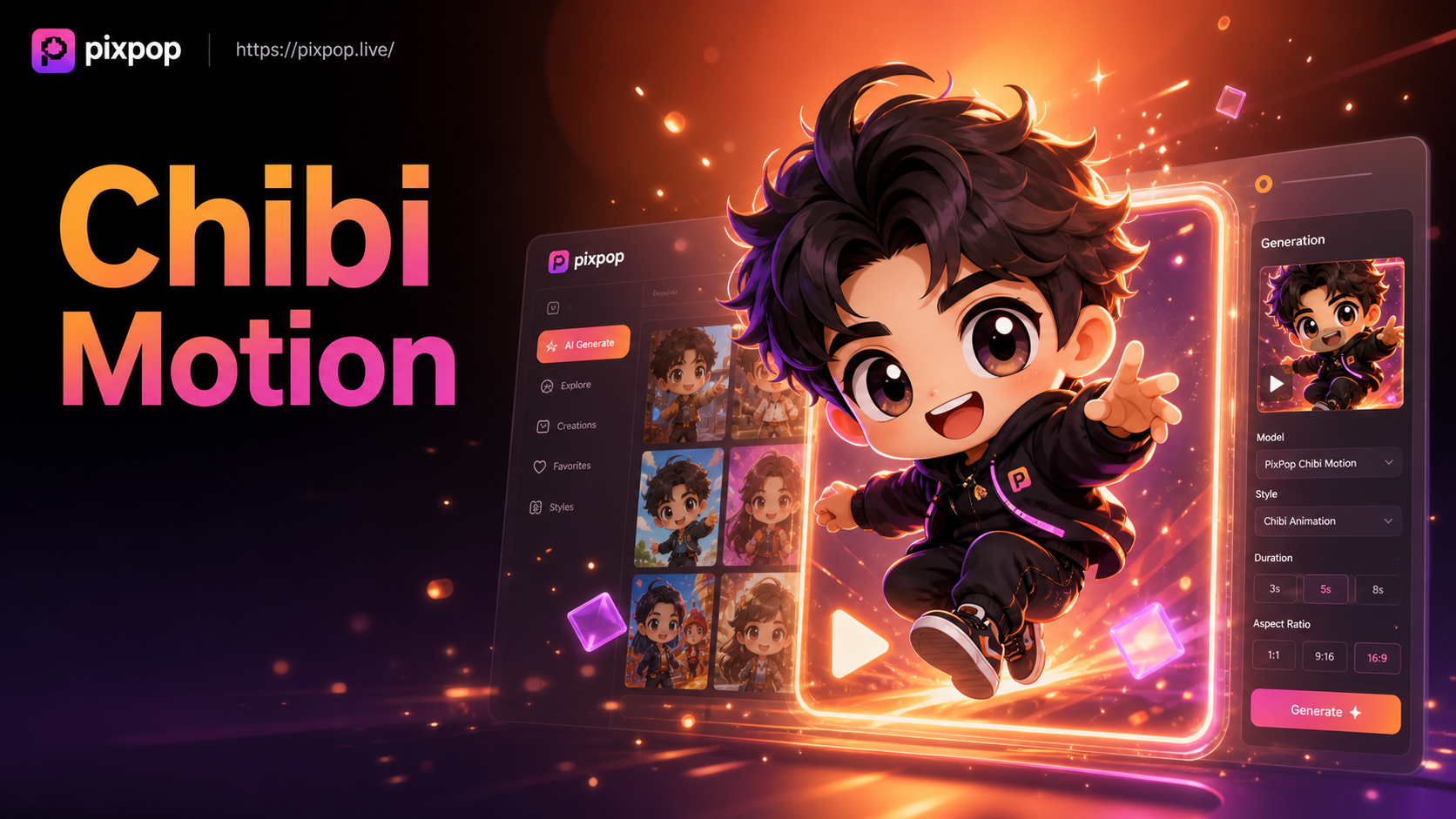
AI Chibi Cartoon Video Effect - Create adorable AI chibi videos
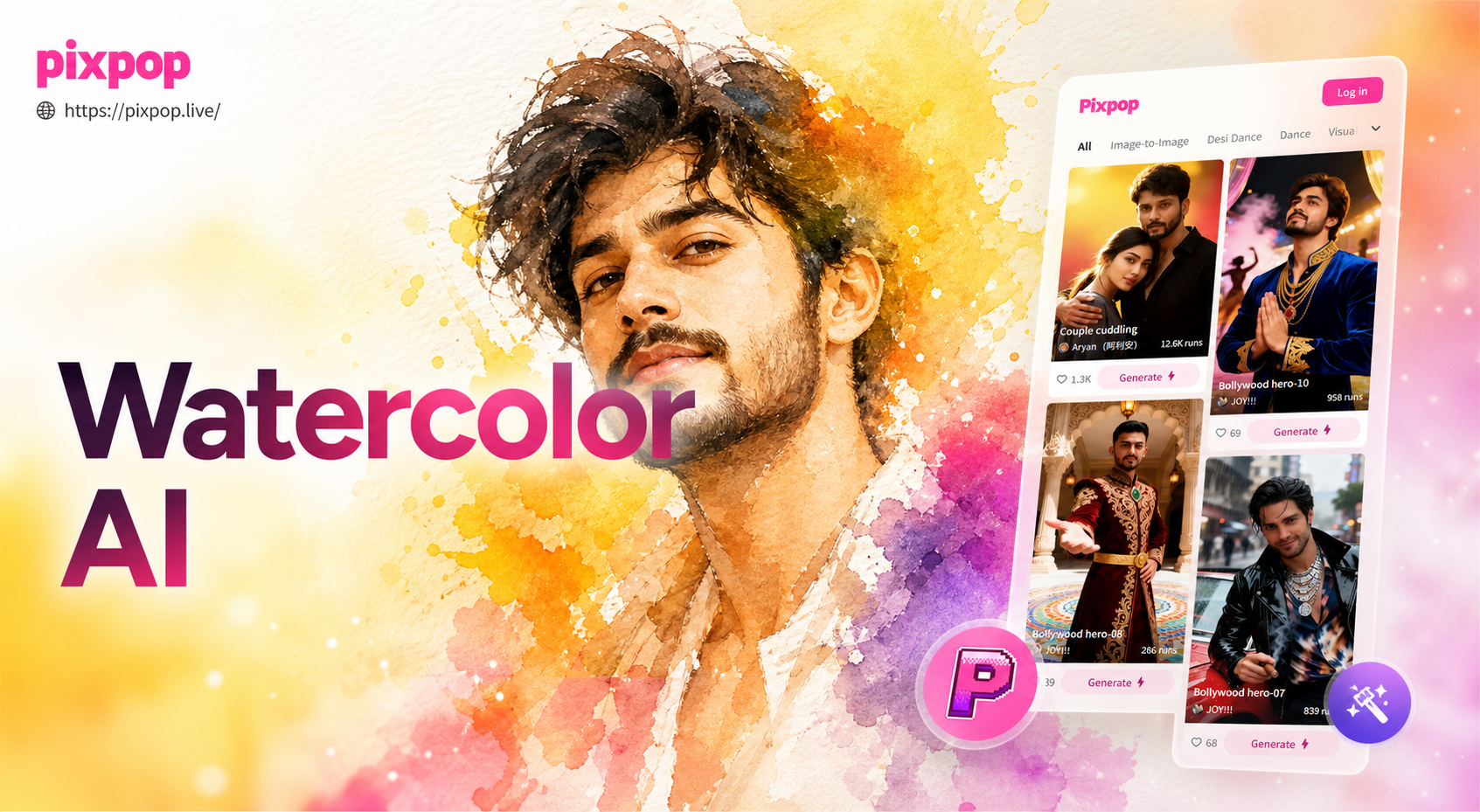
Pixpop AI Watercolor Portrait Effects - Artistic Portrait Prompts
2026 World Cup Photo Generator - Generate your 2026 FIFA World Cup squad photos instantly
Anime Kissing Video Generator - Turn Any Photo Into An Anime Kissing Video
AI Chibi Cartoon Video Effect - Create adorable AI chibi videos
Pixpop AI Watercolor Portrait Effects - Artistic Portrait Prompts
Ready to See Your Story in Layers?
Stop scrolling and start creating. Download PixPop now and turn your photos into captivating black and white double exposure art in less than a minute.
Ready to See Your Story in Layers?
Stop scrolling and start creating. Download PixPop now and turn your photos into captivating black and white double exposure art in less than a minute.