How to Make AI Videos: A Complete Beginner's Guide
Creating professional-looking videos used to require expensive software, complex skills, and hours of work. Today, AI video generators have changed the game. These tools allow anyone to produce stunning clips from a simple text prompt or a single photo. Whether you're a content creator, marketer, or just someone with a creative idea, learning how to make AI videos opens up a world of possibilities.
This guide will walk you through the entire process, from understanding the core technology to mastering the best practices for generating high-quality, shareable content. You'll learn about different AI video creation methods, discover practical tips, and explore the tools that make it all possible right from your mobile phone.
What Is AI Video Generation?
AI video generation is the process of using artificial intelligence to create moving visual content. Unlike traditional video editing, where you manually cut and splice footage, AI tools interpret your instructions to generate entirely new video sequences. There are two primary approaches:
- Text-to-Video: You describe a scene in words, and the AI brings it to life. For example, typing "a cat astronaut floating in space, cinematic lighting" can generate a short, original video clip matching that description.
- Image-to-Video: You upload a static photo, and the AI animates it. This can make portraits blink and smile, add motion to landscapes, or transform a character sketch into a short animated sequence.
The underlying technology, often based on advanced diffusion models, analyzes vast datasets of video content to understand motion, physics, and style, allowing it to produce surprisingly coherent and creative results.
Getting Started: Your First AI Video in 3 Steps
Making your first AI video is easier than you think. Here's a simple, universal workflow you can follow with most modern AI video apps.
Step 1: Define Your Idea and Choose Your Method
Start with a clear concept. Are you visualizing a scene from scratch, or do you want to bring an existing image to life?
- For Text-to-Video: Write a concise, descriptive prompt. Be specific about the subject, action, setting, and style. For instance, "A serene timelapse of cherry blossoms falling in a Japanese garden at dusk, painterly style" is more effective than "pretty flowers."
- For Image-to-Video: Select a high-quality, well-lit photo. Portraits with a clear face or images with a distinct subject work best for animation.
Step 2: Select a Style and Customize
This is where AI video tools shine. Instead of manually applying effects, you can choose from a library of pre-trained styles that define the look and feel of your video.
- Realistic Cinematic: Creates videos that look like high-budget film footage.
- Anime or Cartoon: Transforms your idea into animated artwork.
- 3D Animation or Claymation: Gives a three-dimensional, stop-motion aesthetic.
- Watercolor or Oil Painting: Applies artistic filter effects to every frame.
Most apps allow you to adjust parameters like video length (often 3-10 seconds for initial generations), motion intensity, and aspect ratio (square for Instagram, vertical for TikTok, or landscape for YouTube).
Step 3: Generate, Review, and Refine
Hit the generate button. The AI will process your request, which typically takes between 30 seconds to a few minutes. Once your video is ready:
- Review the output: Does it match your vision? Is the motion smooth?
- Iterate if needed: AI generation is iterative. If the result isn't perfect, refine your text prompt (add more descriptive words) or try a different style filter. Small changes can lead to dramatically better results.
- Download and Share: Once satisfied, download the video file directly to your device. You can now post it on social media, use it in a presentation, or incorporate it into a larger project.
Advanced Techniques for Better AI Videos
Once you've mastered the basics, these pro tips will help you create even more impressive and controlled content.
1. Mastering the Art of the Prompt
Your text prompt is your primary control. Effective prompts include:
- Subject & Action: "A knight (subject) drawing a sword from a stone (action)."
- Detailed Setting: "in a misty, ancient forest at sunrise."
- Visual Style: "cinematic, wide-angle shot, dramatic lighting."
- Camera Movement: "slow zoom in, steady cam movement."
Avoid overly complex sentences with multiple conflicting actions. Start simple and add details incrementally.
2. Using Image Guidance for Consistency
Some advanced tools allow you to use an image as a "style reference" or "character reference" for text-to-video generation. This means you can generate a new video of a specific character or in a specific art style by providing an example image. This is crucial for creating a series of videos that maintain a consistent look.
3. Creating Multi-Scene Narratives
While most AI generators create short clips, you can build a story by generating multiple related scenes. For example:
- Generate Scene 1: "A spaceship lands on an alien planet."
- Generate Scene 2: "An astronaut steps out onto the colorful alien soil."
- Use a simple video editor to stitch the clips together, adding music and transitions.
Common Applications of AI Videos
- Social Media Content: Create unique, eye-catching posts for TikTok, Instagram Reels, and YouTube Shorts. Viral trends often use specific AI effects like "AI kiss" or "old photo revival."
- Concept Visualization: Filmmakers, writers, and designers can quickly visualize scenes, characters, or environments before production begins.
- Marketing and Ads Generate product demonstrations, explainer videos, or brand story clips quickly and cost-effectively.
- Personalized Greetings Animate a family photo for a birthday message or bring a pet picture to life for a fun greeting.
- Educational Content Visualize historical events, scientific concepts, or literary scenes to make learning more engaging.
Frequently Encountered Challenges and Solutions
Challenge: The video looks distorted or unnatural.
Solution: This often happens with prompts that are too vague or physically impossible. Simplify your prompt, ensure your description follows basic logic, and use the "realistic" or "cinematic" style filters for more coherent results.
Challenge: The character's face changes mid-video.
Solution: This is a common issue in AI video generation. Using an image-to-video approach on a clear portrait, or using a "character reference" image if the feature is available, greatly improves consistency.
Challenge: The motion is too fast or jerky.
Solution: Look for settings to control "motion intensity" or use descriptive words in your prompt like "slow-motion," "graceful," or "fluid movement."
Choosing the Right Tool
The best tool for learning how to make AI videos is one that balances power with simplicity. Look for an app that offers:
- Both Text-to-Video and Image-to-Video: Versatility is key.
- A Large Library of Style Filters: This gives you creative control without needing technical knowledge.
- An Intuitive Mobile Interface: The ability to create on-the-go is invaluable for capturing inspiration.
- High-Quality Output: Ensure the generated videos have good resolution and frame rate for sharing.
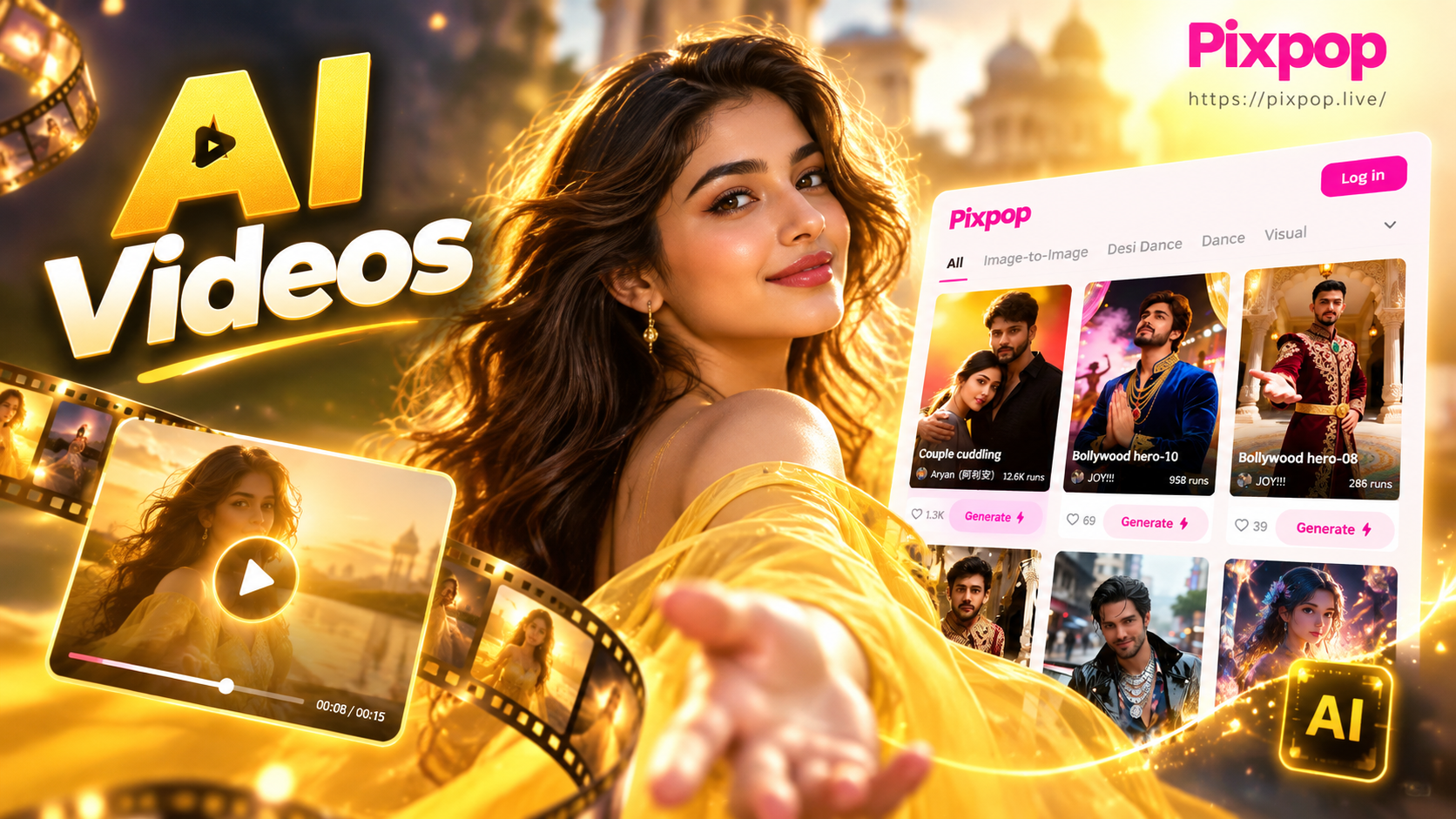
With platforms like Pixpop, all these features are integrated into a single mobile app, making the process from idea to final video seamless.
Conclusion: Your Creative Journey Starts Now
Learning how to make AI videos is not about mastering complex software, it's about unlocking your creativity with a powerful new medium. The barrier to entry has never been lower. By starting with a clear idea, experimenting with different styles and prompts, and iterating based on the results, you can quickly produce videos that were once impossible without a professional team. The future of content creation is here, and it's powered by AI. Your next viral video is just a prompt away.